

 Español
 Català
 Deutsch
 Français
 Português
 Italiano
 Nederlands
 Polski
Warnings when entering prices, dates and factors
The messages in this part appear when you save reference data. If you would like to see first which menus the module adds and what a record goes through, we cover it in how EU CBAM Compliance Manager works under the bonnet.
What do I do if I get The carbon price must be positive. or The certificate price must be positive.?
These are two separate messages: one for the carbon price and one for the certificate price. The module will not save either if the amount is not positive. Correct the figure so that it is, then save again. If you copied the amount from a spreadsheet, check the sign before pasting it in.
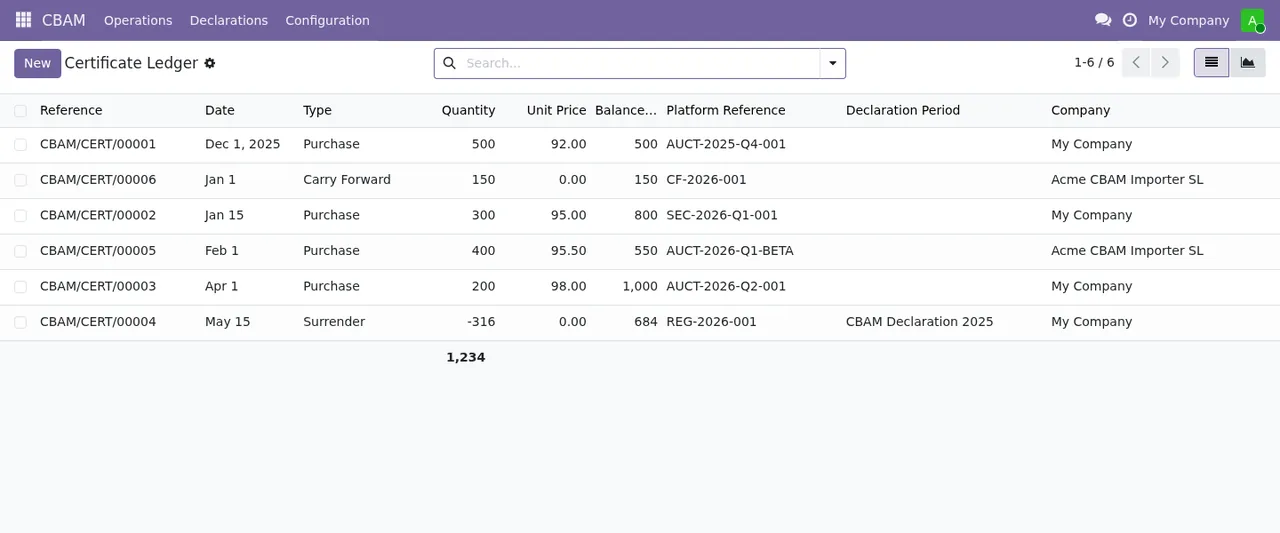
Why does it say a factor must be between 0 and 1, or that the To date must follow From?
There are two factor messages: The CBAM factor must be between 0 and 1. and The cross-sectoral correction factor must be between 0 and 1. Both ask for a value within that range. If your figure is written as a percentage, convert it to a number between 0 and 1 first. The date message is The effective date "To" must be after "From". The module requires the end of the effective period to come after the start. Check that the dates are not the wrong way round and that you have not entered the same day in both.
What do the messages ending in must be unique! mean?
The module does not allow duplicates in these cases, each with its own text:
The date must be unique!The year must be unique!The CN code must be unique!The combination of CN code, country and version must be unique!
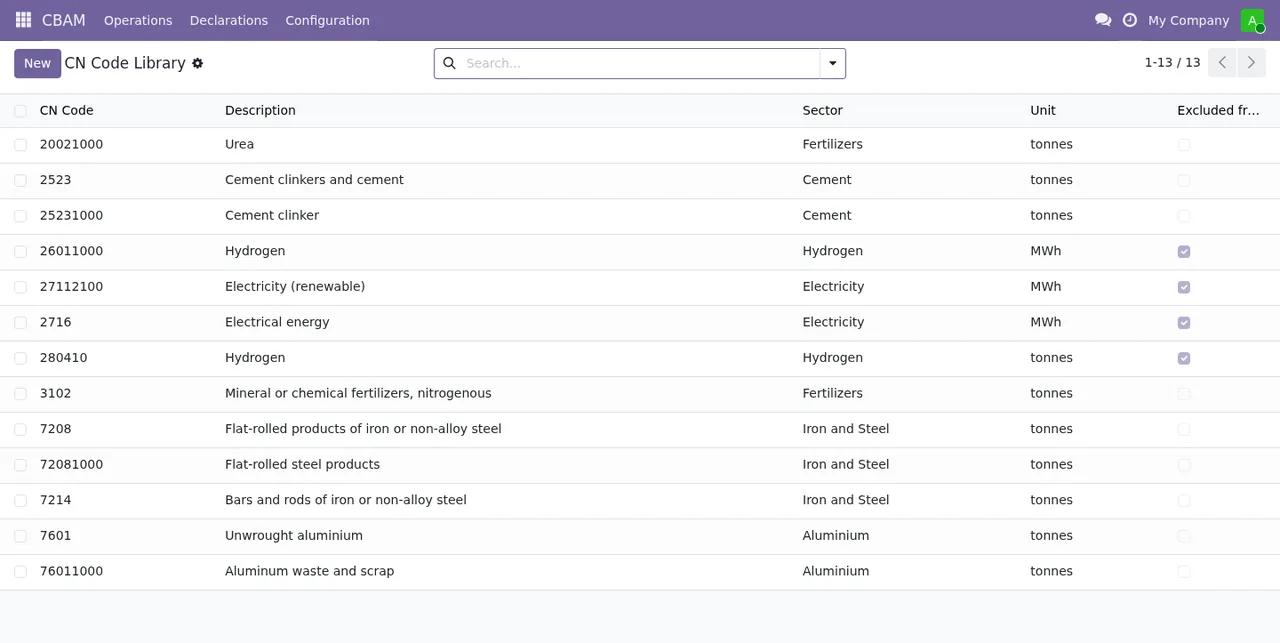
In every case, what you are trying to save already exists. Rather than creating a new record, find the existing one and edit it. In the last one, what cannot be repeated is the combination of CN code, country and version: the same CN code with the same country and the same version is already on file.
Errors on import events and emissions
What is the difference between Transaction quantity cannot be zero. and Quantity must be greater than zero.?
They are two messages with different rules, and it pays to read them exactly as written. The first refers to a transaction quantity and only says it cannot be zero. The second asks for a quantity greater than zero. In both cases, check the quantity field on the record you are saving and enter the actual value.
What am I missing when the actual or default emissions warning appears?
With actual emissions you get Actual emissions require a specific emissions value, a verifier name and at least one verification report attachment. The module needs all three together: a specific emissions value, the verifier's name and at least one verification report attached. If any of the three is missing, it will not save. With default emissions you get Default emissions require an applied default value or a documented manual override. Here one of two is enough: an applied default value or a documented manual override. If you see No default value found for %s / %s., the module has not found a default value for the two items shown in place of each %s. Check those two items. Bear in mind that the default emissions message accepts a documented manual override as an alternative to an applied value.
And if it says Product %s is not CBAM-covered. or rejects the EORI number?
The first names the product (you will see which one in place of %s) and warns that it is not CBAM-covered in the module. Check that it is the product you meant to include; the message gives no further detail. The second is EORI number should start with a 2-letter country prefix followed by alphanumeric characters. The EORI number must begin with the two-letter country code followed by alphanumeric characters. Remove spaces, hyphens or other symbols and make sure the country prefix comes first.
Submitted declarations and locked events
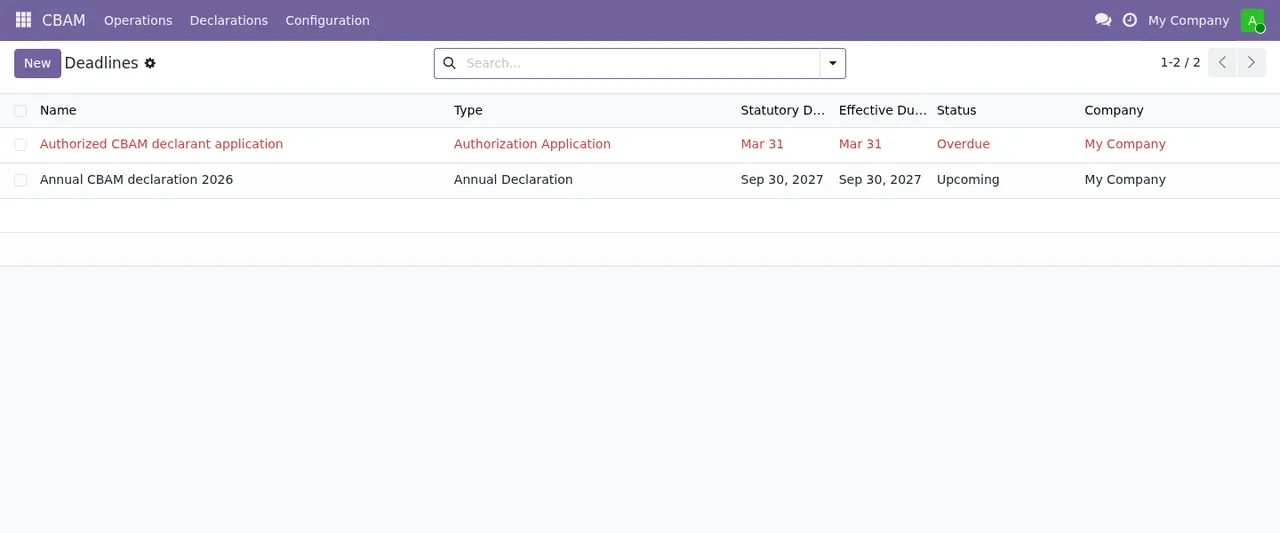
What do I do with Declaration is already submitted. or if I cannot reopen a declaration?
Declaration is already submitted. tells you that declaration is already recorded as submitted. If you try to reopen it without the right role, the module replies with Only a CBAM Administrator may reopen a declaration.: ask a user who is a CBAM Administrator to reopen it. You may also get A declaration period already exists for %s. There is already a declaration period for the value shown in place of %s. Find it and work on that one instead of creating another.
Why can I not change or recompute an import event?
If the event belongs to a submitted declaration, you will see This import event belongs to a submitted declaration and is locked. Only a CBAM Administrator may override it. It is locked and only a CBAM Administrator can override the lock. With Cannot recompute a locked import event. the module will not recompute a locked event: while the event is locked, it is not recomputed. And if you get Select at least one import event., the action you launched needs at least one import event selected. Tick one or more in the list and run it again.
Before contacting support, copy the exact text of the message. With the literal wording to hand, it is easy to find on this page which rule you have hit.
How FlexigoTech can help
EU CBAM Compliance Manager is published on Odoo Apps for Odoo 17, 18, 19 and 20, at €9 per Odoo version, a one-off payment excluding VAT on each listing. You will find the details on the module page and its Odoo Apps listing. If you are still unsure whether it suits your business, start with whether EU CBAM Compliance Manager is right for you. At FlexigoTech we implement Odoo 17, 18, 19 and 20 and build bespoke connectors and integrations. If an error keeps coming back when you load your data, or you want to connect the module to other systems, we can go through it with you.
Keep reading
Checked in the module's source code (version 20.0) and the linked sources
Sources
- Module source code: flexigo_cbam_compliance 20.0 (e3003203): models/cbam_carbon_price_deduction.py
- Module source code: flexigo_cbam_compliance 20.0 (e3003203): models/cbam_certificate_price.py
- Module source code: flexigo_cbam_compliance 20.0 (e3003203): models/cbam_certificate_transaction.py
- Module source code: flexigo_cbam_compliance 20.0 (e3003203): models/cbam_cn_code.py
- Module source code: flexigo_cbam_compliance 20.0 (e3003203): models/cbam_declaration_period.py
- Module source code: flexigo_cbam_compliance 20.0 (e3003203): models/cbam_default_value.py
- Module source code: flexigo_cbam_compliance 20.0 (e3003203): models/cbam_factor.py
- Module source code: flexigo_cbam_compliance 20.0 (e3003203): models/cbam_import_event.py
- Module source code: flexigo_cbam_compliance 20.0 (e3003203): models/res_company.py
- Module source code: flexigo_cbam_compliance 20.0 (e3003203): wizards/cbam_data_request_wizard.py
- Module source code: flexigo_cbam_compliance 20.0 (e3003203): wizards/cbam_reclassify_wizard.py
- apps.odoo.com/apps/modules/20.0/flexigo_cbam_compliance
- apps.odoo.com/apps/modules/17.0/flexigo_cbam_compliance
- apps.odoo.com/apps/modules/18.0/flexigo_cbam_compliance
- apps.odoo.com/apps/modules/19.0/flexigo_cbam_compliance
- flexigotech.com/en/services.html