

 Español
 Català
 Deutsch
 Français
 Português
 Italiano
 Nederlands
 Polski
The short answer: when it fits and when it doesn't
The decision comes down to three things: the Odoo version you work on, whether you want the FlexigoTech Cloud service or just the module, and who is going to configure it.
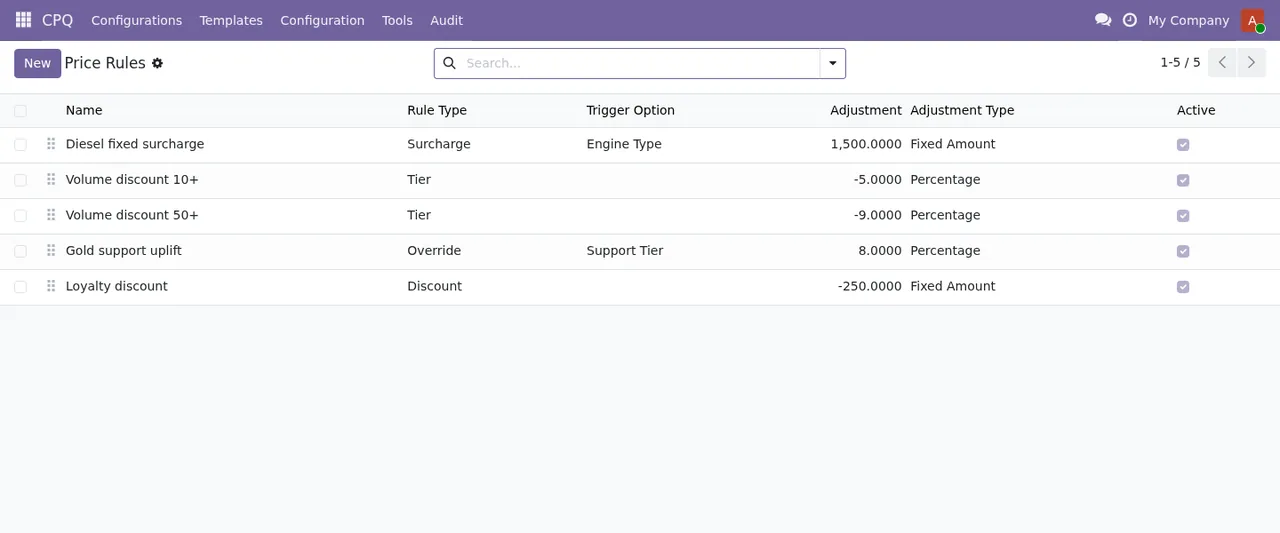
CPQ › Price Rules: five rules with name, rule type, trigger option, adjustment, adjustment type and active.Which Odoo versions you can install it on
The module is published on Odoo Apps for 19.0 and 20.0 (listings checked on 03-11-2026). It costs €9 per Odoo version, a one-off payment excluding VAT, on both 19 and 20.
If your database is on Odoo 17 or 18, there is no published version for you. Upgrading is a separate project: the listing states plainly that the subscription does not include migrating your database to a new Odoo version.
Where you buy it matters too. On the Odoo App Store, each Odoo version is bought there. If you buy it on flexigotech.com and have the subscription, the module for new Odoo versions is included.
What the FlexigoTech Cloud local service gives you
The module works with a FlexigoTech Cloud local service. According to the listing, the subscription gives you:
- Alerts when Odoo or EU rules change (requires a FlexigoTech Cloud subscription).
- Monitoring of the sources the module follows, with their alerts and the calendar of their deadlines.
- Monitoring of the module's health in your database, with alerts.
- Support with response times: the first response within 1 working day.
- The service on the staging and test copies of your database as well.
- Module updates.
- Your data stays yours: you can view and export it at any time.
The local service costs €29/month or €290/year excluding VAT (Pro: €58/month or €580/year). Without a subscription, or with the service suspended, whatever the subscription provides stops, and the data stays in your Odoo.
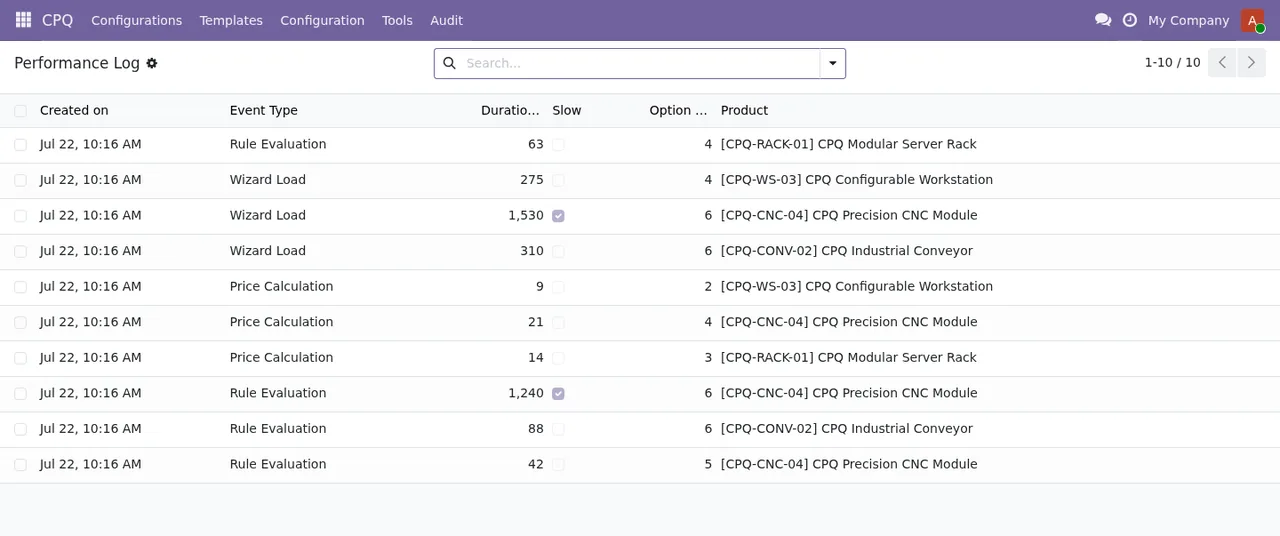
CPQ › Performance Log: ten records with date, event type, duration, number of options and product; two rows are flagged as slow.What is left out even if you pay for the subscription
The listing sets out what is not included. It is worth reading before you decide, because these are exactly the tasks of a project:
- Customising the module or custom development.
- Migrations: they do not take care of migrating your database to a new Odoo version.
- Configuring the module for you (the setup).
- Importing historical data.
- Support for modules that are not FlexigoTech's.
- Third-party costs: you contract and pay for your account on each platform, Odoo and your hosting yourself.
What data leaves your Odoo
If you are concerned about what gets sent, the listing spells it out. The database sends:
- Its identifier (uuid), its address (URL) and the Odoo version.
- The FlexigoTech modules installed, with their version, and whether the database is a neutralised copy (staging or test).
- The company name and the email of the person who accepts, with the date and version of the text accepted.
- A public code to check that requests come from that database, and a proof that it is that database, computed on your server without sending its secret.
- A request for its service permit every 6 hours, and the module's health: counters and errors (type and code), without the content of your records.
- Its requests for the module's alerts and calendar, with the date of the last alert received: the database identifies itself and sends nothing else.
On the service side there is a check every 6 hours and health reports, plus a notice when you uninstall the module. All connections to FlexigoTech's servers are encrypted (HTTPS) and the servers are in Germany.
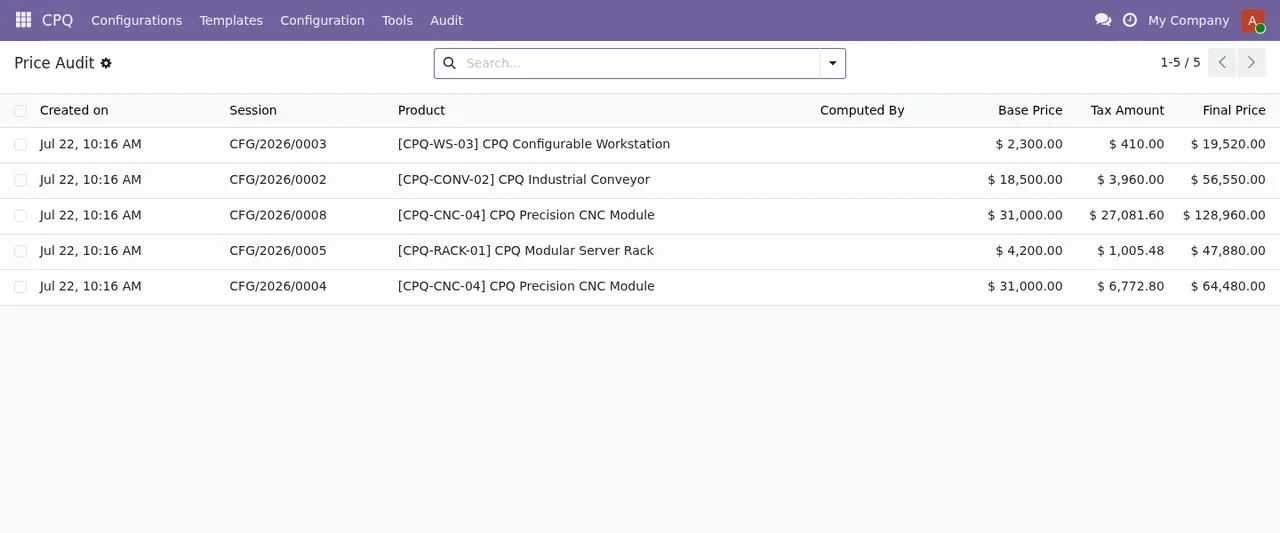
CPQ › Audit › Price Audit: five records with date, configuration session, product, base price, tax amount and final price; the Computed By column shows no values.Criteria for deciding
| If this is your situation | You should |
|---|---|
| Your database is on Odoo 19 or 20 and you only want the module | Buy the version you use; the FlexigoTech Cloud service is separate |
| You plan to move to a newer Odoo version later | Buy it on flexigotech.com with the subscription, which includes the module for new versions |
| You are still on Odoo 17 or 18 | Plan the upgrade first, as it is not part of the subscription |
| You want to know if the module fails in your database | Take the local service, which monitors its health and alerts you |
| You test on staging or test copies | Take the local service, which covers those copies too |
| You need it configured or adapted | Arrange a separate setup or development project |
| You have historical data to load | Plan the import separately |
| You do not want record content to leave your Odoo | Check the data list: health is sent as counters and errors, without content |
What to sort out before installing it
- Confirm that your database is on Odoo 19 or 20.
- Decide whether to buy it on the Odoo App Store or on flexigotech.com, depending on whether you will change version.
- Decide who will configure it, as the subscription does not include the setup.
- Be clear about who accepts the service text: their email, the date and the version accepted are stored.
- Have your third-party accounts, Odoo and hosting in place, which you pay for yourself.
Configuration Options list and the Performance Summary by day and event type, with median, percentiles and total events.How FlexigoTech can help
What the subscription leaves out is what FlexigoTech does as project work: it implements Odoo 17, 18, 19 and 20 and builds custom connectors and integrations. If you need the setup, an adaptation of the module or a move to Odoo 19 or 20 first, we handle that separately. You will find the details and the purchase on the module page at flexigotech.com and the listing on Odoo Apps.
Keep reading
Checked in the module's source code (version 20.0) and the linked sources
Sources
- apps.odoo.com/apps/modules/20.0/flexigo_cpq_guided_selling_assistant_for_complex_quotes
- apps.odoo.com/apps/modules/19.0/flexigo_cpq_guided_selling_assistant_for_complex_quotes
- flexigotech.com/precios.html
- flexigotech.com/en/services.html
- Module source code: flexigo_cpq_guided_selling_assistant_for_complex_quotes 20.0 (ed42681c): static/description/index.html