

 Español
 Català
 Deutsch
 Français
 Português
 Italiano
 Nederlands
 Polski
What the module covers according to its README
The module's README describes these features. We list them as written, without stretching their scope:
- Superannuation Guarantee (SG) obligation calculation for each payday.
- Receipt-deadline tracking and detection of breaches of that deadline.
- SuperStream 3.0 contribution batching and logging of the provider adapter's activity.
- Fund metadata and Fund Validation Service (FVS 2026) records.
- A member verification workflow and worker classification, using criteria such as residency or WHM.
- An immutable, hash-chained audit log, an override register and audit packs.
- An SGC risk assessment that the README itself calls indicative, plus deadline-compliance and compliance reporting.
- Employee notifications with privacy details redacted, and data export for DSAR requests.
All of this sits under menus. In Operations you calculate obligations and build contribution batches. In Dashboard you get readiness checks, indicative SGC risk and compliance. If you want to see how they fit together, we cover it in how the module works under the bonnet.
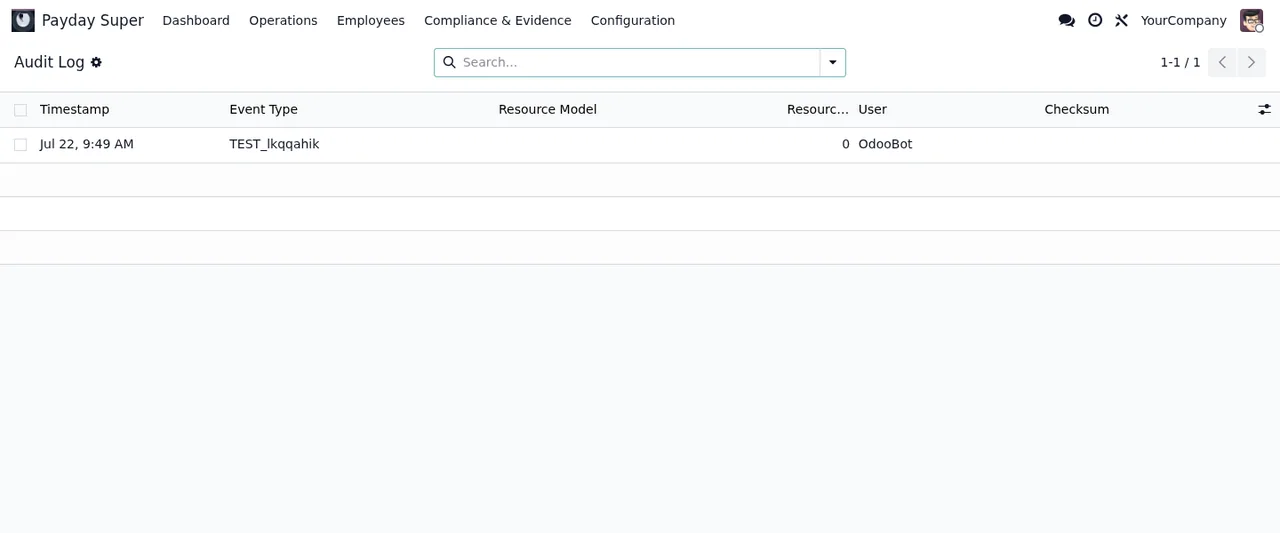
Audit Log, with a single demo rowThe calculation does not run only on your server. According to the listing, FlexigoTech Cloud calculates the super guarantee amount and the receipt deadline of each payday, and super law and SuperStream standards are watched there. The service includes the Payday Super rules engine, with its maintenance and monitoring.
What the service leaves out
The listing is clear about what is not included. Read it before deciding, as these are things you will need to handle yourself or arrange separately:
- Customising the module or custom development.
- Migrations: they do not migrate your database to a new Odoo version.
- Configuring the module for you (the setup).
- Importing historical data.
- Support for modules that are not FlexigoTech's.
- Third-party costs: you contract and pay for your account on each platform, Odoo and your hosting yourself.
One more point: without a subscription, or with the service suspended, whatever the subscription provides stops, although your data stays in your Odoo.
Criteria for deciding
Match your situation against this table. Each row comes from what the README and the listing say.
| If this applies to you | What you should know |
|---|---|
| You want to calculate the SG obligation for each payday inside Odoo | It fits: it is the first feature the README describes |
| You need an audit trail that cannot be altered | It fits: immutable hash-chained audit log, override register and audit packs |
| You prepare contributions in SuperStream 3.0 | It fits: it batches contributions and logs the provider adapter's activity |
| You want the module configured without lifting a finger | Setup is not included: consider a separate implementation |
| You have history from earlier periods to load | Importing historical data is not included |
| You are moving to a new Odoo version | Migrating the database is not included |
| You need your own calculation or report | Customisation and custom development are outside the service |
| You are concerned about what personal data leaves your Odoo | Check the data section: the rules engine never receives names, TFNs, member numbers, fund details or record ids |
What to have ready before installing it
According to the README, setup starts in Settings -> Payday Super. Before you open that screen, have these to hand:
- Your ABN or WPN.
- Your SuperStream provider name and mode, and the SuperStream version.
- Your provider credentials: you enter them yourself at runtime.
- A
Rule Packwith source provenance, which has to be imported or activated before processing. - A subscription to the FlexigoTech Cloud local service, as the calculation depends on it.
Rule Pack list, with a draft extended-timeframe rule and an SG rate tableThe detail of each setting and what to check in the first few days is in the module setup guide.
Annual Totalisation looks before there is any data: the list with no recordsWhat data leaves your Odoo for FlexigoTech Cloud
If your decision hinges on this, the listing sets it out:
- The database identifier (uuid), its address (URL) and the Odoo version.
- The FlexigoTech modules installed, with their version, and whether the database is a neutralised copy (staging or test).
- The company name and the email of the person who accepts, with the date and version of the text accepted.
- A public code to check that requests come from that database, and a proof that it is that database, computed on your server without sending its secret.
- A request for its service permit every 6 hours, and the health of the service: counters and errors (type and code), without the content of your records.
- When you use the rules engine: one line per payday by position, with the QE day, the qualifying earnings and the kind of payment (with the dates that kind needs), plus the public holidays of your company's calendars around those days. Never names, TFNs, member numbers, fund details or record ids.
Odoo versions and cost
The module is published on Odoo Apps for 17.0, 18.0, 19.0 and 20.0. The app costs €9 excluding VAT, a one-off payment per Odoo version, on all four; the local service is €29/month or €290/year excluding VAT (Pro: €58/month or €580/year). If you buy it on flexigotech.com, the subscription includes the module for new Odoo versions; on the Odoo App Store, each version is bought there. See the Odoo Apps listing and the module page.
How FlexigoTech can help
The service includes module updates and support with a first response within 1 working day. What it leaves out (setting it up, migrating your database, adapting the module) we can take on as a project: we implement Odoo 17, 18, 19 and 20 and build bespoke connectors and integrations. If you are unsure whether it fits your payroll, tell us about your case before you buy.
Keep reading
Checked in the module's source code (version 20.0) and the linked sources
Sources
- Module source code: flexigo_australia_payday_super_superstream_3_0_payroll_ 20.0 (dc0cce8c): README.rst
- Module source code: flexigo_australia_payday_super_superstream_3_0_payroll_ 20.0 (dc0cce8c): static/description/index.html
- apps.odoo.com/apps/modules/20.0/flexigo_australia_payday_super_superstream_3_0_payroll_
- apps.odoo.com/apps/modules/17.0/flexigo_australia_payday_super_superstream_3_0_payroll_
- apps.odoo.com/apps/modules/18.0/flexigo_australia_payday_super_superstream_3_0_payroll_
- apps.odoo.com/apps/modules/19.0/flexigo_australia_payday_super_superstream_3_0_payroll_
- flexigotech.com/en/services.html
- flexigotech.com/precios.html