

 Español
 Català
 Deutsch
 Français
 Português
 Italiano
 Nederlands
 Polski
Where settlements live and which permission you need
The record for each settlement opens from the menu Amazon › Finances › Settlements (payouts & fees). Every level of that menu asks for the Viewer permission: if you lack it on one of them, you do not see that level. What follows describes the module in Odoo 20; the fields sit in the Reconciliation group of the form.
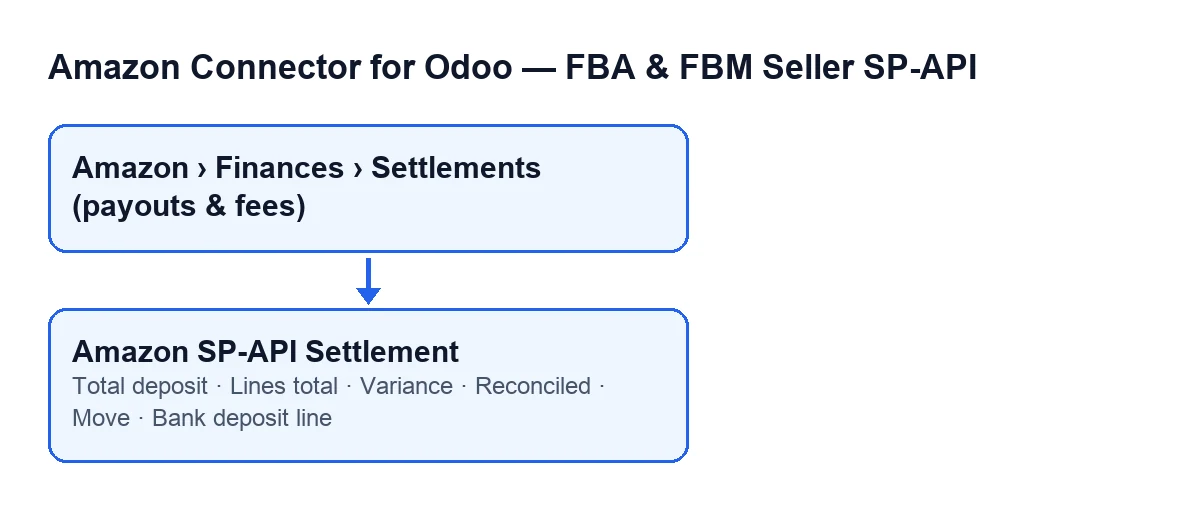

The fields, one by one
This table sets these fields against what their help says and where you see them.
| Field | What its help says | Where you see it |
|---|---|---|
Total deposit | «Net amount Amazon disbursed for this settlement period.» | Form, Reconciliation group, and the Settlements list. Read-only |
Lines total | Signed sum of every line; it should equal the total deposit | Form, Reconciliation group. Read-only |
Variance | «Total deposit minus the sum of the lines.» | Form, Reconciliation group. Read-only |
Reconciled | «True when the lines sum to the deposited total (within 1 cent).» | Form, Reconciliation group, and the Settlements list |
Move | «Journal entry created when posted to accounting.» | Form, Reconciliation group. Read-only |
Bank deposit line | «Bank statement line identified as this settlement's deposit (same amount, near the deposit date).» Its help adds that it is only a link and a note, and that nothing is reconciled or posted automatically | Form, Reconciliation group. Read-only |
Reading the three amounts and Reconciled together
Total deposit is what Amazon disbursed for the settlement period. Lines total is the signed sum of every line, and its help says it should equal the total deposit. Variance is the difference between the two: total deposit minus the sum of the lines.
By that definition, a Variance of zero means the lines add up exactly to the deposit. If it is positive, the deposit is larger than the sum of the lines; if it is negative, it is the other way round. Reconciled summarises that check: according to its help, it is true when the lines sum to the deposited total within 1 cent, so a difference of one cent or less does not stop it from being ticked.
Because Reconciled and Total deposit are also in the Settlements list, you can see each settlement's amount and whether it balances from the list, without opening every form.
What you should enter: nothing in the amounts
None of the amounts is an input. The module fills in Total deposit, while Lines total and Variance are read-only. What helps is comparing them:
- If
Varianceis not zero, the lines do not add up to the deposit, and that is the figure to explain. - If
Reconciledis ticked, the difference is within the 1 cent margin its help describes. - If
Reconciledis not ticked, the difference falls outside that margin.
Who fills in each field
Two of the fields are filled in by the module, among other routes, by a scheduled task and by a button. The two tasks in the table run once a day and are active on install.
| Field | Scheduled task (every day, active on install) | Button |
|---|---|---|
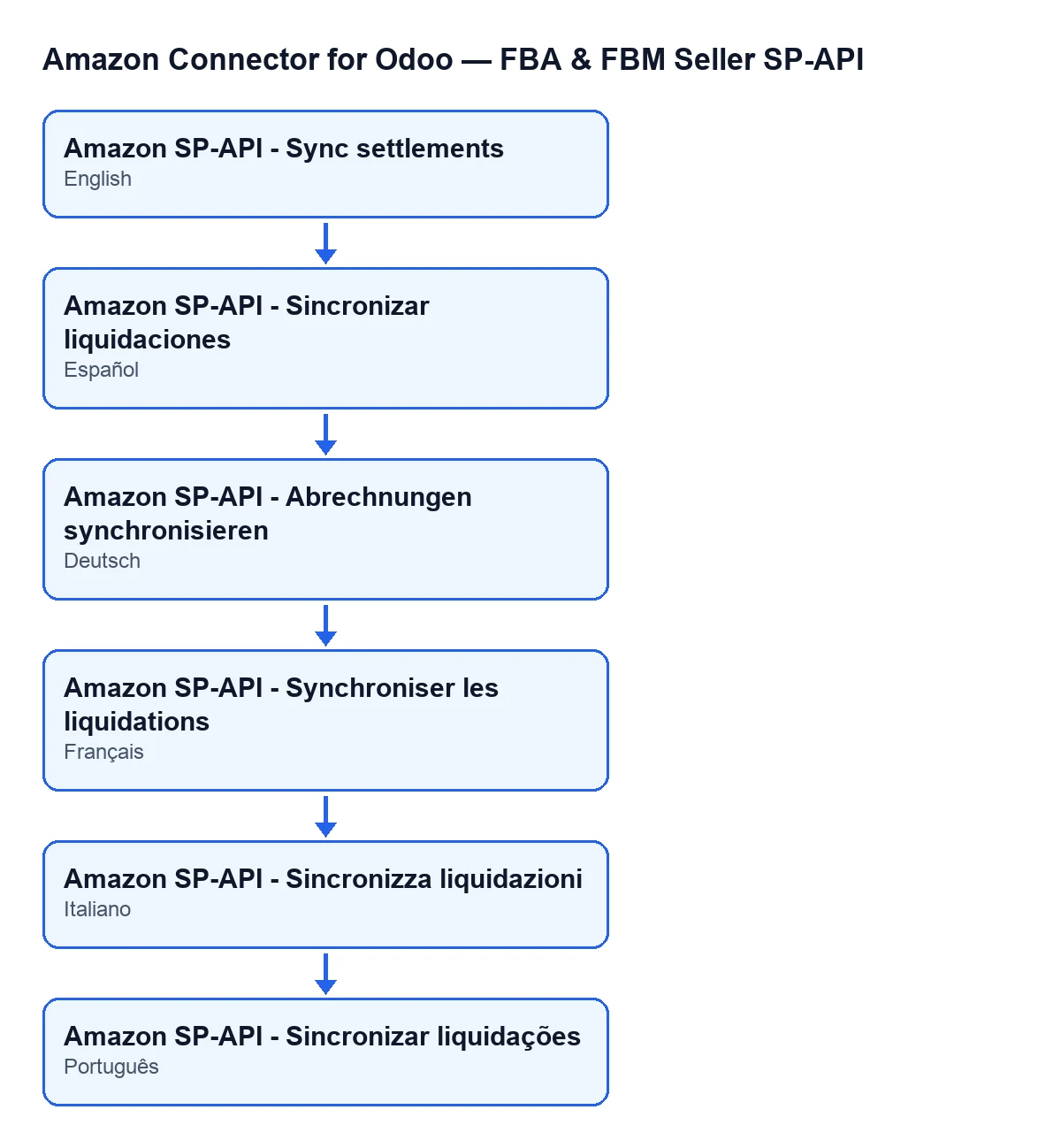
Total deposit | Amazon SP-API - Sync settlements | Sync Settlements |
Bank deposit line | Amazon SP-API - Match settlement bank deposits | Match Bank Deposit |
Move is filled in by the buttons Post to Accounting and Post anyway (force), and emptied by the button Reverse.
Move and Bank deposit line: two different links
Move holds the journal entry created when the settlement is posted to accounting. If it is reversed with Reverse, the field is emptied.
Bank deposit line is something else: the bank statement line the module identifies as that settlement's deposit, with the same amount and near the deposit date. Its help is clear that it is only a link and a note, and that nothing is reconciled or posted automatically. Two consequences for reading the form:
- A filled-in field does not mean the bank statement has been reconciled in Odoo.
- A ticked
Reconciledspeaks about the lines matching the deposit, not about the bank line.
The help text follows the language of your Odoo
Help texts appear in the language of your Odoo. For example, the help for Total deposit has a published translation into Spanish, German, French, Italian and Portuguese.
Versions and subscription
The module is published on Odoo Apps for Odoo 17, 18, 19 and 20. It is a one-off purchase per version and needs the FlexigoTech Cloud subscription, Connector plan: €49 a month or €490 a year, excluding VAT (the Pro plan is €98 a month or €980 a year, excluding VAT). The connection goes through FlexigoTech Cloud, which stores the credentials encrypted, watches the synchronisation and emails you if it fails. Without a subscription, or with the service suspended, whatever the subscription provides stops; your data stays in your Odoo. You will find the details on the Odoo Apps listing and on the module page.
How FlexigoTech can help
FlexigoTech implements Odoo 17, 18, 19 and 20 and builds custom connectors and integrations. If you want Amazon settlements to fit your Odoo accounting and bank statements, tell us how you work today and we will take a look.
Keep reading
Checked in the connector's source code (version 20.0) and the linked sources
Sources
- Module source code: flexigobe_amazon_seller_connector 20.0 (88c7e241): models/amazon_spapi_settlement.py
- apps.odoo.com/apps/modules/20.0/flexigobe_amazon_seller_connector
- flexigotech.com/precios.html
- flexigotech.com/en/services.html