

 Español
 Català
 Deutsch
 Français
 Português
 Italiano
 Nederlands
 Polski
What you see and when it appears
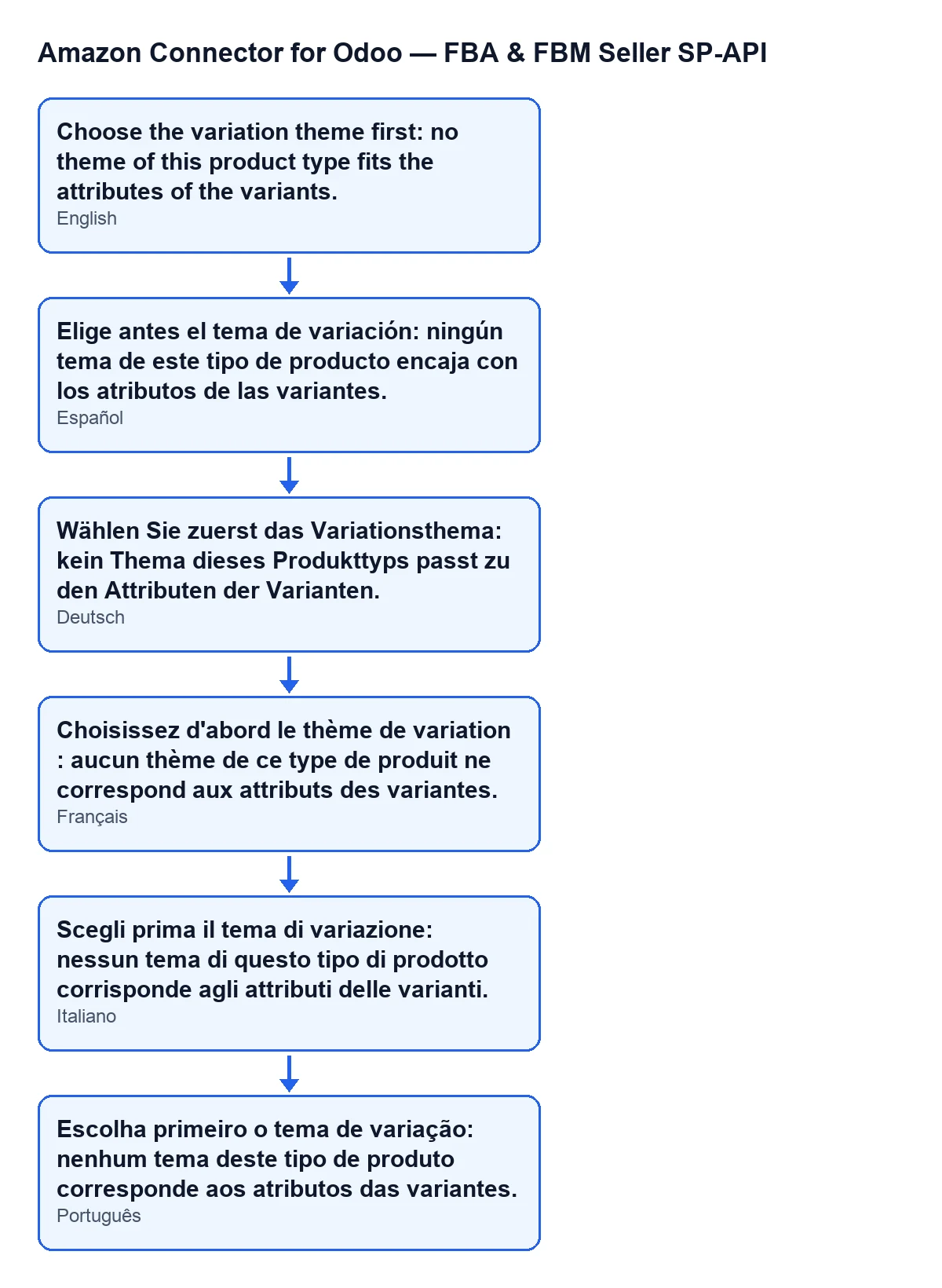
The action stops with this message: Choose the variation theme first: no theme of this product type fits the attributes of the variants. It appears when you press the Preview family on Amazon button on the Listings form. The text is in the published code for Odoo 17, 18, 19 and 20.
The form opens from Amazon › Catalog › Listings, and every segment of that menu asks for the Viewer permission. The button is hidden when Product Variant Count is lower than two or when Amazon Product Type is empty. With the default values you do not see it, because the product type is empty.
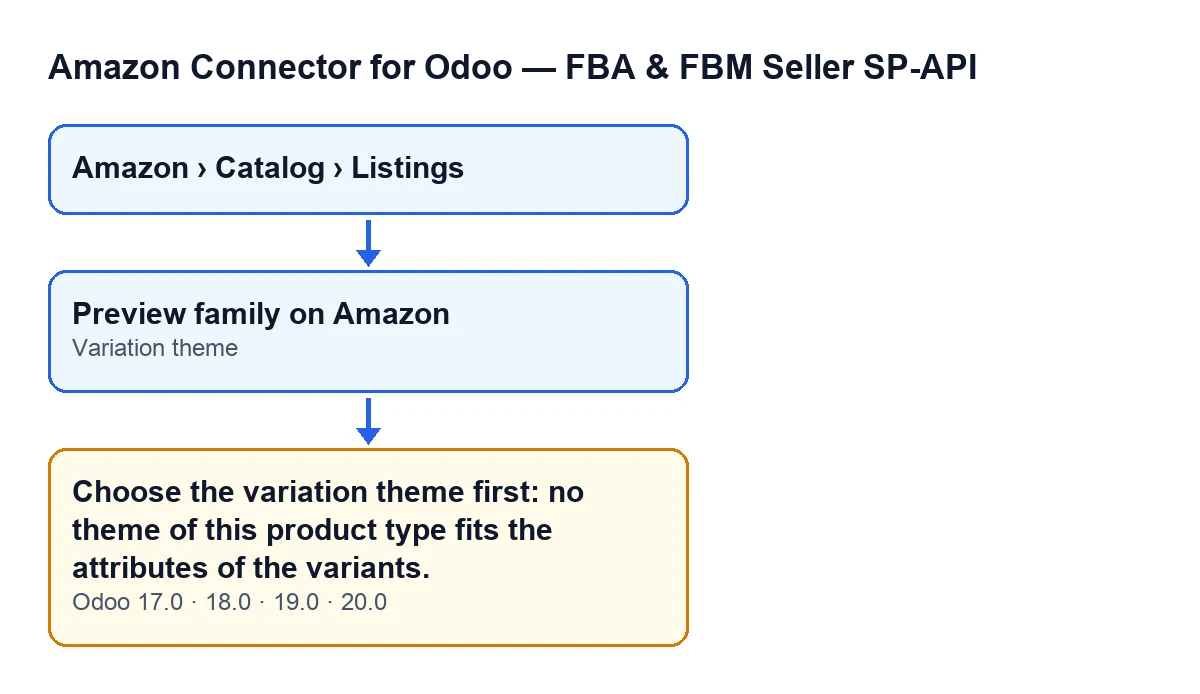

The exact condition in the code
The button works in this order: it first checks your permissions, then prepares the variant family and only after that looks at the Variation theme field.
While preparing the family, the module writes the variation theme on the listings of the family. The message appears if, once the family is prepared, the field is still empty (or holds only spaces). The text of the message itself explains it: no theme of this product type fits the attributes of the variants.
If the field holds any text, that check passes: it does not judge whether the theme suits the product.
Once the action stops, Amazon is never asked to validate the parent or the variants, and nothing that the action was going to change from that point on is saved. That validation is what the button does when everything is in order.
What it means
The variation theme says how the variants of one product differ on Amazon. The field's help text puts it this way: How the variants differ on Amazon (SIZE, COLOR, SIZE/COLOR…), from the list the product type allows. Empty: the listing goes on its own.
The field shows on the Listings form and is hidden when Product Variant Count is lower than two. That is why the message can only appear on products with variants and an Amazon product type chosen, which are the forms that show the button.
In the published code, the action that creates the family on Amazon raises the same message too.
How to fix it, step by step
- Open
Amazon › Catalog › Listingsand go into the form of the product with variants. - Check that you can see the
Preview family on Amazonbutton. If it is missing, check that the product has at least two variants and thatAmazon Product Typeis not empty. - Find the
Variation themefield. If it is empty or holds only spaces, that is the cause of the message. - Type a theme from the list the product type allows, in the format of the help text examples:
SIZE,COLOR,SIZE/COLOR. - Press
Preview family on Amazonagain. - Read the notice it gives when it finishes:
Family validated by Amazon: … listings, … errors. See "Variation family".It comes up as a warning if there are errors and as a success notice if there are none.
What to check afterwards
When the preview gets as far as validating the family, the module leaves a report called “Variation family”. It opens with the chosen theme (Theme:), the Amazon attributes it needs (it needs:) and the Parent SKU:. A table follows with the columns Odoo attribute and Amazon attribute.
In that table, a row is marked OK if it fits the theme; if not, it reads: Does not fit the theme: set "Amazon attribute" on the Odoo attribute, or type the value in each variant. That sentence is your hint for adjusting the attributes if the theme you typed does not match your variants.
The report also lists the variants, marking with new those not yet on Amazon, and, if any has no reference, the line Variants without a reference (SKU), left out of the family: followed by their names.
How FlexigoTech can help
The module is published on Odoo Apps for Odoo 17, 18, 19 and 20 (see its Odoo Apps page or the module page). If you are building your Amazon catalogue on Odoo and want someone to review the variant attributes with you, FlexigoTech implements Odoo 17, 18, 19 and 20 and develops custom connectors and integrations.
Keep reading
Checked in the connector's source code (version 20.0) and the linked sources
Sources
- Module source code: flexigobe_amazon_seller_connector 20.0 (8576afa5): models/amazon_spapi_variation.py
- Module source code: flexigobe_amazon_seller_connector 20.0 (8576afa5): views/amazon_spapi_variation_views.xml
- Module source code: flexigobe_amazon_seller_connector 20.0 (8576afa5): models/amazon_spapi_new_product.py
- apps.odoo.com/apps/modules/20.0/flexigobe_amazon_seller_connector
- flexigotech.com/en/services.html