

 Español
 Català
 Deutsch
 Français
 Português
 Italiano
 Nederlands
 Polski
What the task does and how often it runs
The scheduled task Amazon SP-API - Sync EU EPR reports (opt-in) runs once a day, every day, and is active as soon as the module is installed. It exists in every published branch of the connector: Odoo 17, 18, 19 and 20. In Odoo 17 the task is set to repeat without end. In Odoo 20, on each run, the task does what is described below.
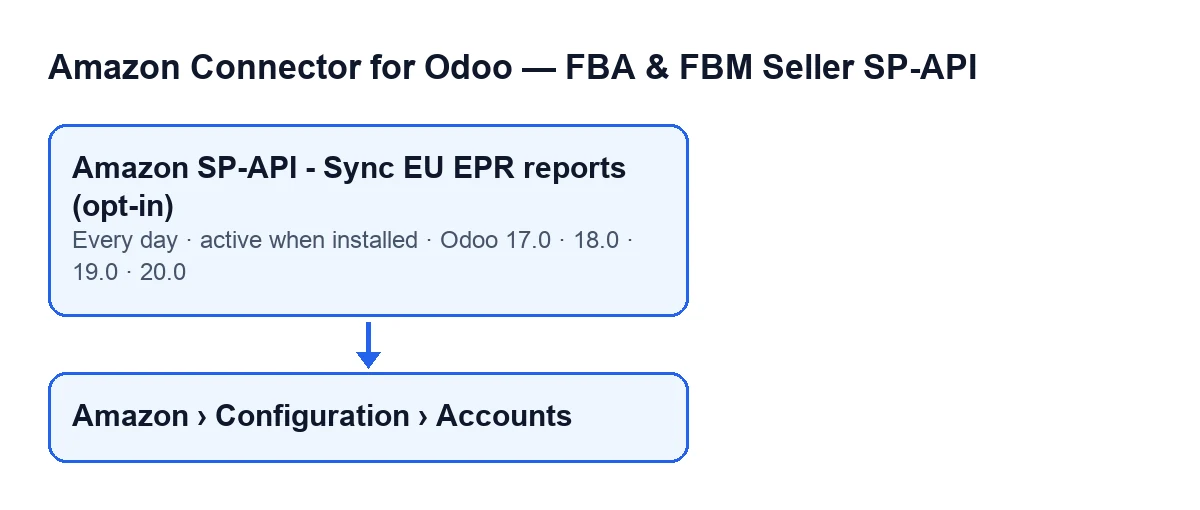
On each run, the task looks for the Amazon accounts that meet two conditions at once: they are active, and they have EPR reports sync switched on. Accounts that do not meet both are left alone. The name of the task changes with the language of your Odoo; the diagram shows how it looks in five languages.
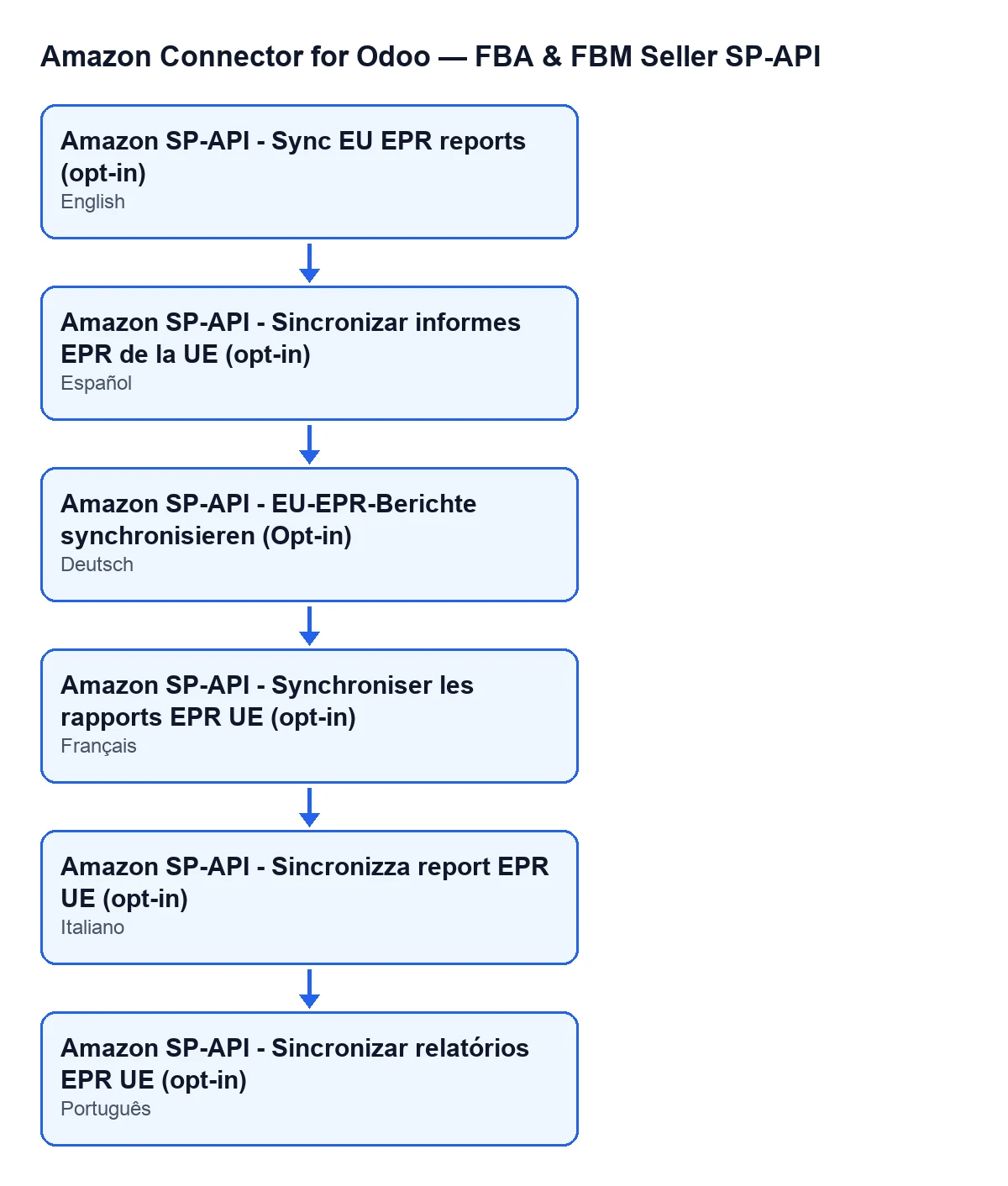
Amazon SP-API - Sync EU EPR reports (opt-in).
A worked example, start to finish
Example Illustrative case: the company and its figures are made up to explain the flow.
Hogar Atlántico is a shop invented for this example. It sells on Amazon through two accounts set up in Odoo. Marta, in administration, sees them under the Amazon › Configuration › Accounts menu, where each account is identified by its Name. One of the accounts is active and has EPR reports sync switched on. The other is active, but does not have it switched on.
The day's run arrives. The task looks for active accounts with the sync switched on and finds only the first one. The second is left alone, even though it is active.
For the first account, the task launches the sync stating that it comes from the scheduled task, and that an error in one part must not make the whole run fail. Inside, the order is fixed: Monthly first, then Quarterly, and finally Annual.
Suppose the quarterly part returns an error. The run does not stop: it adds that part's error to the result text and carries on with the annual part. When it finishes, it saves the date and time of the run and that text on the account.
The next morning Marta finds no new message posted on the account record. That is expected: when the task launches it, the sync does not post the result as a message on the record.
What happens on each run, in order
- The task looks for active accounts with EPR reports sync switched on.
- For each one, it launches the sync, marking the source as the scheduled task.
- Within the account it goes through
Monthly,QuarterlyandAnnual, in that order. If one part fails, it adds that part's heading and the error to the result text and moves on to the next. - It saves on the account the date and time of the run and the result text, which is cut to a maximum of 5000 characters. The text includes the account name and the source.
- It does not post the result as a message on the account record.
- If the run for an account fails some other way, it leaves a warning in the server log with the account name and the error, and the task carries on with the remaining accounts.
What to check if it seems to do nothing
- The account is active. The search only includes active accounts.
- The account has EPR reports sync switched on. This is the second condition of the search: without it, the account does not enter the run.
- The task is still active. It is active on install and runs once a day; in Odoo 17 it repeats without end.
- Do not expect a message on the record. When the task launches it, the result is not posted there. What does stay on the account is the date and time of the last run and the result text.
- An error in one part does not mean nothing was done. The other parts still run and the error is noted in the result text.
- The server log. If the run for an account fails in another way, a warning is left with its name and the error.
- Your permissions. To reach the accounts from the menu you need
Managerpermission on theConfigurationandAccountssteps, andVieweron theAmazonstep. If you lack one, that step is not shown.
What to take from the example
The task is opt-in: an active account is not enough, it must also have EPR reports sync switched on. Each account is processed separately, and within each account each part is processed separately, so a failure stays contained and noted. And since the task does not post anything on the record, the last-run date saved on the account is what records that it ran.
Cost and help
The module is a one-off payment per Odoo version and needs the FlexigoTech Cloud subscription, Connector plan: €49 a month or €490 a year excluding VAT, with up to 3 Amazon accounts (the Pro plan, €98 a month or €980 a year excluding VAT, up to 10). The connection goes through FlexigoTech Cloud, which stores the credentials encrypted, monitors the sync and sends an email if it fails. The module is published on Odoo Apps for 17, 18, 19 and 20; see the Odoo Apps listing and the module page.
If you are implementing Odoo and want to review how your Amazon accounts are set up, or need a custom integration, FlexigoTech implements Odoo 17, 18, 19 and 20 and builds connectors and custom integrations.
Keep reading
Checked in the connector's source code (version 17.0 and 20.0) and the linked sources
Sources
- Module source code: flexigobe_amazon_seller_connector 20.0 (8576afa5): data/ir_cron_data.xml
- Module source code: flexigobe_amazon_seller_connector 17.0 (165f66af): data/ir_cron_data.xml
- Module source code: flexigobe_amazon_seller_connector 20.0 (8576afa5): models/amazon_spapi_account.py
- apps.odoo.com/apps/modules/20.0/flexigobe_amazon_seller_connector
- flexigotech.com/en/services.html
- flexigotech.com/precios.html