

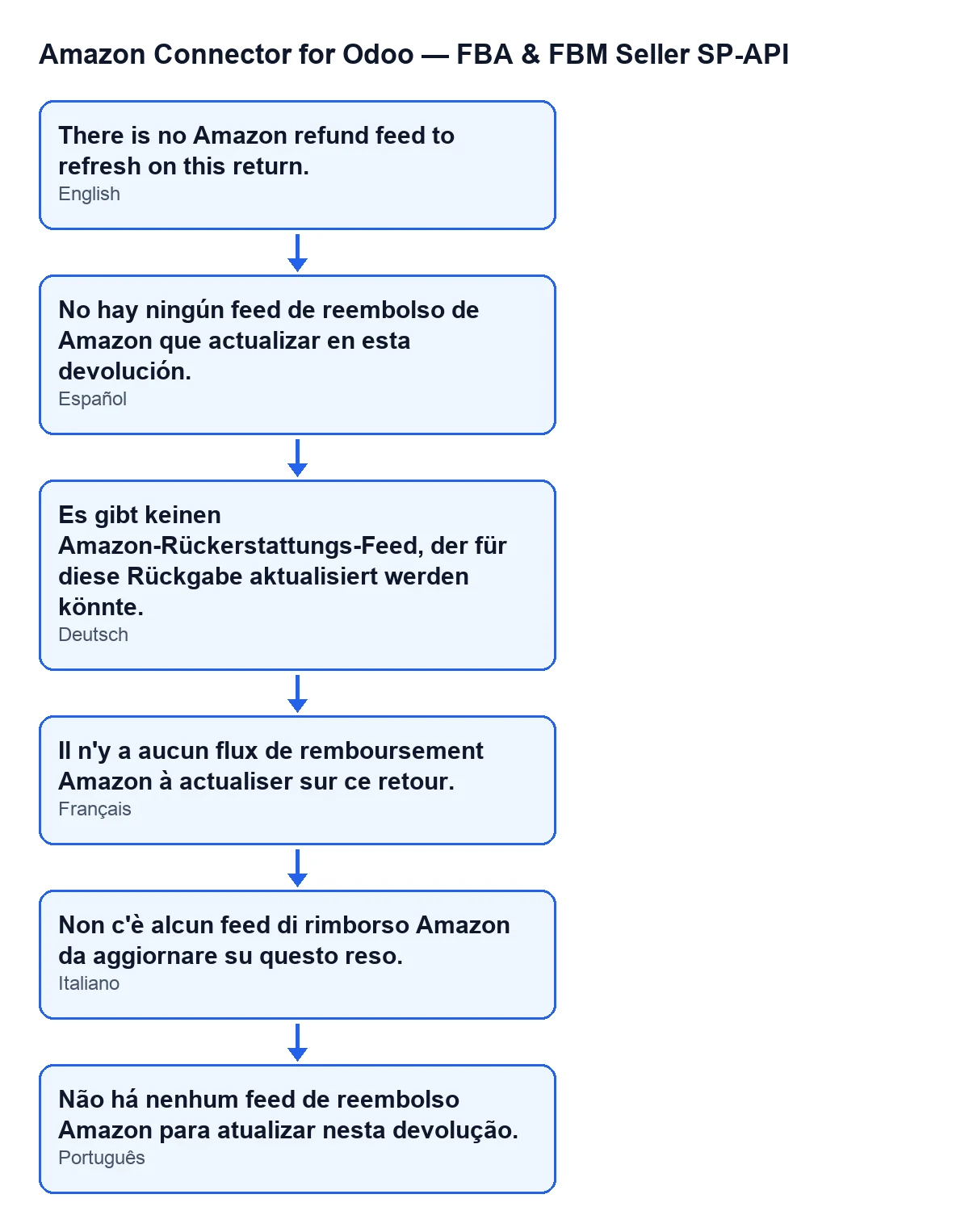
 Español
 Català
 Deutsch
 Français
 Português
 Italiano
 Nederlands
 Polski
When this message appears
It is a message from Amazon Connector for Odoo, FBA & FBM Seller SP-API. You see it on a return, whose form opens from the menu Amazon › Analytics / BI › Returns. Each part of the menu asks for the Viewer permission: if you lack one of them, you do not see that part.
It can appear when you press one of two buttons on that form: Submit Amazon Refund or Refresh Amazon Refund. The method behind each button reaches the same check, and that check raises the message if its condition is met. When it does, the action stops.
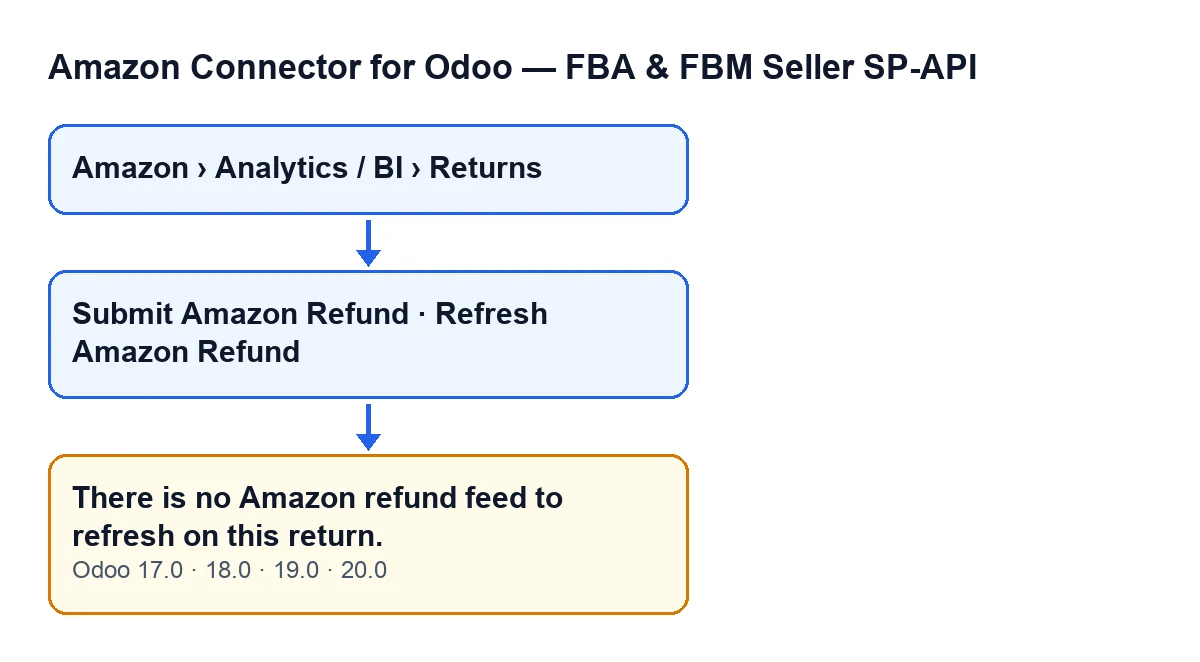
The message is in the published code of all four branches: 17.0, 18.0, 19.0 and 20.0. The module is published on Odoo Apps for those four versions.

What the code checks exactly
There is a single condition: the return's refund feed is empty. The code reads the value of Amazon Refund Feed, strips the spaces at both ends and, if nothing is left, raises the message. In other words, a field holding only spaces counts as empty.
Inside the refresh, the feed check comes before the query to Amazon: the query is only made if there is a feed. What is described here is the Odoo 20.0 code; the message and the visibility conditions of the buttons are published the same way for 17.0, 18.0 and 19.0.
The two buttons that lead to the message
Submit Amazon Refund: hidden whenAmazon Refund Submission Readyis not met. That field does not appear in any view. The button's method reaches the feed check, so the message can appear when you press it.Refresh Amazon Refund: hidden whenAmazon Refund Feedhas no value, so with the default values it is not visible. Its method also reaches the check and can give the message.
Guide: what to do when it appears
- Open the affected return from
Amazon › Analytics / BI › Returnsand confirm it is the one you meant to deal with. - Remember which button you pressed:
Submit Amazon RefundorRefresh Amazon Refund. Both reach the same check. - If you pressed
Refresh Amazon Refund, that button is only visible whenAmazon Refund Feedhas a value. If the message appears, the value is empty once the spaces are stripped: there is no feed to refresh. - If you pressed
Submit Amazon Refund, the message indicates that this return has nothing inAmazon Refund Feed. That button is only visible whenAmazon Refund Submission Readyis met. - Do not press again expecting a different result: while
Amazon Refund Feedstays empty, the check gives the same message. - Once the return has a refund feed,
Refresh Amazon Refundis shown and its method can go on to query Amazon. - If you pressed
Refresh Amazon Refundand the action finishes without a message, the return passed the check. What the method does from there is described in the following section.
What the refresh does when there is a feed
Once the check is passed, the code of the refresh follows this order:
- It asks Amazon for the feed's data through the return's Amazon account.
- It saves the processing status Amazon returns, the date and time of this check and the result document identifier, and clears the last error text.
- If there is a result document and the status is
DONE,CANCELLEDorFATAL, it downloads that document and saves its text as the processing report. - It looks for error rows in the report. If it finds one, it saves an error text with the code, type and message it carries. If the report has no error but the status is
CANCELLEDorFATAL, it saves a text stating the status Amazon returned. - It copies the refund data to the related return lines.
- If there are partial-refund post-sale cases linked to the return, it updates their last external action, external status and external error.
If the message appears, the query to Amazon is not reached and its response is not saved.
What to check afterwards
- That the return has something in
Amazon Refund Feedbefore you pressRefresh Amazon Refundagain. - That the action no longer returns the message. If it finishes without it, the feed check has been passed.
- That you only press
Submit Amazon Refundwhen it is shown, that is, whenAmazon Refund Submission Readyis met.
How FlexigoTech can help
FlexigoTech implements Odoo 17, 18, 19 and 20 and builds connectors and custom integrations. If you are setting up the connector and want to review how an Amazon refund is reached from your returns, tell us about your case. You have the Odoo Apps listing and the module page with the connector's details.
Keep reading
Checked in the connector's source code (version 20.0) and the linked sources
Sources
- Module source code: flexigobe_amazon_seller_connector 20.0 (8576afa5): models/amazon_spapi_return_line.py
- Module source code: flexigobe_amazon_seller_connector 20.0 (8576afa5): views/amazon_spapi_return_line_views.xml
- apps.odoo.com/apps/modules/20.0/flexigobe_amazon_seller_connector
- flexigotech.com/en/services.html