

 Español
Module for Odoo 17 · 18 · 19
SEPA Verification of Payee (VoP) in Odoo: catch the mismatched IBAN before you pay a supplier
A control layer for SEPA supplier transfers under Regulation (EU) 2024/886: records your bank's verification result, applies a per-company policy (allow, warn or block), requires dual approval for overrides and keeps an audit trail of every payment decision.

What it does
- VoP gate before paymentEvery SEPA credit transfer shows its verification status before authorisation or file export; nothing leaves unreviewed.
- Several result sourcesAPI connector to your bank or PSP, bank-portal file import, manual capture and a sandbox for testing.
- Per-company policyDefine what each result (match, close match, no match) is allowed to do: allow, warn or block.
- Dual approval and aliasesSecond approver for high-value overrides and payee alias history to review close matches.
- Audit, evidence and batchesAppend-only event log with retention, attached bank certificates, pain.001 batch coverage and connector health, multi-company.
How the module works
Real screenshots of every screen, with what each one does.
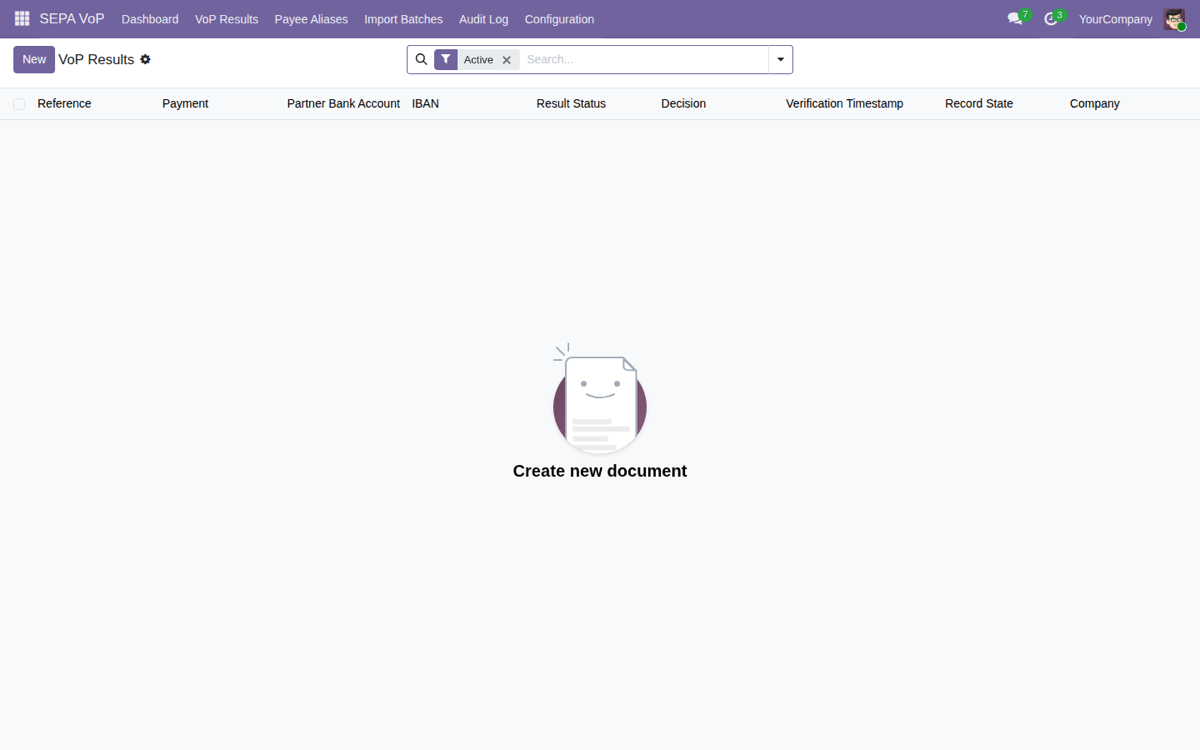
VoP results ledger
Central list tracking every check: IBAN, result status, decision and timestamp per payment.
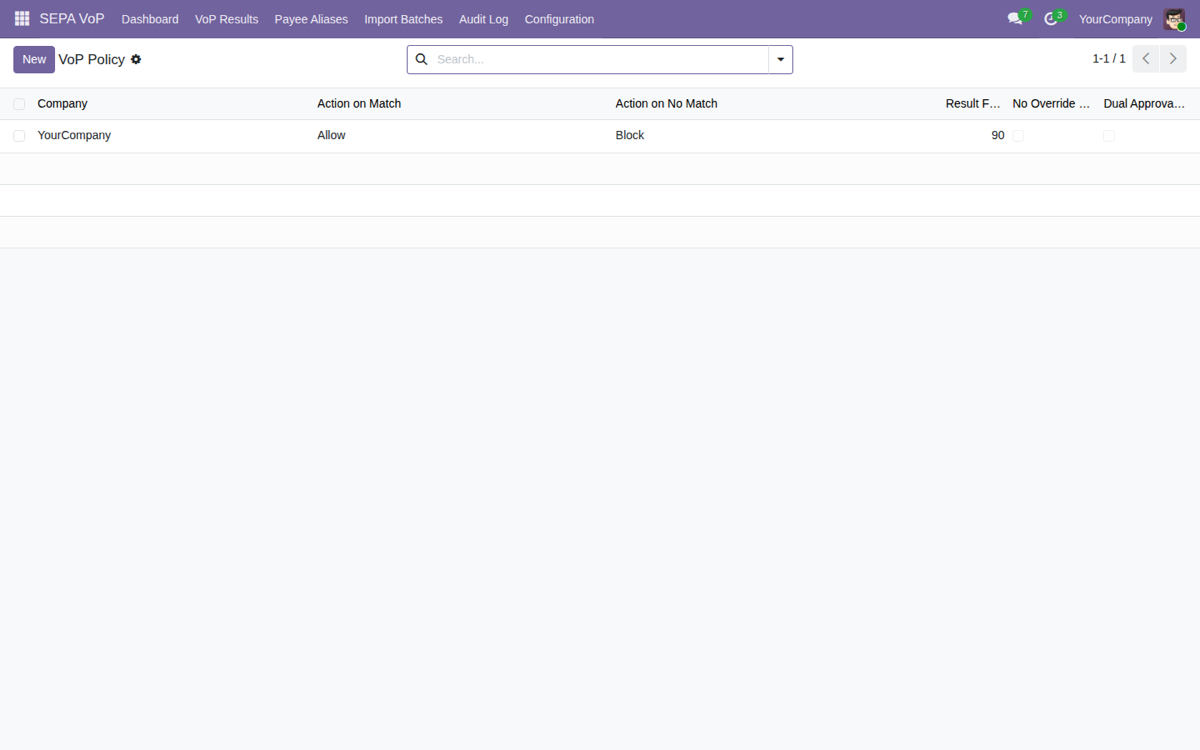
Per-company policy
Sets what each result does: Allow on Match, Block on No Match, with threshold and dual approval.
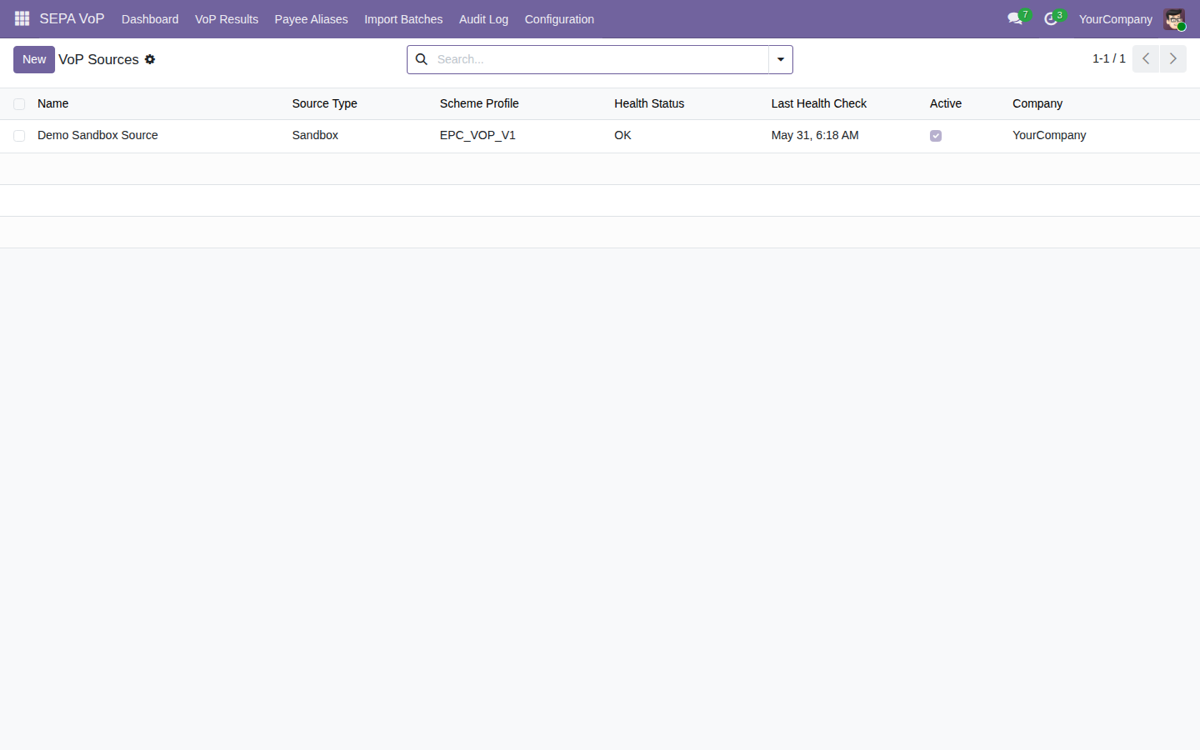
Verification sources
Configure where results come from: API, portal, file or EPC_VOP_V1 sandbox, with health status.
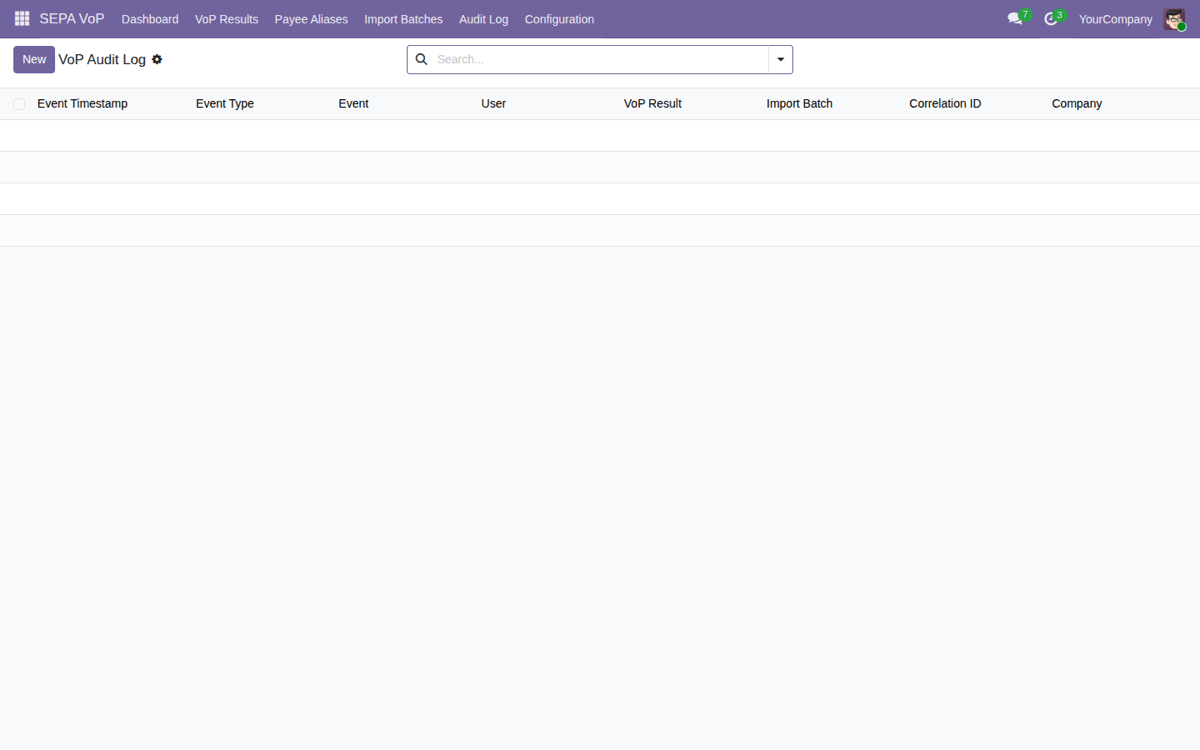
Append-only audit log
Immutable trail of every check, decision and import: event type, user and correlation ID.
The control gap in supplier payments
Since the EU Instant Payments Regulation made beneficiary verification mandatory for payment service providers, the decisive question "does this name match this IBAN?" often lives only in your bank's portal or API, outside Odoo. Accounting teams copy the results into spreadsheets, resolve partial matches inconsistently, or discover a misdirected payment only when the bank rejects the run. Odoo holds the supplier master data and the approval workflow, but not the verification evidence.
Key features
A VoP control layer on top of your Odoo supplier payments: records the bank's result, applies your policy and keeps the evidence. It is not a regulated PSP service; it is the controlled bridge between Odoo and your bank's VoP channel.
VoP gate before payment
Every SEPA transfer shows its VoP status before it can be authorised or exported to a file. No payment leaves unreviewed.
Multi-source capture
Bank/PSP API connector, manual entry from the bank portal, response file import, or a sandbox source for testing, useful while your bank has not yet exposed an endpoint to Odoo.
Policy engine
Per-company actions for Match, Partial match, No match and Not possible results. You decide what blocks, what warns and what passes through.
Override and dual approval
Requires a second approval from a manager to override a "No match" above configured thresholds, with an alert when too many exceptions pile up in a period.
Append-only audit log
Every verification, decision, import and configuration change is recorded immutably: the evidence trail an internal auditor needs.
Alias management
Record accepted name variants (trading names, abbreviations) so a known partial match is not flagged again on every run.
Bulk import
Upload your bank's result files (CSV, JSON, pain.002 XML), validate them, reconcile and apply results with full matching statistics.
Batch payments and data care
Individual and batch payment runs, with an explicit record of exclusion when the PSP allows it. IBANs are masked for users without permission and never written to logs.
How it works
Get the VoP result via your bank/PSP API, manual entry from the portal, or a response file import. Includes a sandbox source to test before you have a real endpoint.
The policy engine decides, per company and per result category, what blocks, what warns and what proceeds. Thresholds can vary by amount and risk.
Any override of a "No match" can require dual approval and is recorded in the append-only log, alongside every verification, import and configuration change.
Who it's for
- Companies in the SEPA zone (20-1,000 employees) with recurring supplier payment runs
- CFOs who set the payment risk policy and the override thresholds
- Accounting managers and accounts payable staff who run payments and resolve mismatches
- Internal auditors reviewing payment control evidence
- Odoo partners configuring the bank-specific deployment
Requirements and compatibility
Odoo 17, 18 and 19, on Community and Enterprise. Builds on the standard Accounting module and the supplier payment workflow.
Batch payment integration activates automatically when the Enterprise
account_batch_payment module is present; the core VoP gate works on Community. No external SaaS required.
€49 once, full source code included (OPL-1)
Install it, make it your own and extend it inside your Odoo. A FlexigoTech module: one-time payment, source code included.
Frequently asked questions
Does this module make my company legally compliant as a PSP?
No. The legal obligation for Verification of Payee sits with payment service providers, not with ordinary Odoo accounting users. This module supports your internal controls by recording the PSP's verification result and evidencing your decision: it is not a regulated PSP service and offers no compliance guarantee.
How does it get the verification result from my bank?
Three ways: a bank/PSP API connector, manual entry of the result shown in your bank's portal, or the import of a bank response file (CSV, JSON or pain.002 XML). Includes a sandbox source to test before your bank exposes an endpoint.
Does it work on Odoo Community?
Yes. The core VoP gate, the policy engine, the audit log, the sources, the aliases and the imports all work on Odoo Community. Batch payment integration activates automatically when the Enterprise account_batch_payment module is installed.
What happens on a "No match" result?
It depends on your company policy. By default, a "No match" blocks the payment; a manager can override it above a configured threshold, optionally requiring dual approval, and the override is recorded in the append-only audit log.
Is personal data exposed in the logs?
No. IBANs are masked for users without manager permission, and the structured logging never writes IBANs, beneficiary names or credentials to log files. The audit trail keeps only what is needed to evidence a decision.