

 Español
 Català
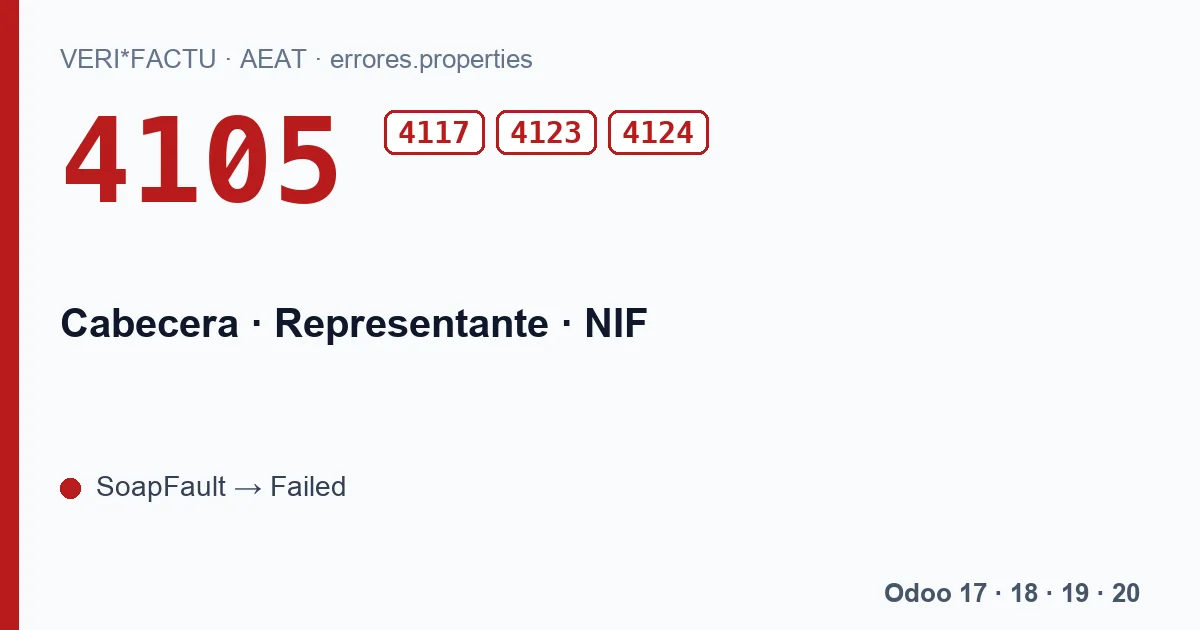
The four codes
| Code | What the AEAT says, in Spanish | Data that fails |
|---|---|---|
| 4105 | Error en la cabecera: el valor del campo NIF del bloque Representante no está identificado. | The adviser's tax ID |
| 4117 | Error en la cabecera: el campo NIF del bloque Representante tiene un formato incorrecto. | The format of that tax ID |
| 4123 | Error en la cabecera: el valor del campo NIF del bloque Representante no está identificado en el censo de la AEAT. | The census |
| 4124 | Error en la cabecera: el valor del campo Nombre del bloque Representante no está identificado en el censo de la AEAT. | The adviser's name |
The AEAT validation document sums it up in one line: the tax ID of the obliged party's representative or adviser has to be identified at the AEAT. All four sit in the section of the list that rejects the whole submission.
When Odoo sends a Representante
The module only adds the Representante block if the company has the Asesoría NIF field filled in. If it is empty, the header carries only the party obliged to issue, and these codes cannot appear. When it is filled in, the block is built like this:
- Tax ID: the Asesoría NIF value, without spaces, in capitals and without the ES prefix if it has one.
- Name: the Asesoría Name value. If that field is empty, the module puts the tax ID itself as the name.
That last detail explains many 4124 answers. The AEAT compares the name with the one it holds in its census for that tax ID, and a tax ID used as a name matches none. Filling Asesoría Name with the adviser's exact legal name solves it.
The certificate counts too
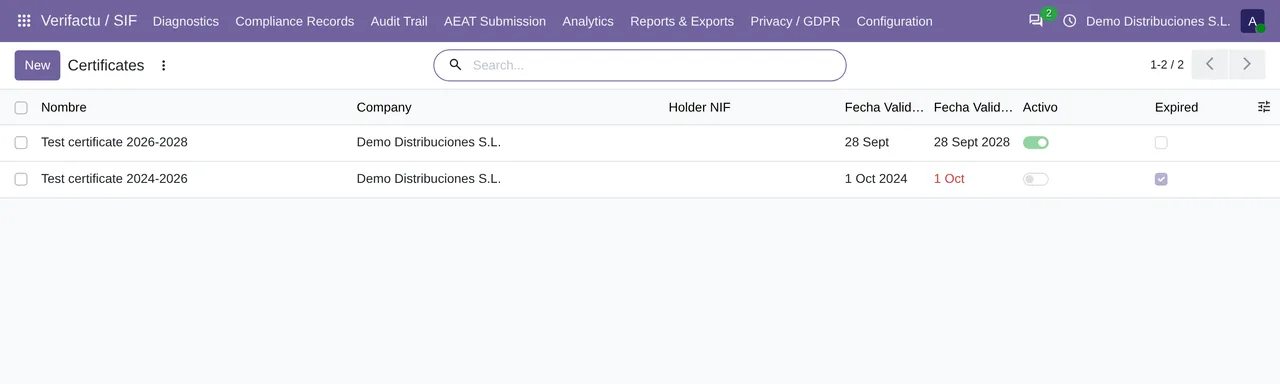
To connect to the AEAT, the module uses the company's active certificate in Odoo. If the adviser submits, that certificate has to allow them to submit on your behalf, and the AEAT checks it before anything else: with no certificate, its service redirects to the error page erro4033, and if it does not recognise it, to erro4011. Who may hold the certificate is explained in error 4112.
How to fix it
- Check Asesoría NIF and Asesoría Name on the company. The name exactly as it appears in the AEAT census.
- Check that the active certificate is the one that should be presenting these records.
- Resend from AEAT Submission › AEAT Errors with Retry Selected. The header is rebuilt on every submission from the company data at that moment, so the resend already goes out corrected.
What if the adviser stops submitting for us?
Empty Asesoría NIF and Asesoría Name. From the next submission the header will go without a Representante, and the company will need its own active certificate.
These rejections leave submissions in Failed and they are not retried on their own: until you resend them, they do not go out. If the code persists after fixing the data, write to comercial@flexigobe.com.
Keep reading
Checked in the module's source code (version 20.0) and the linked sources
Sources
- www.agenciatributaria.es/static_files/AEAT_Desarrolladores/EEDD/IVA/VERI-FACTU/Validacione
- Module source code: flexigo_spain_verifactu 20.0 (aa2ea3d2): models/verifactu_aeat_client.py
- Module source code: flexigo_spain_verifactu 20.0 (aa2ea3d2): models/verifactu_cola_envio.py
- prewww2.aeat.es/static_files/common/internet/dep/aplicaciones/es/aeat/tikeV1.0/cont/ws/err