

 Español
 Català
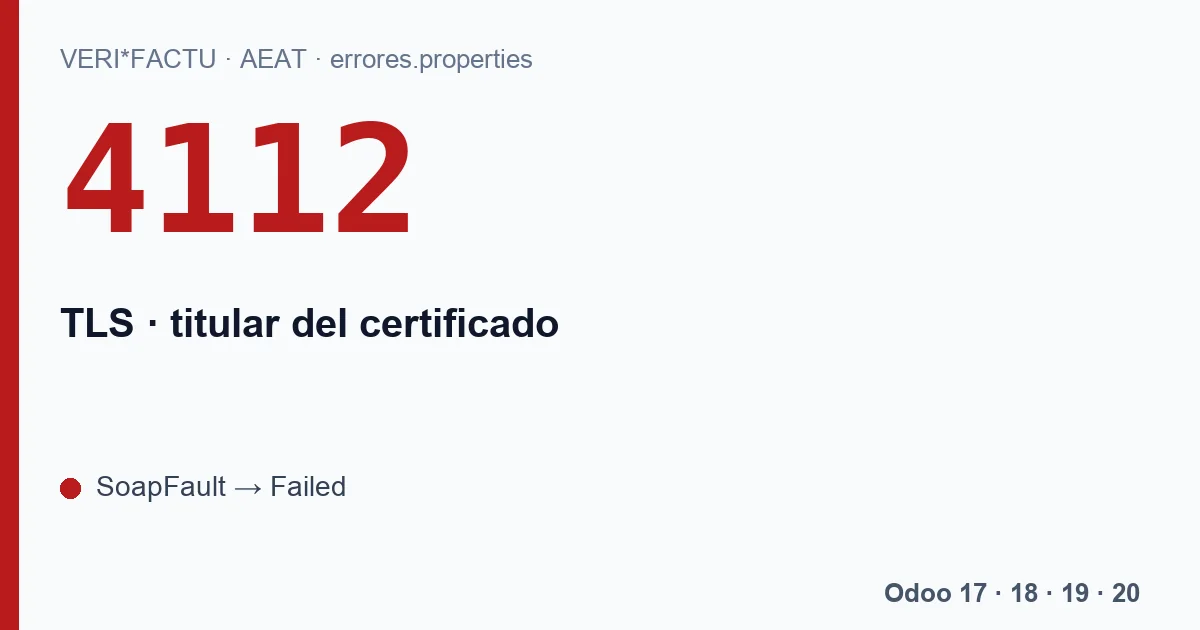
The AEAT text names the four figures it accepts: El titular del certificado debe ser Obligado Emisión, Colaborador Social, Apoderado o Sucesor. In English: the certificate holder must be the party obliged to issue, a social collaborator, an attorney or a successor. It is a code from the first section of the list, the one that rejects the whole submission.
Three certificate errors, in order
Before 4112 there are two more basic barriers. They are worth knowing because they get mixed up with it:
| What happens | What the AEAT answers | What you see in Odoo |
|---|---|---|
| No certificate is presented | A redirect to its error page erro4033. | A transport error saying no certificate was received. |
| The certificate is not recognised | A redirect to the page erro4011. | A transport error saying the certificate was rejected. |
| The certificate is recognised, but its holder cannot submit for that tax ID | A SOAP fault with 4112. | Submission in Failed with code 4112. |
The first two are not codes from the list: they are redirects of the AEAT online office. The module does not follow them; it turns them into an error and keeps the submission retrying, with the same waits as a network failure, until it reaches Dead Letter on the sixth attempt.
Which certificate Odoo presents
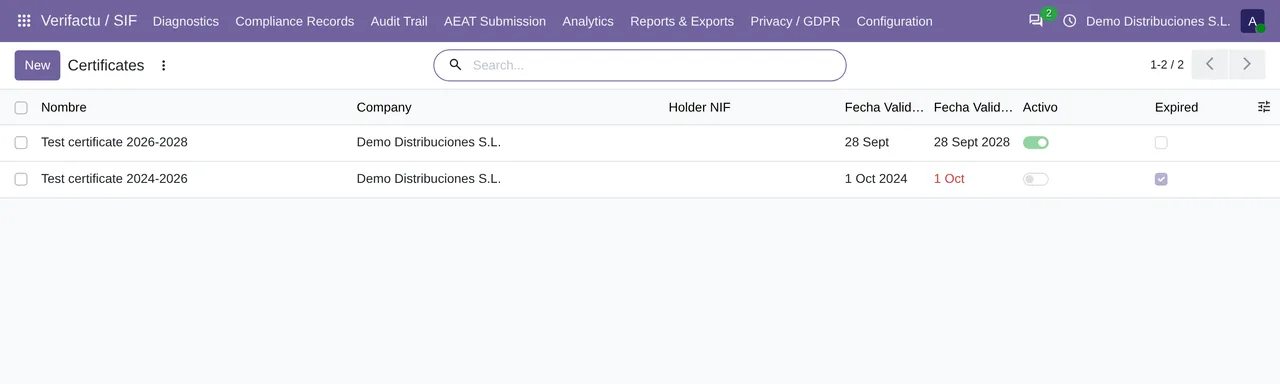
The module connects with the company's active certificate, in Configuration › Certificates. Before connecting it checks two things and stops with its own message if they fail:
No active certificate for company …when there is no active one.The certificate … of company … has expired.when the active one has expired.
So you do not get to the second one, Odoo shows in Chain State how many days the active certificate has left and, from 30 days before expiry, marks it as «Expiring soon» and includes it in the daily compliance digest if you have a recipient set up.
How to solve 4112
The active certificate has to belong to one of the four figures in the message with respect to the tax ID in the header:
- If the company itself submits, the certificate has to be its own, that of the party obliged to issue.
- If your tax adviser submits, the header also carries the Representante block with their tax ID, and the certificate has to allow them to submit for you. Check Asesoría NIF and Asesoría Name on the company.
- If you have taken over the business of another company, the message speaks of a successor: the certificate has to match that figure.
Once the right certificate is uploaded and active, resend the submissions in Failed from AEAT Submission › AEAT Errors with Retry Selected. The certificate is read on every connection, so the resend already uses the new one.
Can I have several certificates loaded?
Yes, but only one active per company. That is the one presented on every connection, and the one to change if 4112 appears.
If 4112 persists with the right certificate, send us the answer of the submission at comercial@flexigobe.com together with the type of certificate and who submits. Do not send us the certificate itself.
Keep reading
Checked in the module's source code (version 20.0) and the linked sources
Sources
- sede.agenciatributaria.gob.es/Sede/errores/erro4033.html
- Module source code: flexigo_spain_verifactu 20.0 (aa2ea3d2): models/verifactu_aeat_client.py
- Module source code: flexigo_spain_verifactu 20.0 (aa2ea3d2): models/verifactu_certificado.py
- Module source code: flexigo_spain_verifactu 20.0 (aa2ea3d2): models/verifactu_cola_envio.py
- prewww2.aeat.es/static_files/common/internet/dep/aplicaciones/es/aeat/tikeV1.0/cont/ws/err
- Module source code: flexigo_spain_verifactu 20.0 (aa2ea3d2): data/verifactu_crons.xml