

 Español
 Català
What the AEAT accepts
The AEAT validation document sets the rule for NumSerieFactura, the invoice number field: only ASCII characters 32 to 126, the printable ones, and among them these five are forbidden.
| Character | ASCII code |
|---|---|
Double quotes " | 34 |
Apostrophe ' | 39 |
Less than < | 60 |
Greater than > | 62 |
Equals = | 61 |
Accented letters, the ñ, the ç, the ordinal sign º and the euro sign are outside the range. Slashes, hyphens, dots and spaces are inside it.
The three codes
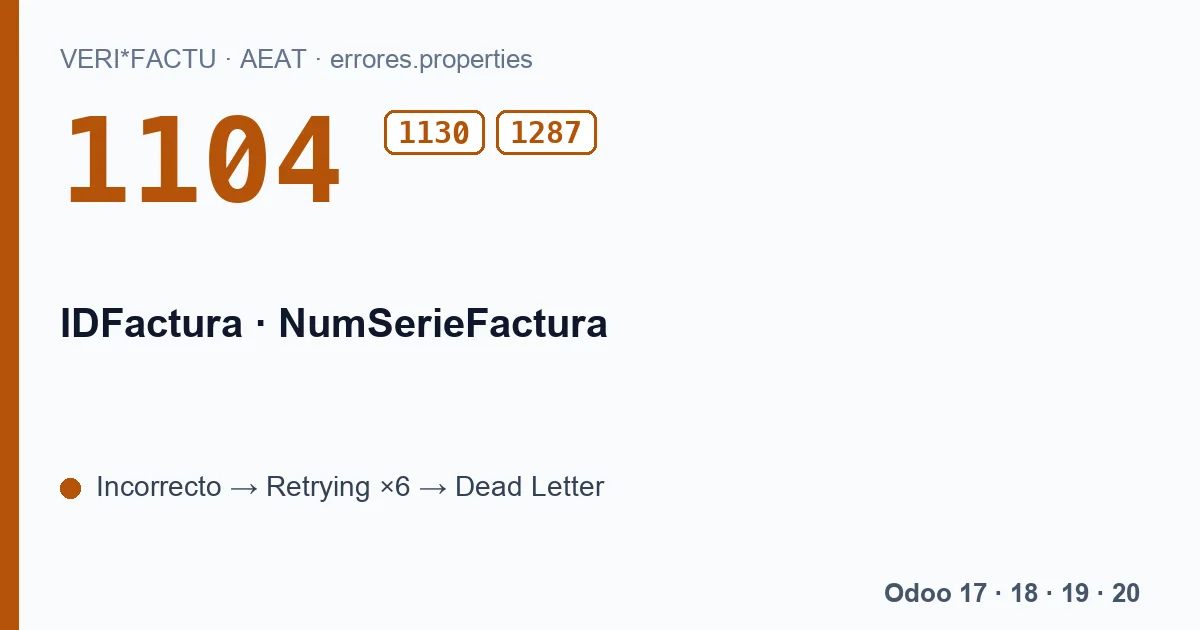
- 1104
El valor del campo NumSerieFactura es incorrecto.The generic one: the number is not valid for the AEAT.- 1130
El campo NumSerieFactura contiene caracteres no permitidos.The specific case of a character outside the rule.- 1287
- «El valor del campo %s contiene carácteres no validos (<, >, ", ', =).» The general version, which in a real answer carries the field name instead of %s.
Where the number comes from in Odoo
The module sends as NumSerieFactura the number Odoo gave the invoice when it was posted, the same one you see on the invoice and its PDF. That number is generated by the sales journal sequence, with its prefix. Only if the invoice had no number would the module build one from the VeriFactu series prefix and six digits.
That is why a 1130 almost always comes from the journal sequence prefix: a journal code with an ñ, a prefix such as «FAC-Nº» or a series with quotes. Odoo's usual format, with slashes and the year, follows the rule.
How to fix it
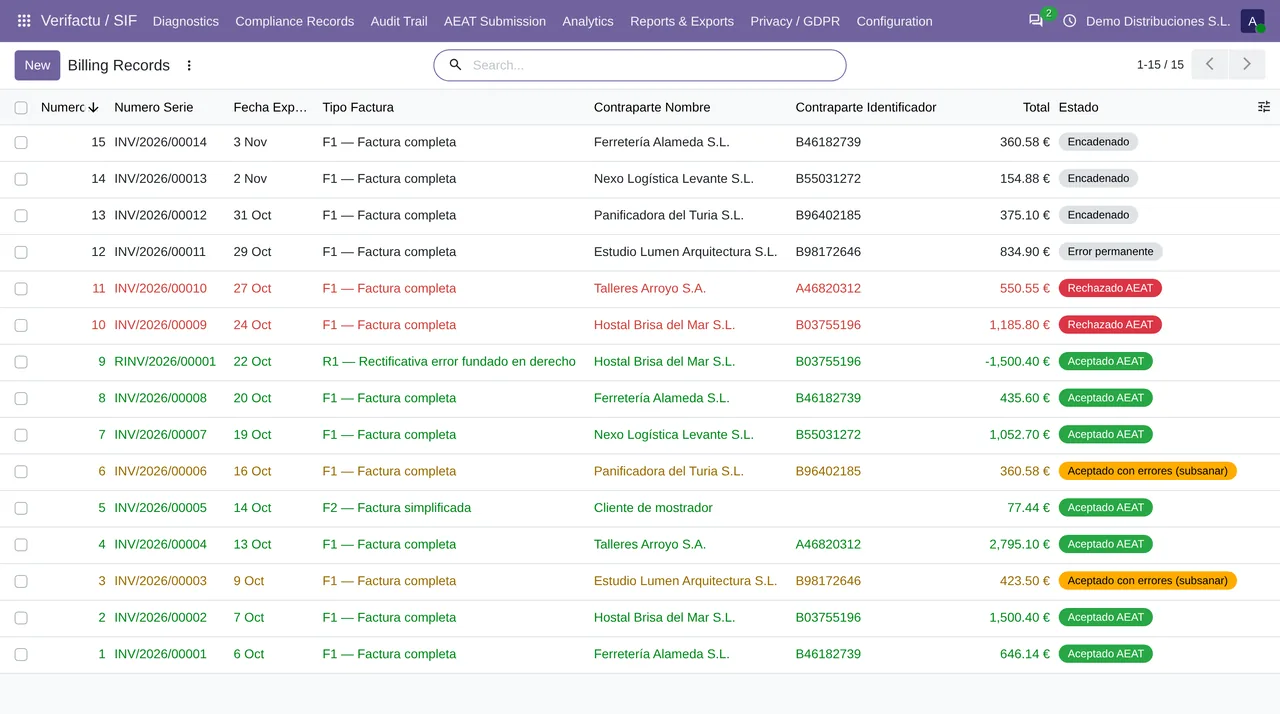
For new invoices, change the prefix of the journal sequence so it only uses accepted characters. From then on, the next invoices will go out right.
For those already rejected, the fix is more delicate. The number of a posted invoice cannot be changed in Odoo, and the invoicing record keeps the one it had when it was posted: the queue will retry it with that number until it lands in Dead Letter. For the AEAT that invoice was never registered, and what it provides to correct it is a «registration after rejection» with the right data. How that fits with a number that had a forbidden character depends on your case, so write to comercial@flexigobe.com before issuing anything new.
Does it affect invoices issued before VeriFactu?
No: only records that are sent to the AEAT. But if an old series is still in use, check its prefix before the first invoice goes out.
An invoice number cannot repeat with the same date and the same tax ID: if two records match in all three, the AEAT answers with error 3000.
Keep reading
Checked in the module's source code (version 20.0) and the linked sources
Sources
- www.agenciatributaria.es/static_files/AEAT_Desarrolladores/EEDD/IVA/VERI-FACTU/Validacione
- Module source code: flexigo_spain_verifactu 20.0 (aa2ea3d2): models/verifactu_cadena.py
- Module source code: flexigo_spain_verifactu 20.0 (aa2ea3d2): models/verifactu_cola_envio.py
- Module source code: flexigo_spain_verifactu 20.0 (aa2ea3d2): models/verifactu_registro.py
- Module source code: flexigo_spain_verifactu 20.0 (aa2ea3d2): models/verifactu_aeat_client.py
- prewww2.aeat.es/static_files/common/internet/dep/aplicaciones/es/aeat/tikeV1.0/cont/ws/err