

 Español
 Català
When a correction is due
The AEAT validation document provides for a correction in three situations:
- The record was accepted with admissible errors, the 2xxx codes. Two exceptions need no correction: an empty ClaveRegimen with IPSI, and a generation timestamp ahead of the AEAT clock.
- The record was rejected. In voluntary submission, rejected records have to be sent again in a new submission, correcting the error.
- You later find wrong data in a record that was accepted without errors.
A correction is not possible when the cause requires issuing a corrective invoice. A correction fixes a record; it does not replace a corrective invoice.
The four ways of registering a record
The AEAT annex of admissible operations combines both fields like this:
| Operation | Subsanacion | RechazoPrevio | When |
|---|---|---|---|
| Initial registration | N or empty | N or empty | The invoice does not exist yet at the AEAT. |
| Registration after rejection | S | X | Corrects an initial registration that was rejected, so the AEAT does not have it. |
| Correction registration | S | N or empty | Corrects a record the AEAT already has. |
| Registration after a rejected correction | S | S | Repeats a correction that was rejected. |
The codes of this family
| Code | What fails |
|---|---|
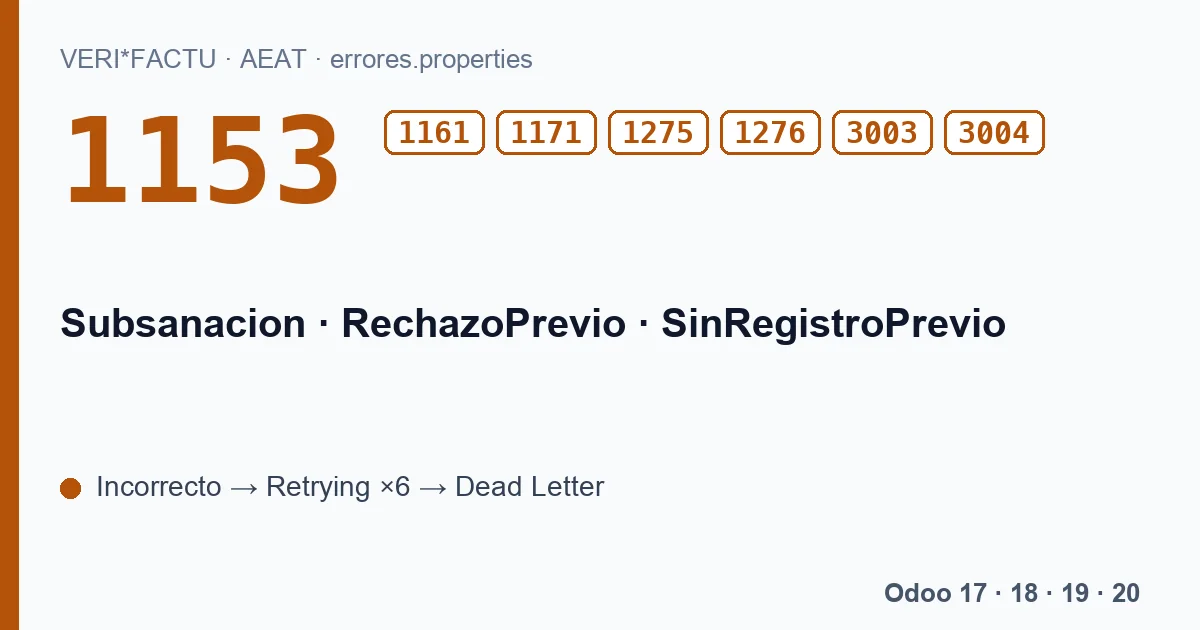
| 1153 | RechazoPrevio X without Subsanacion S. |
| 1161 | RechazoPrevio S without Subsanacion S. |
| 1171 | Subsanacion or RechazoPrevio with a value outside the list. |
| 1275 | Wrong value in RechazoPrevio. |
| 1276 | Wrong value in SinRegistroPrevio. |
| 3003 | The submitter lacks the permissions to update this invoicing record. |
| 3004 | The invoice cannot be changed because it was registered through the AEAT form. |
3003 appears when whoever submits the correction is not allowed to update that record, and 3004 when the original invoice was registered through the AEAT's own web form rather than from an invoicing system.
What our module does today
The registration record built by the published module carries neither Subsanacion nor RechazoPrevio: all its registrations are initial registrations. That is why these codes do not come from its submissions, and also why:
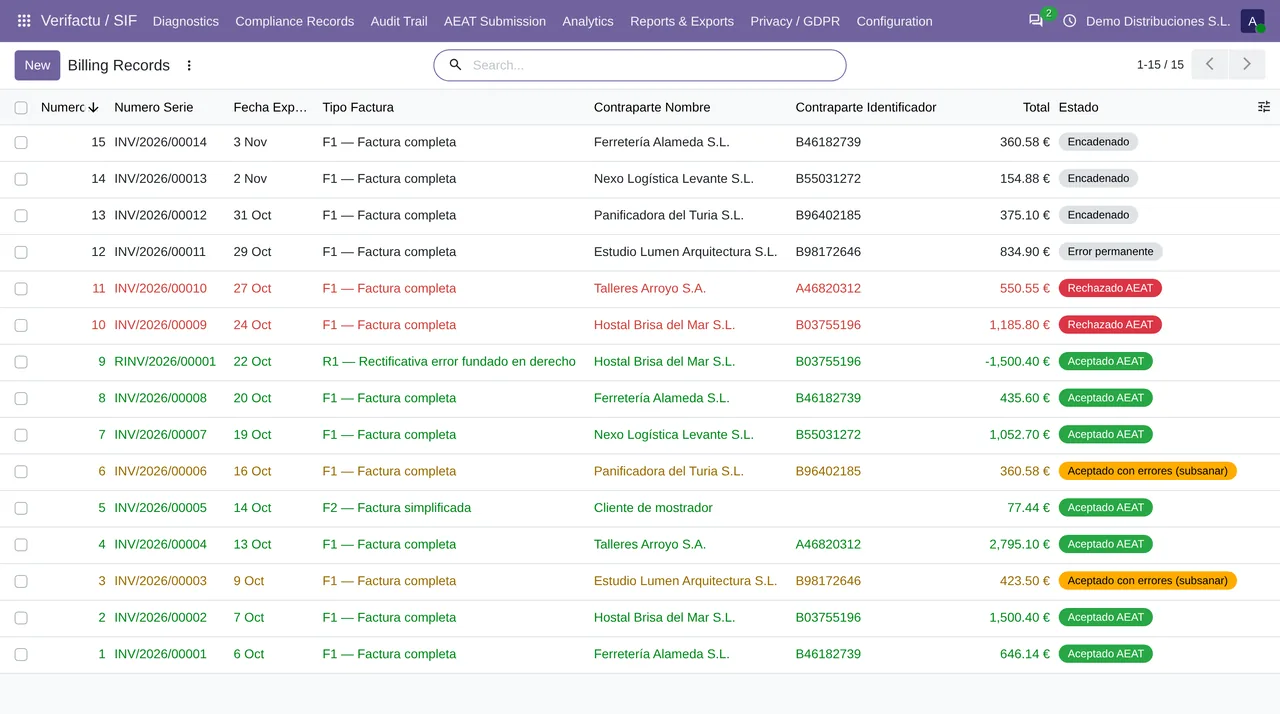
- A rejected record (1xxx)
- The queue retries it with the same data, because the record does not change once posted, and on the sixth attempt leaves it in Dead Letter. No retry turns it into a registration after rejection.
- A record accepted with errors (2xxx)
- It stays as «Aceptado con errores (subsanar)». The module does not send the correction.
That is the first thing to know: in Odoo, with the published module, correcting a VERI*FACTU record is not automatic.
What to do in the meantime
- Do not cancel the invoice to try to fix it: cancelling creates a cancellation record, which is chained and sent, but does not correct the previous record.
- Fix the source data in Odoo, whether the contact, the tax or the journal, so that the next invoices go out right.
- Write to comercial@flexigobe.com with the affected records and their answers. We will prepare with you the correction that fits each one.
The codes on this page, with the AEAT's text
Each code with its literal text, in Spanish, as the AEAT's error list gives it:
| Code | AEAT text (Spanish) |
|---|---|
| 1153 | Valor del campo RechazoPrevio no válido, solo podrá incluirse el campo RechazoPrevio con valor X si se ha informado el campo Subsanacion y tiene el valor S. |
| 1161 | El valor del campo RechazoPrevio no es válido, no podrá incluirse el campo RechazoPrevio con valor S si no se ha informado del campo Subsanacion o tiene el valor N. |
| 1171 | El valor del campo Subsanacion o RechazoPrevio no se encuentra en los valores permitidos. |
| 1275 | Valor incorrecto campo RechazoPrevio |
| 1276 | Valor incorrecto campo SinRegistroPrevio |
| 3003 | El presentador no tiene los permisos necesarios para actualizar este registro de facturación. |
| 3004 | No es posible modificar la factura ya que ha sido dada de alta vía formulario. |
Keep reading
Checked in the module's source code (version 20.0) and the linked sources
Sources
- www.agenciatributaria.es/static_files/AEAT_Desarrolladores/EEDD/IVA/VERI-FACTU/Validacione
- Module source code: flexigo_spain_verifactu 20.0 (aa2ea3d2): models/verifactu_aeat_client.py
- Module source code: flexigo_spain_verifactu 20.0 (aa2ea3d2): models/verifactu_cola_envio.py
- Module source code: flexigo_spain_verifactu 20.0 (aa2ea3d2): models/verifactu_registro.py
- Module source code: flexigo_spain_verifactu 20.0 (aa2ea3d2): data/verifactu_error_catalogue.xml
- prewww2.aeat.es/static_files/common/internet/dep/aplicaciones/es/aeat/tikeV1.0/cont/ws/err