

 Español
 Català
 Deutsch
 Français
 Português
 Italiano
 Nederlands
 Polski
When the message appears
What does the message say exactly, and when do I see it?
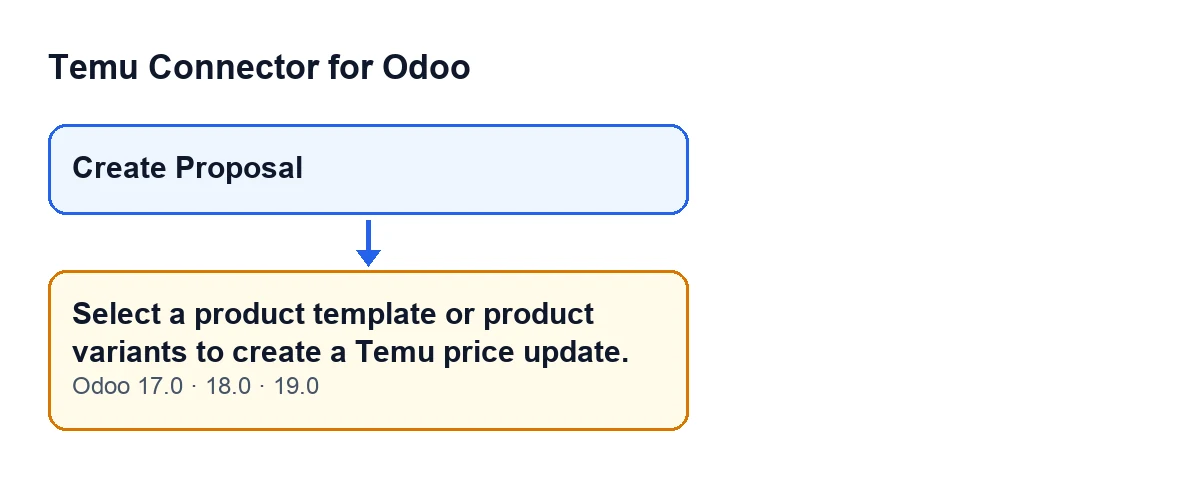
The full text is Select a product template or product variants to create a Temu price update. You see it when you press the Create Proposal button in the wizard that creates the Temu price update. The button has no view condition: it always shows, in Odoo 17, 18 and 19. When the message appears, the action stops.
What is the exact condition that triggers it?
The action first gathers the products to work with and then checks whether the result is empty. If there are none, it raises the message. At that point all that matters is whether there are products: the check looks at neither prices nor the other data of the proposal.
Has anything been created when the error shows up?
No. In the code the check comes before the proposal is created, and an error stops the action without saving anything it was about to change. Before gathering the products, the action runs another step with the proposal data; the product check comes after it.

Where the wizard gets its products from
In what order does it look for products?
In three attempts, and it keeps the first one that returns something:
- First, the variants you picked directly in the wizard.
- If there are none and you picked a product template, the active variants of that template.
- If there is still nothing, the selection the wizard was opened with: if they are variants, those that exist and are active; if they are templates, the active templates and, from them, their active variants.
If all three attempts come back empty, the message appears.
Do archived products count?
In the last two attempts, no: the code keeps only active variants and templates. That is why a template whose variants are all archived leaves the list empty and gives the message, even though the template exists. Variants picked directly in the wizard are taken as they are, without that filter.
I opened the wizard from a selection and I still get the message. Why?
Check these points, which are the ones visible in the code: the selection is archived or no longer exists; what was selected is neither a variant nor a product template, so that route returns nothing; the template has no active variant; or the wizard was opened without a selection and nothing has been chosen in it.
How to fix it and what happens next
Create ProposalWhat do I do to make it go away?
Give the wizard something to work with: choose a product template or specific variants in it, or open it with a selection of active products. If the products you wanted are archived, the code does not count them through the template and selection routes, so unarchive them first. Then press Create Proposal again.
What does the action do once there are products?
It creates the proposal with the data from the wizard. If no template was chosen and all the products belong to a single one, it uses that template. If it finds a Temu product binding record for that template and that instance, it attaches it to the proposal. It creates the lines from the products and, depending on the source mode chosen, queries recommended prices or estimates base prices. When it finishes, it opens the form of the proposal it has created.
Which Odoo versions show this message?
It is in the published code of the 17.0, 18.0 and 19.0 branches. The module is published on Odoo Apps for versions 17, 18, 19 and 20.
What does the module cost?
It is a one-off payment per Odoo version and needs a FlexigoTech Cloud subscription: the Connector plan costs €49 per month or €490 per year, excluding VAT. With the subscription, the module for newer Odoo versions is included if you bought it on flexigotech.com; on the Odoo App Store, each version is bought there. You will find the details on the Odoo Apps listing and on the module page.
If you need help with Temu in Odoo
FlexigoTech implements Odoo 17, 18, 19 and 20 and builds custom connectors and integrations, so we can go through with you how products are prepared before proposing prices to Temu. There is more about the connector in other articles on Temu.
Keep reading
Checked in the connector's source code (version 19.0) and the linked sources
Sources
- Module source code: flexigobe_temu_connector 19.0 (455b3f0f): wizard/temu_price_update_wizard.py
- Module source code: flexigobe_temu_connector 19.0 (455b3f0f): wizard/temu_price_update_wizard_views.xml
- apps.odoo.com/apps/modules/19.0/flexigobe_temu_connector
- flexigotech.com/precios.html
- flexigotech.com/en/services.html