

 Español
 Català
 Deutsch
 Français
 Português
 Italiano
 Nederlands
 Polski
Where the button is and when you see it
Where is the Update Goods button and when does it appear?
The forms of this model open from the menu Temu › Catalog › Sales Campaigns › Campaign Products. The Update Goods button sits on the Promotion Goods form. The view puts no condition on it: it is always visible, and the button is present in the Odoo 17, 18 and 19 branches.
Update Goods.What does the button do, in short?
It checks that the form has what it needs, builds a request for Temu from the form's data, sends it through the form's Temu instance and, if the call goes well, records the result on the form. What is sent depends on the operate type: some types ask for a list of SKUs and another asks for a quantity.

What it checks before sending
What does it check first?
In this order: that the form has an activity (the Activity field, which appears on the form and in the list of Promotion Goods as read-only), that it has a goods identifier and that it has an operate type. If something is missing, the action stops with the matching message: Activity ID is required., Goods ID is required. or Operate Type is required.. At that point no request has been prepared yet. Review the form and press the button again.
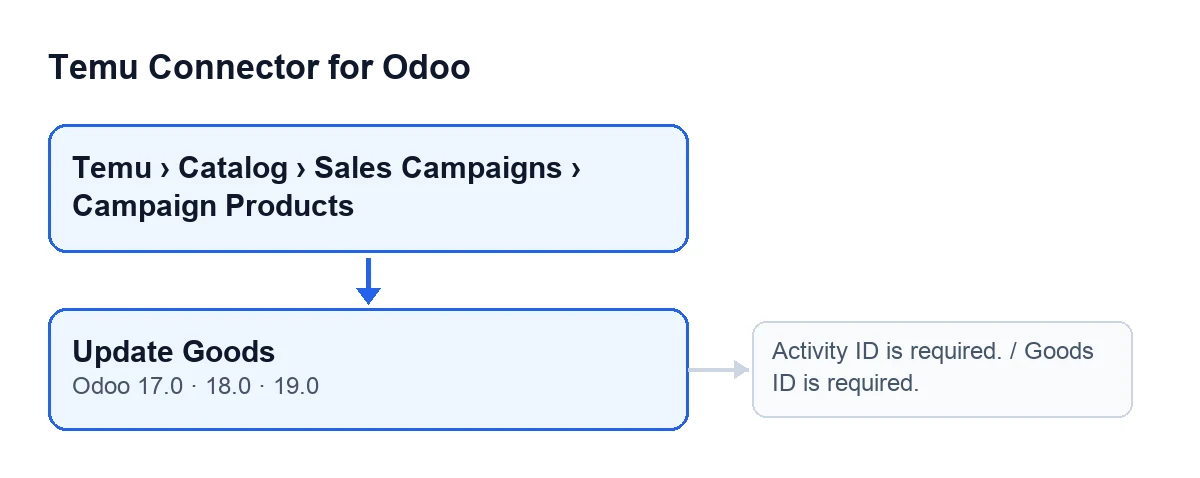
Temu › Catalog › Sales Campaigns › Campaign Products, the Update Goods button and, beside it, the messages Activity ID is required. and Goods ID is required..What else does the module ask for with the operate type named in Update Sku List is required for operateType 10.?
It asks for a list of SKUs with a price. It uses the form's update SKU list and, if that is empty, builds one from the form's SKU list: it keeps the entries that carry a SKU identifier and a price above zero (it tries the activity supplier price, the recommended one and a generic price, in that order, until one is above zero). If no entry is left after that, the action stops with Update Sku List is required for operateType 10..
And with the operate type named in Activity Quantity must be > 0 for operateType 20.?
Here the quantity counts. The module takes Desired Activity Quantity; if it is empty or zero, it uses Activity Quantity; and if that is empty too, the recommended activity quantity stored on the form itself. The result is rounded to a whole number. If it is not above zero, the action stops with Activity Quantity must be > 0 for operateType 20.. Desired Activity Quantity appears on the Promotion Goods form, and Activity Quantity appears on that form and on the Goods tab, in the Goods table.
And with operate type 40, or any other?
With 40 a list of SKUs to add is required. It comes from the Add Sku List Json field, on the SKU Payloads tab of the form; its help text reads: «Manual addSkuList override.». If the list is empty, the action stops with Add Sku List is required for operateType 40., and there is no fallback list to draw on. With any other operate type the code adds no list and no quantity: the request carries only the basic data.
What it sends, what it saves and what happens on failure
What is sent to Temu?
A block with the activity, the goods, the operate type and a trace code. If the form already has a trace code, the module uses it (trimming stray spaces); if not, it generates a random one. On top of that go the list or quantity that fit the operate type. The block goes to the form's Temu instance, which makes the call.
What changes on the form when it works?
The module reads the response: if it is a list, it takes the first element; if it is a single block, it uses it as it is; if it has neither shape, it treats it as empty. It then saves on the form the trace code, the draft identifier (empty text if none comes back), the operation status as a number, the failure reason if the response carries one, the action performed (update), what was sent, the full response with the method used, the date and time of the check, and it empties the last error.
What happens if the call or the saving fails?
If the call to Temu, the reading of the response or the saving fails, the module notes the error text and raises it again: the action stops with that same error and is not treated as done. The checks above fire before any of this, so with those messages nothing is sent.
Does it cost anything besides the module?
The module is a one-off payment per Odoo version (it is published on Odoo Apps for 17, 18, 19 and 20) and needs the FlexigoTech Cloud subscription, Connector plan: €49 a month or €490 a year, excluding VAT. The connection goes through FlexigoTech Cloud, which stores the credentials encrypted; without a subscription, or with the service suspended, what the subscription provides stops and your data stays in your Odoo.
If you need help getting started
FlexigoTech implements Odoo 17, 18, 19 and 20 and builds connectors and custom integrations. You can see the module on its Odoo Apps page or on the module page, and to review what it adds to Odoo products, read what the connector adds to Products.
Keep reading
Checked in the connector's source code (version 19.0) and the linked sources
Sources
- Module source code: flexigobe_temu_connector 19.0 (455b3f0f): views/temu_promotion_views.xml
- Module source code: flexigobe_temu_connector 19.0 (455b3f0f): models/temu_promotion.py
- apps.odoo.com/apps/modules/19.0/flexigobe_temu_connector
- flexigotech.com/en/services.html
- flexigotech.com/precios.html