

 Español
 Català
 Deutsch
 Français
 Português
 Italiano
 Nederlands
 Polski
The case: one click and a notice that seems to say it all
Example Illustrative case: the company and its figures are made up to explain the flow.
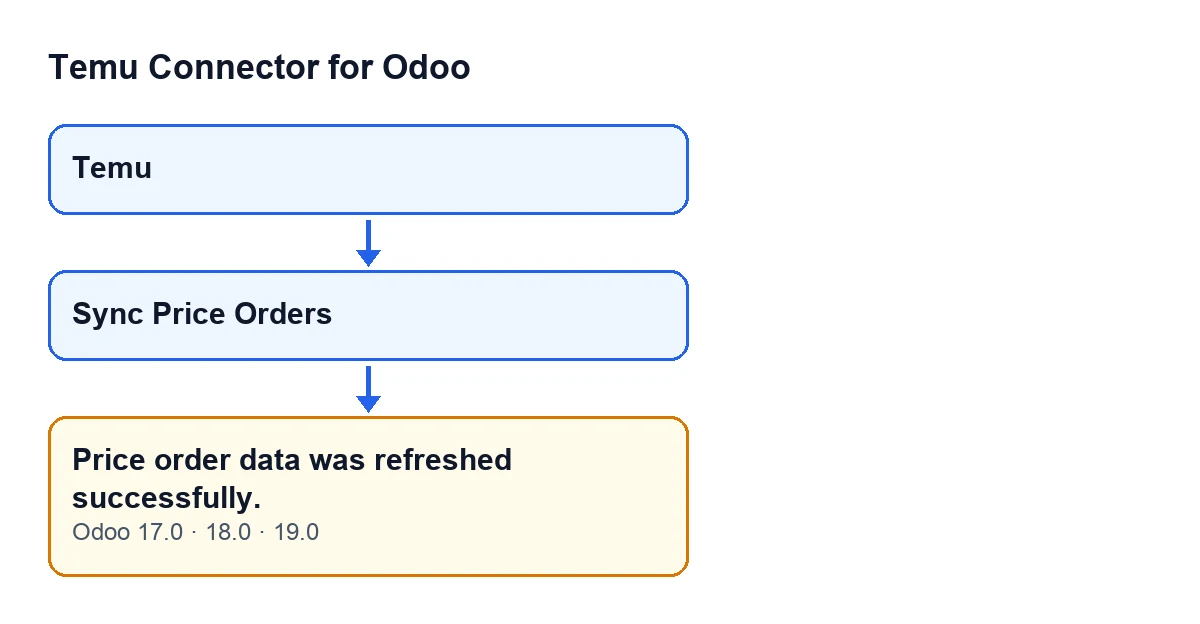
Picture an invented shop, Menaje Levante, that sells on Temu and runs Odoo. Marta, who looks after the catalogue, opens the Temu menu, goes into the form that opens from there and presses Sync Price Orders. A success notification appears at the top: Price order data was refreshed successfully. Marta wonders how many Price Orders have come in and whether anything has really changed.
It is a fair question, and the answer lies in what the button's code does. We go through it in the order it runs.

Exactly when the notice appears
The notice appears when you press Sync Price Orders on the form that opens from the Temu menu. The button is always visible in Odoo 17, 18 and 19: it does not depend on any state of the form.
Once pressed, the code follows this order:
- It starts the Price Orders sync for that Temu instance.
- When that call finishes, it returns the notification with the message
Price order data was refreshed successfully., flagged as a success and not pinned on screen.
There is no condition on the result between one step and the next: the notice does not depend on how many records were synced.
What it means and what it does not
The notice means the button has completed the call to the sync and returned the notification. It does not report how many records were synced, and it is the same whether records were synced or none were. It is a notice: it blocks nothing and does not ask you to do anything.
The count travels by another route. When the number of synced records is not zero, the module also leaves a note with that count in the messages of the form. If the number is zero, the code does not leave that note. So to find out whether anything came in, look at the messages on the form, not at the notification.
What Marta does, step by step
- She opens the
Temumenu and goes into the form she wants to refresh. - She presses
Sync Price Orders. - She reads the notification
Price order data was refreshed successfully.: it confirms the call finished and the button returned the notice. - She opens the messages on the form and looks for the note with the count. If there is no new note, the code did not leave one because the number of synced records was zero.
Questions left after seeing the notice
Is it an error?
No. It is a success notice that does not block and does not stay pinned on screen.
Why does it say «refreshed» if nothing came in?
Because the notice is returned at the end, without looking at the result. The notification carries no count; the number of records only appears, when there is one, in the note on the form.
Where do I see the detail?
In the messages on the form, which is where the module leaves the note with the count when any record has been synced.
Can I press the button whenever I like?
The button is always visible in Odoo 17, 18 and 19, so there is no condition on the form to meet before you can see it.
What Marta takes from the case
- The notice confirms the button finished, not how much it brought.
- The count, if there is one, is in a note in the messages on the form.
- If there is no new note after pressing, the code did not record any synced records on that press.
How the button label follows the language
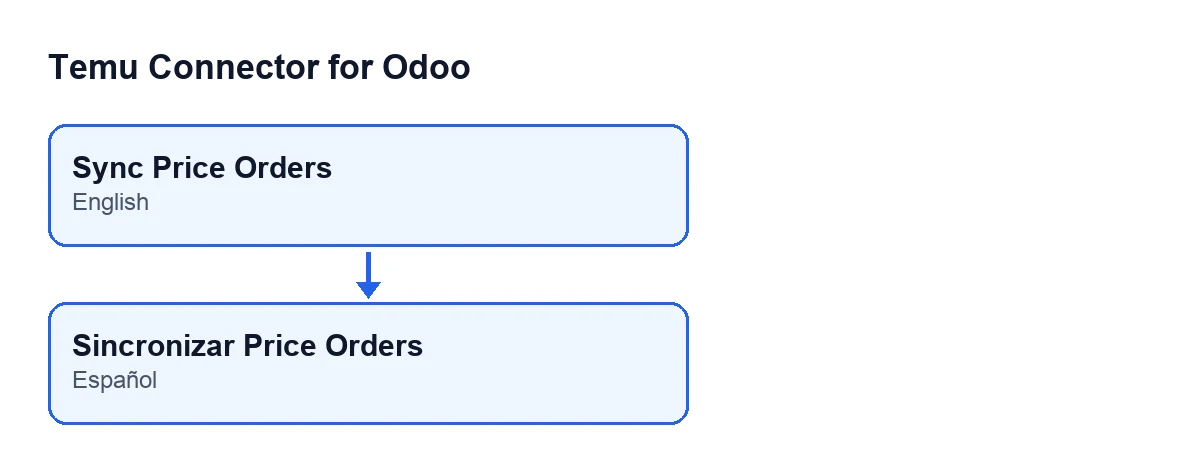
The module ships published translations, so the button label follows the language of your Odoo. With Odoo in English, which is also the original text in the module's code, the button is Sync Price Orders.
Versions and subscription
The message is in the published code of the 17.0, 18.0 and 19.0 branches. The module is published on Odoo Apps for Odoo 17, 18, 19 and 20.
The module needs a FlexigoTech Cloud subscription, Connector plan: €49 a month or €490 a year, excluding VAT, for up to 3 platform accounts. The connection goes through FlexigoTech Cloud, which stores the credentials encrypted, monitors the sync and sends an email alert if it fails.
How FlexigoTech can help
FlexigoTech implements Odoo 17, 18, 19 and 20 and builds connectors and custom integrations. If you are setting up Temu sales on Odoo and want someone who knows the module to review the sync, see the module page or get in touch.
Keep reading
Checked in the connector's source code (version 19.0) and the linked sources
Sources
- Module source code: flexigobe_temu_connector 19.0 (455b3f0f): models/temu_instance.py
- Module source code: flexigobe_temu_connector 19.0 (455b3f0f): views/temu_instance_views.xml
- Module source code: flexigobe_temu_connector 19.0 (455b3f0f): models/fgt_cloud.py
- apps.odoo.com/apps/modules/19.0/flexigobe_temu_connector
- flexigotech.com/precios.html
- flexigotech.com/en/services.html