

 Español
 Català
 Deutsch
 Français
 Português
 Italiano
 Nederlands
 Polski
When exactly this message appears
The text Draft ID is required to check operation result. is an error that stops the action. It can appear when you press the Check Operation Result button on the Promotion Goods record. The condition in the code is a single one: the Last Draft field of that record is empty. If the record has a value in Last Draft, this message is not raised.
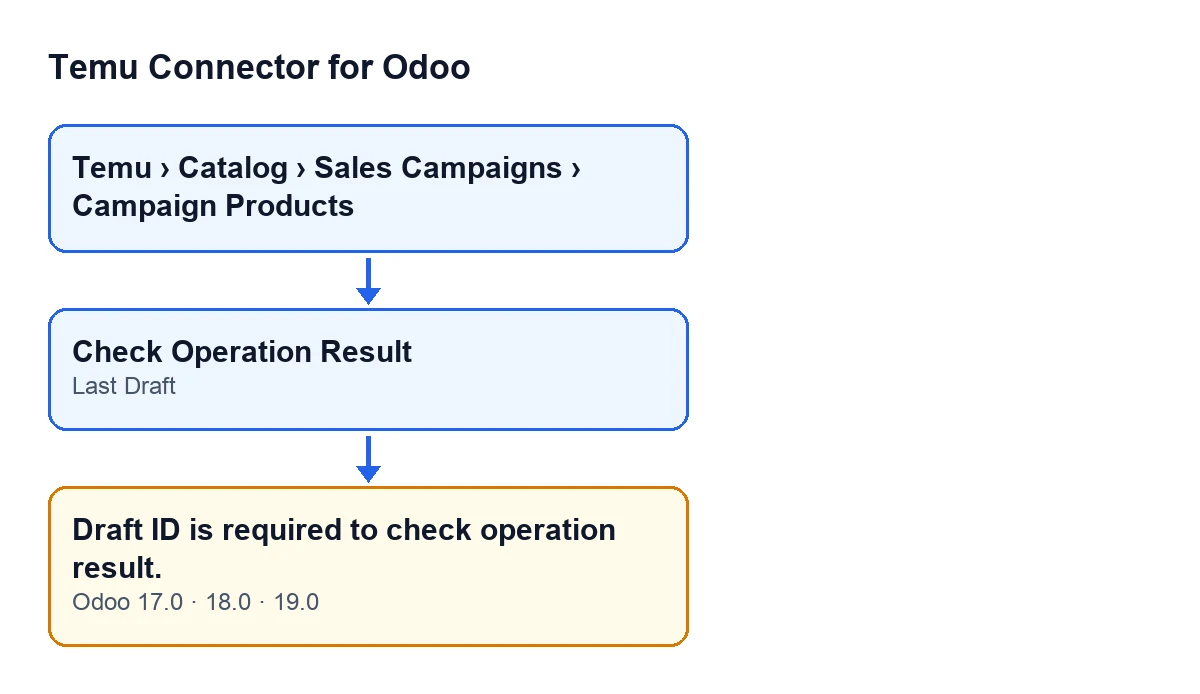
Last Draft field and message, in Odoo 17, 18 and 19.The button is always visible in Odoo 17, 18 and 19, even when Last Draft is empty, and the message is in the published code of those three branches. Records of this model open from the menu Temu › Catalog › Sales Campaigns › Campaign Products.
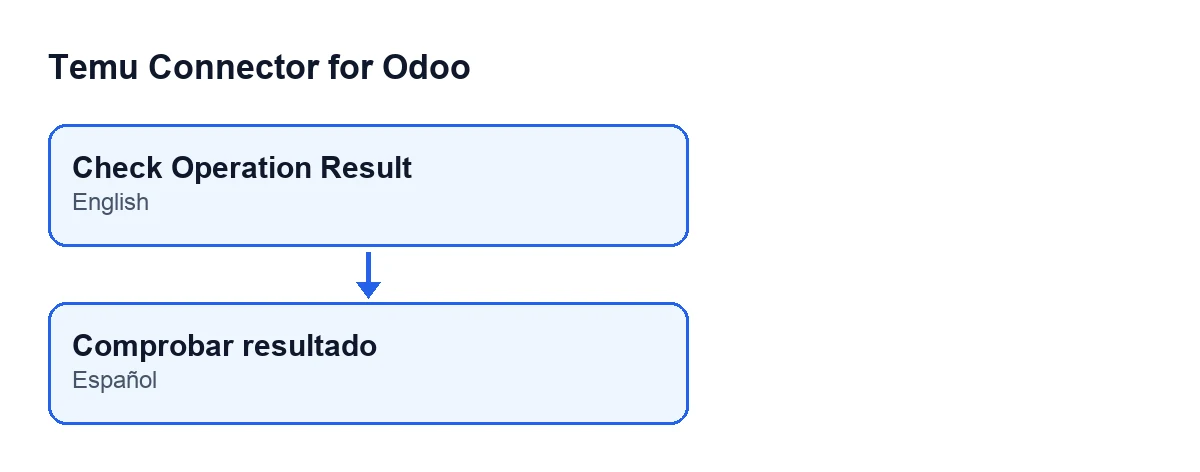
The module ships translations, so the button label follows the language of your Odoo. The second diagram shows that label in a Spanish-language Odoo:

Before you press the button
- Open the record from
Temu › Catalog › Sales Campaigns › Campaign Products.
- Go to the
Operationtab of thePromotion Goodsrecord and look at theLast Draftfield.
- Note whether
Last Drafthas a value or is empty before doing anything else: it is the only thing that decides whether the message appears.
- Bear in mind that the button is always visible, even with
Last Draftempty: seeing it does not mean the record is ready to be checked.
When you press Check Operation Result
- Press the button on the record you have just reviewed.
- If
Draft ID is required to check operation result.appears, the diagnosis is done: theLast Draftfield of that record is empty.
- Do not hunt for a connection or credentials problem for this message. The code raises it before querying Temu, so the request never goes out.
- Do not click again hoping for a different result: with the field empty, the same button gives the same message.
- Remember that the action stops: nothing the check was going to change on the record is saved.
If the message appears
- Confirm you are on the right record and that
Last Draftreally is empty in theOperationtab.
- Once the record has a value in
Last Draft, pressCheck Operation Resultagain.
- If the field stays empty and you need it filled, ask whoever set up the connector how your campaign flow is built. If you would like us to look at it with you, get in touch (details below).
What the button does when there is a value
Knowing what happens next helps you tell this message apart from any other error. With Last Draft filled in, the module asks Temu, through the Temu instance on the record, for the result of the operation for that draft identifier. It then picks which part of the response to use: if an item has a draft identifier matching the record's, it uses that one; if none match but the response contains items, it uses the first.
It then stores on the record the operation status, the failure reason if there is one, the response received and the date and time of the check, and clears the last saved error. If something fails during the query to Temu, the module raises that error again, and it is a different one from this message.
After a successful check
- Check that the action finishes without any error message.
- If a different error appears, it is not the
Draft IDone: it happened during the query to Temu.
- If the error persists, note the full text of the message before asking for help: it is what shows where things stopped.
Versions, subscription and help
Temu Connector for Odoo is published on Odoo Apps for Odoo 17, 18, 19 and 20. It is a one-off purchase per version and needs the FlexigoTech Cloud subscription (Connector plan: €49 a month or €490 a year, excluding VAT). The connection to Temu goes through FlexigoTech Cloud, which stores the credentials encrypted, watches the synchronisation and emails you if it fails.
FlexigoTech implements Odoo 17, 18, 19 and 20 and builds custom connectors and integrations. If you want to see the module or tune your campaign flow with us, there is the module page and the Odoo Apps listing.
Keep reading
Checked in the connector's source code (version 19.0) and the linked sources
Sources
- Module source code: flexigobe_temu_connector 19.0 (455b3f0f): models/temu_promotion.py
- Module source code: flexigobe_temu_connector 19.0 (455b3f0f): views/temu_promotion_views.xml
- apps.odoo.com/apps/modules/19.0/flexigobe_temu_connector
- flexigotech.com/en/services.html
- flexigotech.com/precios.html