

 Español
 Català
 Deutsch
 Français
 Português
 Italiano
 Nederlands
 Polski
Where the button is and when it shows
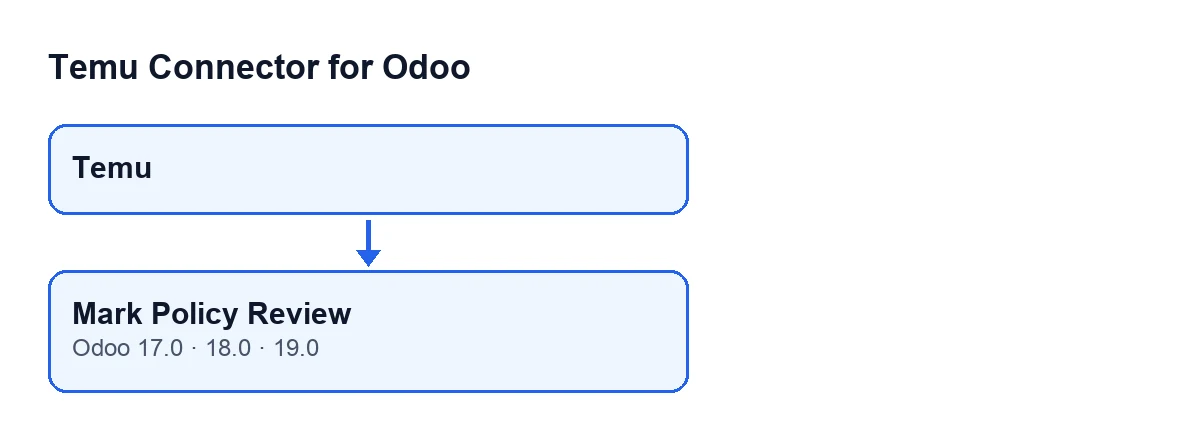
The Temu instance records open from the Temu menu. The Mark Policy Review button is on the Temu Dashboard form. Its view condition is that it is always visible: it does not depend on a state or on a checkbox. The button is in the 17.0, 18.0 and 19.0 branches of the module.
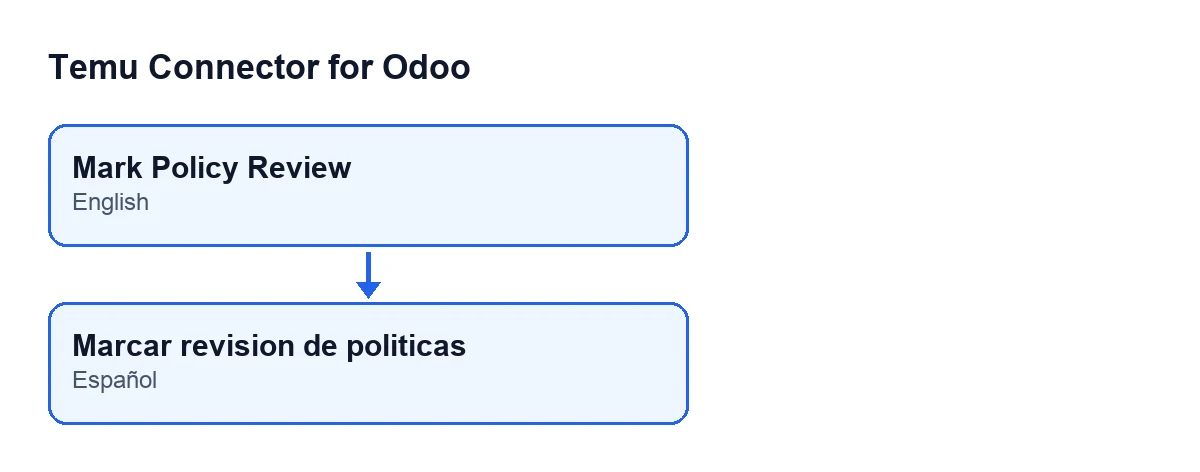
With Odoo in Spanish, the button is called Mark Policy Review:

The three version fields involved
On that same form, in the Terms & Policies tab, there are three text fields holding the version of each policy:
Terms Policy Version, in theTermsgroup. Default value in the code:2025-07-22.Privacy Policy Version, in thePrivacygroup. Default value in the code:2025-08-06.Security Policy Version, in theSecurity Policygroup. Default value in the code:2025-02-06.
The button reads those three values at the moment you press it. It does not change them.
Example Illustrative case: the company and its figures are made up to explain the flow.
Worked case: Casa Lumbre records its review
Casa Lumbre is an invented shop that sells homeware on Temu and manages its orders in Odoo. Marta, who runs administration, wants Odoo to show that someone has gone through the platform's policies.
Marta opens the Temu menu and goes into Temu Dashboard. She opens the Terms & Policies tab and looks at the three version fields, because those are the values that will be recorded. Then she presses Mark Policy Review on the form.
At that moment Odoo does two things with Casa Lumbre's record: it saves the date and time of that instant and it creates a compliance record in Marta's name. The three versions are stored in that record exactly as they were written in the fields.
Later, Álvaro, from the same team, changes the text of the privacy version field and presses the button. Another compliance record is created, this time in Álvaro's name and with the new privacy value. Marta's earlier record is left alone: it keeps the versions that were there when she pressed.
What the button does, in order
In Odoo 19, when you press it, the module takes the current moment once and, for each record it acts on, does this:
- It saves the current date and time as the moment of the instance's last policy review.
- It creates a compliance record of the policy review type, linked to that instance, with the person who pressed the button as its actor.
- That record carries a summary saying the policy review has been completed, an informational severity and a done state.
- The same record stores a block of data with three values: the terms version, the privacy version and the security version the record held at that moment.
- The method finishes by returning an affirmative result.
If the method acts on several records at once, it repeats the same steps on each one with the same date and time.
The other optional data the compliance record accepts (details, a policy name, version and address, follow-up) is not filled in by this button: it is stored empty.
What to check before and after pressing it
- Before: read what
Terms Policy Version,Privacy Policy VersionandSecurity Policy Versionsay, because those are the values saved in the record. - After: the review date and time are those of the click, and the record's actor is the person logged in. If a particular person needs to be on record, have that person press the button.
Questions you may have
Does it change the policy versions?
No. The code only reads the three version fields to copy them into the record; the value that changes on the form is the date and time of the last review.
What happens if I press it twice?
Each press runs the whole method: it writes the date and time of the last review again and creates another compliance record with whatever versions are there at that moment.
Do I have to wait for a particular state to see it?
No. Its view condition is that it is always visible, in the 17.0, 18.0 and 19.0 branches.
What the case teaches
The button is an annotation: it leaves a record with a date, an actor and the versions. If you change the text of a version field, the next time you press the button the new value is what gets recorded, and every press adds its own record.
How FlexigoTech can help
The module is published on Odoo Apps for versions 17, 18, 19 and 20; you can see its Odoo Apps listing or the module page. FlexigoTech implements Odoo 17, 18, 19 and 20 and builds connectors and custom integrations, in case you need to adapt this kind of record to the way you work.
Keep reading
Checked in the connector's source code (version 19.0) and the linked sources
Sources
- Module source code: flexigobe_temu_connector 19.0 (455b3f0f): views/temu_instance_views.xml
- Module source code: flexigobe_temu_connector 19.0 (455b3f0f): models/temu_instance.py
- Module source code: flexigobe_temu_connector 19.0 (455b3f0f): models/fgt_cloud.py
- apps.odoo.com/apps/modules/19.0/flexigobe_temu_connector
- flexigotech.com/en/services.html