

 Español
 Català
 Deutsch
 Français
 Português
 Italiano
 Nederlands
 Polski
Where the button is and what it does
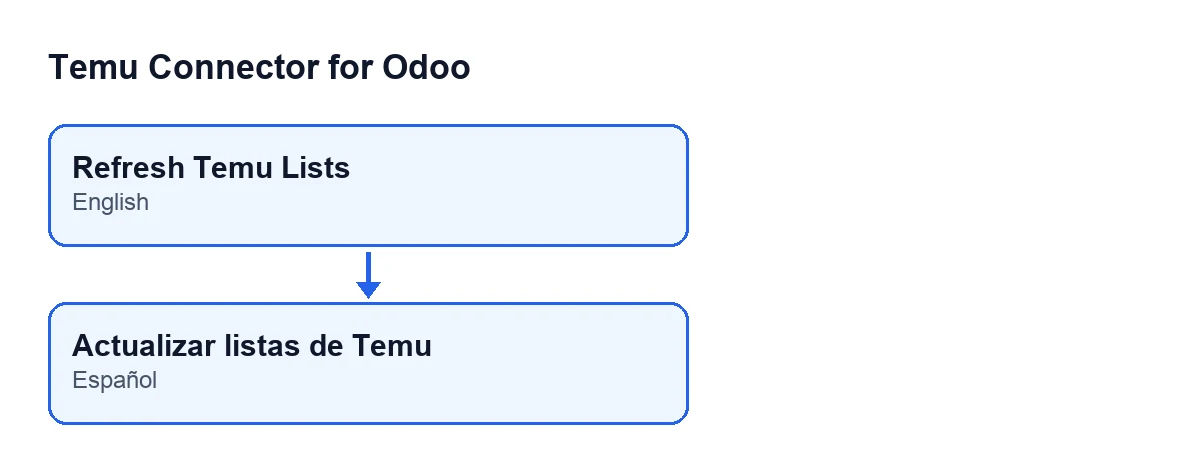
Temu listings open from the menu Temu › Catalog › Listings. The button Refresh Temu Lists sits on the Product Publishing screen. Its view has no condition: it is always visible, in Odoo 17, 18 and 19. With Odoo in English it is called Refresh Temu Lists; with Odoo in Spanish, Actualizar listas de Temu.
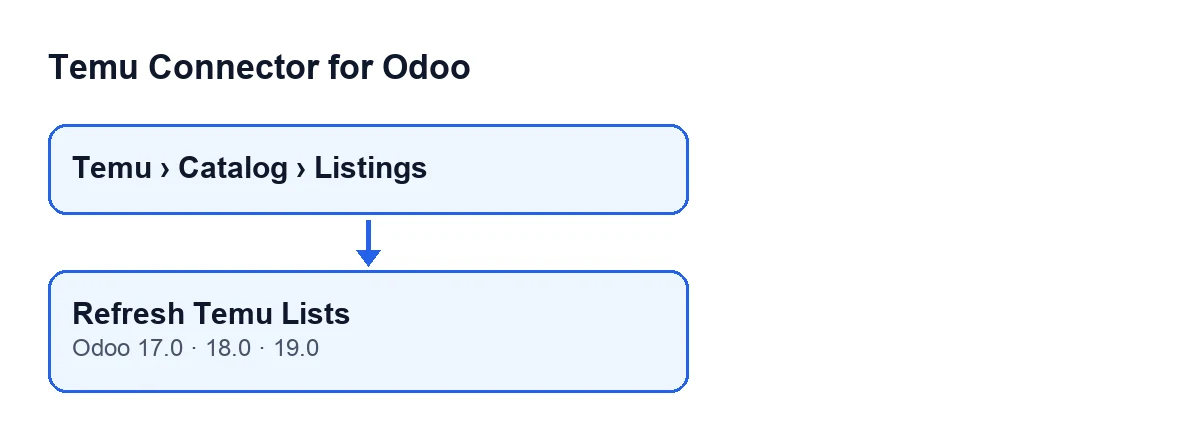
When you press it, the button acts on a single listing and uses that listing's Temu instance (the Instance field, visible on the form and in the list of Product Publishing). It starts from the figures the instance already has stored and runs, one after another, the refresh of freight templates, brands, manufacturers, responsible persons and origins. Categories are left out. When it finishes it shows a notification titled Temu lists refreshed, with one line per list: Categories in cache: …, Freight templates: …, Brands: …, Manufacturers: …, Responsible persons: …, Origin countries: … and Origin provinces/states: ….

Wrong ideas about the button
“If I do not press it, the Temu lists never load”
The normal route is not the button. The module ships the scheduled task Temu Sync Reference Cache, which runs every five minutes and is active on install. That task only works on instances whose list synchronisation is pending or running. As long as the part without categories has not been done on the instance, it runs the same quick refresh as the button once and then works through the categories. When it finishes it stores a summary and posts a message on the instance; if something fails, it stores the error and posts another message.
The button is there to repeat that quick refresh by hand: freight templates, brands, manufacturers, responsible persons and origins.
One detail of the task: if another transaction holds the lock on the instance row, the task skips that instance on that pass and notes it in the technical log.
“The button reloads the categories too”
It does not. The button asks for the refresh without categories, which is why the first line of the notification reads Categories in cache: … and not “refreshed”: it is the figure already stored. If that figure is zero, the button adds this warning: Quick refresh does not load categories. Use 'Sync Reference Cache' on the Temu instance once to import the real Temu category tree.
Categories are handled by the scheduled task in batches. It takes a queue of parent categories and processes one batch at a time, limited by size and by time. If the queue is not empty, the instance goes back to pending with a progress summary and the next pass carries on. When the queue is empty, the synchronisation is marked as done and the queue is cleared.
“The button only shows under certain conditions or versions”
Its view imposes no condition: it is always visible. It is in the published branches for Odoo 17, 18 and 19. What does depend on where you press it is the instance it works with: the one on the listing you have open.
“It refreshes all my Temu accounts at once”
Nor that. The button acts on a single record and asks the instance named in that listing's Instance field to refresh. If you work with several instances, the button on one listing does not reload the lists of the others.
“If one step fails, everything stops”
Each list is refreshed in its own step, and a failure in one does not stop the next ones. The error is collected and the button moves on to the next list. The figure for a list that failed is the one already stored, because the result starts from the stored figures.
With no errors, the notification is a success one. With any error, it becomes a warning, is marked as sticky and adds a line Warnings: … with the errors separated by | . Each error carries in front an internal identifier of the step that failed, followed by the error that step returned.
“Every Temu failure shows up the same way in the warning”
Not quite. For manufacturers and responsible persons, if there were already stored records and the module classes the error as a temporary Temu system error, the warning for that step reads Temu temporary system error. Cached records were kept., with the step identifier in front. For the other lists, the warning carries the error as that step returned it, and the notification shows the figure already stored for that list.
How to check it yourself
Open a listing from Temu › Catalog › Listings, check in Instance which instance it uses and press the button. Read the title and the lines of the notification: the type of the notification tells you whether there were errors, and the categories line shows the figure already stored for categories.
Cost and help from FlexigoTech
The module is a one-off payment per Odoo version and needs the FlexigoTech Cloud subscription, Connector plan: €49 a month or €490 a year, excluding VAT. The module price for each version is on its listing, and you can buy it on the module page. The connection goes through FlexigoTech Cloud, which stores the credentials encrypted and emails you if synchronisation fails.
FlexigoTech implements Odoo 17, 18, 19 and 20 and builds custom connectors and integrations. If your Temu catalogue needs something the module does not cover, tell us.
Keep reading
Checked in the connector's source code (version 19.0) and the linked sources
Sources
- Module source code: flexigobe_temu_connector 19.0 (455b3f0f): views/temu_product_binding_views.xml
- Module source code: flexigobe_temu_connector 19.0 (455b3f0f): models/temu_product_binding.py
- Module source code: flexigobe_temu_connector 19.0 (455b3f0f): models/temu_instance.py
- flexigotech.com/precios.html
- flexigotech.com/en/services.html