

 Español
 Català
 Deutsch
 Français
 Português
 Italiano
 Nederlands
 Polski
When the message appears, according to the code
The full message reads:
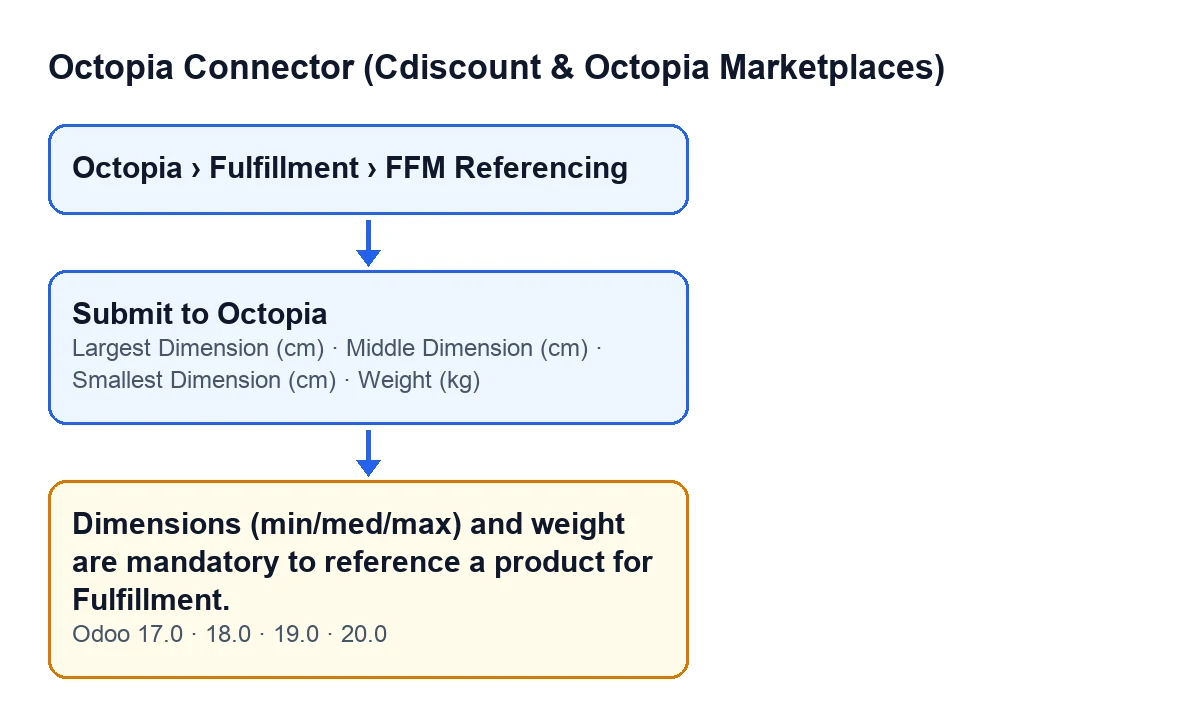
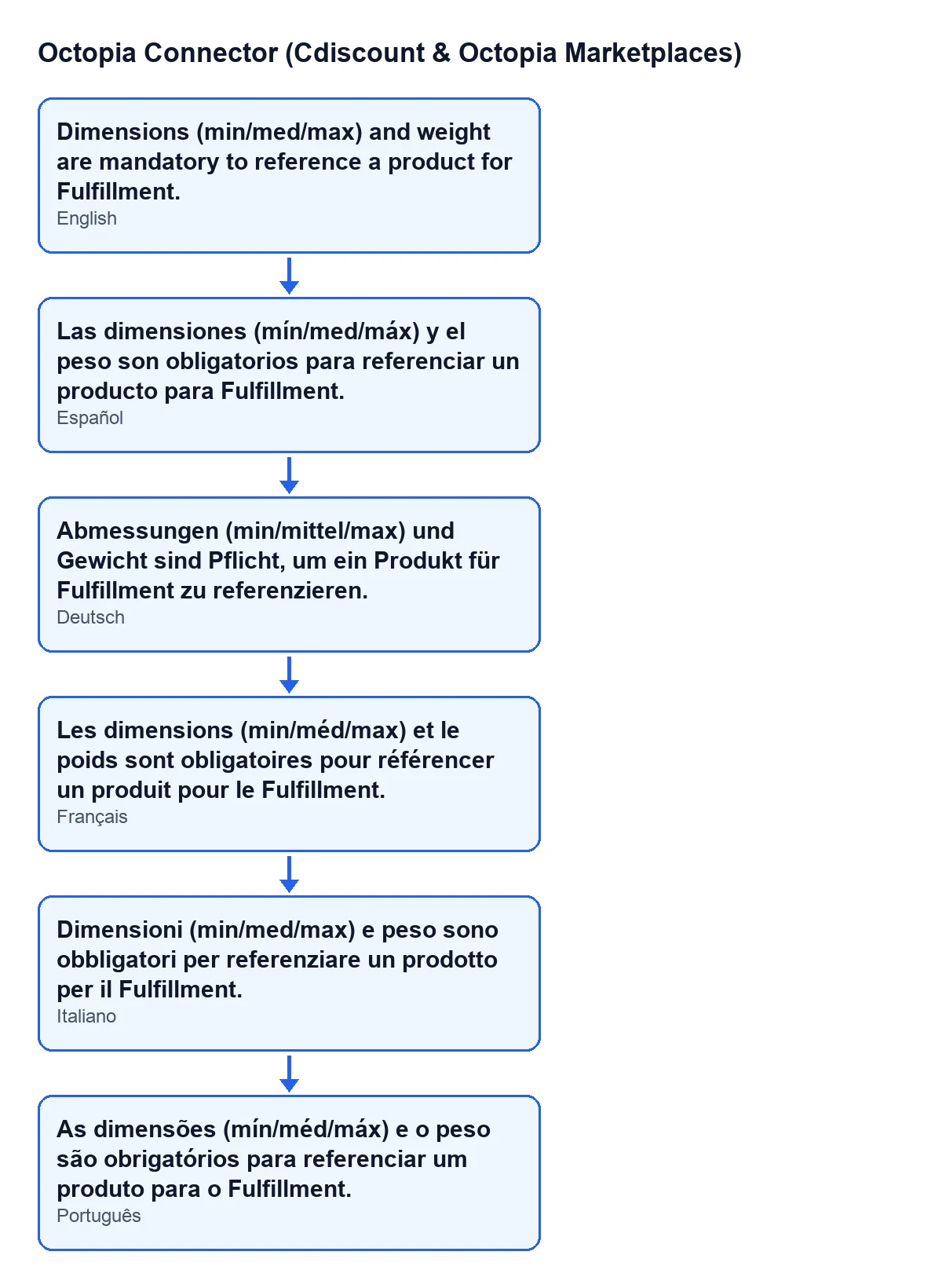
Dimensions (min/med/max) and weight are mandatory to reference a product for Fulfillment.
It appears when you press the Submit to Octopia button on an FFM Referencing record. Before preparing anything to send, the module looks at four values on the record: Smallest Dimension (cm), Middle Dimension (cm), Largest Dimension (cm) and Weight (kg). If any of the four is empty or zero, the action stops and the message is shown. One missing value is enough.
The message is in the published code of all four branches, Odoo 17, 18, 19 and 20.
Where the record is and when the button shows
The records open from Octopia › Fulfillment › FFM Referencing. The Octopia part of the menu requires the Octopia User permission: without it, you do not see that part of the menu.
The Submit to Octopia button is hidden when the State of the record is no longer the initial one, draft; with the default values it is visible. This is the same in Odoo 17, 18, 19 and 20. The code also lets records that are not in draft through without checking: the check behind this message only affects records that have not been submitted yet.

A case from start to finish
Example Illustrative case: the company and its figures are made up to explain the flow.
Hogar Norte is a made-up shop used for this example. It sells kitchenware and already works with Octopia Connector. A member of the team, holding the Octopia User permission, opens Octopia › Fulfillment › FFM Referencing and goes into the record of a product they want to reference for Fulfillment. In the Logistics group they have typed the smallest and middle dimensions but left the largest dimension and the weight unfilled, because the packed box was not to hand.
They press Submit to Octopia. Odoo shows Dimensions (min/med/max) and weight are mandatory to reference a product for Fulfillment. and the record stays as it was: still in draft, with the button still visible. The message does not say which field is missing, so the thing to do is review all four.
How Hogar Norte fixes it
- They reopen the record from
Octopia › Fulfillment › FFM Referencing. - They go to the
Logisticsgroup on the record, where the four fields are. - They measure the packed box and fill in
Smallest Dimension (cm),Middle Dimension (cm)andLargest Dimension (cm), then type theWeight (kg). The weight also appears as a column in theFFM Referencinglist, so you can check at a glance which records have it. - They press
Submit to Octopiaagain. - They check the result: if the submission goes through, the record's state has changed and the button is no longer visible.
What the module does once everything is filled in
With all four values present, the method carries on. It prepares the record's data for Octopia (GTIN, label, seller reference, the three dimensions, the weight, the product condition and the traceability) and sends it through the account's connection. Other details, such as the product value, the country of origin or the indication that the product has an expiry date, are only added if the record has them filled in or ticked.
The module then stores the response it received on the record, moves the record to the submitted state and leaves an entry in the Octopia sync log, marked as successful and naming the product referenced for Fulfillment. Because the button only shows in draft, it disappears as soon as the record reaches that state.
The order matters for understanding the message: the dimensions and weight check comes before all of the above. So while the message appears, nothing is sent to Octopia, the record does not change state and that log entry is not created.
What to take from the case
- The message is a check on the record before anything is prepared or sent to Octopia.
- The condition is all or nothing. Even if three of the four values are fine, one empty or zero value still triggers it.
- You fix it on the record itself, in the
Logisticsgroup, and repeat with the same button. No other action is needed. - This message only concerns those four values.
Cost and help
Octopia Connector is a one-off purchase per Odoo version (17, 18, 19 and 20 on Odoo Apps, with its price on the listing) and needs a FlexigoTech Cloud subscription, Connector plan: €49 a month or €490 a year, excluding VAT. The connection goes through FlexigoTech Cloud, which stores the credentials encrypted and watches the synchronisation.
If you are implementing Odoo and want your products' logistics data in good order before referencing them, FlexigoTech implements Odoo 17, 18, 19 and 20 and builds custom connectors and integrations.
Keep reading
Checked in the connector's source code (version 20.0) and the linked sources
Sources
- Module source code: flexigobe_octopia_connector 20.0 (4848da6a): models/octopia_ffm_setup.py
- Module source code: flexigobe_octopia_connector 20.0 (4848da6a): views/octopia_completeness2_views.xml
- apps.odoo.com/apps/modules/20.0/flexigobe_octopia_connector
- flexigotech.com/en/services.html
- flexigotech.com/precios.html