

 Español
 Català
 Deutsch
 Français
 Português
 Italiano
 Nederlands
 Polski
What the message means and when it appears
What does Every parcel needs a parcel number. mean?
It means that in the window where you declare an order's shipment, at least one parcel line has an empty parcel number. The module will not declare the shipment to Octopia if any parcel goes without one: the message stops the action and it goes no further.
When exactly does it appear?
The module goes through the parcel lines in the window, one after another. For each one it checks whether the parcel number is empty; as soon as it finds an empty one, it raises the message and stops at that point. One empty line is enough, even if all the others are filled in. The code also runs other checks on the order before it goes through the lines, and on each line after this one. This message only appears when the parcel number is empty; if you see different text, the cause is another one.
Which button triggers it?
Declare to Octopia, the button in that same window. In Odoo 17, 18, 19 and 20 the button is always visible, and the message is in the published code of all four versions.
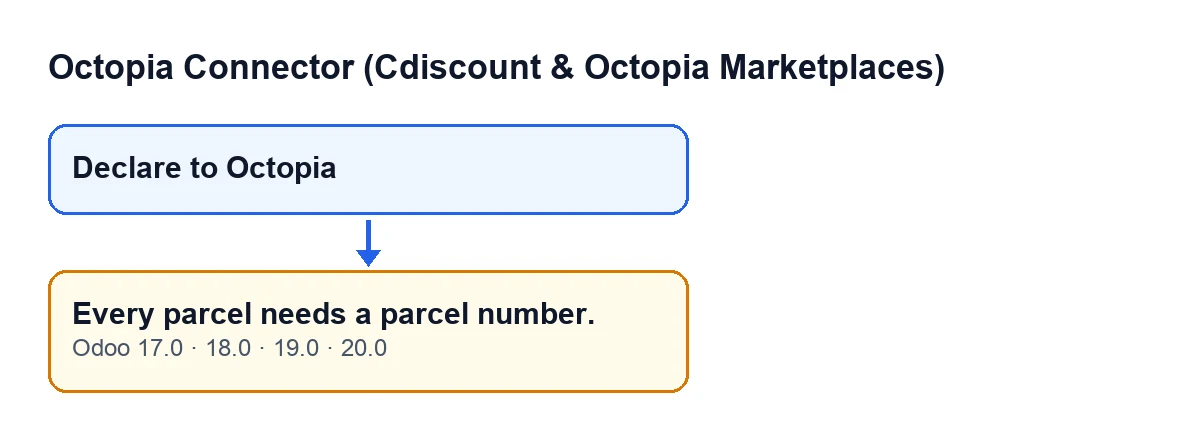
Declare to Octopia button and, below it, the message, with the original texts from the code.How will I see it in my Odoo?
With Odoo in English, the message reads Every parcel needs a parcel number. and the button is called Declare to Octopia. The module ships the same text translated into other languages; the next figure shows the message in Spanish, German, French, Italian and Portuguese.
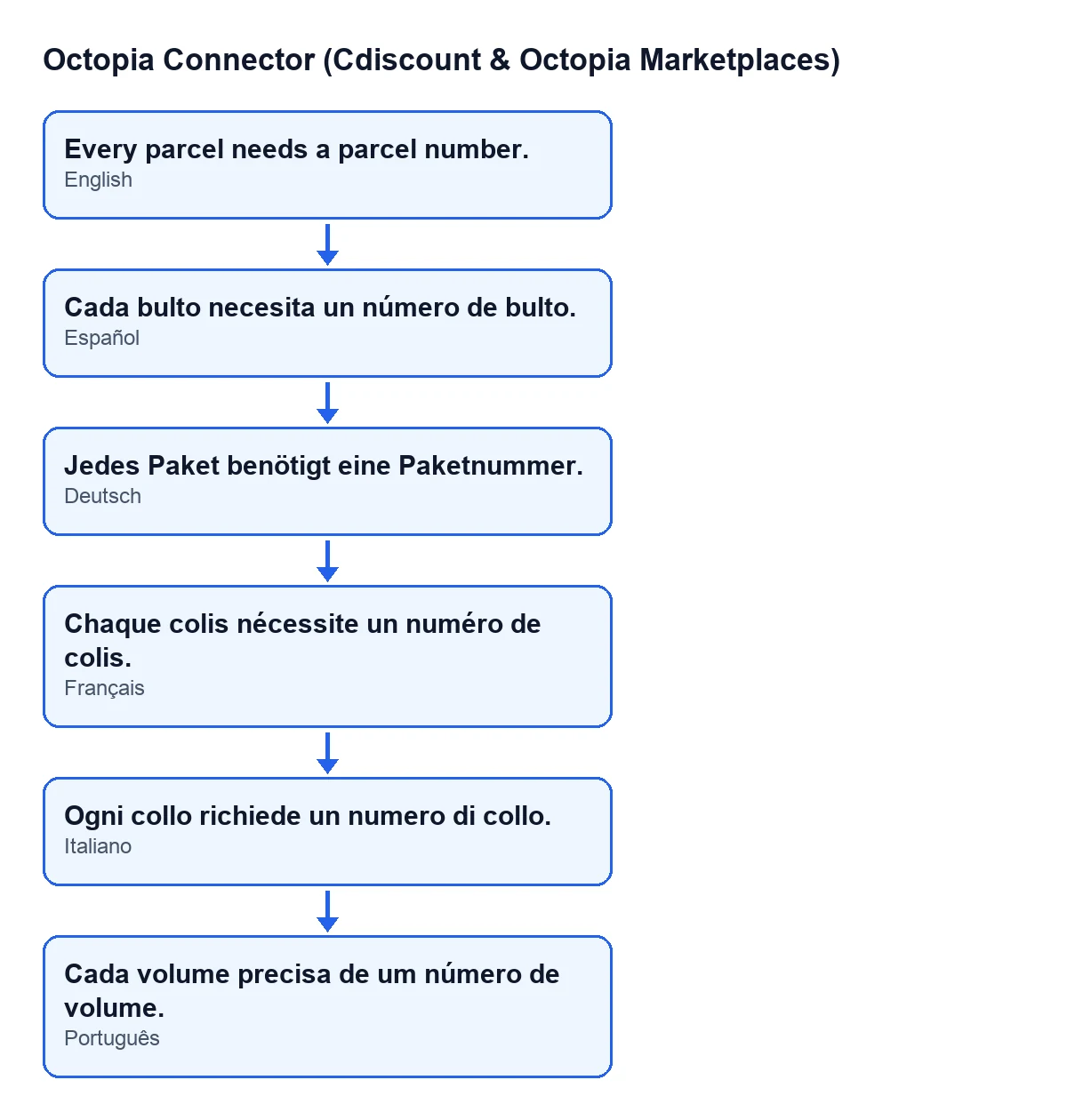
Cada bulto necesita un número de bulto.
What happens when it appears
Is anything sent to Octopia when I see the message? Is it a connection problem?
Nothing is sent. The message stops the action and nothing it was going to change is saved. The parcel number check comes before the shipment record is created, before the connection to Octopia is prepared and before anything is declared. So no shipment record is created, Octopia is not called and the order does not move to shipped. It is not a connection failure: it is a check on what is in the window. You can fix the missing line and press Declare to Octopia again without anything having been left half done.
What is sent to Octopia once every line passes the check?
For each parcel, the module builds an entry with the parcel number and the carrier name (the mapped carrier's, or the free text if there is none), and adds the tracking URL if the line has one. It then creates the shipment record and declares the shipment to Octopia. If the declaration fails, the action stops with the error. If it does not fail, the module marks the shipment record as sent, moves the order to shipped and adds an entry to the module's sync log. Cdiscount Marketplace's CGMAD (p. 47) state that the shipment confirmation carries the tracking number; what this message checks is the parcel number on each line.
How to fix it
What do I do to make it go away?
Go through the parcel lines in the window one by one and check that every one has its parcel number, the last one included. When none is left empty, press Declare to Octopia again. If there are several parcels, each one is a line and each line needs its own number: filling in one does not cover the others. While any line is still empty, the action stops and nothing is declared.
What if the message keeps appearing?
Then at least one line still has an empty number. The module stops at the first one it finds, so fixing that one does not guarantee the following lines are fine: check them all before pressing again. If a different message appears, deal with it separately, because this one only concerns the parcel number.
Can you help me implement Odoo with Octopia?
FlexigoTech implements Odoo 17, 18, 19 and 20 and builds custom connectors and integrations. If the way you declare shipments needs something more tailored, it can be looked at as custom development.
Keep reading
Checked in the connector's source code (version 20.0) and the linked sources
Sources
- Module source code: flexigobe_octopia_connector 20.0 (4848da6a): wizard/octopia_shipment_wizard.py
- Module source code: flexigobe_octopia_connector 20.0 (4848da6a): views/octopia_completeness2_views.xml
- marketplace.cdiscount.com/wp-content/uploads/2025/08/2025.08.25-CGMAD-FR.pdf
- flexigotech.com/en/services.html