

 Español
 Català
 Deutsch
 Français
 Português
 Italiano
 Nederlands
 Polski
The error as you see it
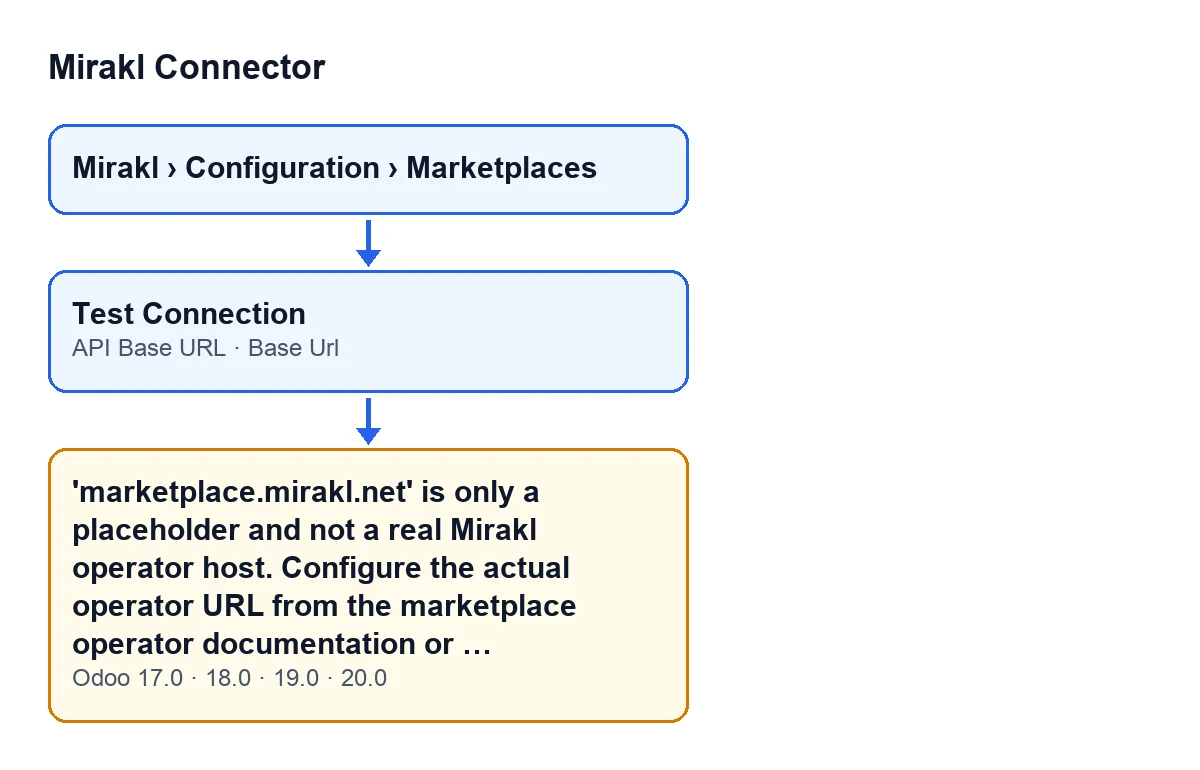
The message reads: 'marketplace.mirakl.net' is only a placeholder and not a real Mirakl operator host. Configure the actual operator URL from the marketplace operator documentation or support. Example for ADEO/Leroy: https://adeo-marketplace.mirakl.net and https://adeo-marketplace.mirakl.net/api. It is an error: the action stops.
In short: Base Url or API Base URL holds exactly the placeholder address (https://marketplace.mirakl.net, or the same with /api), which the module does not accept as the real host of a Mirakl operator.
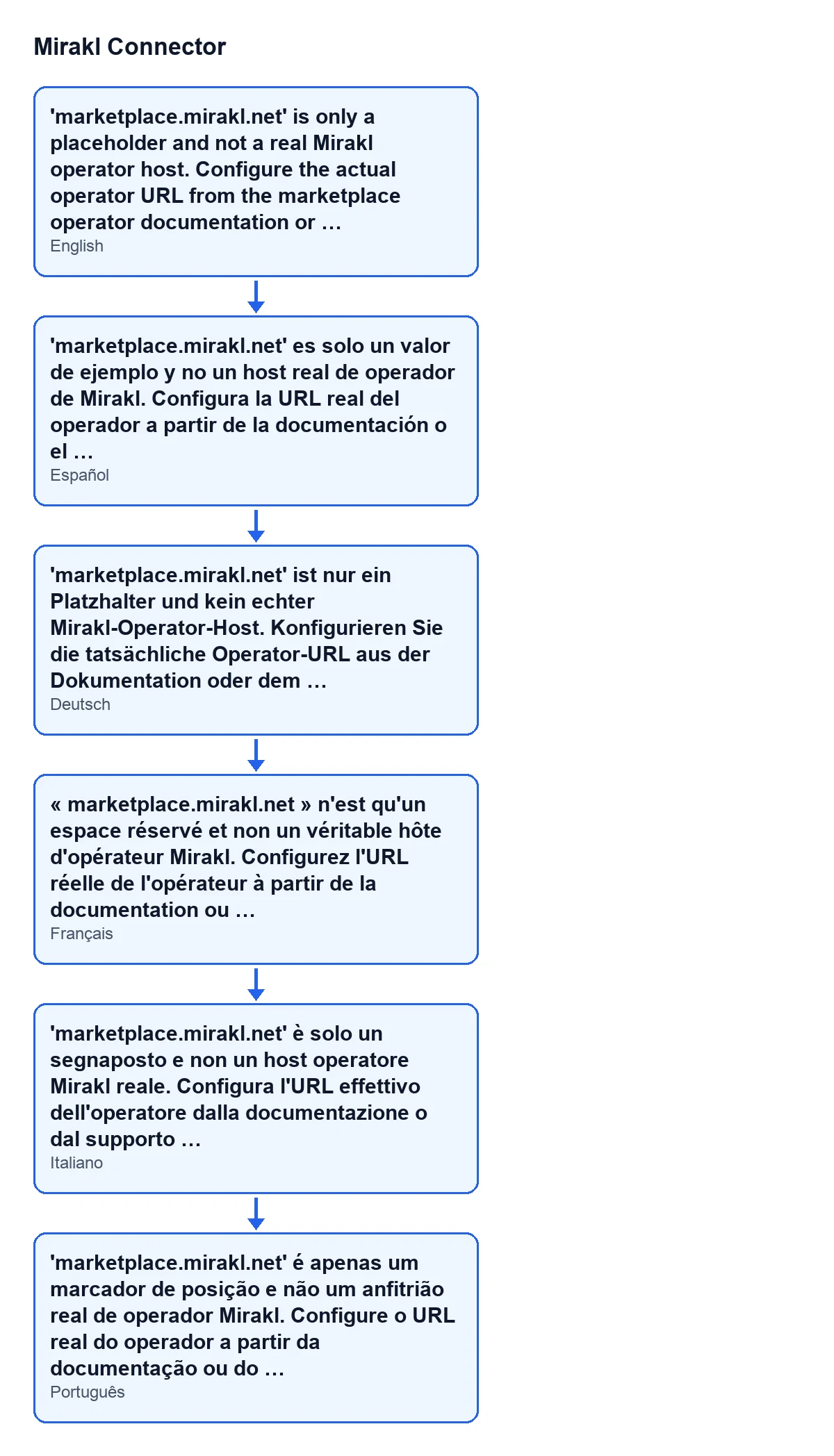
The same message is shown in the language of your Odoo. The diagram below shows it in Spanish, German, French, Italian and Portuguese.

Details the form does not show
It can appear when you press Test Connection
The Test Connection button sits in the instance view and is always visible, in Odoo 17, 18, 19 and 20. When you press it, the module reaches the check of the connection settings and, if the condition below is met, raises this error. The Mirakl Instances forms open from the menu Mirakl › Configuration › Marketplaces.
The value has to equal a placeholder address
The module compares the value of Base Url and the value of API Base URL with a set of specific addresses, and raises the error if either one matches exactly:
Base Urlishttps://marketplace.mirakl.netorhttp://marketplace.mirakl.net.API Base URLishttps://marketplace.mirakl.net/apiorhttp://marketplace.mirakl.net/api.
If just one of the two is one of those addresses, the error appears, even when the other one is correct.
A real URL that contains that text does not trigger it
The module does not look for the text marketplace.mirakl.net inside the field: it compares the whole value with the list above. An address such as https://adeo-marketplace.mirakl.net ends in those same words, but it is not equal to any placeholder address, so it does not raise this message. That is why you should leave alone an operator URL that is already correct.
Trailing slashes and the protocol make no difference
Before comparing, the module strips the trailing slashes from each address. So https://marketplace.mirakl.net/ counts as the placeholder just like the version without a slash. The list of placeholder addresses also includes both the https and the http form, so changing the protocol does not get around the check.
There is no single host shared by every marketplace
The help text of Base Url says: Real Mirakl operator host. Mirakl does not provide a universal host shared by every marketplace. Example: https://adeo-marketplace.mirakl.net (auto-filled for known operators; enter it from your seller account otherwise). Required before you can Test Connection or sync.
In other words, according to that help text, for known operators the field fills itself in; for the others, you enter the address from your seller account, or take it from the operator's documentation or support, as the message itself says. And since the help text marks it as required before you can test the connection or sync, it is best to get it right from the start.
The API address has its own help text
The help text of API Base URL says: Real Mirakl API base URL for the selected operator. Usually it is Base Url + /api. Example: https://adeo-marketplace.mirakl.net/api. Both fields are on the same form, in the Connection tab, Access group.
How to fix it
- Open
Mirakl › Configuration › Marketplacesand go into the instance form. - Go to the
Connectiontab and theAccessgroup:Base UrlandAPI Base URLare there. - Look at which of the two is exactly one of the placeholder addresses listed above (it may be just one, or both). Leave alone any that already holds your operator's URL.
- In
Base Url, if it is the placeholder, enter your operator's real host. For ADEO/Leroy, the example in the message itself ishttps://adeo-marketplace.mirakl.net. If your operator is a different one, the message points you to the marketplace operator's documentation or support, and the field's help text to your seller account. - In
API Base URL, if it is the placeholder, enter the operator's real API URL. For ADEO/Leroy, the example ishttps://adeo-marketplace.mirakl.net/api. - With the addresses changed, press
Test Connectionagain.
What to check afterwards
Make sure neither address is still https://marketplace.mirakl.net or https://marketplace.mirakl.net/api, with or without a trailing slash and with https or http. Also make sure API Base URL belongs to the same operator as Base Url, as its help text suggests by giving the ADEO/Leroy example. If you want to go through the rest of the instance fields, we cover them in the Mirakl Instance fields.
It is in every published version
In Odoo 20.0, the module runs the check as explained above. The message is in the published code of all four branches, 17.0, 18.0, 19.0 and 20.0, and the module is published on Odoo Apps for those same versions.
If you would rather have it set up for you
FlexigoTech implements Odoo 17, 18, 19 and 20 and builds custom connectors and integrations. If you want someone to get your Mirakl instance connected alongside you, see the module page or the listing on Odoo Apps.
Keep reading
Checked in the connector's source code (version 20.0) and the linked sources
Sources
- Module source code: flexigobe_mirakl_connector 20.0 (aa05e537): models/mirakl_instance.py
- Module source code: flexigobe_mirakl_connector 20.0 (aa05e537): views/mirakl_instance_views.xml
- Module source code: flexigobe_mirakl_connector 20.0 (aa05e537): models/mirakl_ai.py
- apps.odoo.com/apps/modules/20.0/flexigobe_mirakl_connector
- flexigotech.com/en/services.html