

 Español
 Català
 Deutsch
 Français
 Português
 Italiano
 Nederlands
 Polski
Where the button is and when you see it
Where do I find the Match Bank Deposit button?
It is on the Settlements screen, which you reach through the menu Amazon › Finances › Settlements (payouts & fees). Each part of the menu requires the Viewer permission: if you do not have it, you do not see that part. The second diagram shows what the button is called when Odoo runs in other languages.
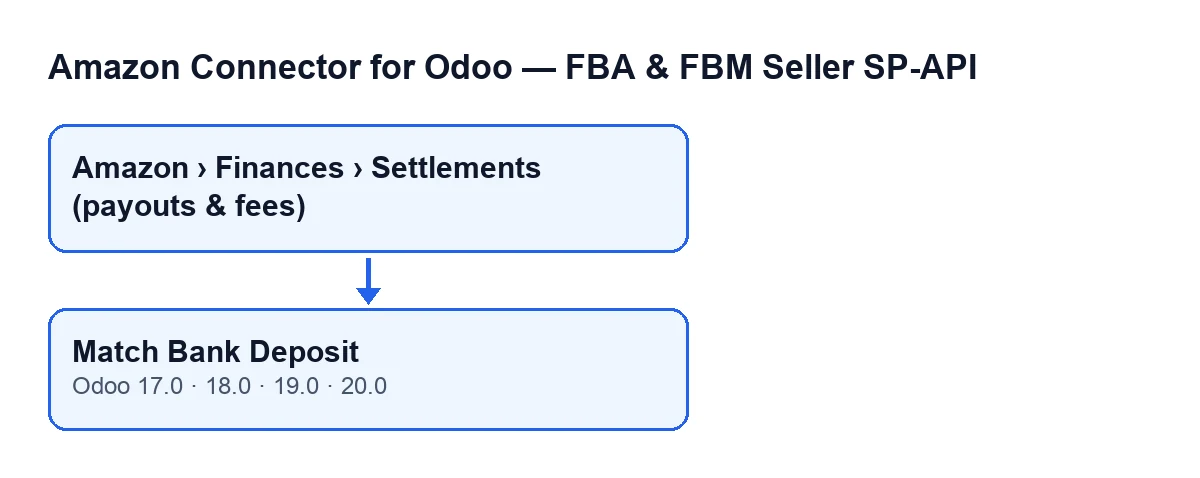
Match Bank Deposit button, present in Odoo 17, 18, 19 and 20.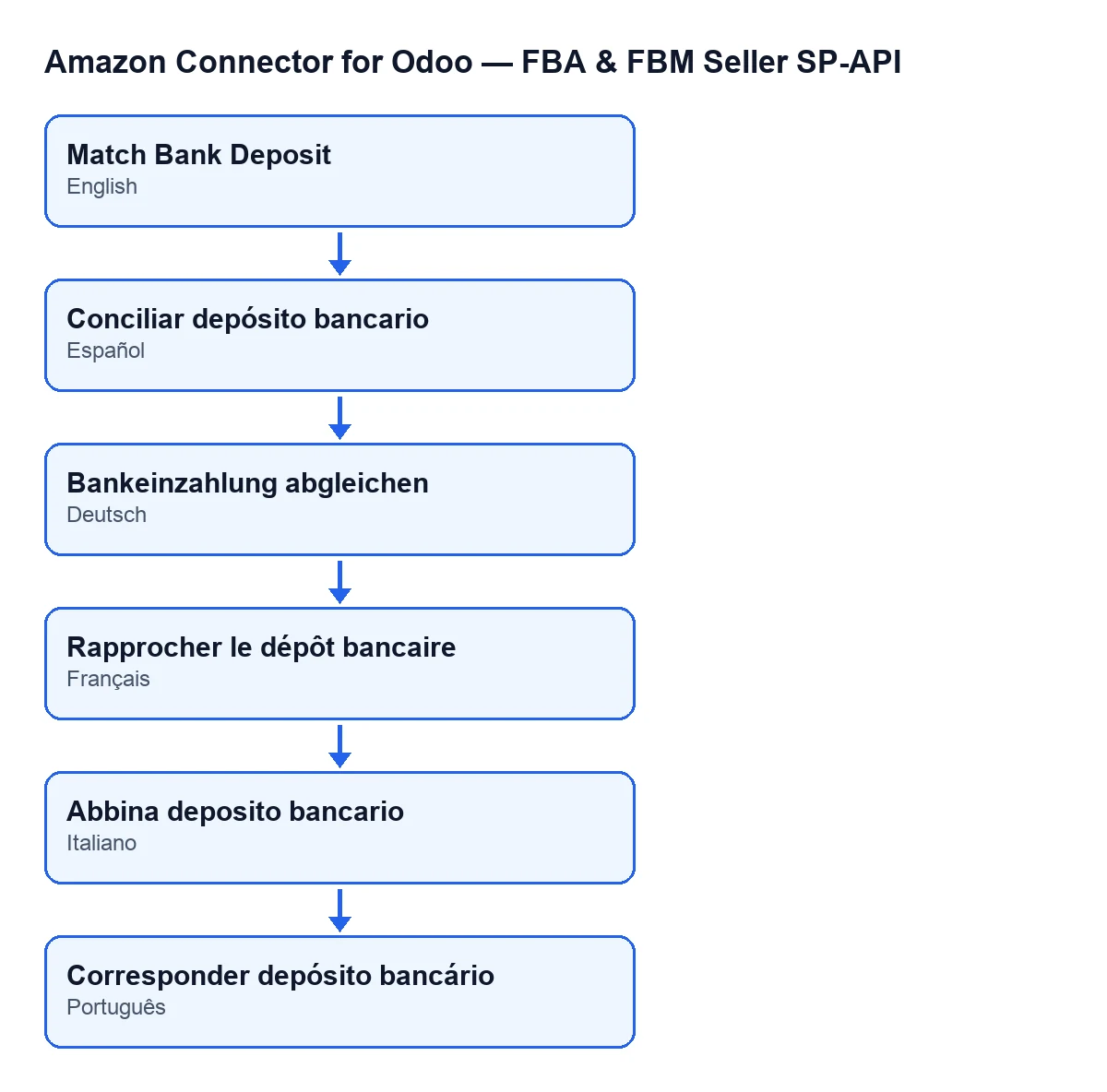
Match Bank Deposit, in German Bankeinzahlung abgleichen, in French Rapprocher le dépôt bancaire, in Italian Abbina deposito bancario and in Portuguese Corresponder depósito bancário.When does the button appear, and when is it hidden?
It is hidden when the settlement already has a value in the Bank deposit line field. With the default values that field is empty and the button is visible. Besides, if you press the button on a settlement that already has a linked line, it finishes without doing anything and without an error.
Is it in every Odoo version?
Yes. The button is in the published branches of the module: Odoo 17, 18, 19 and 20, the four versions for which the module is published on Odoo Apps.

First what Odoo does by itself, then the button
Do I have to press the button on every settlement?
Not necessarily. The module includes the scheduled task Amazon SP-API - Match settlement bank deposits, which runs once a day and is active on installation. It only acts on the Amazon accounts that have this automatic matching switched on. It looks for settlements with no linked bank line and, by default, covers the last 60 days, from the most recent deposit date to the oldest, up to 200 per run. For each one it applies the same search as the button, with the same result (a link and a note), but without error messages: if there is no candidate, or several with no tie-breaker, it leaves the settlement unlinked and moves on to the next. If a settlement hits an unexpected failure, the task records a warning in the log and carries on as well. That is why the button is the way to have Odoo tell you, on one specific settlement, why it could not link it.
What exactly does the button do, in order?
When you press it on a settlement's form, it looks for the payout of that settlement. First it checks whether the settlement already has a linked line: if so, it does nothing. Then it looks for candidate bank lines. If it finds exactly one, it links it. If it finds none, or finds several and cannot choose, it stops with a message.
How does it break a tie when several lines have the same amount?
Among the candidates it keeps those that mention "amazon" in the line's payment reference or in the name of its contact, regardless of capitalisation. If exactly one is left, that is the one chosen. If none is left, or several are, it links nothing: the module's rule is not to guess when money is involved.
What changes in Odoo when it succeeds?
Three things. It fills in Bank deposit line with the line it found, stores the date and time of the linking, and posts a note on the settlement: Bank deposit matched: statement line "…" of … (…) identified as this settlement's payout. The note carries the line's reference (or its name, if it has no reference), its date and its amount. Nothing else: the module only links and leaves a note, without reconciling the line with any entry or creating accounting entries. After linking, the button is no longer shown on that settlement.
When the button stops
What happens if it cannot find one clear line?
There are two cases in which the button stops with a message instead of linking: when it finds no candidate line, and when it finds several and not even a mention of Amazon leaves a single one. In both the action is cut short, no link from that click is saved and the settlement still has no linked line, so the button stays visible. In the second case the message asks you to link the right one manually: the module prefers to link nothing rather than risk it where money is involved.
What do I need to use it, and what does it cost?
The module is bought once per Odoo version and needs the FlexigoTech Cloud subscription, Connector plan: €49 per month or €490 per year, excluding VAT. The module price for each version is on its Odoo Apps listing and on the module page. With the subscription, the module for newer Odoo versions is included if you bought it on flexigotech.com; on the Odoo App Store, each Odoo version is bought there.
If you want help setting it up
FlexigoTech implements Odoo 17, 18, 19 and 20 and builds custom connectors and integrations.
Keep reading
Checked in the connector's source code (version 20.0) and the linked sources
Sources
- Module source code: flexigobe_amazon_seller_connector 20.0 (8576afa5): views/amazon_spapi_settlement_views.xml
- Module source code: flexigobe_amazon_seller_connector 20.0 (8576afa5): models/amazon_spapi_settlement.py
- apps.odoo.com/apps/modules/20.0/flexigobe_amazon_seller_connector
- flexigotech.com/en/services.html
- flexigotech.com/precios.html