

 Español
 Polski
What KSeF says
| Code | KSeF text | Status in Odoo 18, 19 and 20 |
|---|---|---|
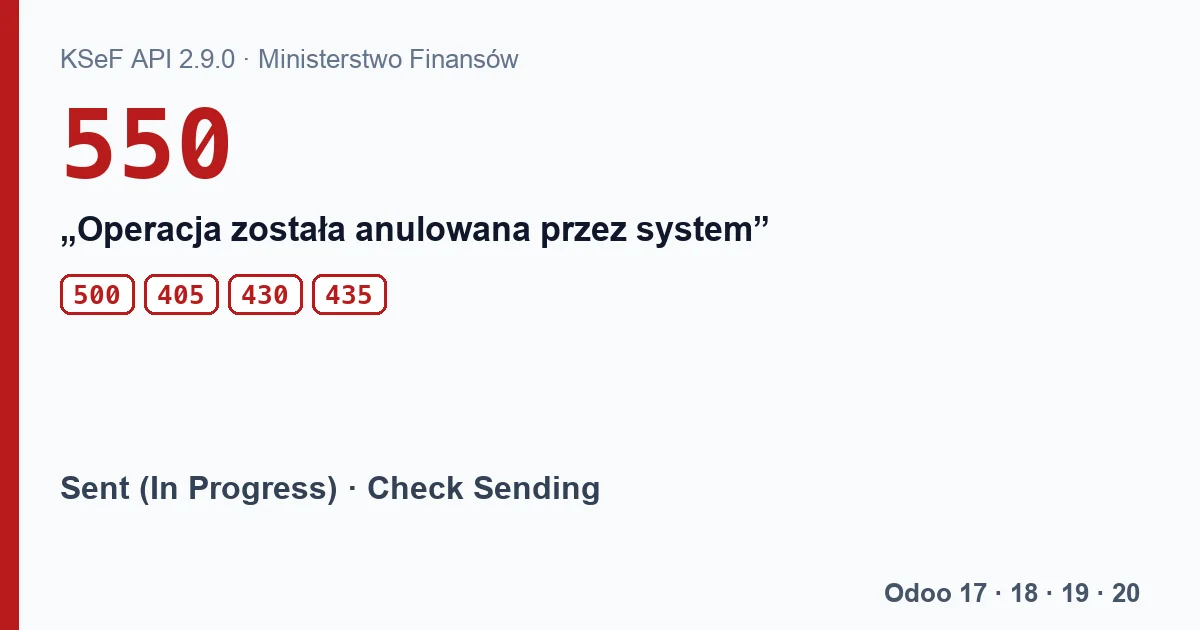
| 550 | “Operacja została anulowana przez system” (cancelled by the system), details “Przetwarzanie zostało przerwane z przyczyn wewnętrznych systemu. Spróbuj ponownie” (stopped for internal reasons; try again) | Stays Sent (In Progress) |
| 500 | “Nieznany błąd ({statusCode})” (unknown error) | Rejected, with KSeF's description |
| 405 | “Przetwarzanie anulowane z powodu błędu sesji” (processing cancelled because of a session error) | Rejected |
| 430 | “Błąd weryfikacji pliku faktury” (invoice file verification error) | Rejected |
| 435 | “Błąd odszyfrowania pliku” (file decryption error) | Rejected |
550: the invoice is stuck in Sent
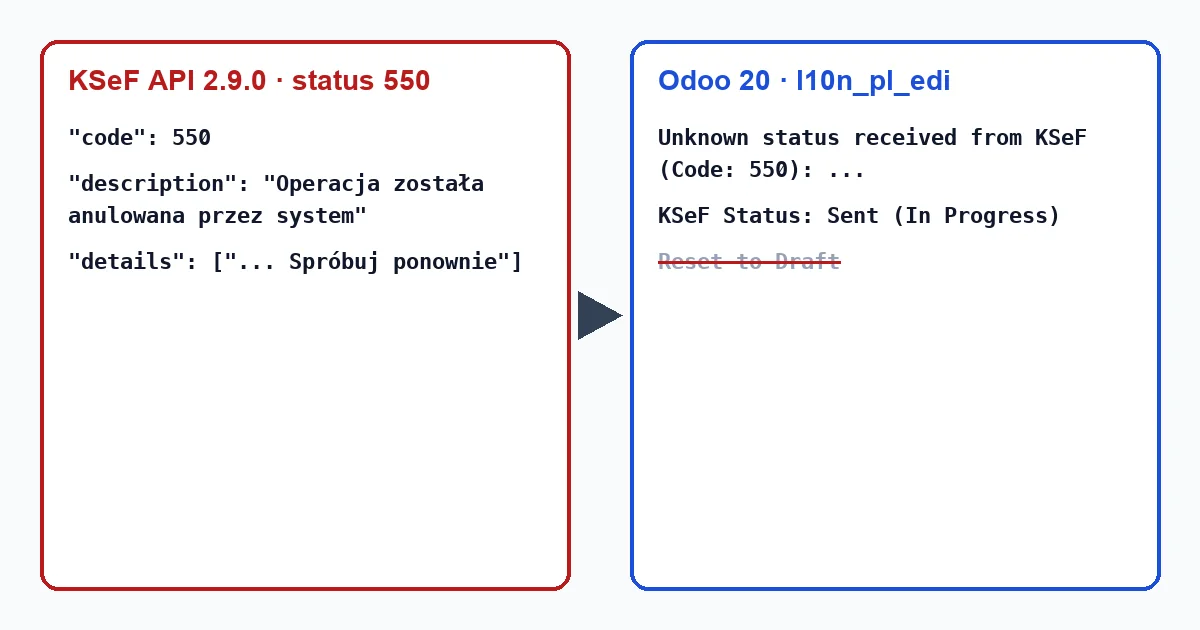
Odoo only maps codes 100, 150, 200, 405, 410, 415, 430, 435, 440, 450 and 500 to its own statuses. Anything else, 550 included, ends in the message “Unknown status received from KSeF (Code: 550): …” and leaves “KSeF Status” unchanged. So the invoice stays in Sent (In Progress), and Odoo does not show the reset-to-draft button on it.
KSeF says “try again”, but Odoo cannot do that from the invoice: it only sends invoices without a KSeF status. The “Check Sending” button and the scheduled action only ask again for the status, which will still be 550.
Getting out of this state needs a change outside Odoo's interface, so report it to your partner or whoever maintains your Odoo. This follows from the code of Odoo 18, 19 and 20; we have not tried it against production KSeF.
500, 405, 430 and 435: rejected, ready to send again
For these four Odoo sets the status to Rejected. For 500 it appends KSeF's description; for the others it shows its own fixed text. The KSeF documentation gives no list of causes for them beyond what the name says:
- 405: processing was cancelled because of an error in the session the invoice was sent in;
- 430: KSeF could not verify the invoice file itself;
- 435: KSeF could not decrypt the file, which the sending program encrypts with AES-256-CBC and the key passed when the session opens.
Odoo builds and encrypts the file itself, so a recurring 430 or 435 points to the sending program, not to the invoice data.
What to do
- For 500, 405, 430 and 435, reset the invoice to draft (Odoo then clears its KSeF status and number), confirm it and send it again.
- For 550, check the status again with “Check Sending”. If it is still 550, processing was stopped and the invoice has to be sent again.
- Then pass it to whoever maintains your Odoo so it can be sent again. If you send it through another channel, it will stay in Sent in Odoo.
Our module, Poland KSeF 2.0 Validator, only takes the status from l10n_pl_edi: with a 550 the invoice stays Submitted there as well.
Keep reading
Checked in the module's source code (version 20.0) and the linked sources
Sources
- github.com/CIRFMF/ksef-api/blob/ce3670ea042de380039de4c5849fd6455811b292/open-api.json
- github.com/odoo/odoo/blob/2fec20391a8a61ea3a3bf15e9f24d59dba910a8d/addons/l10n_pl_edi/mode
- github.com/odoo/odoo/blob/2fec20391a8a61ea3a3bf15e9f24d59dba910a8d/addons/l10n_pl_edi/mode
- github.com/odoo/odoo/blob/2fec20391a8a61ea3a3bf15e9f24d59dba910a8d/addons/l10n_pl_edi/mode
- github.com/odoo/odoo/blob/2fec20391a8a61ea3a3bf15e9f24d59dba910a8d/addons/l10n_pl_edi/mode
- github.com/odoo/odoo/blob/2982b5f44af03fae6a9888f20632c1cc19f623ba/addons/l10n_pl_edi/mode
- github.com/odoo/odoo/blob/4d2d4b5895db70596863df941d9a1f0beeb117f8/addons/l10n_pl_edi/mode
- github.com/odoo/odoo/blob/2fec20391a8a61ea3a3bf15e9f24d59dba910a8d/addons/l10n_pl_edi/mode
- github.com/odoo/odoo/blob/2fec20391a8a61ea3a3bf15e9f24d59dba910a8d/addons/l10n_pl_edi/mode
- github.com/odoo/odoo/blob/2fec20391a8a61ea3a3bf15e9f24d59dba910a8d/addons/l10n_pl_edi/mode
- github.com/odoo/odoo/blob/2fec20391a8a61ea3a3bf15e9f24d59dba910a8d/addons/l10n_pl_edi/mode
- github.com/odoo/odoo/blob/2fec20391a8a61ea3a3bf15e9f24d59dba910a8d/addons/l10n_pl_edi/data
- github.com/odoo/odoo/blob/2fec20391a8a61ea3a3bf15e9f24d59dba910a8d/addons/l10n_pl_edi/mode
- github.com/odoo/odoo/blob/2fec20391a8a61ea3a3bf15e9f24d59dba910a8d/addons/l10n_pl_edi/mode
- github.com/odoo/odoo/blob/2982b5f44af03fae6a9888f20632c1cc19f623ba/addons/l10n_pl_edi/i18n
- github.com/CIRFMF/ksef-api/blob/ce3670ea042de380039de4c5849fd6455811b292/faktury/weryfikac
- Module source code: flexigo_poland_ksef_2_0_e_invoice_connector_and_migrati 20.0 (ba7c60f1): models/account_move.py