

 Español
 Català
 Deutsch
 Français
 Português
 Italiano
 Nederlands
 Polski
Where the fields are and how they are labelled
Where do I open the FBA stock records?
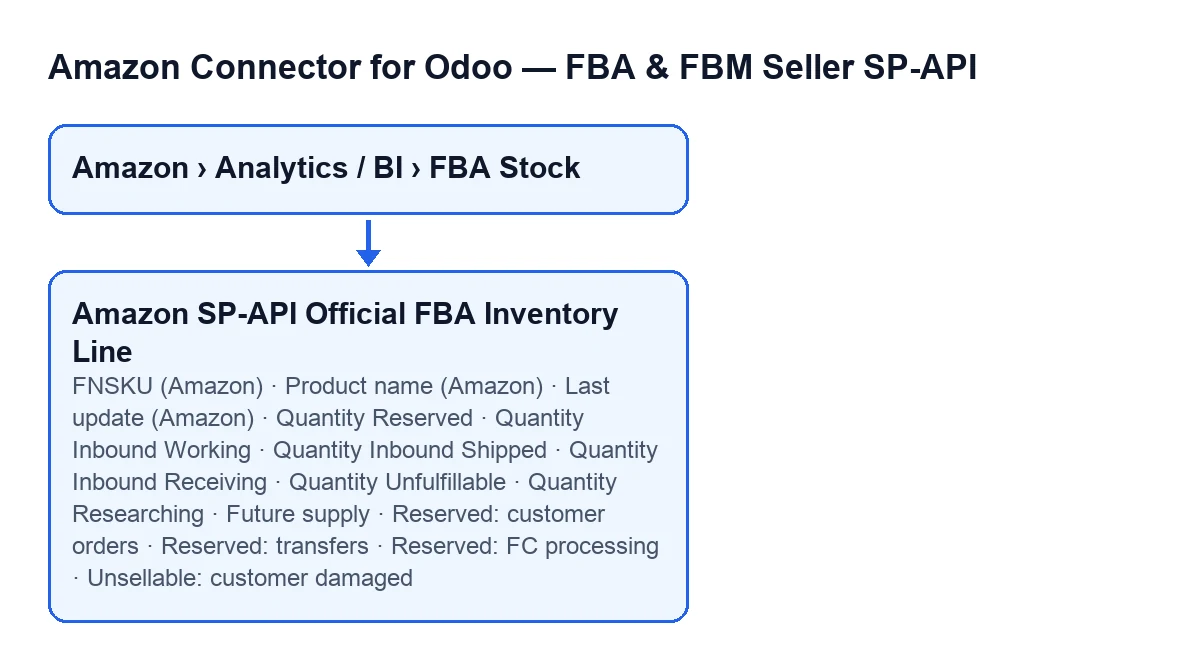
From the menu Amazon › Analytics / BI › FBA Stock. Each part of the menu asks for the Viewer permission: if you lack it on one of them, you do not see that part. The screen is called FBA Stock (BI) and has a list and a form.
Why does the same field have a different label in the list and in the form?
Because the list uses shorter labels. A few examples: in the form you will see Quantity Reserved and in the list Reserved; Quantity Inbound Working becomes Inbound Working; Quantity Unfulfillable becomes Unfulfillable; Quantity Researching becomes Researching. The product name changes too: Product name (Amazon) in the form and Product (Amazon) in the list. If you cannot find a column under the form's label, try the short one.

Identifying the product and knowing how old the data is
What is FNSKU (Amazon) and what should I put there?
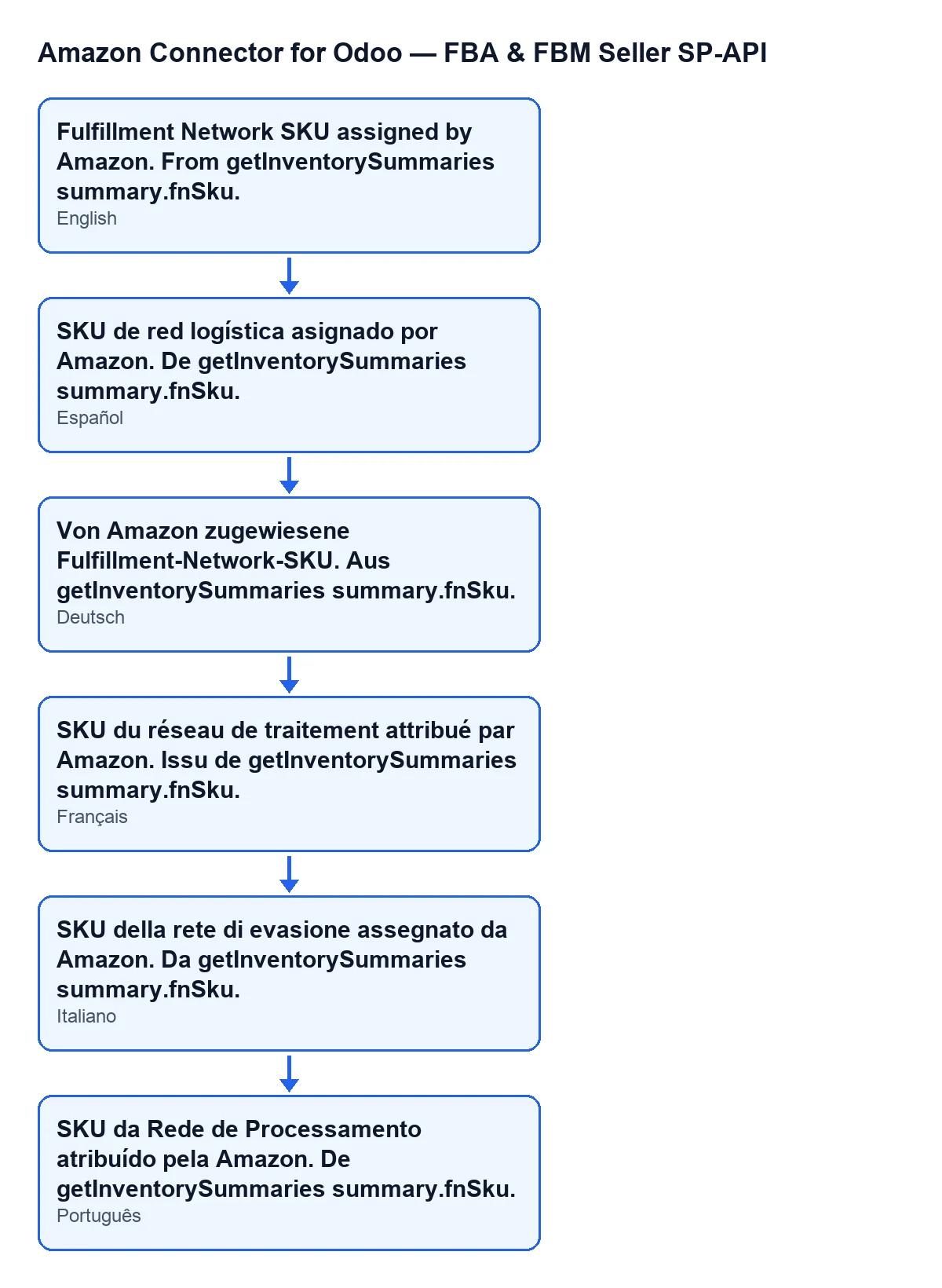
According to its help, it is the fulfilment network SKU assigned by Amazon, and the help says it comes from Amazon's inventory summary (getInventorySummaries, field fnSku). It appears in the form and in the list, where the label is just FNSKU. Treat it as the reference Amazon assigns to the product inside its network: it is a value that comes from Amazon, not one you have to make up.
What do Product name (Amazon) and Last update (Amazon) say?
The help for the name says it is the product name as Amazon reports it (summary.productName). Last update (Amazon) is only in the form: it is the timestamp of the last summary update on Amazon, in UTC according to its help. Before trusting a quantity, check that date: it tells you when Amazon's summary was updated, and remember it is in UTC, not your local time.
Reserved, inbound and unfulfillable
What is Quantity Reserved, and what is the Reserved breakdown group for?
Quantity Reserved is, according to its help, the total reserved quantity: pending customer orders, FC transfers and processing. The Reserved breakdown group in the form has one field for each of those: Reserved: customer orders, units reserved for pending customer orders; Reserved: transfers, units reserved for transshipment or transfer between fulfilment centres; and Reserved: FC processing, units reserved while being processed inside the fulfilment centre. If you wonder what lies behind a reserved quantity, start with the breakdown.
How do I tell the three inbound quantities apart?
By what each help says, all of them in both the list and the form:
Quantity Inbound Working(list:Inbound Working): shipment created but not yet sent.Quantity Inbound Shipped(list:Inbound Shipped): quantity en route to the Amazon FC.Quantity Inbound Receiving(list:Inbound Receiving): quantity at the Amazon FC, being checked in.
Read separately, each answers a different question: what is created but not sent, what is on its way, and what is arriving at the centre.
What do Quantity Unfulfillable, Unsellable: customer damaged and Quantity Researching mean?
Quantity Unfulfillable (list: Unfulfillable) is the total unfulfillable quantity: damaged, expired and the like, not sellable, according to its help. In the Unsellable breakdown group of the form you will find Unsellable: customer damaged, the unsellable units damaged by the customer. Quantity Researching (list: Researching) is the total quantity Amazon is investigating. According to their help texts, the first two are unsellable units and the third is under investigation by Amazon; read them apart from the reserved ones, which mean something else.
And Future supply?
Its help says it is the expected future supply quantity. The form label is Future supply and the list label is Future Supply. According to the help it is an expectation, so read it as one.
What to put in them and what you need
What do I have to fill in on these fields?
The help of each quantity ends by pointing to the Amazon data the value comes from, and the quantities start at zero by default in the code. So the practical approach is to read each field with the meaning in its help and compare it with what Amazon reports, always checking the date in Last update (Amazon). If a value does not add up, first check which concept that field measures (reserved, inbound, unfulfillable, researching or future) before assuming it is wrong.
What does it cost, and which versions does it work with?
The module is a one-off payment per Odoo version and needs a FlexigoTech Cloud subscription, Connector plan: €49 a month or €490 a year, excluding VAT. It is published on Odoo Apps for Odoo 17, 18, 19 and 20. You can see the Odoo Apps listing and the module page.
If you need a hand
FlexigoTech implements Odoo 17, 18, 19 and 20 and builds custom connectors and integrations. If you want these FBA quantities to fit the way you work in Odoo, tell us about your case.
Keep reading
Checked in the connector's source code (version 20.0) and the linked sources
Sources
- Module source code: flexigobe_amazon_seller_connector 20.0 (8576afa5): models/amazon_spapi_fba_inventory_line.py
- apps.odoo.com/apps/modules/20.0/flexigobe_amazon_seller_connector
- flexigotech.com/precios.html
- flexigotech.com/en/services.html