

 Español
What each rule says
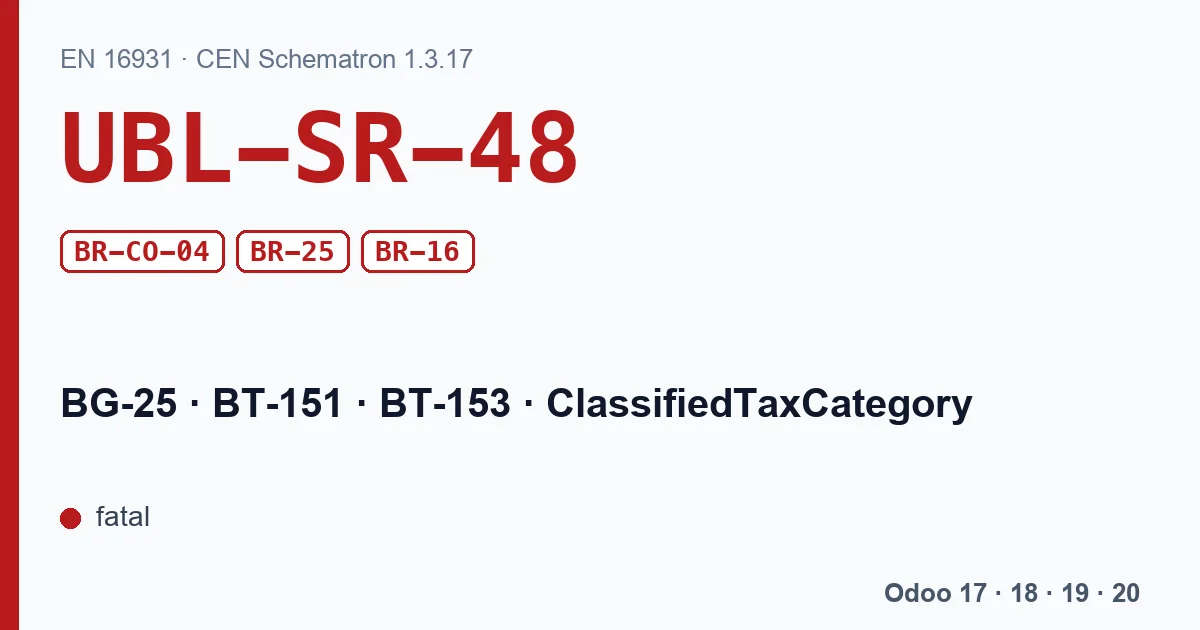
All four are fatal in the EN 16931 Schematron (validation-1.3.17):
- UBL-SR-48
- “Invoice lines shall have one and only one classified tax category.” A UBL syntax rule: one line, one category.
- BR-CO-04
- “Each Invoice line (BG-25) shall be categorized with an Invoiced item VAT category code (BT-151).” The other side: no line without a category.
- BR-25
- “Each Invoice line (BG-25) shall contain the Item name (BT-153).” Every line with a name.
- BR-16
- “An Invoice shall have at least one Invoice line (BG-25)” At least one line.
Odoo's message
Odoo does not wait for the validator. Before generating the UBL it walks the lines and, if one does not have exactly one tax, stops with: “Each invoice line shall have one and only one tax.” It happens in all four versions, with a nuance:
- Odoo 17: it counts the line's taxes leaving out fixed-amount ones, such as eco-taxes; one must remain.
- Odoo 18, 19 and 20: it counts the tax categories that will be written on the file's line; there must be one.
In the same step it checks BR-25: a line with no product and no description stops with “Each invoice line should have a product or a label.”
The cases that trigger it
| Case in Odoo | What to do |
|---|---|
| Line with no tax, for instance a recharged expense | Give it the right tax, even if it is 0% or exempt. |
| Two VAT taxes on the same line | Keep one: if they are two different rates, split the line. |
| VAT plus a surcharge or withholding on the line | Check whether that second tax belongs in the e-invoice as a tax or in another way; the right answer depends on your country. |
| Text line with no product or description | Write the description or turn it into a note. |
Odoo sections and notes do not count as lines, so they do not trigger the message.
With our XRechnung and ZUGFeRD module
The module builds the XML with its own code and does not run Odoo's check: a line with no tax or with two reaches the file as it is. We checked it with the KoSIT validator:
- Line without tax: it goes out without a VAT category. In XRechnung UBL it gives UBL-SR-48, BR-CO-04 and BR-Z-08; in XRechnung CII, the module's default format, BR-CO-04, BR-Z-01 and BR-Z-08.
- Line with two taxes: in UBL only the first percentage tax is written, but the total with VAT carries both, and BR-CO-15 fires. In CII both go on the line and the total VAT does not match the breakdown, and BR-CO-14 fires.
- Line with a 0% tax: in UBL it goes out as Z and KoSIT accepts it. In CII it goes out as S, and KoSIT gives BR-S-05, plus BR-Z-01 and BR-Z-08.
Review the taxes on each line before generating.
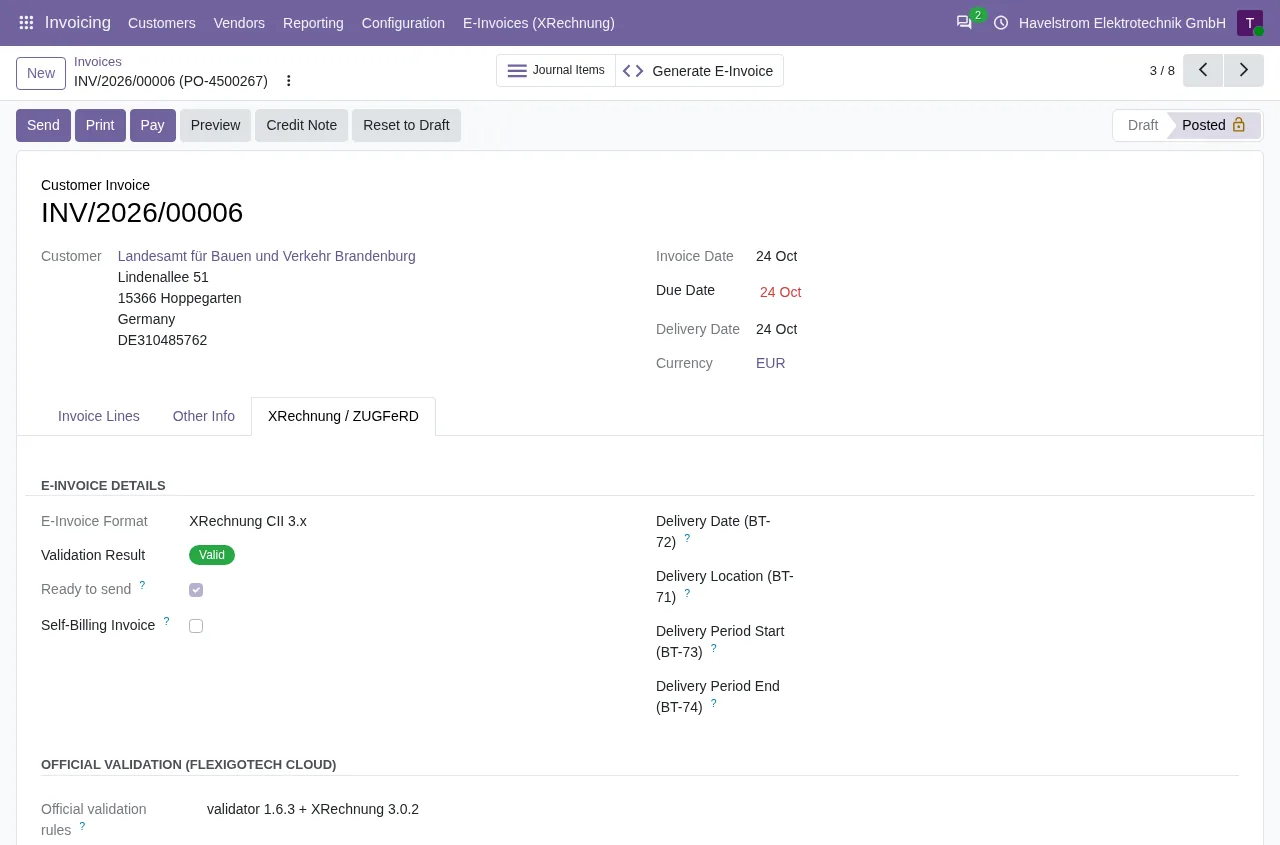
On Odoo 18, 19 and 20, with the FlexigoTech Cloud subscription, every XRechnung and every ZUGFeRD EN 16931 is validated against the KoSIT rules and the failing rules stay under Validation Errors. On Odoo 17 the published version does not validate: these files go out with no warning.
Steps
- Read the message: it tells you whether it is the tax or the line name.
- Open the invoice in draft and check the taxes column line by line.
- Fix, post and generate the file again.
Keep reading
Checked in the module's source code (version 17.0 and 20.0) and the linked sources
Sources
- Module source code: flexigo_germany_xrechnung 20.0 (446f2f68): lib/generators/ubl_generator.py
- Module source code: flexigo_germany_xrechnung 20.0 (446f2f68): lib/generators/cii_generator.py
- Module source code: flexigo_germany_xrechnung 20.0 (446f2f68): models/res_company.py
- github.com/odoo/odoo/blob/6f00fdadb875342de2d14a179f25431f93cd63c9/addons/account_edi_ubl_
- github.com/odoo/odoo/blob/2982b5f44af03fae6a9888f20632c1cc19f623ba/addons/account_edi_ubl_
- github.com/odoo/odoo/blob/4d2d4b5895db70596863df941d9a1f0beeb117f8/addons/account_edi_ubl_
- github.com/odoo/odoo/blob/2fec20391a8a61ea3a3bf15e9f24d59dba910a8d/addons/account_edi_ubl_
- github.com/odoo/odoo/blob/6f00fdadb875342de2d14a179f25431f93cd63c9/addons/account_edi_ubl_
- github.com/odoo/odoo/blob/2982b5f44af03fae6a9888f20632c1cc19f623ba/addons/account_edi_ubl_
- github.com/odoo/odoo/blob/4d2d4b5895db70596863df941d9a1f0beeb117f8/addons/account_edi_ubl_
- github.com/odoo/odoo/blob/2fec20391a8a61ea3a3bf15e9f24d59dba910a8d/addons/account_edi_ubl_
- Module source code: flexigo_germany_xrechnung 20.0 (446f2f68): models/xrechnung_cloud.py
- Module source code: flexigo_germany_xrechnung 17.0 (ad05de8f): __manifest__.py
- github.com/ConnectingEurope/eInvoicing-EN16931/releases/tag/validation-1.3.17