

 Español
The formulas, as the Schematron writes them
| Rule | EN 16931 text (Schematron validation-1.3.17) |
|---|---|
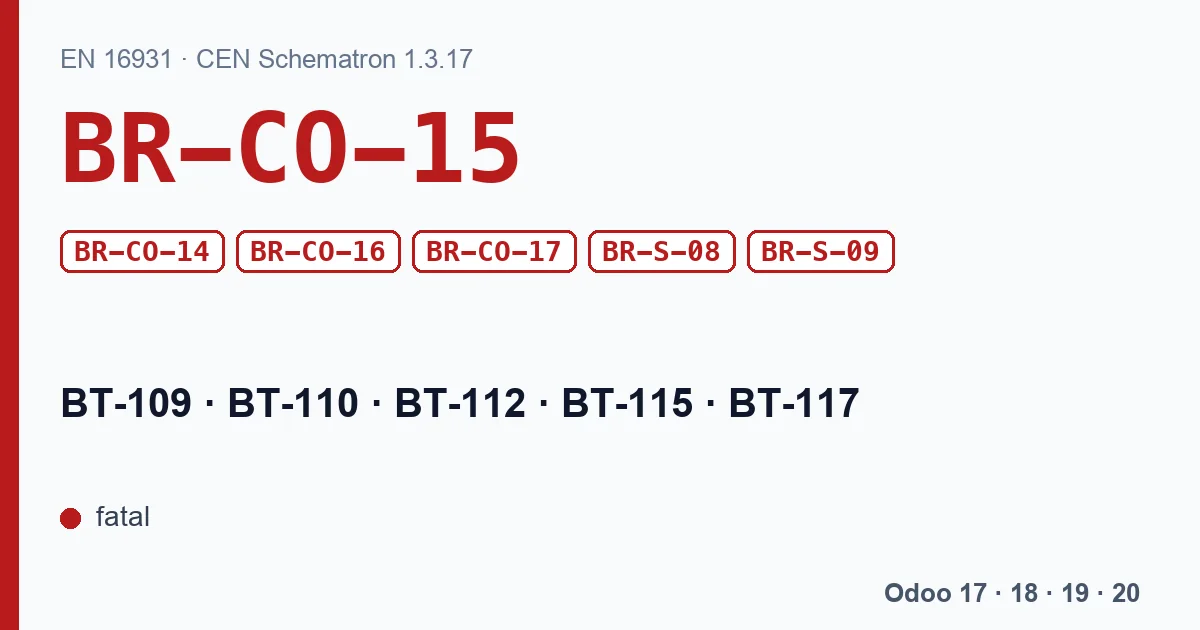
| BR-CO-15 | Invoice total amount with VAT (BT-112) = Invoice total amount without VAT (BT-109) + Invoice total VAT amount (BT-110). |
| BR-CO-14 | Invoice total VAT amount (BT-110) = Σ VAT category tax amount (BT-117). |
| BR-CO-16 | Amount due for payment (BT-115) = Invoice total amount with VAT (BT-112) -Paid amount (BT-113) +Rounding amount (BT-114). |
| BR-CO-17 | VAT category tax amount (BT-117) = VAT category taxable amount (BT-116) x (VAT category rate (BT-119) / 100), rounded to two decimals. |
| BR-S-08 | For each different value of VAT category rate (BT-119) where the VAT category code (BT-118) is "Standard rated", the VAT category taxable amount (BT-116) in a VAT breakdown (BG-23) shall equal the sum of Invoice line net amounts (BT-131) plus the sum of document level charge amounts (BT-99) minus the sum of document level allowance amounts (BT-92) where the VAT category code (BT-151, BT-102, BT-95) is "Standard rated" and the VAT rate (BT-152, BT-103, BT-96) equals the VAT category rate (BT-119). |
| BR-S-09 | The VAT category tax amount (BT-117) in a VAT breakdown (BG-23) where VAT category code (BT-118) is "Standard rated" shall equal the VAT category taxable amount (BT-116) multiplied by the VAT category rate (BT-119). |
All six are fatal. Read them as a chain: the lines add up to the base of each rate (BR-S-08), each base times its rate gives that rate's VAT (BR-CO-17 and BR-S-09), the VAT per rate adds up to the total VAT (BR-CO-14), base plus VAT gives the total (BR-CO-15), and the total minus what was paid plus rounding gives the amount still due (BR-CO-16).
Which rules notice one cent
Not all of them count cents. BR-CO-17 and BR-S-09 compare the VAT of each rate (BT-117) with base times rate, but the Schematron gives them €1 of leeway either way. BR-S-08 compares bases, so VAT rounding does not affect it. BR-CO-14, BR-CO-15 and BR-CO-16 compare sums rounded to two decimals, with no leeway: there, one cent is already an error.
The cent appears when there are two ways of computing the VAT. Odoo computes it according to the company's Tax Calculation Rounding Method:
| Odoo version | Options | Default |
|---|---|---|
| Odoo 17 and 18 | Round per Line or Round Globally | Per line |
| Odoo 19 and 20 | Round per Tax or Round per Line | Per tax |
With per-line rounding, Odoo rounds the VAT of each line and then adds them up. On an invoice with many small lines, that sum can end up one cent away from the VAT computed on the base of each rate. If every figure in the file comes from the same calculation, the sums add up. If the file carries Odoo's total VAT next to a breakdown recomputed per rate, BR-CO-14 fails; if it carries Odoo's total with VAT next to a recomputed VAT, BR-CO-15 fails. For BR-CO-17 to fire, the gap has to exceed €1.
The rounding method is a company setting, not a per-invoice one: changing it affects the taxes computed from that moment on. Do it between invoices, never with one half done.
What Odoo's Factur-X does
In Odoo's Factur-X (CII) on Odoo 18, 19 and 20, the total with VAT (BT-112) is written as the sum of the base (BT-109) and the VAT (BT-110) already in the file, precisely to meet BR-CO-15. That secures the sum rule; the rest of the chain still depends on the breakdown adding up.
With our XRechnung and ZUGFeRD module
The module builds the XML with its own code, and today it mixes both calculations. It computes the VAT of each rate (BT-117) as base times rate, and copies the total with VAT (in UBL) or the total VAT (in CII) from the Odoo invoice. With per-line rounding, one cent of difference is enough: the XML comes out with BR-CO-15 in XRechnung UBL and with BR-CO-14 in XRechnung CII, the module's default format. We checked it with the KoSIT validator. On Odoo 17 and 18, per-line rounding is the default.
With a partial payment, BR-CO-16 fails: the amount due (BT-115) is what is still open in Odoo, but the file does not carry the amount already paid (BT-113).
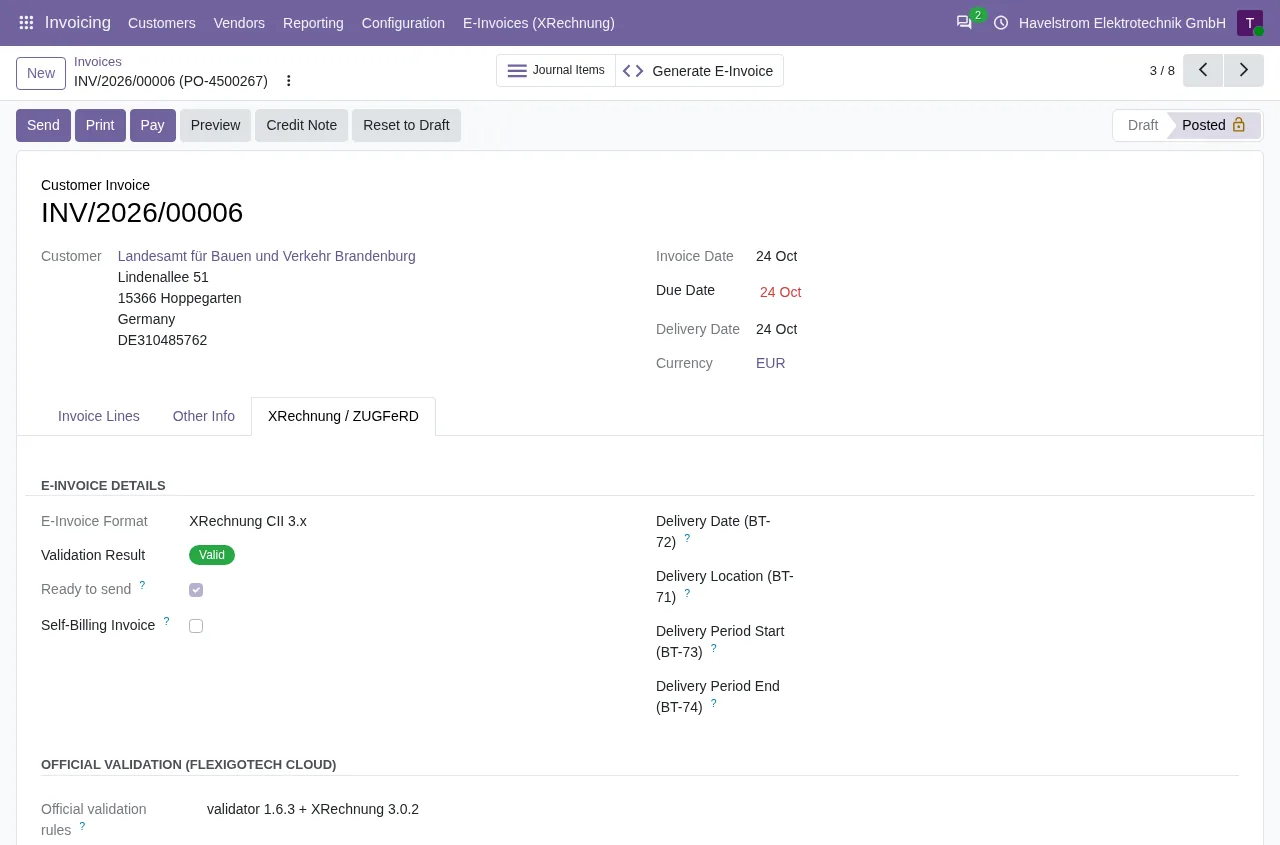
On Odoo 18, 19 and 20, with the FlexigoTech Cloud subscription, every XRechnung and every ZUGFeRD EN 16931 the module generates goes through the KoSIT rules, which include these six. If one fails, it is written on the invoice, under Validation Errors, and the invoice is not marked Ready to send. On Odoo 17 the published version does not validate: the file goes out with the error and no warning.
What to do
- Look at which rule fails first in the report: BR-S-08 points at the bases, BR-CO-14 at the breakdown, BR-CO-15 at the total and BR-CO-17 at the VAT of one rate.
- Check the company rounding method and, if you issue e-invoices with many lines, discuss per-tax rounding with your accountant.
- BR-CO-16 appears with partial payments or cash rounding: the paid amount and the rounding amount have to be in the file. With our module, generate the XRechnung before registering any payment.
- Fix it and generate again; do not edit the XML by hand.
Keep reading
Checked in the module's source code (version 17.0 and 20.0) and the linked sources
Sources
- github.com/ConnectingEurope/eInvoicing-EN16931/releases/tag/validation-1.3.17
- Module source code: flexigo_germany_xrechnung 20.0 (446f2f68): lib/generators/ubl_generator.py
- Module source code: flexigo_germany_xrechnung 20.0 (446f2f68): lib/generators/cii_generator.py
- Module source code: flexigo_germany_xrechnung 20.0 (446f2f68): models/res_company.py
- github.com/odoo/odoo/blob/6f00fdadb875342de2d14a179f25431f93cd63c9/addons/account/models/c
- github.com/odoo/odoo/blob/2982b5f44af03fae6a9888f20632c1cc19f623ba/addons/account/models/c
- github.com/odoo/odoo/blob/4d2d4b5895db70596863df941d9a1f0beeb117f8/addons/account/models/c
- github.com/odoo/odoo/blob/2fec20391a8a61ea3a3bf15e9f24d59dba910a8d/addons/account/models/c
- github.com/odoo/odoo/blob/2982b5f44af03fae6a9888f20632c1cc19f623ba/addons/account_edi_ubl_
- github.com/odoo/odoo/blob/4d2d4b5895db70596863df941d9a1f0beeb117f8/addons/account_edi_ubl_
- github.com/odoo/odoo/blob/2fec20391a8a61ea3a3bf15e9f24d59dba910a8d/addons/account_edi_ubl_
- Module source code: flexigo_germany_xrechnung 20.0 (446f2f68): models/xrechnung_cloud.py
- Module source code: flexigo_germany_xrechnung 20.0 (446f2f68): models/account_move.py
- Module source code: flexigo_germany_xrechnung 17.0 (ad05de8f): __manifest__.py