

 Español
 Català
 Deutsch
 Français
 Português
 Italiano
 Nederlands
 Polski
What this action does and where it fits
The scheduled action Amazon SP-API - Request a Review goes through Amazon orders that have already shipped and asks Amazon to request a review from the buyer, but only when Amazon says that order accepts one. It exists on the 17.0, 18.0, 19.0 and 20.0 branches, it is active as soon as the module is installed and it runs every two hours. In Odoo 17.0 it is also set to repeat without end. Everything below about the order of work describes the Odoo 20.0 code.
The orders it looks at are the ones you see under the Amazon › Orders menu, which opens the Amazon Orders forms. Both the Amazon and the Orders parts of the menu require the Viewer permission; without it, you do not see that part of the menu. On the order form, the Account field shows which Amazon account the order belongs to, and Amazon Order shows the order identifier, read-only.
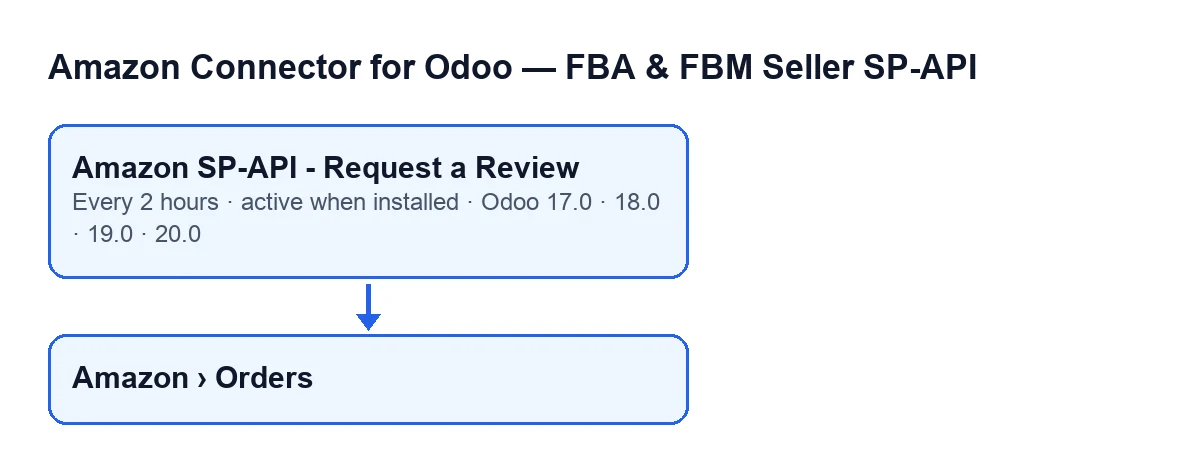

Timeline of one run
Here is what happens, in order, from installation to the end of one run of the action.
- When the module is installed The action is created and active, ready to run every two hours.
- Every two hours Odoo starts the action. Each run works to a cap of up to 100 orders.
- First, the accounts It looks for the Amazon accounts that have review requests switched on. If none has, the run stops there without looking at a single order.
- Next, the age window For each account it works out a minimum and a maximum number of days. If those values are empty, the code uses 5 and 30 days. An order is measured by its last update date or, if it has none, by its purchase date: it must be at least as old as the minimum and no older than the maximum (the code adds one day of margin).
- Choosing candidates It takes the orders that have already shipped, have no review-request date yet and fall inside their account's window. It sorts them by the date of their last check, with never-checked orders first, and keeps the first ones up to the cap. Orders that Amazon refused or that gave an error go to the back of the queue.
- Order by order: prior checks For each candidate, the action checks again that the account has the option on and that the order has no request date yet, and it also runs an eligibility check of the module's own. If any of them fails, it moves on to the next order without requesting anything and without asking Amazon.
- Asking Amazon If the order gets through those checks, it asks Amazon which solicitation actions that order accepts, through the Solicitations API.
- If Amazon does not offer the review Nothing is sent and the order is noted as checked on this run. It stays a candidate on later runs while it is inside the window, but behind those that have never been checked.
- If Amazon offers it The action creates the review request. When that succeeds, the order gets its request date.
- If something fails on an order The action leaves a warning in the server log with the order number and carries on with the next one. A failure on one order does not cut the run short.
- At the end The run finishes and, two hours later, another begins. An order with a request date is not requested again: the code discards it both when choosing candidates and before asking Amazon.
What to check if it does nothing
If hours go by and no order gets a request, go through these points one by one.
- The action is still active. It is active on installation and runs every two hours; if it is deactivated, there will be no runs.
- An account has review requests switched on. The action only works with Amazon accounts that have that option on. If no account has it on, the run ends without touching any order.
- The order has already shipped. Orders that are not in that state are not candidates.
- The order has no request date yet. If a review has already been requested, the module does not request it again.
- The age fits the window. Compare the order's age with its account's minimum and maximum days (5 and 30 if they are empty). An order that is too recent or too old falls outside the search.
- The order passes the module's eligibility check. Before asking Amazon, the module runs a check of its own on each order; if the order does not pass, it is skipped without asking Amazon.
- Amazon offers it. If Amazon does not include the review action for that order, the action records it as checked and sends nothing.
- There is a warning in the server log. When the call to Amazon fails, the action leaves a warning in the server log with the order number and moves on to the next order. Search the log by that number.
- There are more than 100 candidates. A run only handles up to that cap and starts with the never-checked orders. The rest wait for the next run.
To find a specific order, open Amazon › Orders and check on its form that the Account is the one you expect and that Amazon Order matches the identifier you are looking for.
How the action's name looks in each language
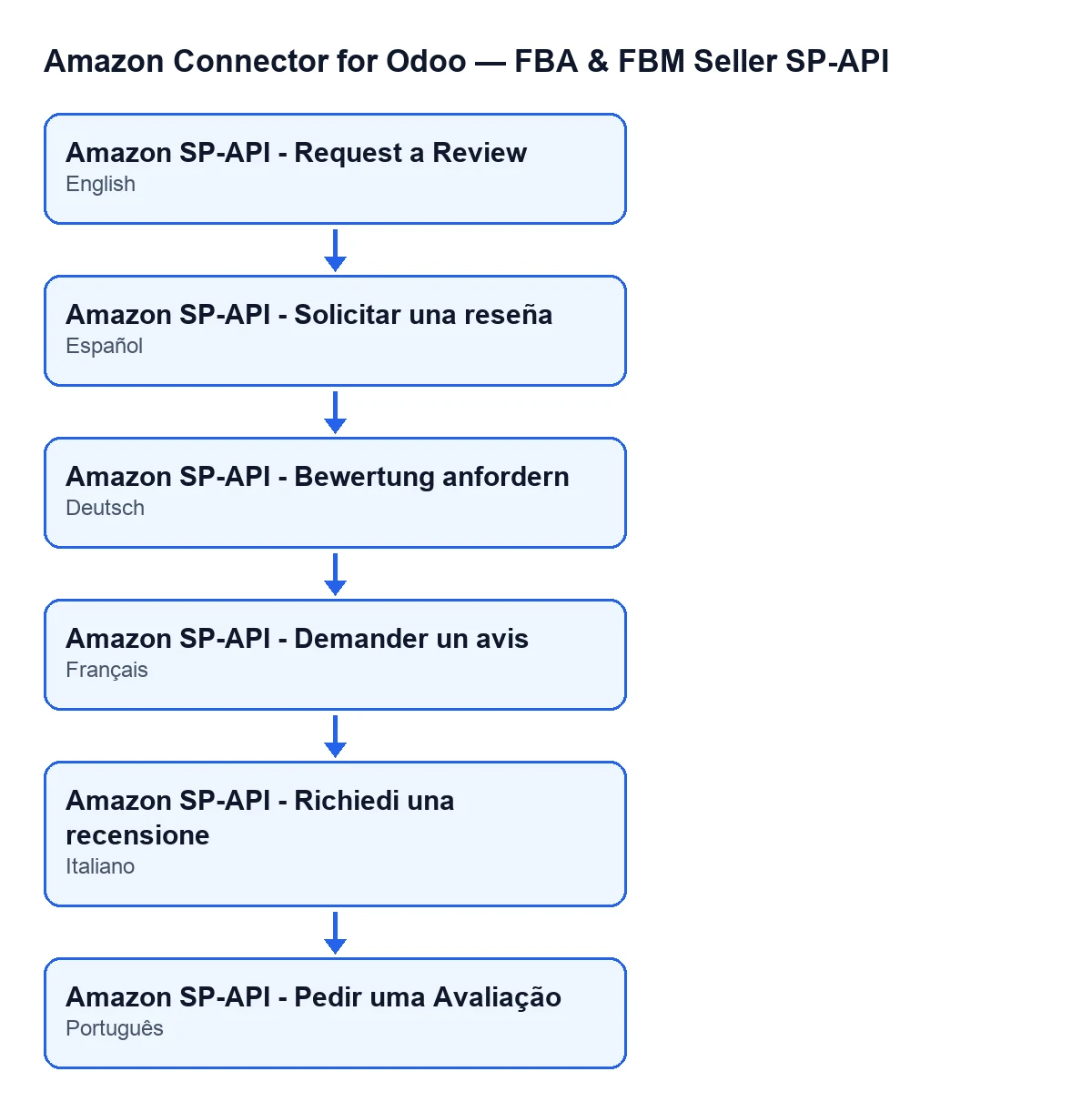
The name of the action is translated according to the language of your Odoo. With Odoo in English it is Amazon SP-API - Request a Review. The module also ships translations of that name for Spanish, German, French, Italian and Portuguese, which the diagram below shows.
Cost and help
The module is a one-off payment per Odoo version (17, 18, 19 and 20; see each version's price on the Odoo Apps page or on the module page) and it needs a FlexigoTech Cloud subscription, Connector plan: €49/month or €490/year excluding VAT (the Pro plan is €98/month or €980/year). The connection goes through FlexigoTech Cloud, which stores the credentials encrypted, watches the synchronisation and emails you if it fails. Without a subscription, or with the service suspended, what the subscription provides stops; your data stays in your Odoo.
If you would like us to review how review requests are set up on your accounts, or you need a custom integration with Amazon, FlexigoTech implements Odoo 17, 18, 19 and 20 and develops connectors and custom integrations.
Keep reading
Checked in the connector's source code (version 17.0 and 20.0) and the linked sources
Sources
- Module source code: flexigobe_amazon_seller_connector 20.0 (8576afa5): data/ir_cron_data.xml
- Module source code: flexigobe_amazon_seller_connector 17.0 (165f66af): data/ir_cron_data.xml
- Module source code: flexigobe_amazon_seller_connector 20.0 (8576afa5): models/amazon_order.py
- apps.odoo.com/apps/modules/20.0/flexigobe_amazon_seller_connector
- flexigotech.com/precios.html
- flexigotech.com/en/services.html