

 Español
 Català
 Deutsch
 Français
 Português
 Italiano
 Nederlands
 Polski
Where it appears and what it says
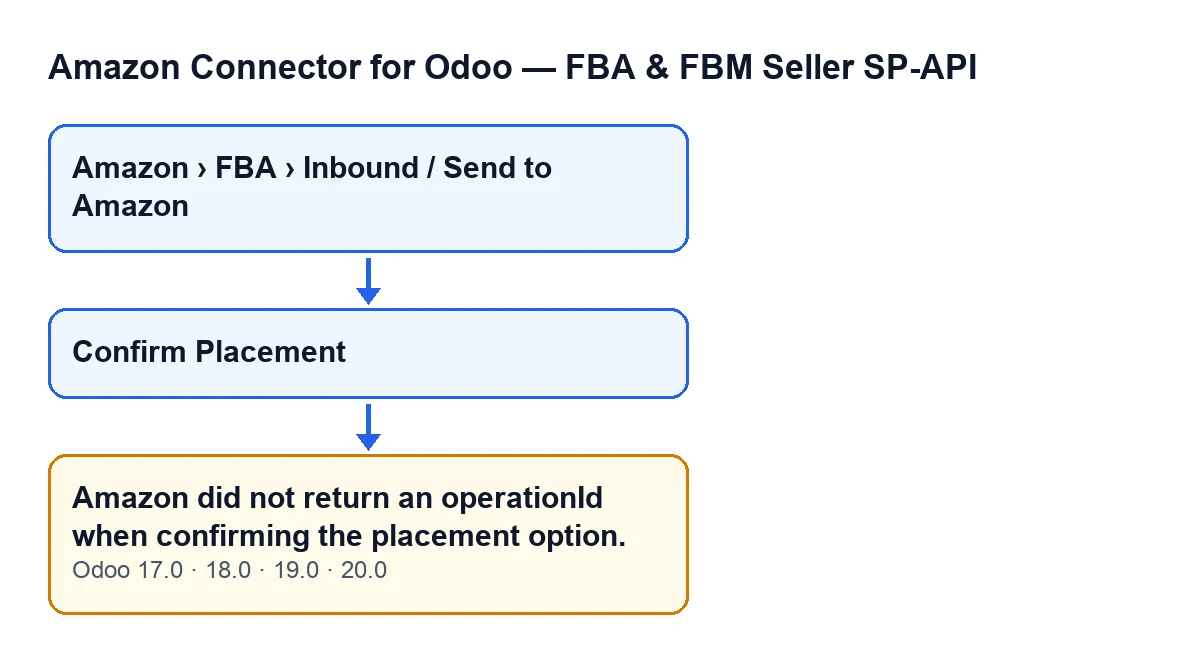
The message reads Amazon did not return an operationId when confirming the placement option. It is in the published code of versions 17, 18, 19 and 20, and it is raised by the action behind the Confirm Placement button. The form that holds that button opens from the menu Amazon › FBA › Inbound / Send to Amazon.
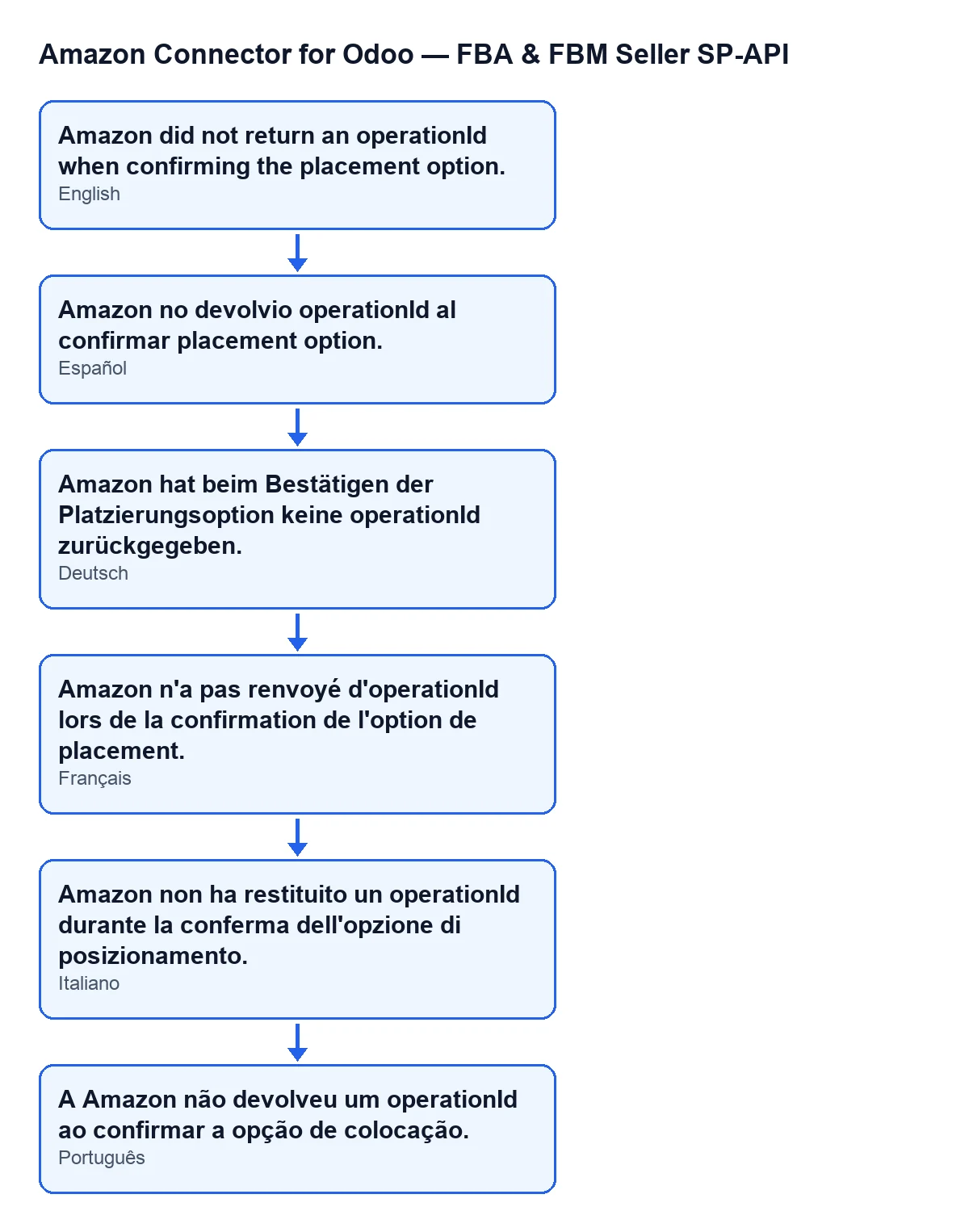
The diagram below shows the same text in Spanish, German, French, Italian and Portuguese, as the module's published translations have it.

Details you will not see on the form
It appears when you press the button, not when you save
The message can only come from pressing Confirm Placement. That button is shown only when the plan has a Selected Placement Option: in Odoo 17, 18, 19 and 20 it is hidden while that field is empty, so with default values you will not see it.
Seeing the menu is not enough to run the action
All three levels of the menu (Amazon, FBA and Inbound / Send to Amazon) ask for the Viewer permission. But, according to the Odoo 20 code, the first thing the action does is check that you have at least operator access to the connector and write permission on the plan. If you do not, it stops right there with a different message, before the confirmation is attempted.
Two checks happen before the confirmation
The method checks that the plan has already been created on Amazon and that a placement option has been selected. If either is missing, the action stops with its own message. So if you see Amazon did not return an operationId when confirming the placement option., both checks have passed and the module moved on to the call that confirms the chosen option.
The condition: a result with no operation identifier
After launching the confirmation of the plan's placement option, the module takes the result (or an empty one if there is nothing) and looks in it for the operation identifier (operationId). The message is raised if that value is missing, or if it is blank or only spaces. That is all the code checks at this point, so the text says no more than that: the module did make the confirmation call, but what it received carried no operation identifier to carry on with.
When it appears, nothing is saved
The message stops the action before anything is written to the plan. The last operation identifier is not stored and the plan does not move to the placement-confirmed state: it stays as it was when you pressed the button.
It belongs to the first stage, before the wait
When an identifier is present, the module stores it, moves the plan to the placement-confirmed state and waits for Amazon to finish the operation by polling its status (the operation is labelled Confirm placement option). Only after that does it read the plan's data and its shipments from Amazon again and save them in Odoo. This message comes before all of that: if you see it, the wait has not even started, and any later message belongs to a different step.
What to do when it appears
- Copy the exact text of the message and note which plan it was, which Odoo version you are on and when you pressed the button.
- Check that the
Confirm Placementbutton is still visible on the form: that tells you the plan still has its selected placement option. - Press
Confirm Placementagain. Because the action stopped before saving anything, the plan is still in its previous state, and each press launches the confirmation of the chosen option again. - If the message repeats with the same option, write to us with the details from the first step. What the message tells you is that no usable operation identifier arrived.
Where FlexigoTech fits in
FlexigoTech implements Odoo 17, 18, 19 and 20 and builds custom connectors and integrations. The module is published on Odoo Apps for those four versions, and its connection goes through FlexigoTech Cloud, which monitors the synchronisation and emails you if it fails. You can see its Odoo Apps page or the module page on flexigotech.com. If you are setting up your Amazon inbound flow and would like us to review it with you, tell us how you work and we will take a look.
Keep reading
Checked in the connector's source code (version 20.0) and the linked sources
Sources
- Module source code: flexigobe_amazon_seller_connector 20.0 (8576afa5): models/amazon_spapi_inbound_plan.py
- Module source code: flexigobe_amazon_seller_connector 20.0 (8576afa5): views/amazon_spapi_inbound_plan_views.xml
- apps.odoo.com/apps/modules/20.0/flexigobe_amazon_seller_connector
- flexigotech.com/en/services.html
- flexigotech.com/precios.html