

 Español
 Català
 Deutsch
 Français
 Português
 Italiano
 Nederlands
 Polski
Where it appears and what each part says
The inbound plan records open from Amazon › FBA › Inbound / Send to Amazon. Each segment of that menu asks for the Viewer permission: if you do not have it, you do not see that segment. The message appears when you press Create Inbound Plan or Generate Packing Options on that record. Both buttons reach the same wait for the result of an Amazon operation, and the message is in the published code of Odoo 17, 18, 19 and 20.
The blanks in the message are, in order: the operation being waited for, the number of attempts made, and the last status Amazon gave.
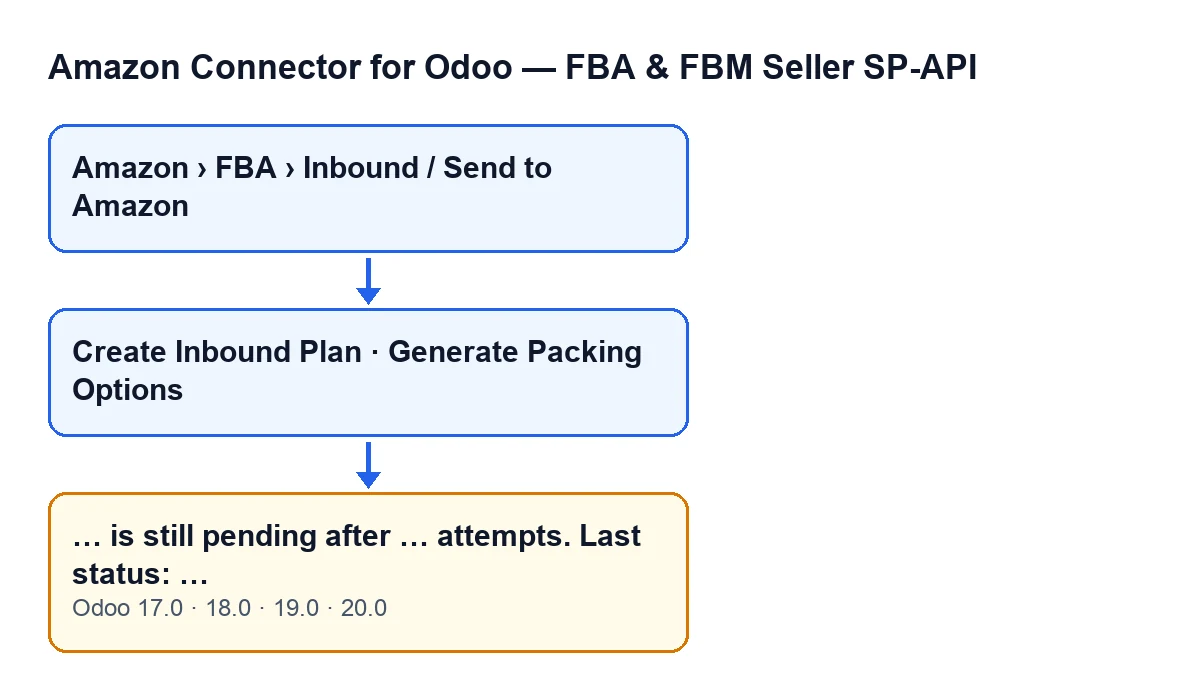
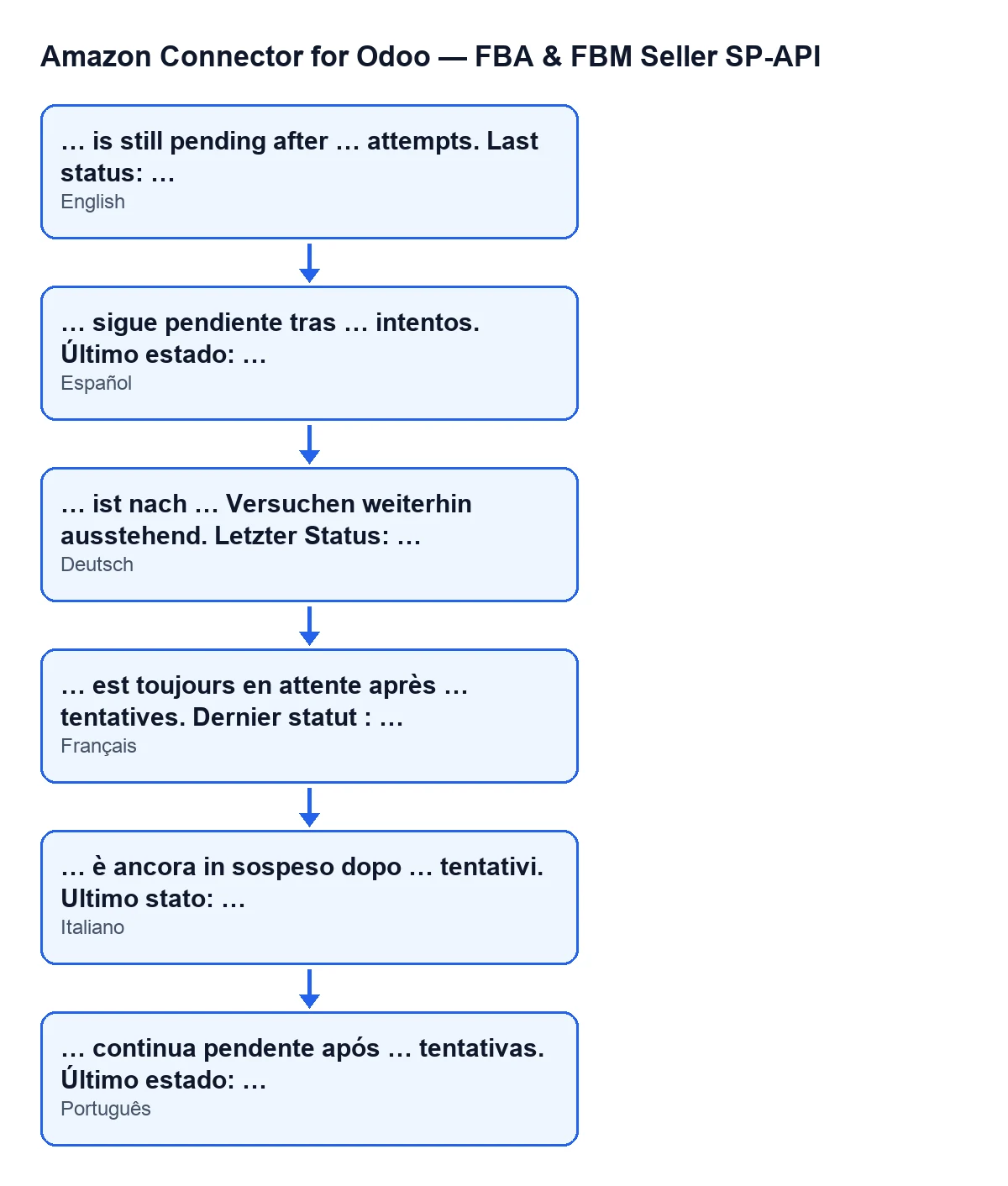
In English you see it as … is still pending after … attempts. Last status: …. The diagram below gathers how it reads in the languages with a published translation.

What you cannot see about the exhausted-wait message
What follows describes the Odoo 20 code.
It comes from running out of attempts, not from one specific answer by Amazon
Each time the action waits for the result, the module asks Amazon for the status of the operation. If Amazon replies that it succeeded, the wait ends with no error. If it replies failed, error or cancelled, the wait stops at that point. The message only appears if the attempts run out without any of those replies. So the last status can be any other value Amazon returned, or none.
You only reach it from these buttons
Create Inbound Plan is hidden when the Inbound Plan field has a value or when State does not have its default value; with the default values it is visible. Generate Packing Options is hidden when Inbound Plan is empty, so with the default values it is not visible. These view conditions are the same in Odoo 17, 18, 19 and 20.
The number of attempts and the pause come from the Amazon account
The module reads from the Amazon account how many attempts to make and how many seconds to wait between them. If the first value is empty it uses twelve attempts; if the second is empty it uses ten seconds. It never makes fewer than one attempt, and if the pause is zero it does not wait between queries. That is the window Amazon has to respond before the message appears.
«Last status» keeps the last value received
The module trims the status it receives and turns it to upper case before comparing it. If a later response arrives without a status, the message keeps the last status that did come. If Amazon returns an empty response, the module treats it as a response with no status. You see no status only when none of the responses carried a status.
On every attempt the module prepares what it receives
On each query, the module prepares on the plan record the operation identifier, the status received and, if Amazon returned problems, their text cut to a maximum number of characters. It does this before deciding whether the operation finished, failed or is still pending.
Failed, error and cancelled stop the wait earlier
If Amazon replies failed, error or cancelled, the wait ends on that attempt, without using the ones that remain, and the action stops without reaching this message. The message … is still pending after … attempts. Last status: … means Amazon never gave any of those replies, nor the success one.
The action stops and every press starts from zero
The message stops the action. When the action reaches the wait again, the count of attempts starts from the first one: attempts from the previous time are not carried over.
What to do when it appears
- Read the last status in the message. If it is
no status, no response from Amazon carried a status in any attempt. - Check which button you pressed and whether it is still visible, using the conditions above.
- If the button is still available, run the action again after a while: it starts its own round of attempts from the first one.
- If the waiting window matters to you, bear in mind that the module takes the attempts and the pause from the Amazon account, and how long it takes to show the message depends on them.
- If the last status you see is one Amazon returned that is not success, failure or cancellation, the operation had not closed when the attempts ran out: the wait was exhausted, not cut short by a failure reply.
Price and help
The module is a one-off payment for each Odoo version (17, 18, 19 and 20 on Odoo Apps) and needs the FlexigoTech Cloud subscription; the Connector plan costs €49 a month or €490 a year, excluding VAT. You can see the Odoo Apps listing or the module page. If you are implementing Odoo and want to review the account setup with us, FlexigoTech implements Odoo 17, 18, 19 and 20 and builds custom connectors and integrations.
Keep reading
Checked in the connector's source code (version 20.0) and the linked sources
Sources
- Module source code: flexigobe_amazon_seller_connector 20.0 (8576afa5): models/amazon_spapi_inbound_plan.py
- Module source code: flexigobe_amazon_seller_connector 20.0 (8576afa5): views/amazon_spapi_inbound_plan_views.xml
- apps.odoo.com/apps/modules/20.0/flexigobe_amazon_seller_connector
- flexigotech.com/precios.html
- flexigotech.com/en/services.html