

 Español
 Català
 Deutsch
 Français
 Português
 Italiano
 Nederlands
 Polski
Where the task works
The scheduled task Amazon SP-API - Messaging context refresh works on the records you open from Amazon › Messaging › Inbox. Each part of that menu requires the Viewer permission: without it, you do not see that part. The task is in all the published branches of the module (17.0, 18.0, 19.0 and 20.0); in Odoo 20.0 it works as follows.
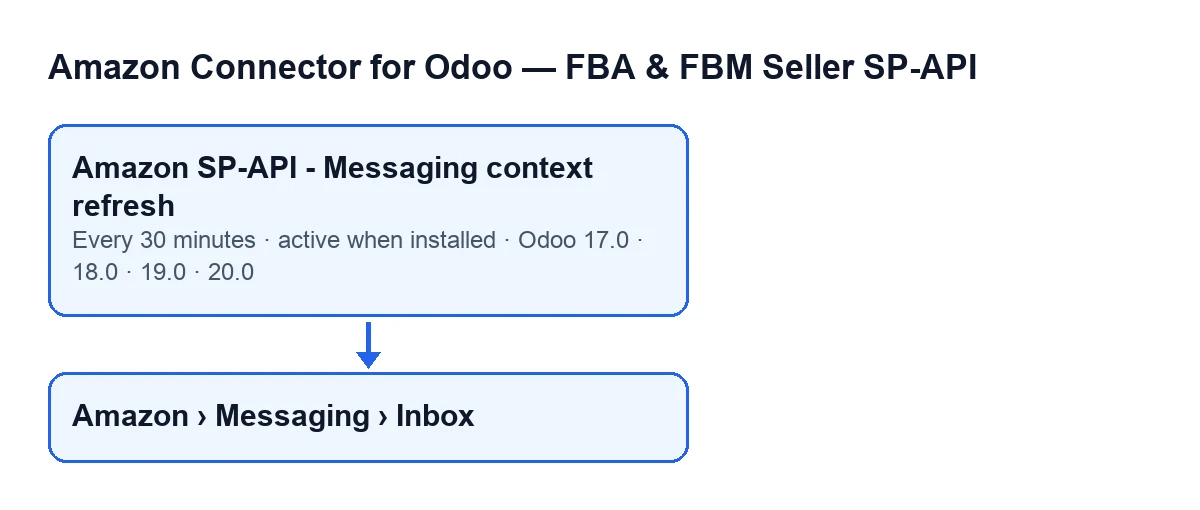
Amazon › Messaging › Inbox menu.
How the task works on each run
It runs every 30 minutes and is active on install
You do not have to schedule it: once the module is installed it is already active and runs every 30 minutes. In Odoo 17.0 the task repeats without end. Each run takes at most 200 records, so that is the ceiling for one execution.
Only active records, in certain states and with an account, are picked up
The run looks for active records that are in certain conversation states: archived records, or those in other states, are left alone. A record with no account, or with no Amazon order identifier, is skipped without any change. To see which account each record belongs to, the Account field appears in the Inbox list and on the record itself.
Paused accounts wait
If the connector has no FlexigoTech Cloud service in your database, accounts connected through the FlexigoTech hub with the Cloud route go on hold and their records are not refreshed. The module is a one-off payment per version and needs the FlexigoTech Cloud subscription: the Connector plan costs €49 a month or €490 a year, excluding VAT. Without a subscription, or with the service suspended, whatever the subscription provides stops; your data stays in your Odoo.
Each record is committed separately
The task processes records one by one. If a record goes through, its changes are committed before the next one starts. If something fails, the pending changes for that record are rolled back and the task carries on with the others: one failure does not stop the rest of the run, and what was already committed for earlier records stays.
What it rewrites on each record
For each record, the task reads the order from Amazon again and refills: the order status, the purchase date, the latest ship date and the latest delivery date, the sales order (if the record already has one, it keeps it), the delivery, the carrier and tracking number from that delivery, and the product, quantity and image from the first sales order line that has a product.
A few details from the code worth keeping in mind:
- If Amazon answers with no order data, the order status is written as empty.
- If no delivery is chosen and the one the record had is cancelled, the record is left without a delivery, and the carrier and tracking number end up empty with it.
- The product ASIN is written as empty on every run.
The second request depends on the account
After refreshing the order, and only if the account of that record has automatic refresh of messaging actions switched on, the task asks Amazon for the actions available for that order (using the record's marketplace or, if it has none, the account's) and stores the result together with the date of that sync.
Both requests sit in the same block and the record is committed after the second one. So, if the second fails, the order refresh for that record is rolled back too.
What to check if it does nothing
Go through this in order:
- Open
Inboxand check that there are records, and whichAccounteach one has. If you cannot see the menu, you are missing theViewerpermission. - Check that the task is still active and on its every-30-minutes schedule; it is active on install.
- Check whether the connector has a FlexigoTech Cloud service in your database: without it, accounts connected through the hub with the Cloud route wait.
- Remember that archived records, records in other states, and records with no account or no order identifier are not processed.
- Bear in mind the ceiling of 200 records per run.
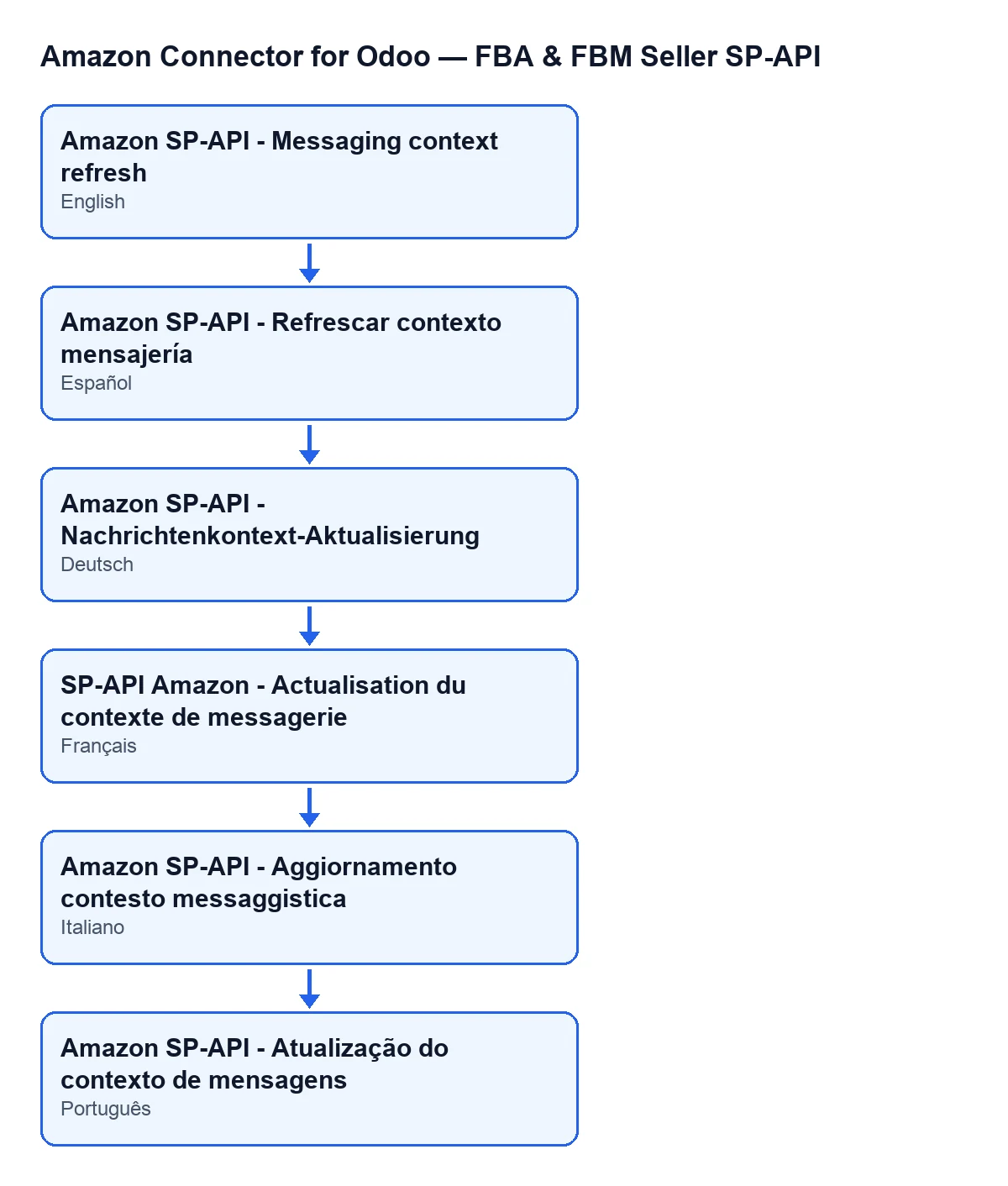
If you look for the task by name, it changes with your Odoo language; with Odoo in English it is Amazon SP-API - Messaging context refresh.
How FlexigoTech can help
The connection goes through FlexigoTech Cloud, which stores the credentials encrypted, monitors the sync and emails you if it fails. The module is published on Odoo Apps for 17.0, 18.0, 19.0 and 20.0, and you can read more on the module page or its Odoo Apps listing. If you are implementing Odoo and need to adjust this flow, FlexigoTech implements Odoo 17, 18, 19 and 20 and builds custom connectors and integrations.
Keep reading
Checked in the connector's source code (version 17.0 and 20.0) and the linked sources
Sources
- Module source code: flexigobe_amazon_seller_connector 20.0 (8576afa5): data/ir_cron_message_data.xml
- Module source code: flexigobe_amazon_seller_connector 17.0 (165f66af): data/ir_cron_message_data.xml
- Module source code: flexigobe_amazon_seller_connector 20.0 (8576afa5): models/amazon_spapi_message_thread.py
- apps.odoo.com/apps/modules/20.0/flexigobe_amazon_seller_connector
- flexigotech.com/en/services.html
- flexigotech.com/precios.html