

 Español
 Català
 Deutsch
 Français
 Português
 Italiano
 Nederlands
 Polski
What the task is and how often it runs
What is it and how does it ship?
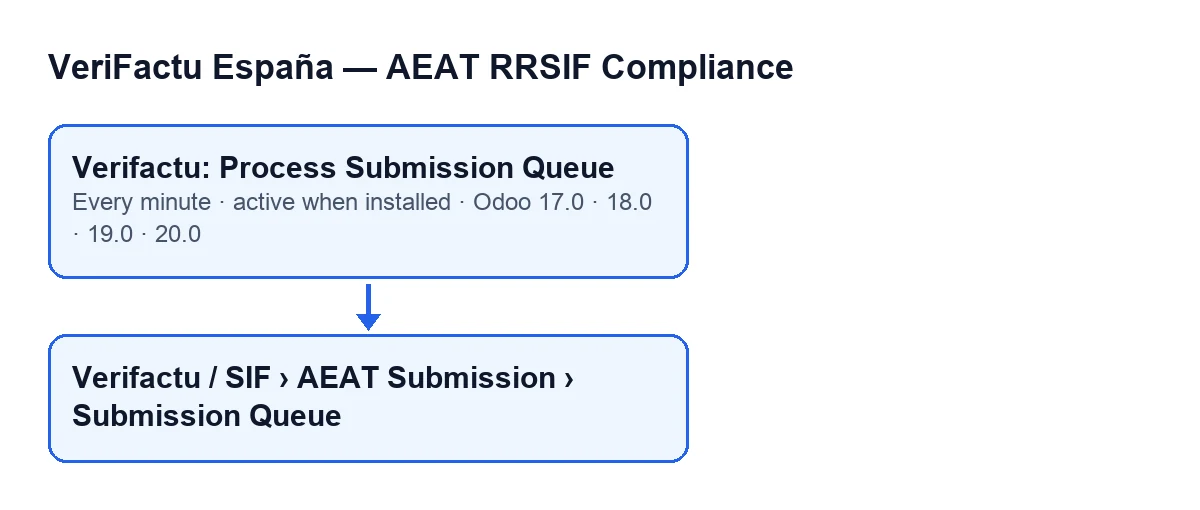
It is a scheduled action of the VeriFactu module that works on the AEAT submission queue. It is active on install and runs every minute. It is in the branches published for Odoo 17.0, 18.0, 19.0 and 20.0; in 17.0 it is configured to repeat without end.
Does it send to the AEAT every minute?
The task runs every minute, but that does not mean one request per minute. Each AEAT answer carries TiempoEsperaEnvio, the seconds until the next submission. According to the Odoo 20.0 code, the module stores that time for the company and sends it nothing before it arrives (with one exception, below).
Where do I see the entries it processes?
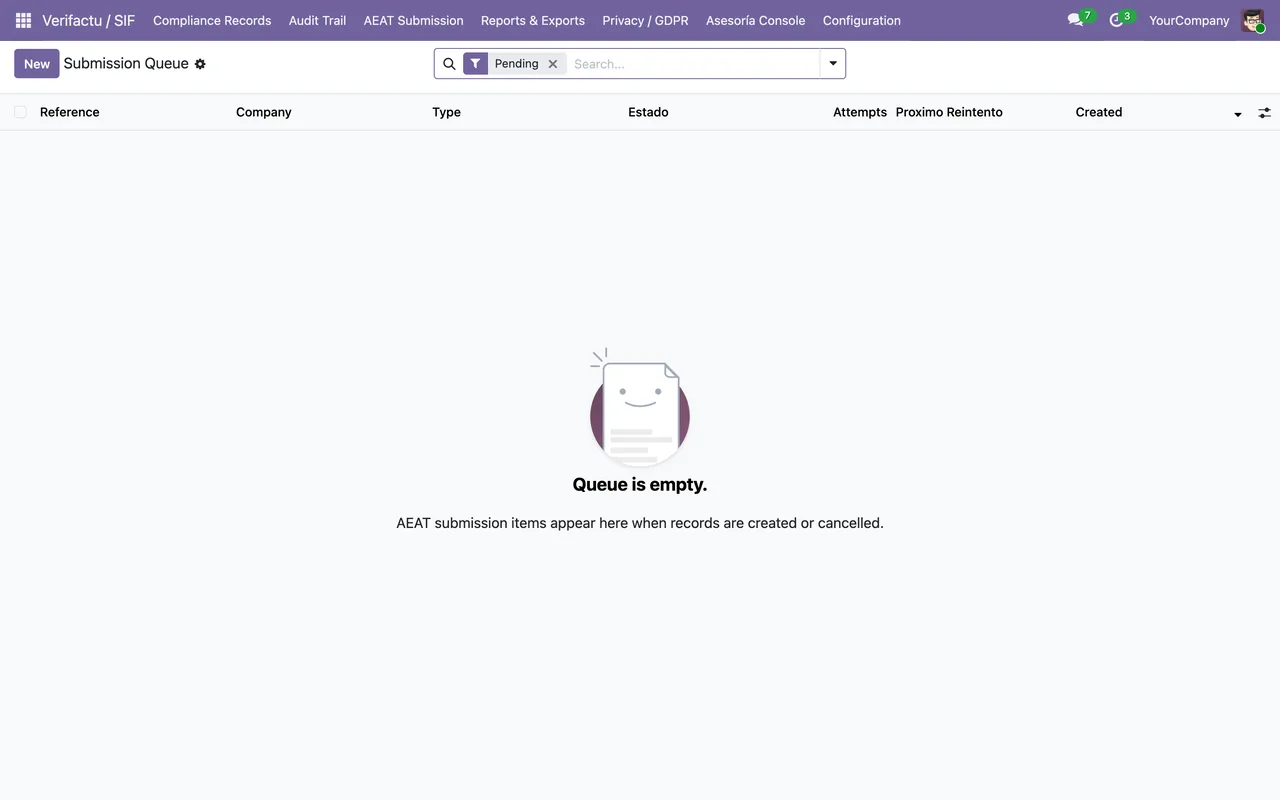
In the menu Verifactu / SIF › AEAT Submission › Submission Queue. Each menu level asks for permissions, and if you do not have one you do not see that level. AEAT Submission asks for Accountant, Auditor (read-only) or SIF Manager. Verifactu / SIF asks for any of these: Accountant, Asesoría Operator, Auditor (read-only), Privacy Officer or SIF Manager. The Reference field of each entry shows on its form, the one titled AEAT Errors, in the Queue Entry group, and also in the list.
What it does on each run
Which companies does it handle, and when does it skip one?
It only goes through the companies that have VeriFactu switched on. For each one it looks at two stored times, one of them the wait time from the last AEAT answer. If either of those times has not arrived yet, it skips the company on this run and notes it in the server log. The exception is the wait from the last answer: if 1,000 or more entries are waiting (pending or retrying), the company does not wait for it.
What does it do with a company's entries?
It asks for that company's batch from the queue and, if there is nothing, it finishes with that company. Entries with neither a record nor a cancellation linked are marked as failed. The rest are sorted by record number, because each record names its predecessor in the chain. It then prepares each one as a registration or a cancellation and sends them together in a single request to the AEAT. According to the AEAT, a submission carries from 1 to 1,000 records.
What happens with the answer, or with a failure?
If the AEAT answers, the module applies its result to each entry. The answer carries EstadoEnvio (Correcto, ParcialmenteCorrecto or Incorrecto) and one status per record (Correcto, AceptadoConErrores or Incorrecto). If it carries a wait time, the module stores the time until which that company does not send again. If the request fails with a 429, the module handles it through a different path from the one used for other errors. With any other error, each entry goes through the HTTP error handling and, if any entry ends up discarded, a single alert is raised for the whole batch instead of one per invoice. At the end of the company, it asks its chain for a single recompute covering all the entries.
Does it resend what the AEAT has already accepted?
A duplicate record comes back from the AEAT with code 3000. If it is already recorded as correct or accepted with errors, it does not need to be resent.
If it seems to do nothing
What do I check first?
Check that the task is still active (it is active on install), that the company has VeriFactu switched on and that the Submission Queue list has entries. Also see whether the company is in a wait: after an AEAT answer it waits the time the AEAT gave, and that run is noted in the server log. A run with an empty batch ends without sending anything. If the problem is the certificate, without one the AEAT redirects to error page 4033 ("no certificate detected"), and with a certificate that does not validate, to 4011.
Does an error in one company block the others?
According to the code, no. Each company is processed inside its own error handling: if it fails, the error goes to the server log with the company name and the task moves on to the next one.
What is the health summary at the end?
When it has finished all the companies, and only if something failed during the run, the task prepares a health summary for FlexigoTech Cloud for monitoring purposes. It is not sent on every run, but at minimum intervals between reports. It carries the number of entries pending or retrying and of discarded ones, and the errors grouped by type, code and how many times they occurred.
Help with your implementation
If you are implementing Odoo and want to review how this queue behaves with your companies, FlexigoTech implements Odoo 17, 18, 19 and 20 and builds custom connectors and integrations.
Keep reading
Checked in the module's source code (version 17.0 and 20.0) and the linked sources
Sources
- Module source code: flexigo_spain_verifactu 20.0 (1fdc980f): data/verifactu_crons.xml
- Module source code: flexigo_spain_verifactu 17.0 (8d43d727): data/verifactu_crons.xml
- Module source code: flexigo_spain_verifactu 20.0 (1fdc980f): models/verifactu_cola_envio.py
- apps.odoo.com/apps/modules/20.0/flexigo_spain_verifactu
- prewww2.aeat.es/static_files/common/internet/dep/aplicaciones/es/aeat/tikeV1.0/cont/ws/Sis
- sede.agenciatributaria.gob.es/Sede/errores/erro4033.html
- flexigotech.com/en/services.html