

 Español
 Català
 Deutsch
 Français
 Português
 Italiano
 Nederlands
 Polski
What it does on each pass
The task searches for the active chains and, for each one, calls the integrity verification. Everything important happens inside that verification: it recalculates the hash of each record and compares it with the one that was stored. The hash is a SHA-256 of the record chained to the previous one, and the AEAT recalculates it on its side: if it does not match, it accepts the record with an error that you have to put right.
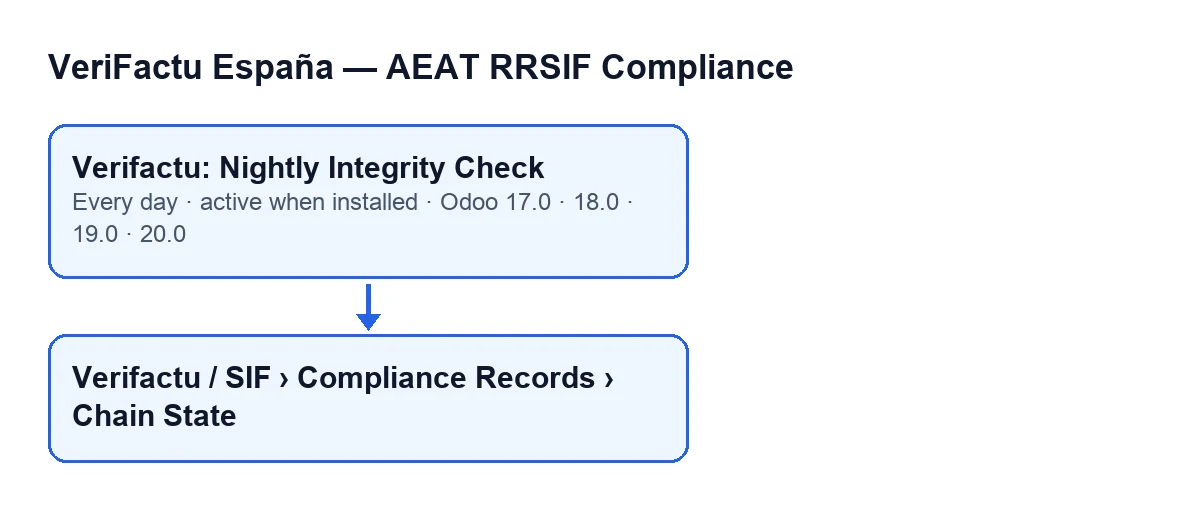
The task exists in every published branch of the module (17.0, 18.0, 19.0 and 20.0), which is published on Odoo Apps for those four versions. This diagram summarises the task and the menu the chains open from:
Details you do not see on the form
It only checks active chains, one by one
The task does not walk every chain that exists: it searches only for the active ones and runs the verification for each separately. Each chain belongs to a company. On the form of All Chain States (Asesoría) you have the Company field to tell which one it is.
It reads the whole chain on every pass
The verification runs one query that joins the company's issue records and cancellation records and sorts them by record number. It then walks through them from start to finish. The code does not start from an intermediate point: every pass begins with the first record.
It recalculates each hash from what is stored
For each issue record, the code rebuilds the hash from these stored data: the issuer's tax ID, the serial number, the issue date, the invoice type (F1 if it is empty), the total tax amount calculated from the taxable bases, the total amount, the hash of the previous record, and the generation date and time with its time zone offset. The first record starts from an empty previous hash.
The issuer's tax ID is used without the ES prefix. If the company has its own tax ID for Verifactu, the code prefers it to the general VAT number. A change to any of those data after the record was generated means the recalculated hash no longer matches the stored one.
Cancellations use different labels
Cancellation records have their own formula: they carry no invoice type, tax amount or total, and their labels are those of the cancelled invoice. The code also accepts cancellations generated before version 1.3.4 of the module, which were calculated with the issue-record labels: if the stored hash matches that old calculation, it accepts it.
It stops at the first break and raises an alert
As soon as a stored hash differs from the recalculated one, the verification stops: it does not carry on with the following records of that chain. It returns how many records it had checked up to that point and the first broken record, with its record number, its serial number, the expected hash and the stored one.
That same step raises the chain-break alert for the company, with the record number and serial number where the chain broke. If the whole chain matches, the verification returns that it passed, together with the total number of records checked.
It runs once a day, and in Odoo 17 it repeats without end
The task runs once a day and is active on install. In Odoo 17.0 it is also set up to repeat without end.
If it seems to do nothing
Before suspecting the task, go through this:
- Is there any active chain? If there is none, the search returns nothing and there is nothing to verify.
- Is the task still active? It is active on install, so if it is not running, check that it is still active.
- What should a successful pass look like? The task only calls the verification for each chain, and an intact chain returns that it passed with its total of records checked. A break is what raises the chain-break alert.
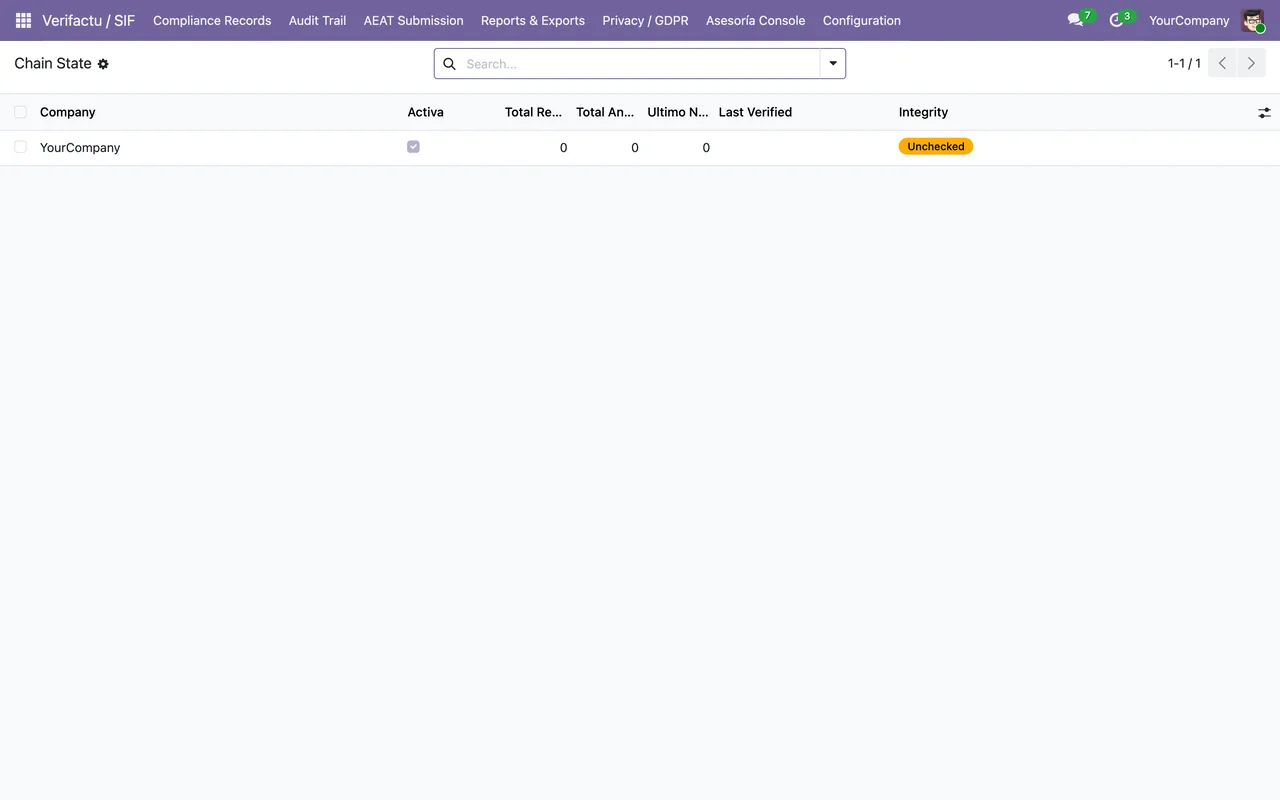
- Can you see the menu? The forms for each chain open from
Verifactu / SIF › Compliance Records › Chain State. Each segment requires different permissions.
Menu permissions, segment by segment
If you do not have the permission for a segment, you do not see that segment. These are the ones each requires:
| Menu segment | Permissions that show it |
|---|---|
Verifactu / SIF | Accountant, Asesoría Operator, Auditor (read-only), Privacy Officer, SIF Manager |
Compliance Records | Accountant, Auditor (read-only), SIF Manager |
Chain State | Auditor (read-only), SIF Manager |
With only the Accountant permission you see the first two segments but not Chain State. If someone says they cannot find the menu, check their permissions first.
Further reading and help
If you are implementing Odoo and want Verifactu to fit your invoicing, FlexigoTech implements Odoo 17, 18, 19 and 20 and builds custom connectors and integrations. You can see the module on its Odoo Apps page.
Keep reading
Checked in the module's source code (version 17.0 and 20.0) and the linked sources
Sources
- Module source code: flexigo_spain_verifactu 20.0 (1fdc980f): data/verifactu_crons.xml
- Module source code: flexigo_spain_verifactu 17.0 (8d43d727): data/verifactu_crons.xml
- Module source code: flexigo_spain_verifactu 20.0 (1fdc980f): models/verifactu_cadena.py
- www.agenciatributaria.es/static_files/AEAT_Desarrolladores/EEDD/IVA/VERI-FACTU/Veri-Factu_
- apps.odoo.com/apps/modules/20.0/flexigo_spain_verifactu
- flexigotech.com/en/services.html