

 Español
 Català
Field by field
- Macrodato
- Mandatory with value S when the total amount is equal to or above 100,000,000.00 in absolute value. It only accepts N or S (1137). With S and a smaller amount, 1138; without S and a larger amount, 1139.
- Cupon
- It can only be S on an R1 or an R5. Otherwise, 1157.
- FacturaSimplificadaArt7273
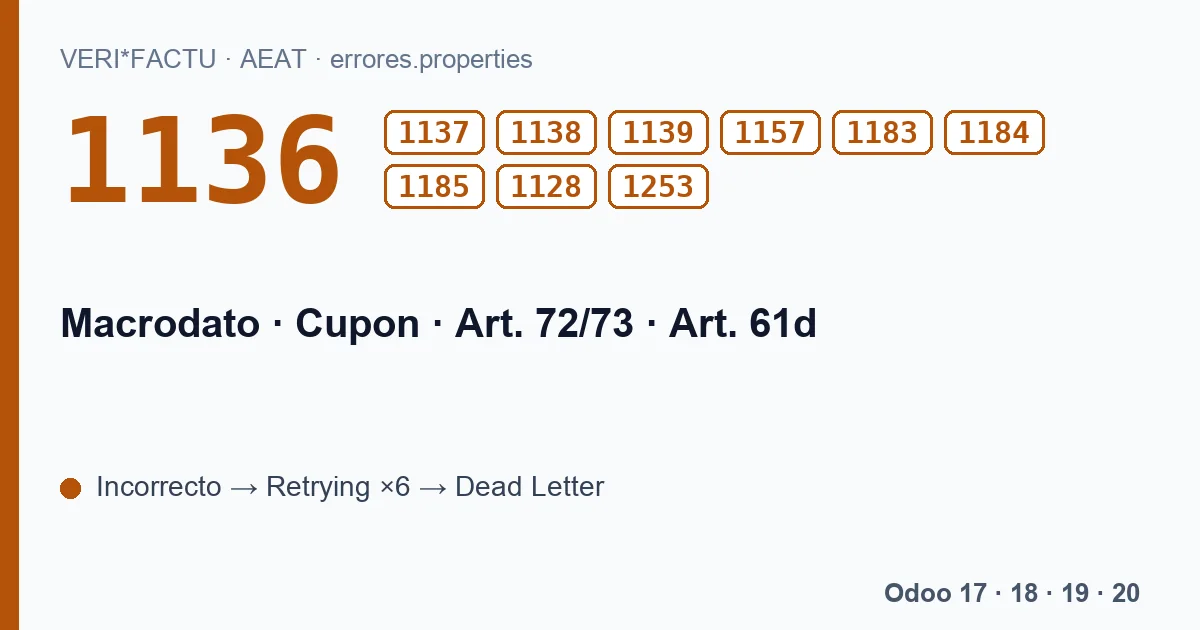
- For the qualified simplified invoices of the Spanish invoicing regulation. It only accepts N or S (1136) and it can only be S on F1, F3, R1, R2, R3 or R4 (1183).
- FacturaSinIdentifDestinatarioArt61d
- For invoices that do not identify the recipient under article 61 d. It only accepts N or S (1184) and it can only be S on F2 or R5 (1185).
- NumRegistroAcuerdoFacturacion
- If reported, the agreement has to exist at the AEAT. If it does not, 1128.
- RefExterna
- A free reference of the system itself. If its value is not valid, 1253.
All ten reject the invoice record.
What our module sends
None of these six fields appears in the registration record built by the module. That is why these codes cannot come from one of its submissions. For most companies nothing changes, because these fields cover rare cases and leaving them out causes no rejection. Two of them do have consequences worth knowing:
- The billing agreement and article 61 d. They are the two exceptions to the 3,000.00 euro cap that the AEAT applies to simplified invoices with 1150 (the general legal limit is lower: 400 euros including VAT). Since the module does not send them, an F2 above that amount is always rejected with 1150, even if you have an agreement with the AEAT. We explain it on the error 1150 page.
- Qualified simplified invoices. The module classifies as F2 the POS invoices, those ticked as simplified and those of customers without a tax ID, and it does not tell qualified simplified invoices apart. If you issue them, write to us.
Macrodato, in numbers
The AEAT asks for Macrodato to be flagged when the invoice total reaches 100,000,000.00, positive or negative. It is a flag for invoices with a very high amount, and the check works both ways: you cannot flag it below the threshold or leave it unflagged above it. With the published module, an invoice of that size would go out without the flag and the AEAT would reject it with 1139; if you issue invoices like that, talk to us first.
The codes on this page, with the AEAT's text
Each code with its literal text, in Spanish, as the AEAT's error list gives it:
| Code | AEAT text (Spanish) |
|---|---|
| 1136 | El campo FacturaSimplificadaArticulos7273 solo acepta valores N o S. |
| 1137 | El campo Macrodato solo acepta valores N o S. |
| 1139 | Si el campo ImporteTotal está informado y es igual o superior a +-100.000.000 el campo Macrodato debe estar informado con valor S. |
| 1157 | El valor de cupón solo puede ser S o N si está informado. El valor de cupón sólo puede ser S si el tipo de factura es R1 o R5. |
| 1183 | El campo FacturaSimplificadaArticulos7273 solo se podrá rellenar con S si TipoFactura es de tipo F1 o F3 o R1 o R2 o R3 o R4. |
| 1184 | El campo FacturaSinIdentifDestinatarioArt61d solo acepta valores S o N. |
| 1185 | El campo FacturaSinIdentifDestinatarioArt61d solo se podrá rellenar con S si TipoFactura es de tipo F2 o R5. |
| 1128 | No existe acuerdo de facturación. |
| 1253 | El valor del campo RefExterna tiene un valor incorrecto. |
| 1138 | El campo Macrodato solo debe ser informado con valor S si el valor de ImporteTotal es igual o superior a +-100.000.000 |
Where do I see these codes if I get them?
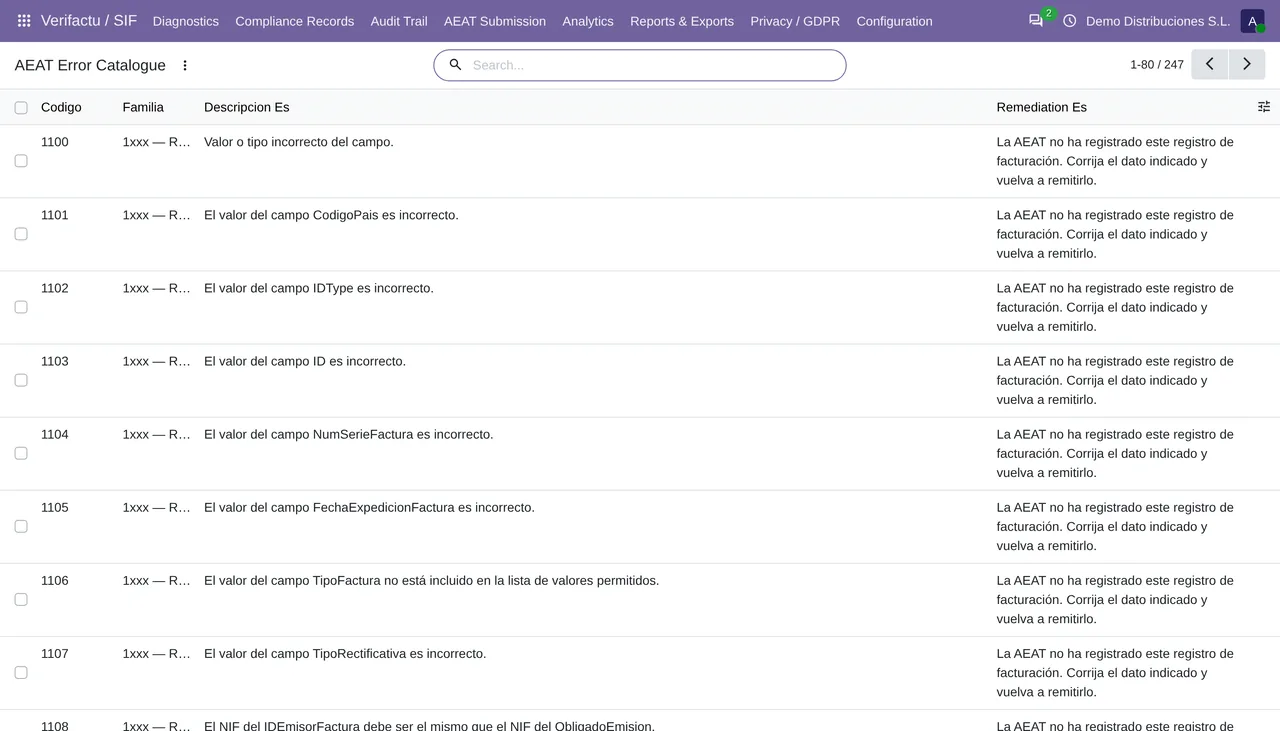
In AEAT Submission › AEAT Errors, grouped by code, and their full text in the AEAT Error Catalogue. If you get one with a submission from the module, send us the answer at comercial@flexigobe.com, because it would mean something other than the module is filling those fields.
Keep reading
Checked in the module's source code (version 20.0) and the linked sources
Sources
- www.agenciatributaria.es/static_files/AEAT_Desarrolladores/EEDD/IVA/VERI-FACTU/Validacione
- Module source code: flexigo_spain_verifactu 20.0 (aa2ea3d2): views/verifactu_aeat_errors_views.xml
- Module source code: flexigo_spain_verifactu 20.0 (aa2ea3d2): models/verifactu_aeat_client.py
- Module source code: flexigo_spain_verifactu 20.0 (aa2ea3d2): models/verifactu_cadena.py
- Module source code: flexigo_spain_verifactu 20.0 (aa2ea3d2): data/verifactu_error_catalogue.xml
- prewww2.aeat.es/static_files/common/internet/dep/aplicaciones/es/aeat/tikeV1.0/cont/ws/err
- www.boe.es/buscar/act.php?id=BOE-A-2012-14696