

 Español
 Català
 Deutsch
 Français
 Português
 Italiano
 Nederlands
 Polski
The message as you see it
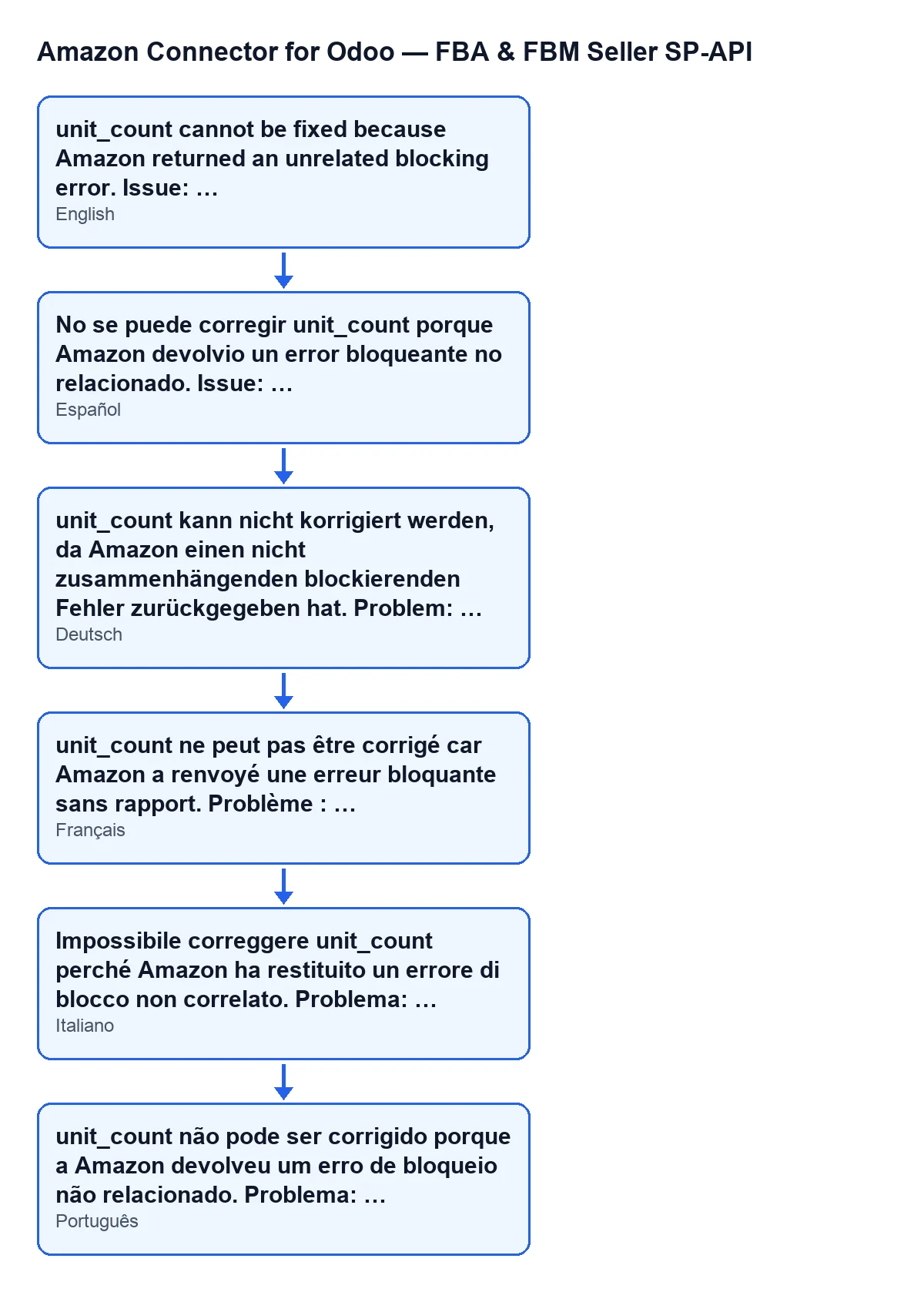
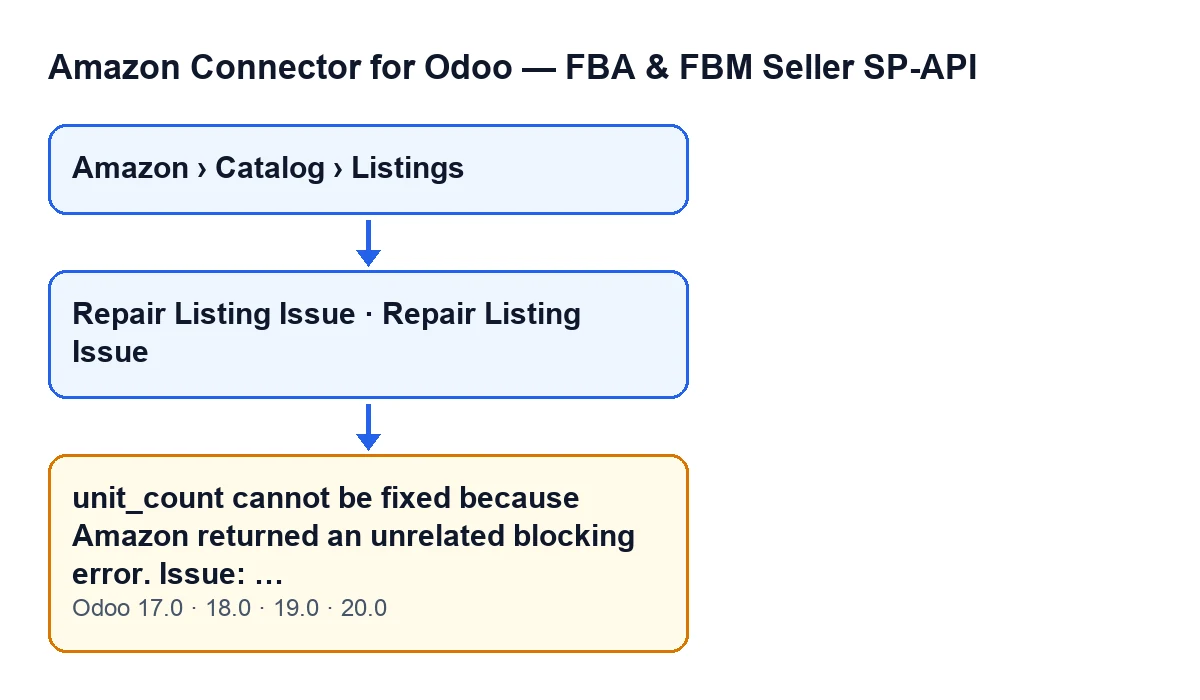
The full text is unit_count cannot be fixed because Amazon returned an unrelated blocking error. Issue: …. The ellipsis stands for the detail of the issue Amazon returned. It is an error: the action stops.
The message is in the code of Odoo 17, 18, 19 and 20, and the button is always visible in all four.

Where it appears and what triggers it
Listing records open from Amazon › Catalog › Listings; each step of the menu needs the Viewer permission. The record has a Repair Listing Issue button, which is always visible in Odoo 17, 18, 19 and 20. When you click it, Odoo asks for confirmation with this text: Amazon listing repair may change catalog attributes such as unit_count. Continue?.
The message appears when you click that button. Being able to see the menu as a viewer is not enough to run the action: the first thing the method does is check that your user has at least Operator access to the connector.
What the button does before it reaches the message
In Odoo 20.0, the button's code runs in this order:
- It checks Operator access, as described above.
- It works out the product type and, if the listing has no stored attributes, asks Amazon for them first.
- It prepares several candidate values for unit_count and tries them one at a time: it sends the unit_count change to Amazon, stores the response and reviews it.
The message comes out of that review, on the first Amazon response that carries a blocking issue unrelated to unit_count. The module does not carry on trying other candidates.
The exact condition
After each submission, the module looks through the issues Amazon returns for one that blocks and is not a unit_count issue. If it finds one, the code condition is met and the module stops.
One exception: if that issue is about image access (the ones Amazon flags with code 300403 or with the categories MISSING_IMAGE or INVALID_IMAGE), the module first tries an automatic repair of compliance_media. If that is not enough, it stops with a different message from this one. So this message appears for blocking issues that are neither about unit_count nor about image access.
The detail after Issue: is built from the issue's code, its first category and its message, separated by | , with whichever parts exist.
Because the action stops, the module never gets as far as saving that attempt's unit_count in Odoo.
Illustrative case: Cerámicas Ribera
Example Illustrative case: the company and its figures are made up to explain the flow.
Cerámicas Ribera is an invented shop that sells on Amazon and manages its catalogue from Odoo. Marta, the catalogue manager, has Operator access to the connector and wants to repair a listing with a unit_count problem.
- Marta opens
Amazon › Catalog › Listings, goes into the listing and clicksRepair Listing Issue. - Odoo asks her to confirm the text about possible changes to catalogue attributes such as unit_count. She accepts.
- The module checks the linked product and the product type, and sends Amazon the first candidate for unit_count.
- Amazon's response carries a blocking issue that is neither about unit_count nor about image access. The module stops and does not try more values.
- Marta sees
unit_count cannot be fixed because Amazon returned an unrelated blocking error. Issue: …, with the line of code, category and message from Amazon.
What Marta learns is that the message does not say unit_count is wrong. It says Amazon's response carried a different problem, and that problem blocks. She should read the Issue: line and fix what it points to. After that she can click the button again.
How to resolve it
- Copy the whole line after
Issue:: code, category and Amazon's message. - Fix what that line describes. It is a different problem from unit_count.
- Go back to
Amazon › Catalog › Listingsand clickRepair Listing Issueagain. If a different message appears, read it: it may point to a different problem.
Before repeating, keep in mind what the confirmation warns: the repair may change catalogue attributes such as unit_count.
Questions you may have
Does it mean unit_count is wrong?
No. The message appears because Amazon returned another blocking issue, which is not about unit_count. The module stops there, before treating the unit_count value as resolved or failed.
Was anything from the attempt saved in Odoo?
The unit_count from that attempt is not saved: the action stops before that step. What the module did do was send the candidate to Amazon and read the response.
Who can trigger it?
Anyone who can click the button. The menu needs Viewer, but the action requires at least Operator access to the connector.
Does it change by Odoo version?
The message is in the code of Odoo 17, 18, 19 and 20, and the button is always visible in all four.
How FlexigoTech can help
FlexigoTech implements Odoo 17, 18, 19 and 20 and builds custom connectors and integrations. The module is published on Odoo Apps for 17.0, 18.0, 19.0 and 20.0: see its listing or the module page. If the Amazon error after Issue: is not clear, we can help you read it and decide what to correct.
Keep reading
Checked in the connector's source code (version 20.0) and the linked sources
Sources
- Module source code: flexigobe_amazon_seller_connector 20.0 (8576afa5): models/amazon_spapi_product_binding.py
- Module source code: flexigobe_amazon_seller_connector 20.0 (8576afa5): views/amazon_spapi_product_binding_views.xml
- Module source code: flexigobe_amazon_seller_connector 20.0 (8576afa5): models/amazon_spapi_new_product.py
- apps.odoo.com/apps/modules/20.0/flexigobe_amazon_seller_connector
- flexigotech.com/en/services.html