

 Español
 Català
 Deutsch
 Français
 Português
 Italiano
 Nederlands
 Polski
When the message appears
What am I doing when it shows up?
You are on the transfer of a Temu order and you press Send Temu Tracking. That button is only visible when the transfer belongs to a Temu order and is in the Done state; otherwise it is hidden. That is how it works in Odoo 17, 18 and 19. When you press it, the action reaches the step that resolves the Temu warehouse and, if the condition in the next question is met, it raises Temu did not return any self-shipping warehouse. and the action stops.
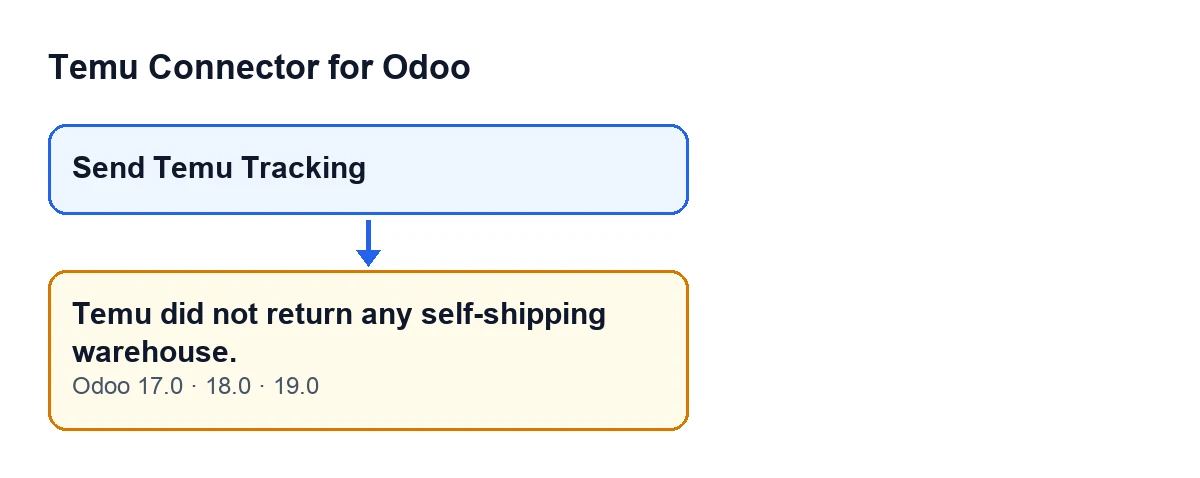
Send Temu Tracking. This is a diagram, not a screenshot.What is the exact condition?
First, the module asks Temu for its list of logistics warehouses. Then it looks for rows (entries with several data items) inside the answer: if the answer is a list, it looks at its items; if it is nested data, it goes through several possible places in its structure, with a limit on how deep it goes. If it finds no rows at all, it raises the message. It is the first check in the method after that search: everything else happens afterwards, and only if rows exist.
Does it depend on my warehouse or my transfer in Odoo?
No. This condition looks only at what Temu returned. The comparison with your Odoo warehouse comes later, once there are rows to compare, so this condition does not change with your warehouse data.
What does it mean in plain words?
That the module found no warehouse it could read in Temu's answer. The code does not tell an empty list apart from an answer whose structure contains no rows: both end in the same text.
Is it the same as the "no usable warehouse identifier" message?
No. That is another message from the same method and it comes later, when there are rows but none of them carries a warehouse identifier. The one covered here comes first, when there are no rows.

What to check to fix it
Where do I start?
In your Temu account. The message is about self-shipping warehouses, and that is what Odoo did not receive, so the first step is to check in Temu whether your account has a self-shipping warehouse that can take part in that query.
Can I press the button again afterwards?
The button stays visible while the transfer belongs to a Temu order and is in Done, so after checking Temu you can press it again. When the message appears, the action stops at that point.
And if Temu does have a warehouse and the message keeps coming back?
The connection to Temu goes through FlexigoTech Cloud, which stores the credentials encrypted and watches the synchronisation. If the service is suspended, whatever the subscription provides stops (your data stays in your Odoo). And if Temu changes its API, the module and the service are adapted. If the message persists after checking your account, write to us and tell us which transfer shows it.
What happens when there are warehouses
What does the module do when the answer does contain rows?
It carries on choosing the Temu warehouse. If there is only one candidate with a usable identifier, it takes it. If there are several, it compares each with your Odoo warehouse: the one on the transfer's operation type or, failing that, the one on the connection instance. From your warehouse it uses the name, the code, and the name and city of its contact; from Temu's warehouse, the name, alias, code and addresses. Exact matches score higher than partial ones, and warehouses marked as default or selected get a bonus. All of this happens after the check that raises Temu did not return any self-shipping warehouse.: with an answer that has no rows there is nothing to compare.
Does anything change between Odoo versions?
The message is in the published code of branches 17, 18 and 19, and the button's visibility condition (a Temu transfer in the Done state) is the same in all three. The method detail above is from the Odoo 19 code. The module is published on Odoo Apps for 17, 18, 19 and 20.
What does the module cost?
It is a one-off payment per Odoo version and needs a FlexigoTech Cloud subscription: the Connector plan costs €49 a month or €490 a year, excluding VAT, and covers up to three Temu accounts. You can see it on the module page.
Can you help me with the implementation?
FlexigoTech implements Odoo 17, 18, 19 and 20 and builds custom connectors and integrations, including for cases where your Temu workflow needs something the module does not cover.
Keep reading
Checked in the connector's source code (version 19.0) and the linked sources
Sources
- Module source code: flexigobe_temu_connector 19.0 (455b3f0f): models/stock_picking.py
- Module source code: flexigobe_temu_connector 19.0 (455b3f0f): views/stock_picking_views.xml
- apps.odoo.com/apps/modules/19.0/flexigobe_temu_connector
- flexigotech.com/precios.html
- flexigotech.com/en/services.html