

 Español
 Català
 Deutsch
 Français
 Português
 Italiano
 Nederlands
 Polski
When this message appears
The message Stock update method is not configured. is an error: the action stops. It can appear when you press Push Stock on the Temu instance record, which opens from the Temu menu, or when you press Run Sync on the sync screen. Both buttons reach the same stock push routine, and that is where the check lives.
Both buttons are visible with no condition in Odoo 17, 18 and 19, and the message is in the published code of those three branches. What follows describes the Odoo 19 code.
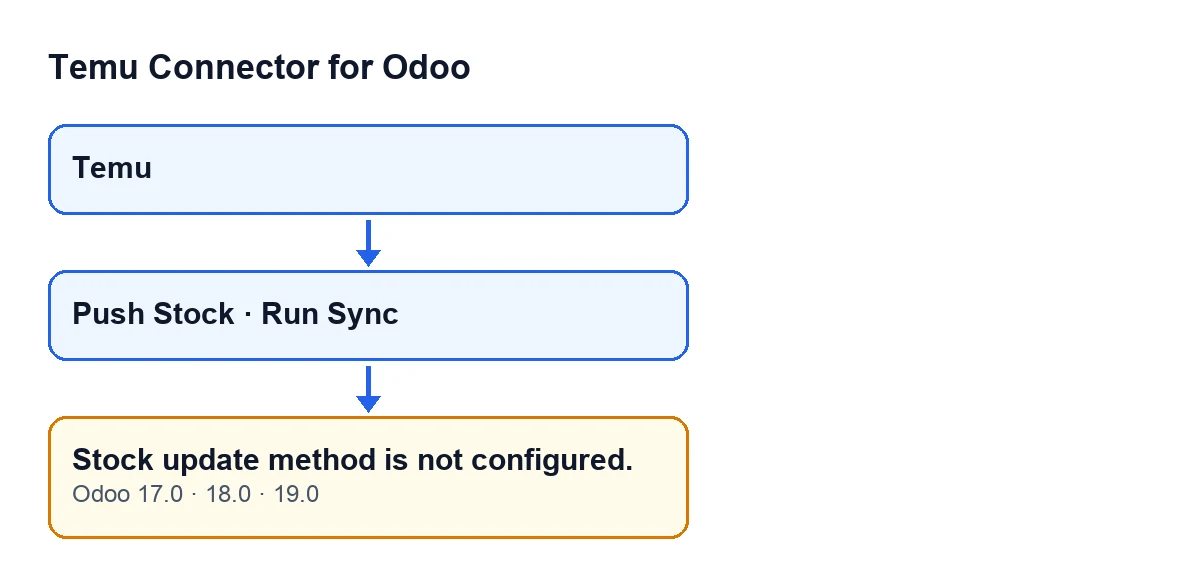

What the code checks before raising it
For each instance whose stock is being pushed, the module follows this order:
- It runs a clean-up routine over the instance's Temu products.
- It gathers the list of stock update methods it can try. That list comes from the stock method saved on the instance and from the fallback methods the module carries. The saved value accepts several names separated by commas or line breaks, and empty pieces or pieces holding only spaces are discarded.
- If
bg.local.goods.stock.editis in the list, it moves it to the front. - If the list is empty, it raises
Stock update method is not configured.and stops.
In plain words: the message appears when neither the method saved on the instance nor the module's fallback methods contribute a single name. As long as there is one candidate, this check passes, even if that method later turns out not to be the one Temu accepts (in that case you will see a different error, not this one).
The check comes before the module picks the instance's Temu-linked products and before it calls Temu. So the message does not depend on which products you have linked: with an empty list, Temu is not called.
What it means in practice
For that instance, the module has not found any method name with which to update stock. One detail that can mislead: a value containing only commas, spaces or line breaks counts as empty, because the module discards the pieces with no text. A field that looks filled in can therefore contribute nothing.
How to fix it, step by step
- Open the
Temumenu and go into the record of the instance that gives the error. - Repeat the action that triggered it (
Push StockorRun Sync) and confirm the text is exactlyStock update method is not configured.. - Check the saved stock update method on the record, which is the value the module reads.
- Save on the instance the name of the Temu stock method you want to use. If you enter several, separate them with commas or line breaks. If
bg.local.goods.stock.editis among them, it moves to the front of the candidate list. - Save the record and press
Push Stockagain.
What to check afterwards
If the push works and the method that did the job differs from the one that was saved, the instance starts saving the one that worked. Seeing a different value there after a successful push is not a fault.
If the check passes but Temu rejects the call, the module raises the last error it received: it will be a different message, not this one.
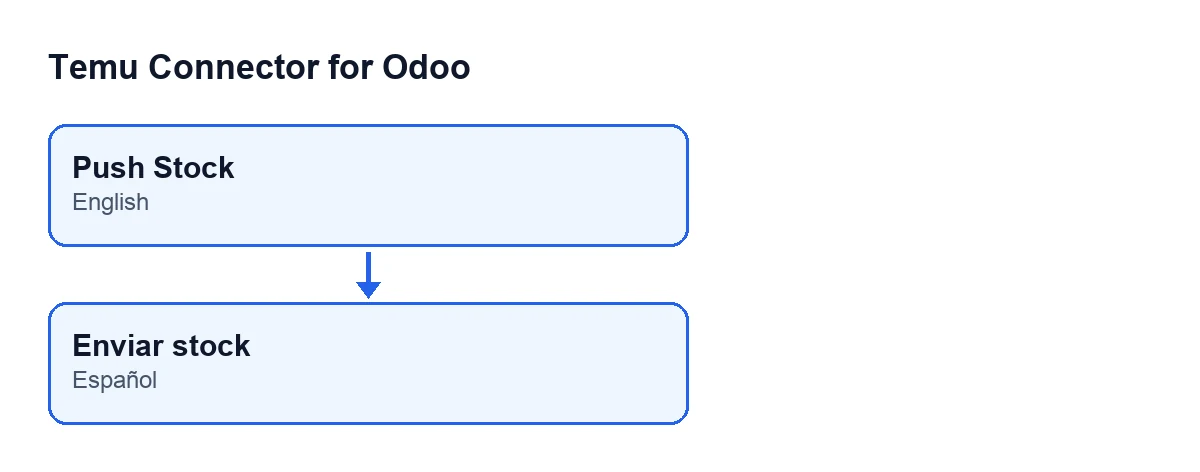
Push Stock label is translated when Odoo is set to Spanish.Versions and cost
The module is published on Odoo Apps for Odoo 17, 18, 19 and 20. According to the published code, the message is in branches 17, 18 and 19. It is a one-off payment per Odoo version and also needs a FlexigoTech Cloud subscription (Connector plan: €49/month or €490/year, excluding VAT). The connection to Temu goes through FlexigoTech Cloud, which stores the credentials encrypted, watches the sync and sends an email if it fails.
How FlexigoTech can help
FlexigoTech implements Odoo 17, 18, 19 and 20 and builds custom connectors and integrations. If you are setting up Temu in your Odoo and want the instance configuration reviewed, you can see the module on its Odoo Apps page or on the module page at flexigotech.com.
Keep reading
Checked in the connector's source code (version 19.0) and the linked sources
Sources
- Module source code: flexigobe_temu_connector 19.0 (455b3f0f): models/temu_instance.py
- Module source code: flexigobe_temu_connector 19.0 (455b3f0f): views/temu_instance_views.xml
- Module source code: flexigobe_temu_connector 19.0 (455b3f0f): wizard/temu_sync_wizard_views.xml
- Module source code: flexigobe_temu_connector 19.0 (455b3f0f): models/fgt_cloud.py
- apps.odoo.com/apps/modules/19.0/flexigobe_temu_connector
- flexigotech.com/en/services.html
- flexigotech.com/precios.html