

 Español
 Català
 Deutsch
 Français
 Português
 Italiano
 Nederlands
 Polski
This message stops the action: whatever the button was about to do does not happen.
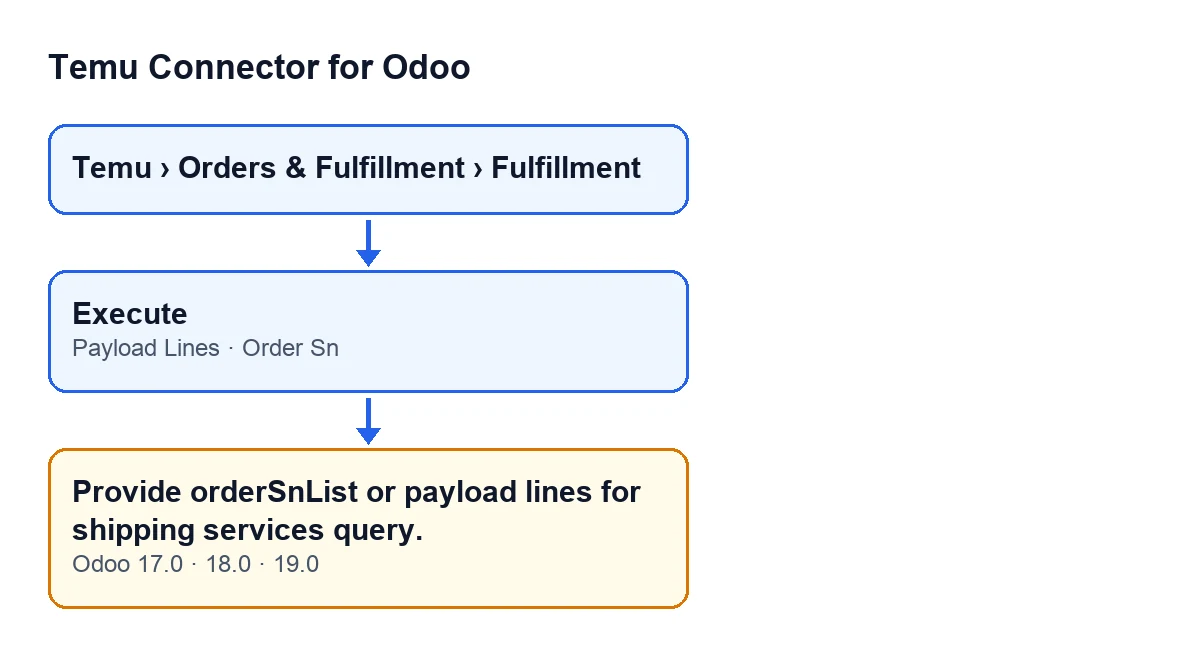
What you are looking at when it appears
You open the record from the menu Temu › Orders & Fulfillment › Fulfillment and press Execute. The button is always visible in Odoo 17, 18 and 19. When you press it, its method reaches the one that builds the request, and that one raises Provide orderSnList or payload lines for shipping services query. if its condition is met.
Execute.
Why it appears and what the code checks
It only appears with the shipping services query
The check sits inside the branch for the shipping services operation. With any other operation, the code never looks at it. If you see the message, the record was set up as that query, and that is the first thing to keep in mind.
Both things must be missing at the same time
The condition has two parts: the record has no lines in the Payload Lines tab, and the order list (orderSnList, as the message calls it) is empty too. Either one is enough for the check to pass. The code reads that list by splitting values on commas or line breaks and dropping blanks, so text made only of commas, spaces or line breaks counts as empty.
The Order Sn field on the record does not count
The names look alike, so it may seem that filling in Order Sn avoids the message, but it does not: the check looks at the lines and the order list, not at that field. Where it does matter is afterwards: when there are lines, a line without its own order number uses the one in Order Sn on the record. That field completes a line, but it does not replace the lines.
You get here with the shipping data already checked
Just before this check, the method requires the warehouse, the weight and its unit, the length, the width, the height and the unit of the dimensions to be filled in. That check comes first. So if you see Provide orderSnList or payload lines for shipping services query., those values had already passed and what is missing is the lines or the order list.
A request fixed in advance skips all of this
If the record carries an override request with content and that content is an object, the method returns that request as it is and never reaches any of the operation's checks, this one included. It explains why such a record does not raise the message. It is not the way to fix the problem: the normal route is the lines.
What the module does when there are lines
Once the check is passed, the method builds the request with the shipping data and, if there are lines, adds the information from each one: its order number (or the one in Order Sn on the record if the line has none) and its quantity, which never drops below one. If there is an order list, it includes that too. That is why, with lines, the query has something to start from.
The same message exists in branches 17, 18 and 19
The text is in the published code of branches 17.0, 18.0 and 19.0. The earlier checks and their order are those of the Odoo 19.0 code, so if you work on another version, compare them with your installation before assuming they are identical.
How to fix it
- Open the record from
Temu › Orders & Fulfillment › Fulfillment. - Go to the
Payload Linestab and add at least one line. - If a line has no order number of its own, fill in
Order Snon the record: the line will use that one. - Press
Executeagain.
With lines in the tab, the condition for this message stops being met, because any line at all is enough.
Once this message goes away, that does not guarantee that the operation's other checks will pass: each one stops the action on its own.
What to check afterwards
- That the
Payload Linestab shows the lines you have just created. - That, where a line has no order number of its own,
Order Snon the record holds the value you want it to use. - That pressing
Executeno longer gives this message. If a different message appears, deal with it separately: this one is no longer the cause.
How FlexigoTech can help
If you are implementing Odoo and connecting Temu, FlexigoTech implements Odoo 17, 18, 19 and 20 and builds custom connectors and integrations. You can see the module on the Temu Connector for Odoo page and get in touch if your shipping flow needs a custom integration.
Keep reading
Checked in the connector's source code (version 19.0) and the linked sources
Sources
- Module source code: flexigobe_temu_connector 19.0 (455b3f0f): models/temu_fulfillment.py
- Module source code: flexigobe_temu_connector 19.0 (455b3f0f): views/temu_fulfillment_views.xml
- flexigotech.com/en/services.html