

 Español
 Català
 Deutsch
 Français
 Português
 Italiano
 Nederlands
 Polski
When the message appears
The message Could not determine Temu regionId for this order. appears when you press the Send Temu Tracking button on the transfer view. That button is only visible when the transfer belongs to a Temu order and is in the Done state; the view condition is the same in Odoo 17, 18 and 19. When the message appears, the action stops.
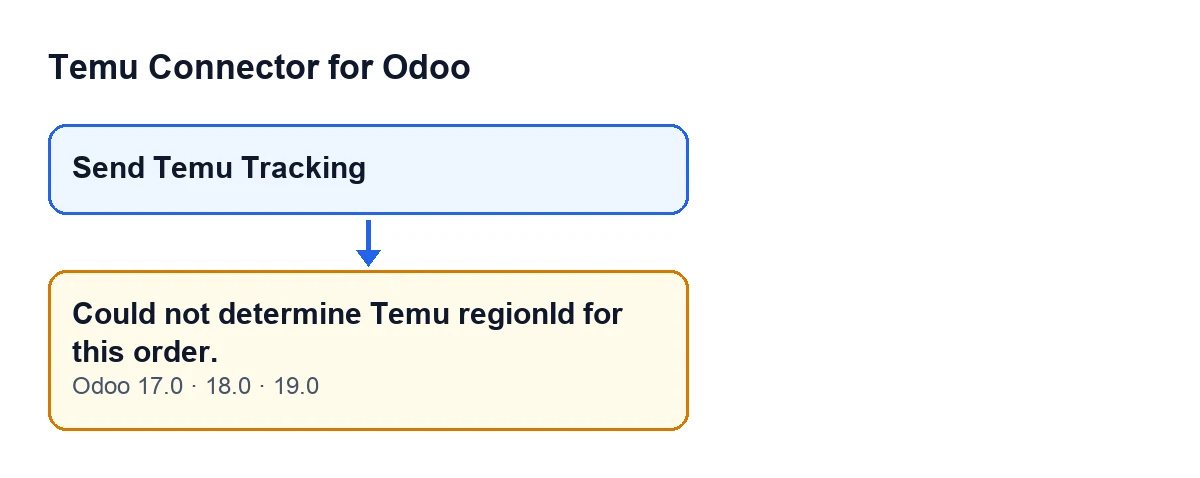
The module raises the message while looking for the Temu carrier for the order, when it cannot obtain a region. The condition in the code is exactly that: the region is empty.

What the module does before raising it
The order followed by the Odoo 19 code when you press the button is this:
- It works out the Odoo carrier: the one on the transfer itself or, if that is empty, the one on the sales order.
- It looks in the Temu instance for an active carrier mapping for that carrier. If there is no specific one but only one active mapping exists, it uses that one. The same applies when there is no carrier: the active mapping is only used if it is the only one.
- If that mapping already holds a numeric Temu carrier identifier, the module uses it and stops there. It never looks at the region, so the message cannot appear by this route.
- Otherwise, it looks for the order's region. This is the condition: if it finds none, it raises the message.
- If it finds one, it asks Temu for the logistics companies of that region and carries on choosing a carrier from the response.
Where it looks for the region
When the module reaches step four, it looks for the order's region in two places, in this order.
- First, in the order data as it arrived from Temu: the order's own data, its parent order's data and the shipping data (including the decrypted shipping data). It looks for a
regionIdorregion_idkey, at the first level or inside a nested block, and accepts it if its value can be converted to a whole number. - If nothing usable turns up there, it looks at the Temu order number (or, if that is empty, the Temu order identifier). It takes whatever comes before the first hyphen, or the whole number if there is no hyphen, and if that is only digits, that is the region.
If neither place gives a region, the message appears, before the module asks Temu for the logistics companies.
A case to see it in action
Example Illustrative case: the company and its figures are made up to explain the flow.
Picture an invented shop, Hogar Norte, that sells homeware on Temu and handles shipping from Odoo. A warehouse operator validates the delivery of a Temu order. The transfer moves to Done, the Send Temu Tracking button appears and they press it. Could not determine Temu regionId for this order. comes up and the action stops.
What happened, step by step according to the code:
- The transfer has an Odoo carrier, but the active mapping that matches it does not hold a Temu identifier. The module cannot settle things at step three.
- It moves on to look for the region. The order data has no
regionIdorregion_idkey whose value is a whole number, and what comes before the first hyphen of the Temu order number (or the whole number, if it has no hyphen) is not just digits. - With no region, the module raises the message and asks Temu nothing further.
So the cause is not the button or the state of the transfer: it is that the imported order gives the module no region.
What to learn from the case
The message is about the region, not the carrier
It appears before the module compares carriers. The Odoo carrier may be perfectly well chosen and the message can still appear, because what is missing is the region.
A fixed identifier avoids the message
If the active carrier mapping for that carrier already holds its numeric Temu identifier, the module returns it at step three and does not check the region. It is the only route the code shows that does not depend on the region.
What the module needs from the order
To obtain a region, the order has to carry a numeric region in its data, or a Temu order number whose part before the first hyphen (or the whole number, if it has no hyphen) is only digits. If neither is the case, the module has nowhere to get one.
Versions
The order of checks you have just read is that of the Odoo 19 code. The message is in the published code for Odoo 17, 18 and 19, and the button has the same view condition in all three.
The button in a Spanish-language Odoo
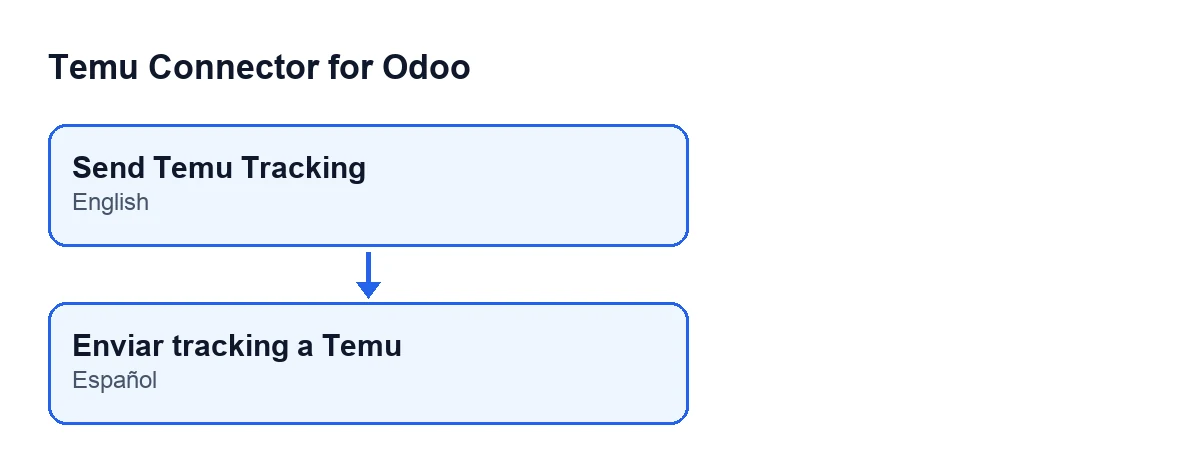
The module ships a Spanish translation of the button label, so with Odoo set to Spanish you will see the translated text instead of the English one. The second diagram shows how that label reads.
How FlexigoTech can help
FlexigoTech implements Odoo 17, 18, 19 and 20 and builds custom connectors and integrations. If you work with Temu Connector for Odoo and your orders give no region, or you need to adjust how carriers are chosen, we can go through it with you.
Keep reading
Checked in the connector's source code (version 19.0) and the linked sources
Sources
- Module source code: flexigobe_temu_connector 19.0 (455b3f0f): models/stock_picking.py
- Module source code: flexigobe_temu_connector 19.0 (455b3f0f): views/stock_picking_views.xml
- flexigotech.com/en/services.html