

 Español
 Català
 Deutsch
 Français
 Português
 Italiano
 Nederlands
 Polski
When this message appears
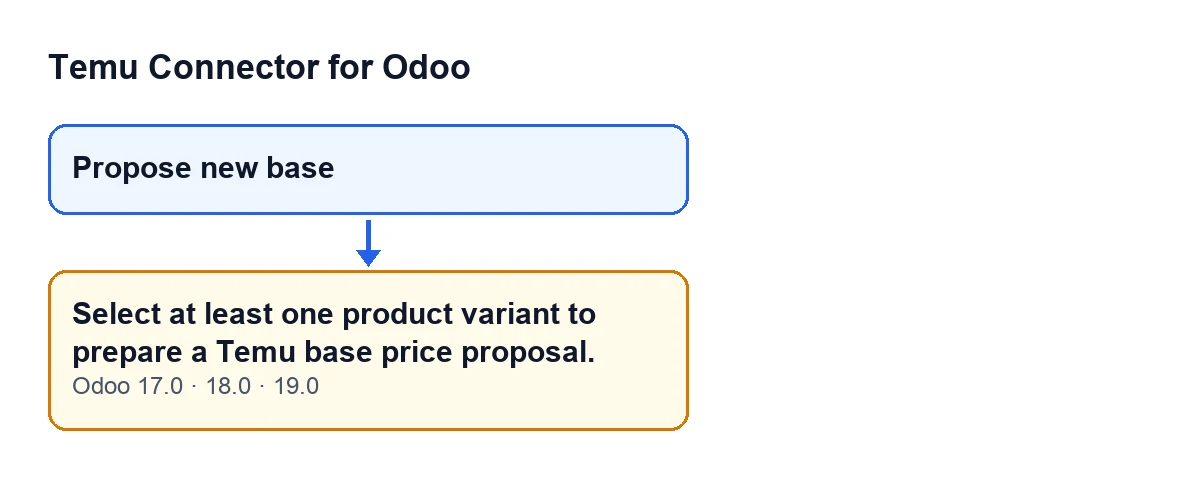
The product variant view has a Propose new base button. When you press it, the module takes the record the button acts on and keeps only what still exists. If nothing is left, the action stops and Select at least one product variant to prepare a Temu base price proposal. appears. That check is what raises this message: the module has no product variant left to prepare the base price proposal for Temu.
When the action stops, no window opens and nothing that the action was going to change is saved.

When the button is visible
The button is not visible on every variant. In Odoo 17, 18 and 19 it is hidden when the Temu interface is not shown (the condition uses a field called Show Temu Ui, which does not appear in any view) or when the variant is missing one of these: the link to a Temu instance (the field Temu Display Has Instance Link, which does not appear in any view either), Temu Display Goods or Temu Display Sku.
Put another way: if you cannot see the button, there is nothing to press and you cannot reach the message from that view. If you can see it, the variant meets those visibility conditions, and the error depends only on whether the record being acted on still exists.
An illustrative case
Example Illustrative case: the company and its figures are made up to explain the flow.
Picture an invented shop, Casa Lumbre, which sells housewares on Temu and manages its catalogue from Odoo. Marta opens a product variant, sees the Propose new base button and steps away for a phone call with the screen still open. Meanwhile a colleague deletes that variant in another session.
When she gets back, Marta presses the button. The module receives the record, checks whether it still exists, finds that it does not and ends up with an empty list. The code condition is met, the action stops and Marta sees Select at least one product variant to prepare a Temu base price proposal.. The Propose Temu Base Price window does not open and no proposal is prepared.
Marta goes back to the variant list, opens one that exists and checks that the button is there. She presses it and this time the window opens. The lesson of the case: the message does not point to a connection problem, it means the button has not found any existing variant to act on.
The case is only one way of reaching the condition. For this message the code looks at nothing else: what matters is that, after filtering, no record is left.
How to resolve it
- Close the notice. That attempt did not open any window or change anything.
- Go back to the product variant view and open a variant that exists, reloading the screen if needed so you are not working with a record that is gone.
- Check that the
Propose new basebutton appears. If it does not, one of the visibility conditions in the previous section is not met. - Press
Propose new baseagain. ThePropose Temu Base Pricewindow should open.
What happens when the variant does exist
With an existing variant, the button shows no error and opens Propose Temu Base Price in a pop-up window. The window opens with the variant already loaded and with the data source set to manual.
For the Temu instance, the module does this: if the variant has exactly one instance set, it uses that one. Otherwise it looks from the product template: it starts from the instance the call already carries, if any; then it tries the single instance among the template's variants, then the single instance among its Temu bindings and, as a last resort, the first active instance it finds.
Versions and subscription
The message is in the published code of branches 17.0, 18.0 and 19.0. The module is published on Odoo Apps for 17.0, 18.0, 19.0 and 20.0; what is described here about the method comes from the 19.0 code.
The module is a one-off purchase per version and needs a FlexigoTech Cloud subscription on the Connector plan: €49/month or €490/year excluding VAT. The connection goes through that service, which stores the credentials encrypted, monitors synchronisation and emails you if it fails. The module page is at flexigotech.com.
How FlexigoTech can help
If you are implementing Odoo and want your Temu catalogue properly linked to your variants, FlexigoTech implements Odoo 17, 18, 19 and 20 and builds custom connectors and integrations.
Keep reading
Checked in the connector's source code (version 19.0) and the linked sources
Sources
- Module source code: flexigobe_temu_connector 19.0 (455b3f0f): models/product_product.py
- Module source code: flexigobe_temu_connector 19.0 (455b3f0f): views/product_template_views.xml
- apps.odoo.com/apps/modules/19.0/flexigobe_temu_connector
- flexigotech.com/en/services.html
- flexigotech.com/precios.html