

 Español
 Català
 Deutsch
 Français
 Português
 Italiano
 Nederlands
 Polski
You press one of the Temu pre-sale buttons on a product and Odoo answers with an error that stops the action. Here is when that happens according to the published code of FlexigoTech's Temu connector, what it means and what to check before trying again.
When it appears and what the code checks
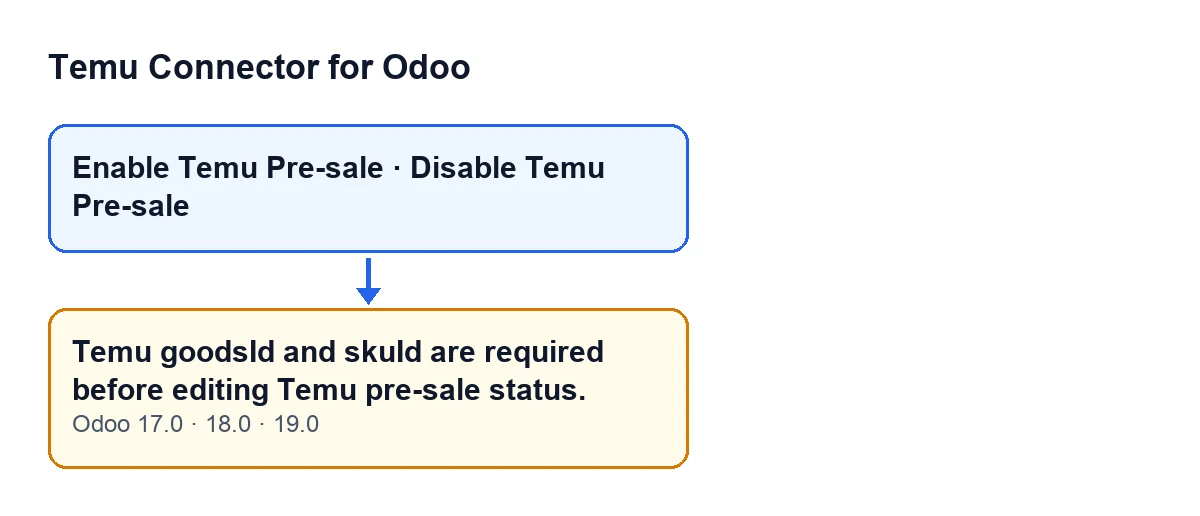
When does Temu goodsId and skuId are required before editing Temu pre-sale status. appear?
It appears when you press Enable Temu Pre-sale or Disable Temu Pre-sale on the product view and the code finds that product's Temu goodsId or skuId empty. It is an error that stops the action: nothing the button was about to change is saved. Both buttons reach the same check, so the error can appear with either of them.
What is the exact condition?
The code gets the product's Temu identity for the action's Temu instance and checks two values: if the goodsId is empty or the skuId is empty, it raises the message. One missing value is enough. The check happens before any request is sent to Temu. The message tells you that one of the two identifiers is missing, but not which one.
What if the action covers more than one product?
The code goes through every product the action acts on and checks each one before sending anything to Temu. A single product without both identifiers is enough to stop the whole action with this message.

What happens when it fires
What does it mean for me?
The code does not have the two pieces of data it needs to ask Temu for a pre-sale status change: that request carries each product's skuId, grouped by its goodsId. Without either of them, the code does not even attempt the request. It is not a connection failure with Temu, because the check happens before the platform is contacted.
Is anything sent to Temu when it appears?
No. The code checks the identifiers before sending any request to Temu, and the action stops at that point. The product is not marked with pre-sale on or off either, because that mark is written after the call to Temu.
When are the buttons visible?
In Odoo 17, 18 and 19 both buttons are hidden under the same condition: when Show Temu Ui or Temu Display Has Instance Link (two fields that do not appear in any view) have no value, or when Temu Display Goods or Temu Display Sku are empty. In other words, to see the buttons Temu Display Goods and Temu Display Sku must have a value, on top of those internal conditions that are not visible on screen. The check behind the message is a different one: the code runs it when you press the button.
Enable Temu Pre-sale.What does the code do when the check passes?
Once every product has both identifiers, the code groups the products by goodsId and, for each group, prepares a pre-sale status change request carrying each product's skuId. If the request is to switch pre-sale on, it adds to each skuId the target pre-sale quantity (rounded, and never below zero) and, if the product has one, the target pre-sale end time; if it is to switch pre-sale off, only the skuIds go. After that call, the products in the group are marked with pre-sale on or off, according to what was requested.
How to fix it
What do I check to make the error go away?
Make sure the product has its Temu goodsId and skuId for the instance you are working with, then press the button again. While either of the two is still empty, the message will keep appearing, because the condition in the code is the same on every attempt.
Does it change between Odoo versions, and what do I need to use the module?
The message is in the published code of Odoo 17, 18 and 19, and the buttons use the same view condition in all three. The module is published on Odoo Apps for 17, 18, 19 and 20 (listing) and has its own page on flexigotech.com. It is a one-off payment per version and needs the FlexigoTech Cloud subscription: the Connector plan costs €49 a month or €490 a year, excluding VAT, for up to 3 accounts on the platform. The connection goes through FlexigoTech Cloud, which stores the credentials encrypted and emails you if synchronisation fails.
If you want it set up for you
FlexigoTech implements Odoo 17, 18, 19 and 20 and builds custom connectors and integrations. If you want the link between your Odoo products and Temu set up properly from the start, get in touch and we will go through it with you.
Keep reading
Checked in the connector's source code (version 19.0) and the linked sources
Sources
- Module source code: flexigobe_temu_connector 19.0 (455b3f0f): models/product_product.py
- Module source code: flexigobe_temu_connector 19.0 (455b3f0f): views/product_template_views.xml
- apps.odoo.com/apps/modules/19.0/flexigobe_temu_connector
- flexigotech.com/precios.html
- flexigotech.com/en/services.html