

 Español
 Català
 Deutsch
 Français
 Português
 Italiano
 Nederlands
 Polski
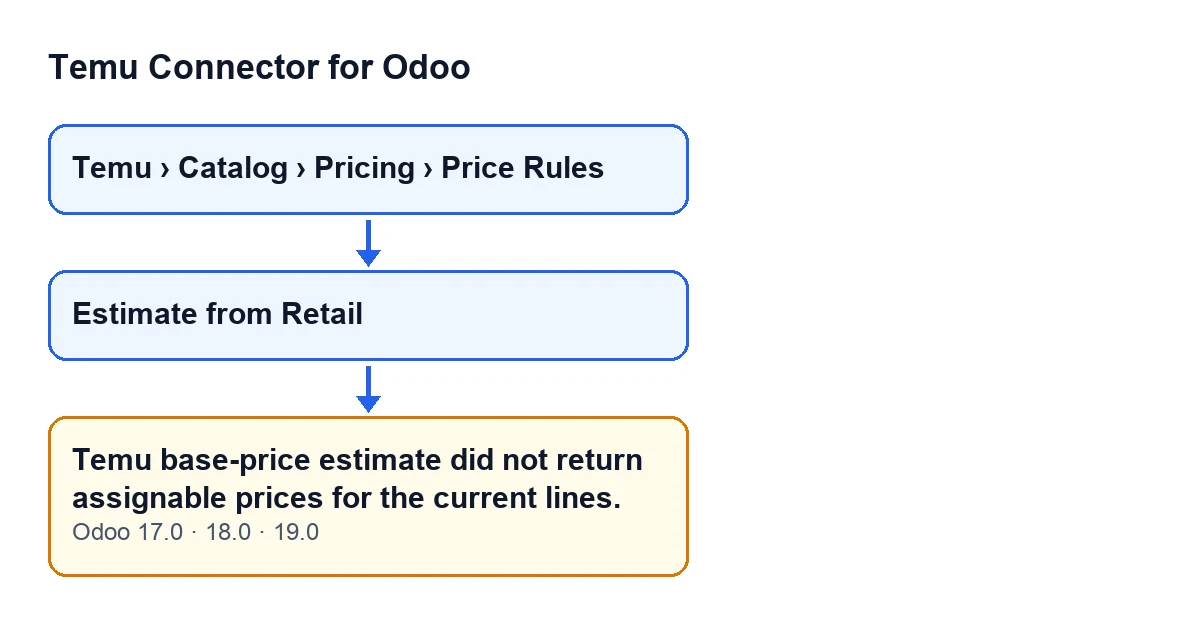
When exactly it appears
The message appears when you press the Estimate from Retail button on one of the forms that open from the menu Temu › Catalog › Pricing › Price Rules. The button is visible in Odoo 17, 18 and 19 with no condition, and the message is in the published code of those three branches.
The condition in the code is that the count of updated lines stays at zero. In plain terms: the module has gone through the lines marked to apply and could not assign an amount from Temu's response to any of them. When it appears, the action stops and nothing it was about to change is saved.

What the button does, step by step
To see why a line ends up without a price, it helps to follow the order in which the module actually works:
- It prepares the request from the Temu product binding (category, cost template and, where present, brand and the form's tax code) and from the lines marked to apply. For each line it includes a reference price: the external platform price, otherwise the target price and, failing that, the current one.
- The Temu instance sends the request and returns the response together with the API method it used.
- The module reads the list of per-variant estimates from the response. Each estimate is identified by the variant options it carries, and only those with an amount greater than zero are kept. The rest are discarded.
- For each line marked to apply, it works out the line's variant options and looks for the estimate with exactly the same ones.
- There is one exception: if nothing matches, the response holds a single valid estimate and the line has no variant options, that estimate is used.
- If the line gets an amount, it is written as the recommended price. The target price is only filled in if it was empty or zero, and the line counts as updated.
- If no line has counted as updated at the end, the message appears. If at least one has, the action carries on: the module changes the state of the form and stores what was sent and Temu's response. Lines without an amount get no recommended price on that run.
Note the last point: the message only appears when every line fails. If some lines get a price and others do not, you will see no error, so it is worth checking which lines were left without a recommendation.
What it means and how to fix it
The message does not say Temu rejected the request, only that nothing in its response could be assigned to the current lines. According to the code, there are these ways to get there:
- The response holds no usable estimates. If there are no estimates, or every one has an empty or zero amount, there is nothing to assign. Review the data the request is built from (category and cost template on the product binding, and the reference price of the lines) and press the button again.
- The variant options do not match. A line with variant options only receives the estimate that has exactly those options. If Temu estimated other combinations, the line is left out.
- The line has no variant options and there are several estimates. Without options, a line only gets a price through the single-estimate exception. With more than one valid estimate, none is assigned to it.
- The marked lines are not the ones you expected. Only lines marked to apply count. Check that the estimate is being run on the lines you want.
Because each line is matched separately against the estimates in the response, the outcome depends on each line's variant options. If all of them fail, you see the message; if only some fail, the action finishes and those lines are left without a recommended price.
How the button looks with Odoo in English
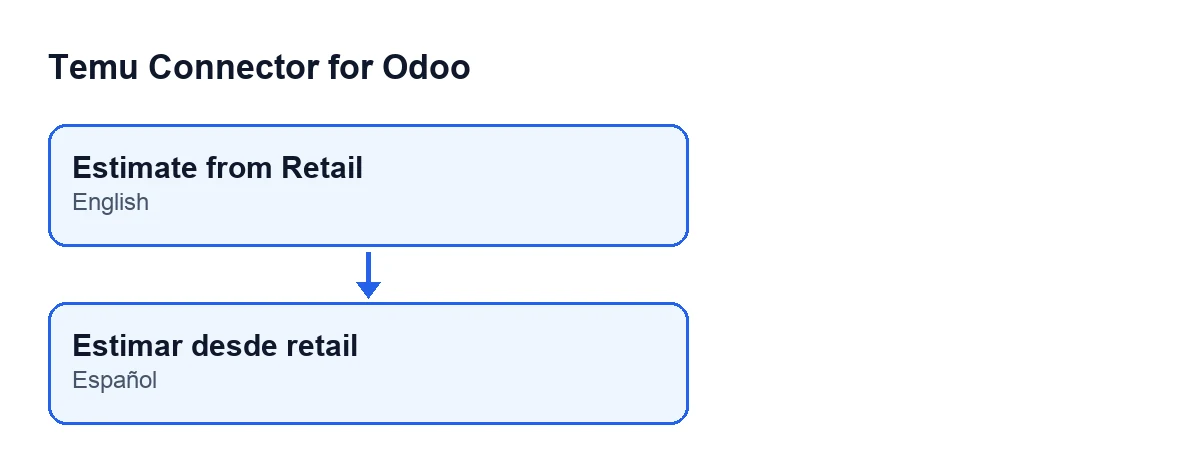
With Odoo in English the button is called Estimate from Retail.
What to check afterwards
When at least one line gets a price, the action finishes without an error and the module changes the state of the form. That is your sign that the estimate worked.
Cost and help
The module is a one-off purchase per Odoo version and needs the FlexigoTech Cloud subscription, Connector plan: €49 a month or €490 a year, excluding VAT. It is published for Odoo 17, 18, 19 and 20; you can see it on its Odoo Apps page or on the module page.
If you are implementing Odoo and want to review how this estimate behaves with your products, or you need a bespoke integration, FlexigoTech implements Odoo 17, 18, 19 and 20 and builds connectors and integrations.
Keep reading
Checked in the connector's source code (version 19.0) and the linked sources
Sources
- Module source code: flexigobe_temu_connector 19.0 (455b3f0f): models/temu_price_update.py
- Module source code: flexigobe_temu_connector 19.0 (455b3f0f): views/temu_price_views.xml
- apps.odoo.com/apps/modules/19.0/flexigobe_temu_connector
- flexigotech.com/precios.html
- flexigotech.com/en/services.html