

 Español
 Català
 Deutsch
 Français
 Português
 Italiano
 Nederlands
 Polski
What the notice means and when it appears
Is Advertising reports synchronized successfully. an error?
No. It is a success notice that does not block the screen. The code returns it as a notification and marks it as not sticky, so it does not wait for you to dismiss it. If you came looking for an error, this message tells you the action finished.
When exactly does it appear?
When you press Sync Ads Reports and the advertising report sync reaches the end. According to the Odoo 19 code, the button does two things in a row: it runs the sync and, as soon as that returns, it returns the notice. There is no further check in between. The notice does not depend on how many rows came in or on whether any campaigns exist.
Where is the button and in which versions?
In the Temu Dashboard form, which opens from the Temu menu. In Odoo 17, 18 and 19 the button is always visible. The message is in the published code of all three branches (17, 18 and 19). The module is published on Odoo Apps for 17, 18, 19 and 20.
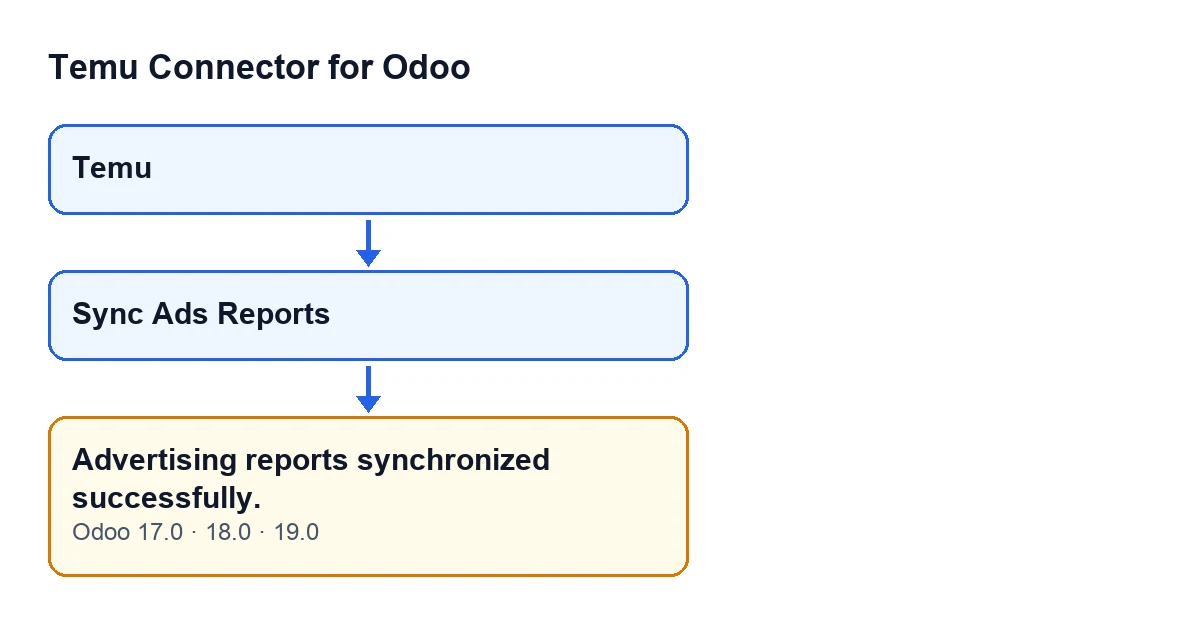
Sync Ads Reports.
What Odoo does before showing it
What does the sync do before the notice?
The Odoo 19 code goes through each selected record and does this, in this order:
- It works out a period that ends at the moment you press the button and starts seven days earlier. The button passes no other value, so that default is used.
- It requests the mall-type advertising report for that period. Each row received is processed as a mall report, and the rows the module counts as synced are tallied.
- It obtains the product (goods) identifiers to query, removes duplicates and sorts them.
- For each product it requests its report and processes each row as a goods report, again tallying the rows it counts as synced.
- If there is a campaign on that same form with the same product identifier, the code may write to it the reports summary (keeping the previous one if the response has none) and the last report sync date, and clear its last error. Whether it does depends on the shape of the response received.
- It posts a note on the
Temu Dashboardform with the number of mall rows and goods rows synced.
Does it mean data was actually brought in?
Not necessarily. The notice is returned when the sync ends, and the code does not look at the counters before returning it. To find out how many rows were synced, read the note the sync posts on the Temu Dashboard form, which gives mall rows and goods rows separately.
What happens to campaigns?
A campaign is only updated if it belongs to the same form and has the same product identifier as the product being queried. If no campaign has that identifier, the code processes that product's rows but writes to no campaign.
How do I check the result, step by step?
Open the Temu menu and go into the Temu Dashboard form. Press Sync Ads Reports, wait for the notice and then read the new note that appears on the form: it holds the mall row and goods row counts. The notice tells you the action finished; the note tells you what was processed.
If it does not appear, versions and cost
What do I do if I do not see the notice?
The notice is returned only after the sync, so if you do not see it the action did not reach the end: do not treat the reports as synced. Check whatever Odoo shows instead and the Temu Dashboard form.
Can I change the seven-day period from the button?
Not from the button: it calls the sync without specifying days, and the code default is seven.
What does it cost?
The module is a one-off payment per Odoo version and needs a FlexigoTech Cloud subscription. The connection goes through that service, which stores the credentials encrypted, monitors the sync and emails you if it fails. The Connector plan costs €49/month or €490/year excluding VAT. With the subscription, the module for newer Odoo versions is included if you bought it on flexigotech.com; on the Odoo App Store, each version is bought there. See the Odoo Apps listing or the module page.
And if I need help with the integration?
FlexigoTech implements Odoo 17, 18, 19 and 20 and builds custom connectors and integrations, in case your Temu setup needs more than the module.
Keep reading
Checked in the connector's source code (version 19.0) and the linked sources
Sources
- Module source code: flexigobe_temu_connector 19.0 (455b3f0f): models/temu_instance.py
- Module source code: flexigobe_temu_connector 19.0 (455b3f0f): views/temu_instance_views.xml
- Module source code: flexigobe_temu_connector 19.0 (455b3f0f): models/fgt_cloud.py
- apps.odoo.com/apps/modules/19.0/flexigobe_temu_connector
- flexigotech.com/en/services.html
- flexigotech.com/precios.html