

 Español
 Català
 Deutsch
 Français
 Português
 Italiano
 Nederlands
 Polski
When the message appears
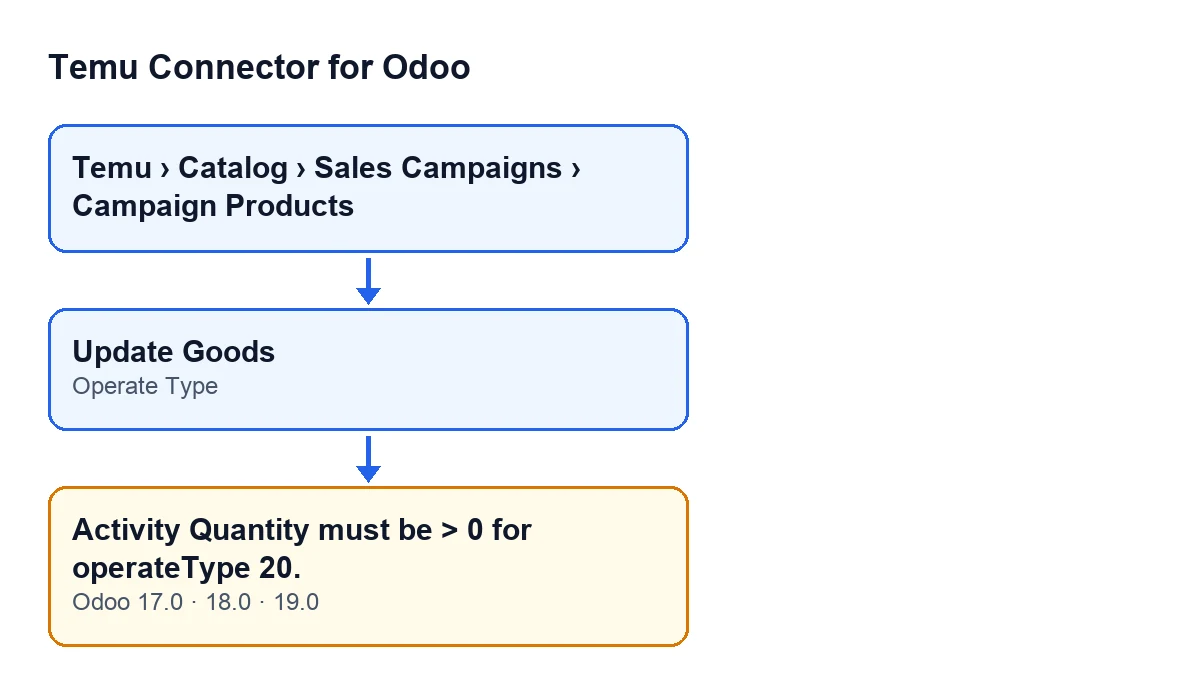
When does Activity Quantity must be > 0 for operateType 20. appear?
When you press the Update Goods button on a campaign product and two things are true at once: Operate Type is 20, and the quantity the module works out for the activity, rounded to a whole number, is zero or less. If either condition is missing, this message does not appear.
What does the message mean?
The module was preparing a type 20 operation, and the activity quantity it came up with is not greater than zero. The module makes that check itself while preparing the data to send, before calling Temu: it is not a reply from Temu.
Where is the button, and when is it visible?
The campaign product records open from the menu Temu › Catalog › Sales Campaigns › Campaign Products, and the button is in their view. In Odoo 17, 18 and 19 it is always visible. With Odoo in English it is labelled Update Goods.
Update Goods with Odoo in EnglishWhat does Operate Type have to do with the error?
The Operate Type field is shown on the Promotion Goods form, and its default value in the code is 10. The quantity check only happens when it is 20. With type 10 or 40, the action does not look at this quantity, but it sends other data and runs its own checks. With type 20, the action prepares the request to Temu with an activity quantity, and if that quantity is not greater than zero it stops with the message.

Where the checked quantity comes from
Which quantity does the module actually look at?
According to the code, it takes the first one that has a value (neither empty nor zero), in this order: the desired activity quantity, the activity quantity and the recommended activity quantity. If none has a value, it counts as zero. The module rounds the result to a whole number and checks whether it is zero or less.
Can it fail even when a quantity is filled in?
Yes, because of how the quantity is picked. If the first one with a value is negative, the module keeps it and fails, even when the following ones are positive. If that value has decimals and rounds to zero, it fails too. And if all three are empty or zero, the result is zero. A desired quantity with a value takes priority over the other two.
How to fix it
What do I do to let the action go ahead?
If you really want the type 20 operation, make sure the first of those quantities with a value is greater than zero once rounded, then press Update Goods again. When the action stops with this message, nothing it was about to change is saved, so there is nothing half-done to undo.
What if you did not want type 20?
Check Operate Type on the Promotion Goods form. Change the value only if it matches what you want to do with that product in the campaign, because each type runs its own checks before sending.
Has anything been sent to Temu when the message appears?
No. The module raises the error before calling Temu, so nothing is sent. The call is only made when the quantity passes the check and the action carries on.
What happens when the quantity is valid?
The action sends Temu, through the Temu instance, the activity, the product, the operate type, a trace code and the quantity. If the record had no trace code, the module generates one. When the call succeeds, the module stores the result of the operation and Temu's response on the record. If the call fails, the action stops and shows the error.
Can I press the button again after fixing it?
Yes. The button is always visible in Odoo 17, 18 and 19, and the check runs again each time you press it with type 20: once the quantity the module picks is greater than zero, the action carries on.
Versions and help
The message text is in the published code of branches 17, 18 and 19, and the module is published on Odoo Apps for Odoo 17, 18, 19 and 20. If you want to see how another button of the module works, there is what the Execute button does, step by step.
FlexigoTech implements Odoo 17, 18, 19 and 20 and builds custom connectors and integrations. The Temu connector is a one-off payment per Odoo version and needs a FlexigoTech Cloud subscription, Connector plan (€49 a month or €490 a year, excluding VAT): the connection goes through FlexigoTech Cloud, which stores the credentials encrypted, monitors synchronisation and emails you if it fails.
Keep reading
Checked in the connector's source code (version 19.0) and the linked sources
Sources
- Module source code: flexigobe_temu_connector 19.0 (455b3f0f): models/temu_promotion.py
- Module source code: flexigobe_temu_connector 19.0 (455b3f0f): views/temu_promotion_views.xml
- apps.odoo.com/apps/modules/19.0/flexigobe_temu_connector
- flexigotech.com/en/services.html
- flexigotech.com/precios.html