

 Español
 Català
 Deutsch
 Français
 Português
 Italiano
 Nederlands
 Polski
A case from start to finish: a shop connects Shopee
Example Illustrative case: the company and its figures are made up to explain the flow.
Arrecife Stationery is a made-up company that sells office supplies and already runs Odoo. Its manager installs Shopee Marketplace Connector (APAC) and sets it up in an afternoon. Along the way they hit almost every warning in the module. We look at them in the order they appear, with what each one means and what the manager does to move on.
First stop: the marketplace account
The first step is creating the account. As the team also sells elsewhere, the manager tries choosing a marketplace other than Shopee and Odoo replies with %s is not available: this connector only connects Shopee. The module has another warning with the same meaning: Only Shopee accounts can be connected. Both say the same thing: this connector only connects Shopee. What they do: keep the account on Shopee.
Next, without noticing, they create a second account with the same shop_id as the first within the same company. On saving they get Each marketplace account (shop_id) must be unique per company. The rule is in the text itself: in each company, a shop_id can only sit on one account. What they do: discard the draft and work on the account that already existed.
On the same account they fill in the sync frequency with a value below the minimum and run into Sync frequency must be between 5 and 60 minutes. They fix it with a value inside that range, between 5 and 60 minutes. When typing the conflict detection threshold they get the figure wrong and see Conflict detection threshold must be between 0 and 100%. They enter a value between 0 and 100% and save.
Second stop: categories, attributes and products
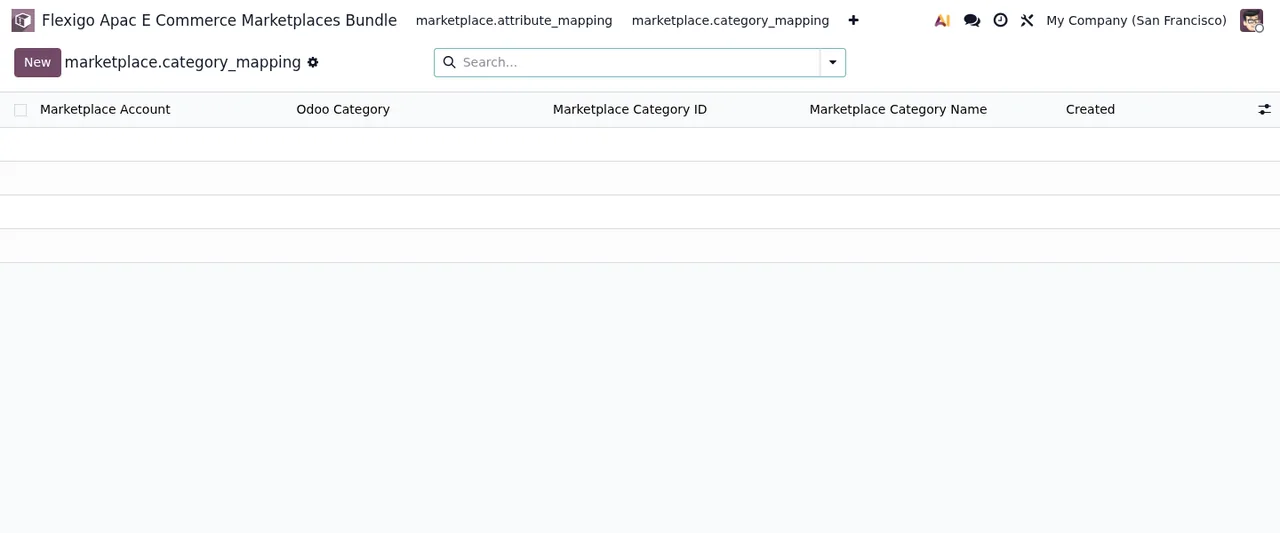
With the account ready, they move on to mappings. They start with categories: they link an Odoo category to a Shopee category and, later, try to link the same Odoo category to another Shopee category on the same account. Up comes Each Odoo category maps to one marketplace category per account. What they do: edit the mapping they already had instead of creating another.
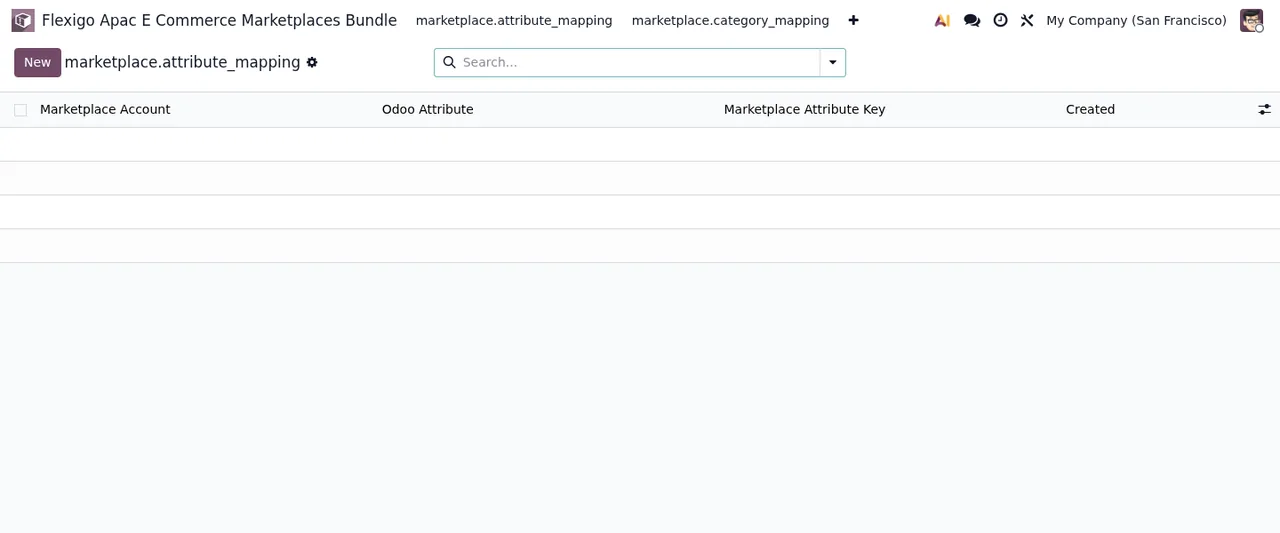
The same happens with attributes. When they repeat an Odoo attribute for the same account, the warning is Each Odoo attribute maps to one marketplace attribute per account. The way out is the same: one Odoo attribute, one marketplace attribute per account.
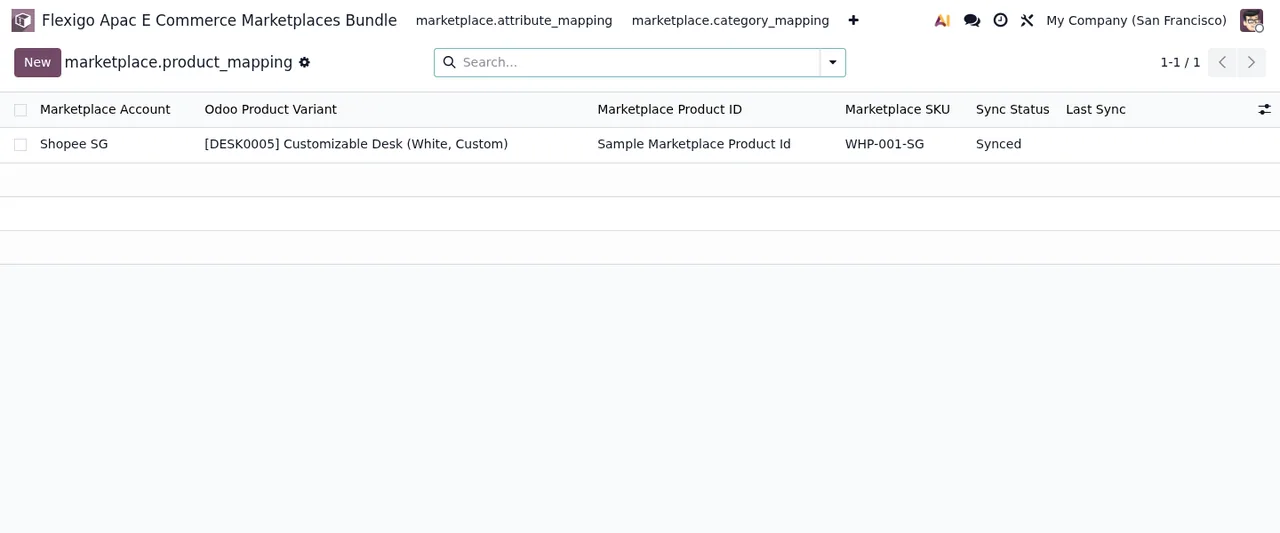
Then they map products. They accidentally duplicate the mapping of a variant on the same account and get One mapping per product per account. While fixing it, they copy the Shopee product ID from another line and hit Marketplace product ID must be unique per account. Two separate rules: each product has a single mapping per account, and each marketplace product ID can only appear once per account. They review the list and leave one mapping per product with its own ID.
Third stop: importing orders
When importing the first order they see No product of the order %s is mapped to the account %s: map them in Product Mappings and try again. The message already gives the route: no product in that order is mapped to that account. What they do: go into Product Mappings, map the products in that order and try again.
On another attempt they get %s did not return the order %s: %s. The text says the order was not returned and adds a detail at the end. What they do: read that detail in full before retrying and keep it for whoever provides their support.
Finally, a colleague deletes a test account that had a pending order. On importing it, up comes The account of the order %s no longer exists: create its sales order by hand, or delete the hold so that the next import of the company makes it. Here the message offers two ways out and Arrecife Stationery picks one: create the sales order by hand, or delete the hold so that the company's next import creates it.
Fourth stop: the sync log
While reviewing the sync log, the manager tries to correct a line and gets Sync logs are immutable after creation. You cannot edit them. They then try deleting it and the warning is Sync logs cannot be deleted. They are part of the immutable audit trail. The module does not let you edit or delete those records: they are part of the audit trail. What they do: leave them as they are and correct the data at its source.
The company warning that appears in several places
There is one message the module repeats across several kinds of record: The company of a %s is the one of its marketplace account. What it says is that the company of that record is the company of its marketplace account. If you see it, do not try to give that record a company different from its account's: check which company the marketplace account belongs to and work from there.
What to take from the case
Arrecife Stationery's warnings group by the moment they appear:
- Account: Shopee only, one
shop_idper company, frequency between 5 and 60 minutes and conflict threshold between 0 and 100%. - Mappings: one Odoo category and one Odoo attribute per account, one mapping per product and account, and a marketplace product ID unique per account.
- Orders: no mapped products, no import; if the order's account no longer exists, the message itself gives you both ways out.
- Log: sync logs cannot be edited or deleted.
- Company: each record's company is that of its marketplace account.
If you want to see which fields to fill in before reaching these warnings, there is the connector set-up guide, and to understand what each record goes through, how it works under the hood.
How FlexigoTech can help
The connector is listed free (excluding VAT) on Odoo Apps for Odoo 17, 18, 19 and 20; you will find it on the Odoo Apps listing and on its page at flexigotech.com. If you would rather have someone get it running with you, at FlexigoTech we implement Odoo 17, 18, 19 and 20 and build bespoke connectors and integrations when what you need goes beyond what the module does.
Keep reading
Checked in the module's source code (version 20.0) and the linked sources
Sources
- Module source code: flexigo_apac_e_commerce_marketplaces_bundle 20.0 (2cbf6b48): models/marketplace_attribute_mapping.py
- Module source code: flexigo_apac_e_commerce_marketplaces_bundle 20.0 (2cbf6b48): models/marketplace_category_mapping.py
- Module source code: flexigo_apac_e_commerce_marketplaces_bundle 20.0 (2cbf6b48): models/marketplace_config.py
- Module source code: flexigo_apac_e_commerce_marketplaces_bundle 20.0 (2cbf6b48): models/marketplace_order_hold.py
- Module source code: flexigo_apac_e_commerce_marketplaces_bundle 20.0 (2cbf6b48): models/marketplace_product_mapping.py
- Module source code: flexigo_apac_e_commerce_marketplaces_bundle 20.0 (2cbf6b48): models/marketplace_sync_conflict.py
- Module source code: flexigo_apac_e_commerce_marketplaces_bundle 20.0 (2cbf6b48): models/marketplace_sync_log.py
- Module source code: flexigo_apac_e_commerce_marketplaces_bundle 20.0 (2cbf6b48): models/marketplace_sync_queue.py
- apps.odoo.com/apps/modules/20.0/flexigo_apac_e_commerce_marketplaces_bundle
- apps.odoo.com/apps/modules/17.0/flexigo_apac_e_commerce_marketplaces_bundle
- apps.odoo.com/apps/modules/18.0/flexigo_apac_e_commerce_marketplaces_bundle
- apps.odoo.com/apps/modules/19.0/flexigo_apac_e_commerce_marketplaces_bundle
- flexigotech.com/en/services.html