

 Español
| Rule | Source | Text |
|---|---|---|
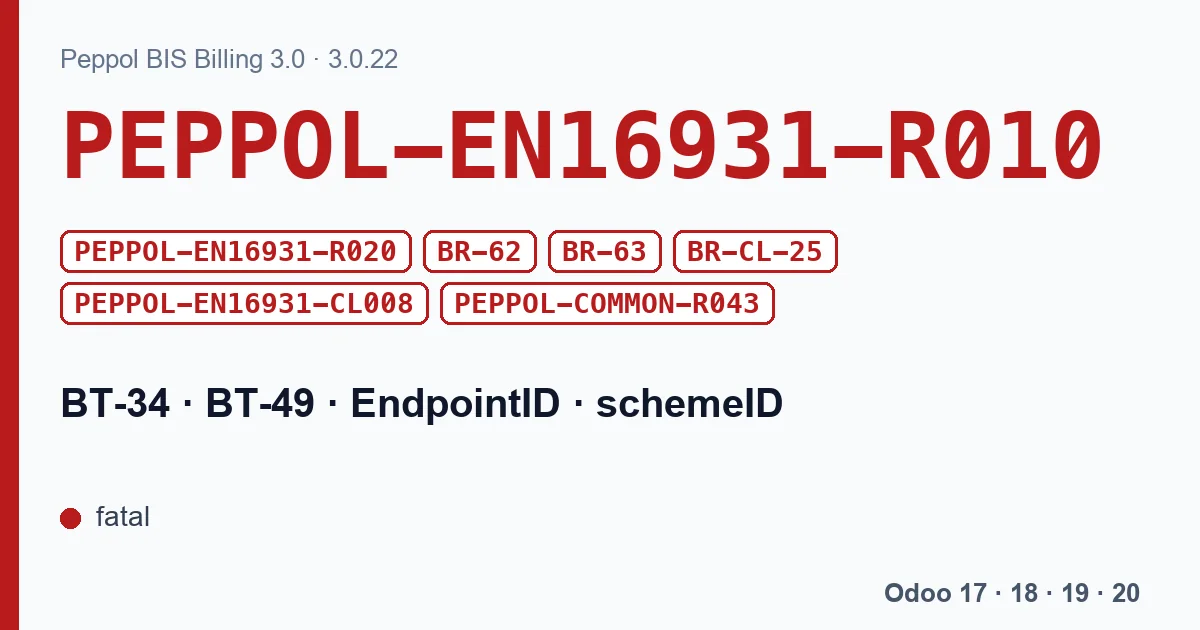
| PEPPOL-EN16931-R010 | Peppol BIS 3.0.22 | Buyer electronic address MUST be provided |
| PEPPOL-EN16931-R020 | Peppol BIS 3.0.22 | Seller electronic address MUST be provided |
| BR-62 | EN 16931 1.3.17 | The Seller electronic address (BT-34) shall have a Scheme identifier. |
| BR-63 | EN 16931 1.3.17 | The Buyer electronic address (BT-49) shall have a Scheme identifier. |
| BR-CL-25 | EN 16931 1.3.17 | Endpoint identifier scheme identifier MUST belong to the CEF EAS code list |
| PEPPOL-EN16931-CL008 | Peppol BIS 3.0.22 | Electronic address identifier scheme must be from the codelist "Electronic Address Identifier Scheme" |
| PEPPOL-COMMON-R043 | Peppol BIS 3.0.22 | Belgian enterprise number MUST be stated in the correct format. |
All of them are fatal. XRechnung applies R010 and R020 too, which is why this error shows up with German customers as well. The last one is Belgian: if the scheme is the Belgian enterprise number, the identifier must have that number's format.
Where it lives in Odoo
| Version | Fields on the contact |
|---|---|
| Odoo 17, 18 and 19 | Peppol e-address (EAS), the scheme, and Peppol Endpoint, the identifier. |
| Odoo 20 | Routing ID, the scheme, and Routing Endpoint, the identifier. |
Fill them in on your company and on every customer you invoice over Peppol. Odoo 18, 19 and 20 also check them when sending over Peppol and, if one is missing, say so with the rule in front: “[PEPPOL-EN16931-R010] An electronic address (EAS) must be provided on the customer '%s'.”, and the same with R020 for your company.
With XRechnung, Odoo has a shortcut: if the contact has no Peppol address but has an email, it uses the email with scheme EM. That meets R010 and R020 in an XRechnung, but it does not work for sending over the Peppol network, which needs a registered identifier.
Why Peppol rejects it even when it is there
A filled-in field is not enough for the invoice to arrive. The identifier has to exist on the network: each participant is registered with its scheme and number, and if you write the enterprise number in another format, or with the wrong scheme, the delivery finds no destination even though the file passes the rules. For Belgium, PEPPOL-COMMON-R043 checks the enterprise number: ten digits, the last two being check digits. A mistyped number usually fails even when the format looks right.
With our Peppol module for Belgium
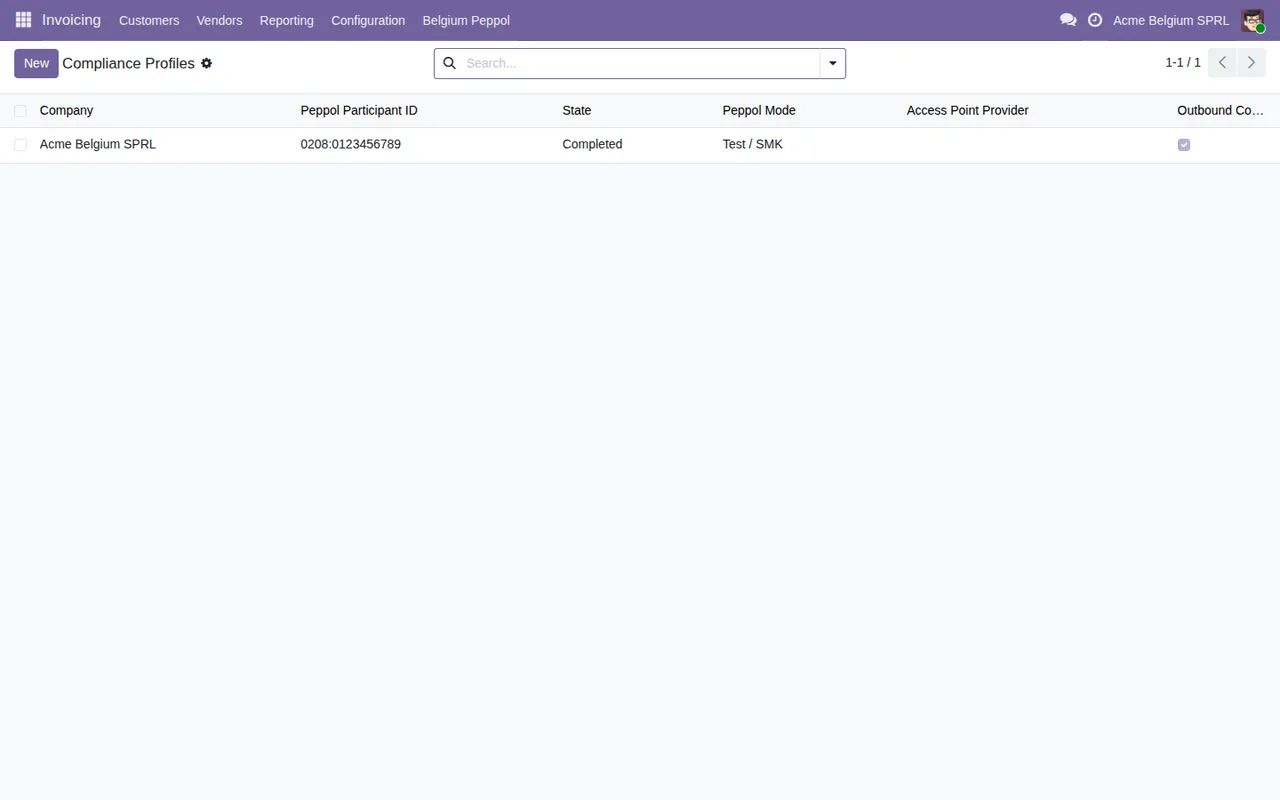
The module's setup wizard asks the SML, the central registry of the Peppol network, whether each customer is registered under its identifier, so you know before invoicing; that lookup does not go down to each one's SMP. A caveat about the published version (17.0 to 20.0): its ten pre-send checks sit in a summary wizard that no button or menu opens, so today they neither run nor stop Odoo's Peppol sending. Check the two fields above yourself.
What to do
- On your company: scheme and endpoint (Odoo 17 to 19) or Routing ID and Routing Endpoint (Odoo 20).
- On the customer: the same, with the identifier it is registered under on Peppol.
- For Belgian companies, the enterprise number in the right format.
- Send again.
Keep reading
Checked in the module's source code (version 20.0) and the linked sources
Sources
- github.com/odoo/odoo/blob/2982b5f44af03fae6a9888f20632c1cc19f623ba/addons/account_peppol/m
- github.com/odoo/odoo/blob/4d2d4b5895db70596863df941d9a1f0beeb117f8/addons/account_peppol/m
- docs.peppol.eu/poacc/billing/3.0/rules/ubl-peppol/PEPPOL-COMMON-R043/
- github.com/odoo/odoo/blob/6f00fdadb875342de2d14a179f25431f93cd63c9/addons/account_edi_ubl_
- github.com/odoo/odoo/blob/2982b5f44af03fae6a9888f20632c1cc19f623ba/addons/account_edi_ubl_
- github.com/odoo/odoo/blob/4d2d4b5895db70596863df941d9a1f0beeb117f8/addons/account_edi_ubl_
- github.com/odoo/odoo/blob/2fec20391a8a61ea3a3bf15e9f24d59dba910a8d/addons/account_edi_ubl_
- github.com/odoo/odoo/blob/2fec20391a8a61ea3a3bf15e9f24d59dba910a8d/addons/account_edi_ubl_
- github.com/odoo/odoo/blob/6f00fdadb875342de2d14a179f25431f93cd63c9/addons/account_edi_ubl_
- github.com/odoo/odoo/blob/2fec20391a8a61ea3a3bf15e9f24d59dba910a8d/addons/account_edi_ubl_
- Module source code: flexigo_belgium_peppol_b2b_e_invoicing_compliance_wizar 20.0 (8c3e3f48): wizard/be_peppol_setup_wizard.py
- Module source code: flexigo_belgium_peppol_b2b_e_invoicing_compliance_wizar 20.0 (8c3e3f48): models/account_move.py
- github.com/itplr-kosit/xrechnung-schematron/releases/tag/v2.6.0
- github.com/ConnectingEurope/eInvoicing-EN16931/releases/tag/validation-1.3.17
- docs.peppol.eu/poacc/billing/3.0/rules/ubl-peppol/PEPPOL-EN16931-CL008/
- docs.peppol.eu/poacc/billing/3.0/rules/ubl-peppol/PEPPOL-EN16931-R010/
- docs.peppol.eu/poacc/billing/3.0/rules/ubl-peppol/PEPPOL-EN16931-R020/