

 Español
 Català
 Deutsch
 Français
 Português
 Italiano
 Nederlands
 Polski
The message and the button behind it
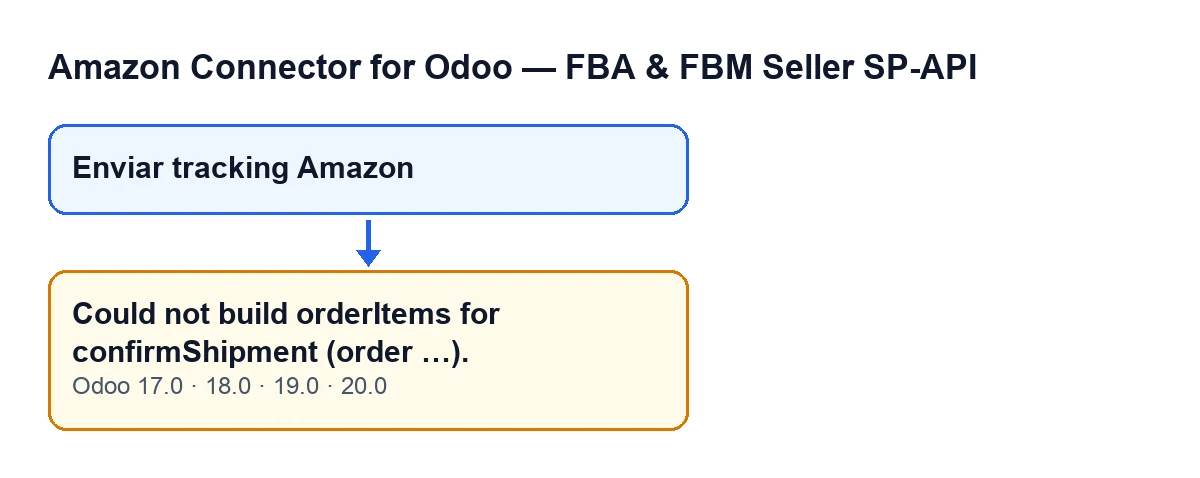
The message Could not build orderItems for confirmShipment (order …). appears when you press the button Enviar tracking Amazon, on the transfer (delivery slip) form. That button is only visible when the transfer is in the state Done and belongs to an Amazon order (the module marks this with a field, Amazon Order, that does not appear in any view). The dots in the message are replaced by the order identifier on Amazon.
It is an error that stops the action. What the message tells you is that the module could not assemble the list of lines (orderItems) that confirmShipment carries.
How it looks in each Odoo language
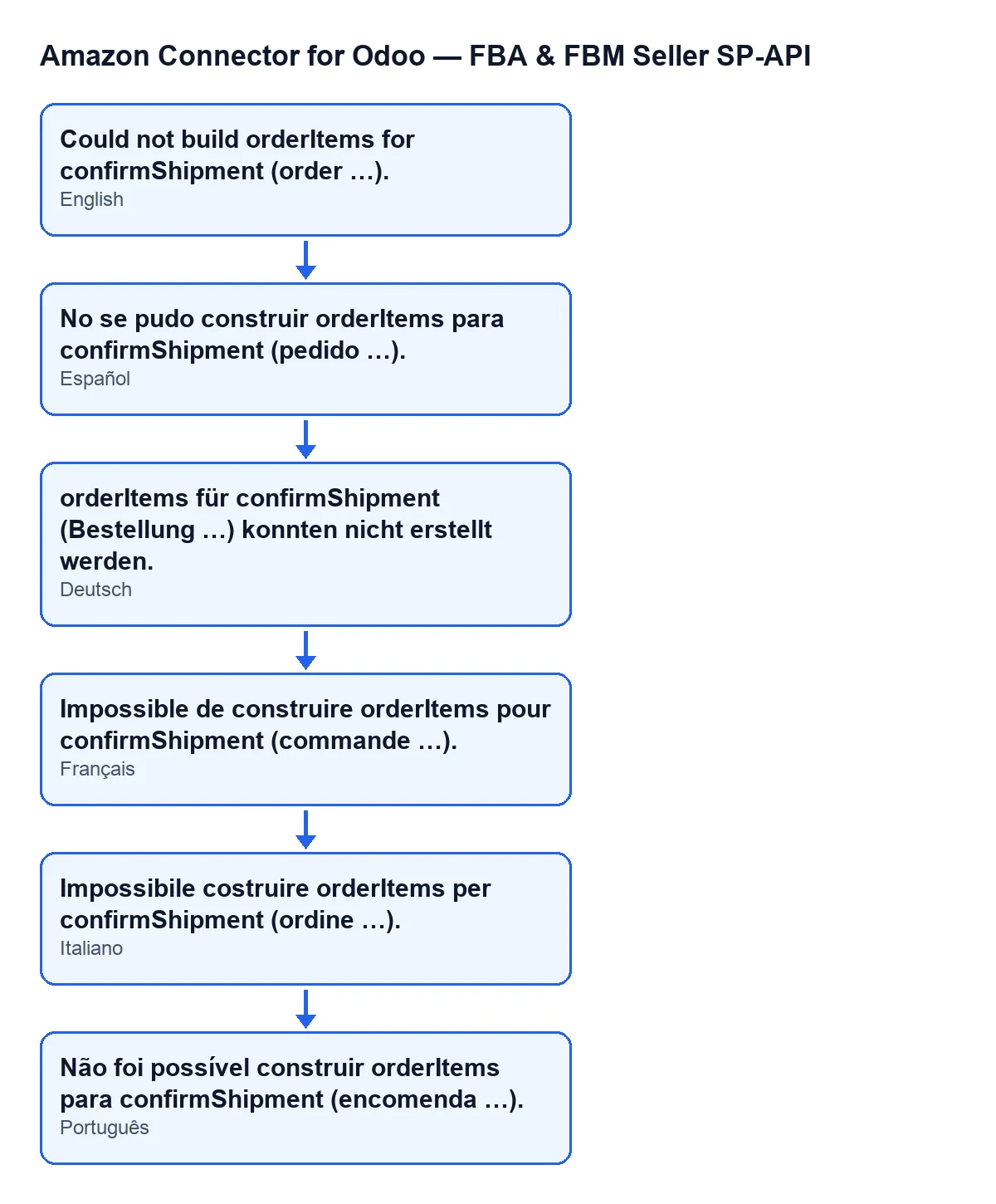
The module ships the message translated. With Odoo in English you see Could not build orderItems for confirmShipment (order …).; the diagram below also shows how it reads in Spanish, German, French, Italian and Portuguese.

When exactly it appears
The Odoo 20.0 code raises the message at one precise point: when the list of lines to confirm ends up empty. The message is also in the published code for Odoo 17, 18 and 19. This is what the module does, in order, before getting there:
- From the transfer, it works out how much of each SKU was done and the total quantity done. It prefers the quantities on the sales lines, so with a kit it counts the commercial SKU rather than the component SKUs.
- It asks Amazon for the lines of the order.
- If Odoo has quantities done by SKU, it goes through the Amazon lines and records the ones it can match. This message only comes up on this route.
- If it has recorded none, it tries a fallback designed for single-line orders.
- If that also produces nothing, it raises the message.
An Amazon line is skipped when it has no line identifier, when its SKU ends up empty, or when its SKU does not match any SKU shipped in Odoo that still has quantity left to assign. A single matching line is enough for this message not to appear.
The single-line fallback only works if Amazon returns exactly one line with an identifier and, in what was shipped in Odoo, there is just one SKU with a quantity. With several lines on Amazon, or several SKUs shipped, it does not apply.
How the module compares SKUs
Before comparing, the module normalises the SKU on both sides: it converts to upper case, trims spaces at the ends, turns special dashes into an ordinary hyphen and removes everything that is not a letter from A to Z (no accents, no ñ) or a digit. So taza-azul, TAZA AZUL and Taza–Azul give the same key. Note that an accented letter or an ñ is removed from the key rather than kept. If two SKUs are still different after that clean-up, they really do differ in letters or digits.
In the calculation by sales lines, the Odoo SKU comes from the product on the line. If that product has no SKU, it contributes no quantity to the matching.
A worked example
Example Illustrative case: the company and its figures are made up to explain the flow.
Casa Ficticia, an invented shop, sells ceramics and candles on Amazon. A customer buys a mug and a candle in the same order, so Amazon returns two lines, each with its own identifier. In Odoo the products have the SKUs TAZAAZUL and VELA; on Amazon the seller listed the offers as TAZA-AZUL-GRANDE and VELA-LAVANDA.
The transfer is validated and moves to Done. When Enviar tracking Amazon is pressed, the module normalises the SKUs: from Amazon it gets TAZAAZULGRANDE and VELALAVANDA; from Odoo, TAZAAZUL and VELA. None match, so no line is recorded. The single-line fallback does not help either, because Amazon returned two lines with an identifier. Result: Could not build orderItems for confirmShipment (order …).
Casa Ficticia makes the SKUs agree, so that each product's SKU in Odoo and the SKU on its Amazon line say the same thing, and presses the button again. With identical SKUs, each Amazon line can be matched with its shipped SKU and the list is no longer empty.
What the case teaches: the error is not about the transfer itself, but about the SKUs on the two sides not recognising each other. A hyphen or a capital letter will not cause it; extra letters will.
What to do, step by step
- Note the Amazon order identifier shown in the message and open the matching transfer.
- Look at which products you shipped on it and which SKU each has in Odoo. Check that none is missing a SKU.
- Compare each SKU with the one on the order line at Amazon. Ignore capitals, spaces, hyphens and symbols: look for different letters or digits.
- Correct the SKU on whichever side is wrong, so that they match.
- Press
Enviar tracking Amazonagain.
Questions about this message
Does it appear in every version?
The message is in the published code for Odoo 17, 18, 19 and 20. The description above, including the order of the steps, corresponds to the Odoo 20.0 code.
What if an order has several lines and only one matches?
Then this message does not appear: one matched line is enough for the list not to be empty. If a different message appears afterwards, it comes from another check in the module.
Why does the single-line fallback not help?
Because it requires Amazon to return exactly one line with an identifier and what was shipped in Odoo to have a single SKU with a quantity. If the order has several lines or several SKUs were shipped, the fallback returns an empty list.
What about kits?
The module prefers to count by sales lines, so it counts the commercial SKU that was sold rather than the component SKUs. The SKU that has to match Amazon is that of the product sold.
How FlexigoTech can help
If you sell on Amazon and run Odoo, we can review with you how your SKUs are set up before you send tracking. FlexigoTech implements Odoo 17, 18, 19 and 20 and builds custom connectors and integrations. You can see the connector on its page at flexigotech.com or on the Odoo Apps listing.
Keep reading
Checked in the connector's source code (version 20.0) and the linked sources
Sources
- Module source code: flexigobe_amazon_seller_connector 20.0 (8576afa5): models/stock_picking.py
- Module source code: flexigobe_amazon_seller_connector 20.0 (8576afa5): views/stock_picking_views.xml
- apps.odoo.com/apps/modules/20.0/flexigobe_amazon_seller_connector
- flexigotech.com/en/services.html