

 Español
 Català
 Deutsch
 Français
 Português
 Italiano
 Nederlands
 Polski
What the notice says and when it appears
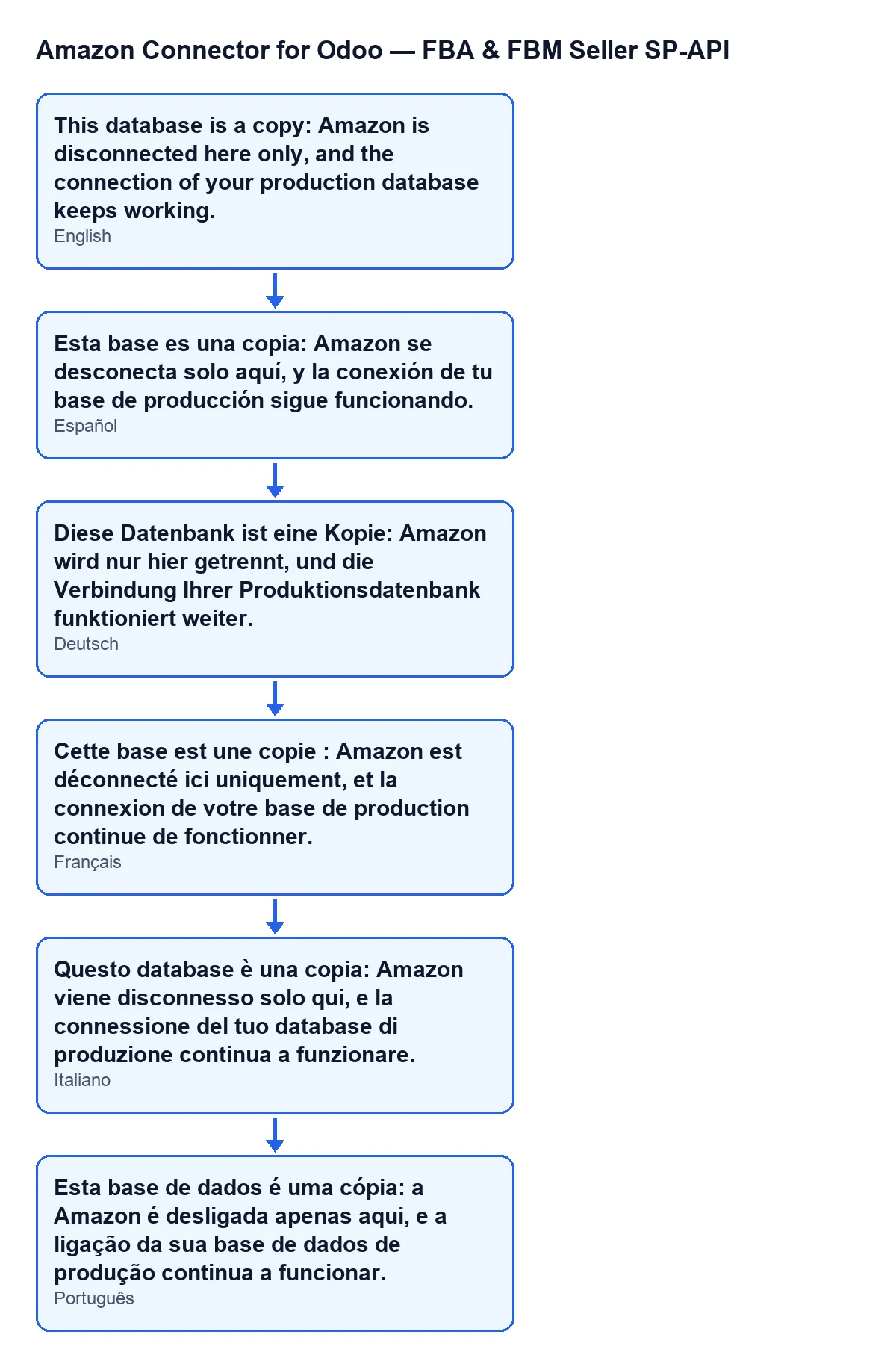
The notice reads: This database is a copy: Amazon is disconnected here only, and the connection of your production database keeps working. It is a warning, not an error, and it blocks nothing. It appears when you press Disconnect on an Amazon account, after you accept the confirmation question Disconnect this Amazon account from the FlexigoTech hub?, and only if the module considers your database to be a copy of another one.
Account records open from Amazon › Configuration › Accounts. The Configuration and Accounts steps need the Manager permission; the Amazon step needs Viewer. If you lack the permission for a step, you do not see it.
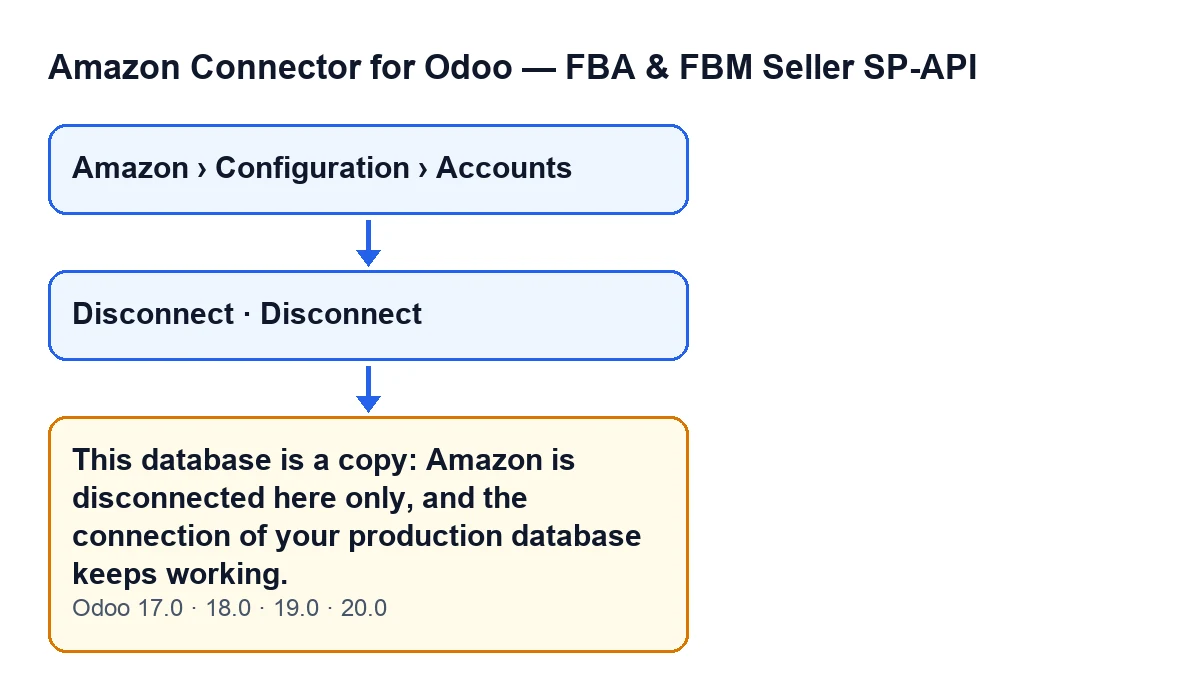

When the button is visible
The Disconnect button only appears when the account uses the hub connection mode and already has a hub connection. It is hidden when the Connection Mode field is not the hub one, or when Hub Connection is empty. With the default values it is not visible, because that connection is empty. The condition is the same in Odoo 17, 18, 19 and 20.
The module also checks on the server that you have Manager access to the connector, or Settings access, together with write permission on the record. If you do not, the action stops before it reaches the copy notice.
The exact condition: what counts as “a copy”
After the permission check, the first thing the button does is ask whether the hub connection this database holds belongs to another database. If it does not, the notice does not appear and the action carries on along its normal path. The module treats the database as a copy in these cases:
- Test copy. The database holds the permit of another database, a test permit, or one that does not say
production. A test database cannot add hub connections: the one it holds came with the copy. - Copy of the registered database. Its permit is gone or has expired, and its database identifier is not the registered one, as FlexigoTech Cloud decides. This check only applies if the database is registered.
Two limits are worth knowing:
- A database that was never registered is not treated as a copy: its connection is its own (the case of an account from before FlexigoTech Cloud).
- A copy that keeps the database identifier of the original holds its permit too, and the module does not tell it apart here (as its changelog records). In that particular case the module does not detect it as a copy.
What the module does when it is a copy
The code runs in this order:
- In this database only, it clears from the account the hub connection, its secret, the access token and the date it expires. The connection of your production database is not touched: the hub keeps serving it.
- It shows a notification titled
Amazon SP-API, of warning type, with the text above. The notification stays on screen until you close it. - It reloads the screen.
According to the view condition, with the hub connection empty the Disconnect button is hidden, so after the reload you will no longer see it on that account.
An illustrative case
Example Illustrative case: the company and its figures are made up to explain the flow.
Distribuciones Almazán, an invented company, restores its production database on a separate server to test a version upgrade. In the copy, a consultant opens Amazon › Configuration › Accounts, goes into the Amazon account and sees the Disconnect button. Thinking of leaving the copy clean before testing, they press it.
Odoo asks Disconnect this Amazon account from the FlexigoTech hub? and the consultant accepts. The module asks itself whether that connection belongs to this database. Because the permit the copy holds is not that of a production database, it treats the database as a copy: it clears the connection data in that database only and shows This database is a copy: Amazon is disconnected here only, and the connection of your production database keeps working.
Almazán's production stays connected. What the consultant learns: the notice does not report a fault, it confirms that the disconnection was applied to the copy alone. And had they pressed the button in the production database, the notice would not have appeared and the action would have carried on along its normal path.
What to check if you see it
- Are you in the database you think you are? If the notice appears, the module has seen a copy. Check which server or database you are connected to before going on.
- Was that what you wanted? In the copy, the account is left without its hub connection. That is what the action does, not a malfunction.
- Expected the notice and did not get it? The database may not be registered, or it may be a copy with the same identifier as the original: in both cases the module does not treat it as a copy.
- Cannot see the button? It only appears when the account uses the hub connection mode and already has a hub connection; if that connection is empty, the
Disconnectbutton is not shown.
Versions and cost
The message is in the published code for Odoo 17, 18, 19 and 20, and the module is on Odoo Apps for all four versions. The code of the button described is that of Odoo 20. The module is a one-off payment per version and needs the FlexigoTech Cloud subscription (Connector plan: €49 a month or €490 a year, excluding VAT, up to 3 accounts on the platform). The connection goes through FlexigoTech Cloud, which stores the credentials encrypted. More detail is on the Odoo Apps listing and the module page.
If you set up test copies often
FlexigoTech implements Odoo 17, 18, 19 and 20 and builds custom connectors and integrations. If you are going to move databases between production and testing with an Amazon connector, we can help you plan it before you touch anything.
Keep reading
Checked in the connector's source code (version 20.0) and the linked sources
Sources
- Module source code: flexigobe_amazon_seller_connector 20.0 (8576afa5): models/fgt_cloud.py
- Module source code: flexigobe_amazon_seller_connector 20.0 (8576afa5): views/amazon_spapi_account_views.xml
- Module source code: flexigobe_amazon_seller_connector 20.0 (8576afa5): models/amazon_spapi_account.py
- apps.odoo.com/apps/modules/20.0/flexigobe_amazon_seller_connector
- flexigotech.com/precios.html
- flexigotech.com/en/services.html