

 Español
 Català
 Deutsch
 Français
 Português
 Italiano
 Nederlands
 Polski
What the message says and what it means
What does «Boxes with provided contents require items.» mean?
The message reads Boxes with provided contents require items. It means the module has found a box marked as having provided contents that has no items attached. It is an error: the action stops at that point.
When exactly does it appear?
When two things are true at once: the box is marked as having provided contents and its list of items is empty. The module works through each box in this order. First it prepares the basic data: quantity, weight and dimensions (if the box has no units it uses kilograms and centimetres, and a missing quantity or measurement counts as zero). Then, only if the box has provided contents, it gathers its items, ordered by their internal ID. If it finds none, it raises the message; if it finds some, it adds them to the box data.

Which button triggers it
Where is the button that can trigger it?
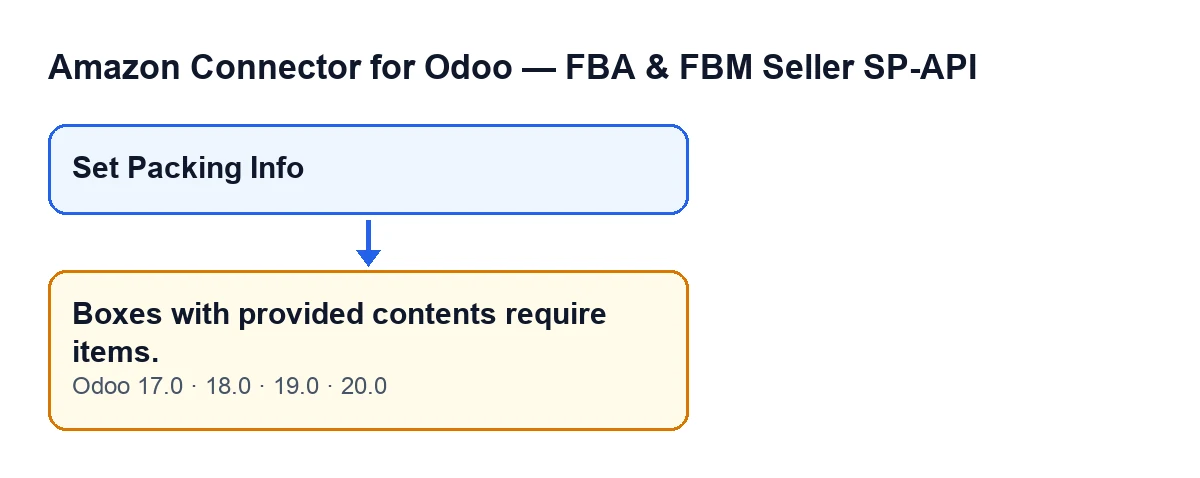
The message can appear when you press Set Packing Info. The button's action reaches the part of the module that prepares each box's data, and that is where the check above is made.
Why can't I see that button?
The view hides it while the Packing Groups field has no value, so with default values it is not shown. Once that field has content, the button appears. The condition is the same in Odoo 17.0, 18.0, 19.0 and 20.0.
How to fix it
What do I do to make it go away?
The message goes away when every box with provided contents has at least one item. The condition is only that: a box with provided contents and an empty list of items. Once the box has its items, press the Set Packing Info button again.
Does it fire for any box without items?
No. The check only runs if the box is marked exactly as having provided contents. A box with a different content information source, or with an empty source, does not go through that check.
Versions, subscription and help
Does it appear in every Odoo version?
The message is in the published code of branches 17.0, 18.0, 19.0 and 20.0, and the module is published on Odoo Apps for those four versions. To use the module you also need the FlexigoTech Cloud subscription (Connector plan: €49 a month or €490 a year excluding VAT, up to 3 accounts of the platform). You can see the Odoo Apps listing or the module page.
Are other messages from the module explained separately?
Yes.
Can FlexigoTech help with the implementation?
FlexigoTech implements Odoo 17, 18, 19 and 20 and develops custom connectors and integrations. If you work with this connector and want us to review how your flow is set up, write to us from the module page.
In short: the box has provided contents, it has no items, and when you press Set Packing Info the action stops. Once every box with provided contents has at least one item, press the button again.
Before you press again
- Remember that the button only shows when
Packing Groupshas content. - Keep in mind that the message depends on just two things: the box has provided contents and it has no items.
- If the message comes back, there is still a box with provided contents and no items.
Keep reading
Checked in the connector's source code (version 20.0) and the linked sources
Sources
- Module source code: flexigobe_amazon_seller_connector 20.0 (8576afa5): models/amazon_spapi_inbound_plan.py
- Module source code: flexigobe_amazon_seller_connector 20.0 (8576afa5): views/amazon_spapi_inbound_plan_views.xml
- apps.odoo.com/apps/modules/20.0/flexigobe_amazon_seller_connector
- flexigotech.com/precios.html
- flexigotech.com/en/services.html