

 Español
 Català
 Deutsch
 Français
 Português
 Italiano
 Nederlands
 Polski
What this task is and when it runs
This is the action in Amazon Connector for Odoo, FBA & FBM Seller SP-API that deals with Amazon's VAT transactions report.
What is this scheduled action and how often does it run?
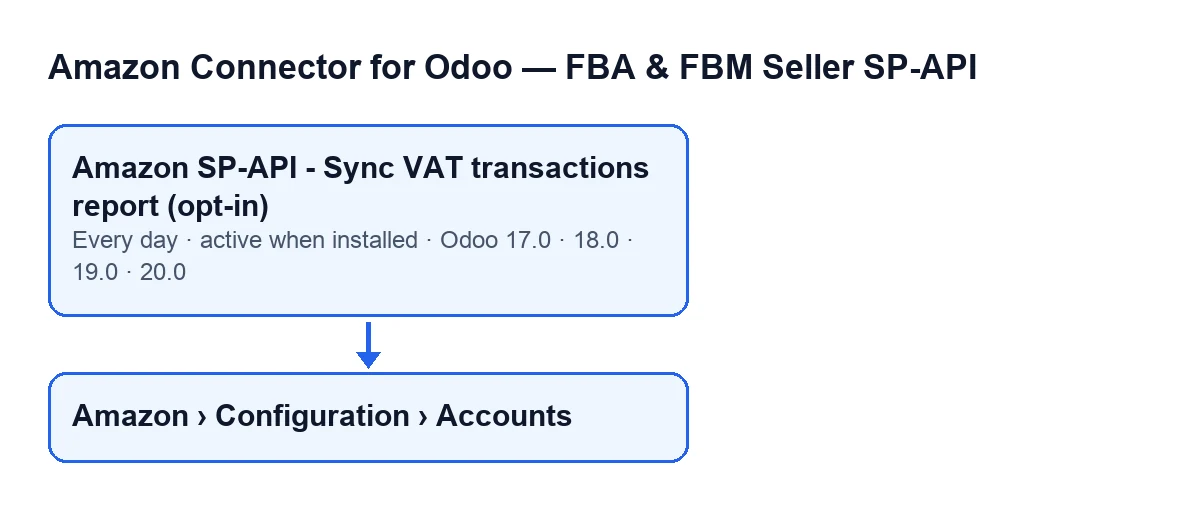
It is a scheduled action defined on the module's Amazon accounts. It runs once a day and is active on installation. What it executes is the method that goes through the accounts and starts, account by account, the VAT transactions report sync.
Is it in every version of Odoo?
The action is in branches 17, 18, 19 and 20, the same ones the module is published for on Odoo Apps. In Odoo 17 the action is set up to repeat without end.
Which accounts take part in each run?
Only the Amazon accounts that are active and have the VAT transactions sync switched on. The action's name carries opt-in: the action is active from the start, but an inactive account, or one without that sync switched on, is left out of the run.
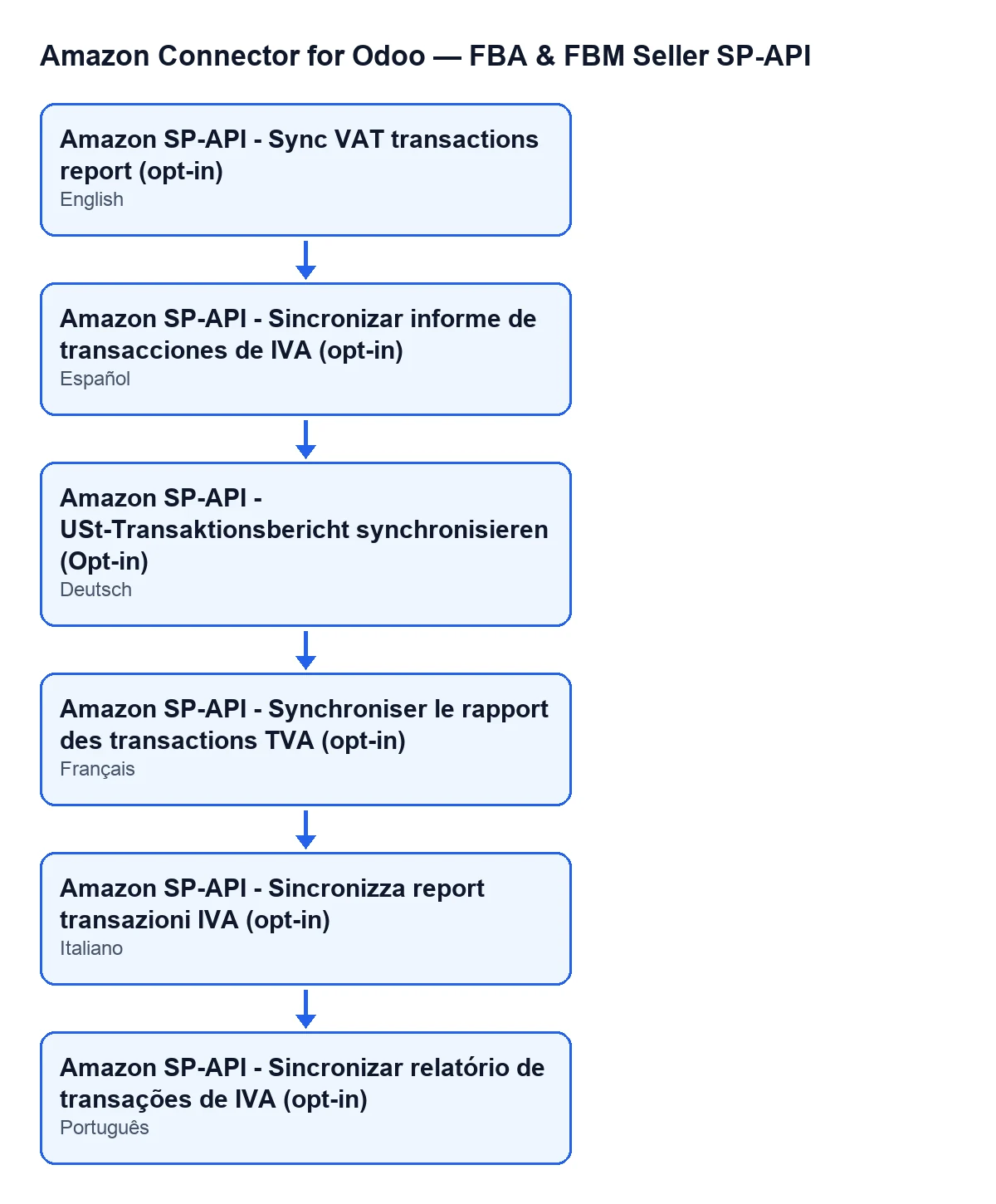
Depending on the language of Odoo, the action is called: in English, Amazon SP-API - Sync VAT transactions report (opt-in); in Spanish, Amazon SP-API - Sync VAT transactions report (opt-in); in German, Amazon SP-API - USt-Transaktionsbericht synchronisieren (Opt-in); in French, Amazon SP-API - Synchroniser le rapport des transactions TVA (opt-in); in Italian, Amazon SP-API - Sincronizza report transazioni IVA (opt-in); in Portuguese, Amazon SP-API - Sincronizar relatório de transações de IVA (opt-in).

What it does on each run
What does the action do with each account, in order?
First it looks for the accounts that meet both conditions. Then, for each one, it asks Amazon to create the VAT transactions report. Next it checks the report's status several times, pausing between checks, and stops checking when Amazon marks it as done, cancelled or fatal. If it is done and comes with a document, the action downloads the document and hands it to the module's importer, with a maximum number of lines per run.
How many times does it check, and how long does it wait?
The number of checks, the wait between them and the maximum lines per run come from values on the account. If one has no value, the code uses twelve attempts, ten seconds of waiting and ten thousand lines.
What happens if Amazon does not finish the report, or the sync for an account fails?
If the report ends up cancelled, fatal, or still not ready when the attempts run out, that account imports nothing in that run: the run date and a summary of the result are stored, and the action moves on to the next account. The same happens if Amazon marks the report as done but gives no document. The account is tried again on the action's next run, which is once a day. If the sync for an account fails with an error, the action carries on with the other accounts and finishes normally.
What is stored on the account, and is the result posted to the chatter?
When the run reaches the end (with the report imported, not finished, or without a document), the account stores the date of the run and the result text, trimmed to five thousand characters. If the sync gets as far as importing, that summary counts the report rows and how many were processed, created, updated, skipped or ended with an error. The action asks the sync not to post the result to the account's chatter; what remains is the summary stored on the account.
What to check if it does nothing
Why is nothing happening with my account?
The action only picks up accounts that are active and have the VAT transactions sync switched on: if your account lacks either, it is left out of the run. Also check that the action itself has not been deactivated (it is active on installation). To find the account, open Amazon › Configuration › Accounts and search by Name, which appears in the list and on the Accounts form, Identity tab, Account group. If you cannot see that menu, it is a matter of permissions: each part asks for its own and, if you do not have it, you do not see that part. Amazon asks for Viewer, Configuration asks for Manager, and Accounts also asks for Manager.
Does the subscription matter?
The connection goes through FlexigoTech Cloud, which stores the credentials encrypted, watches the sync and emails you if it fails. Without a subscription, or with the service suspended, what the subscription provides stops; your data stays in your Odoo. The module is a one-off payment per version and needs the Connector plan (€49 a month or €490 a year, excluding VAT, up to 3 accounts on the platform).
If you are implementing Odoo and want the Amazon connection reviewed, or need a custom integration, FlexigoTech implements Odoo 17, 18, 19 and 20 and develops connectors. The module page shows how to buy it.
Keep reading
Checked in the connector's source code (version 17.0 and 20.0) and the linked sources
Sources
- Module source code: flexigobe_amazon_seller_connector 20.0 (8576afa5): data/ir_cron_data.xml
- Module source code: flexigobe_amazon_seller_connector 17.0 (165f66af): data/ir_cron_data.xml
- Module source code: flexigobe_amazon_seller_connector 20.0 (8576afa5): models/amazon_spapi_account.py
- apps.odoo.com/apps/modules/20.0/flexigobe_amazon_seller_connector
- flexigotech.com/en/services.html
- flexigotech.com/precios.html