

 Español
 Català
 Deutsch
 Français
 Português
 Italiano
 Nederlands
 Polski
What it is and when it runs
What does this task do?
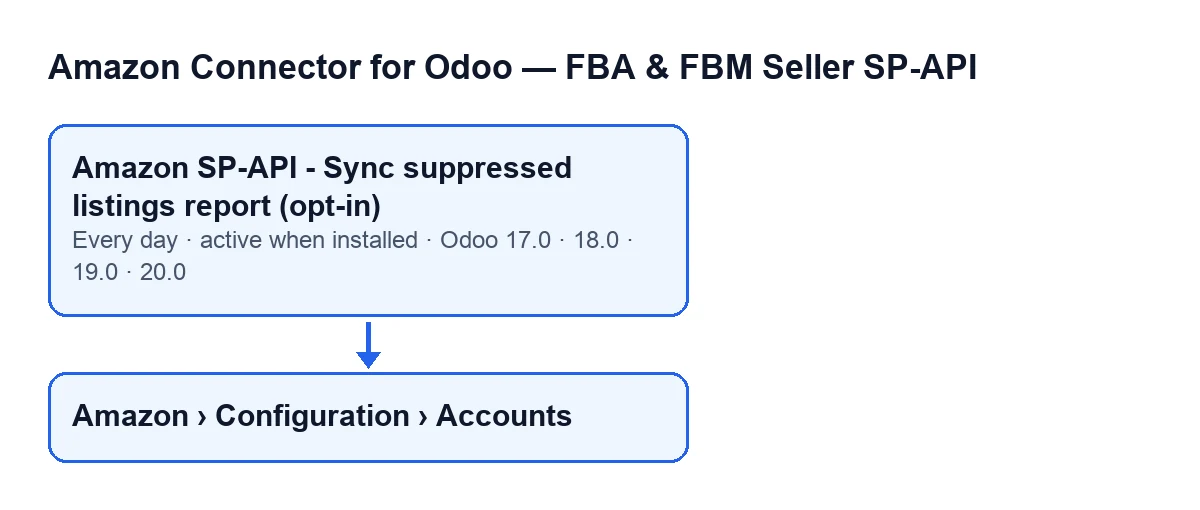
The Amazon SP-API - Sync suppressed listings report (opt-in) task goes through the Amazon accounts that meet its condition. For each one it asks Amazon for the suppressed listings report, waits until it is ready and passes its content to Odoo.
How often does it run, and is it active out of the box?
It runs once a day, that is, every day, and it is active as soon as the module is installed. It is present in every published branch: Odoo 17, 18, 19 and 20. In Odoo 17 the task also repeats without end.
What is it called in my Odoo?
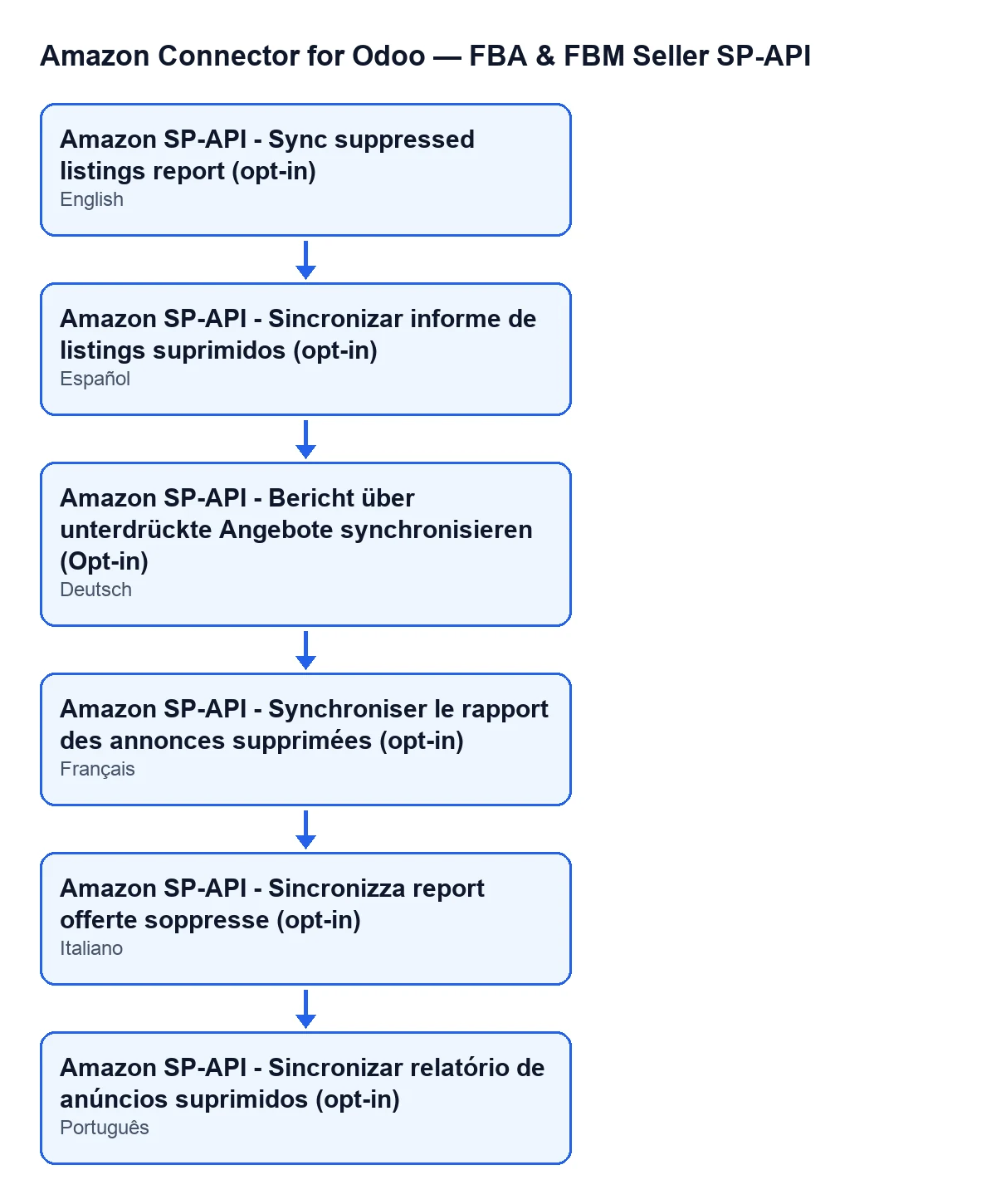
With Odoo in English it is called Amazon SP-API - Sync suppressed listings report (opt-in). The next diagram shows the name in other languages: in Spanish, Amazon SP-API - Sync suppressed listings report (opt-in); in German, Amazon SP-API - Bericht über unterdrückte Angebote synchronisieren (Opt-in); in French, Amazon SP-API - Synchroniser le rapport des annonces supprimées (opt-in); in Italian, Amazon SP-API - Sincronizza report offerte soppresse (opt-in); in Portuguese, Amazon SP-API - Sincronizar relatório de anúncios suprimidos (opt-in).

What each run does
Which accounts does it affect?
Only accounts that are active and have suppressed listings sync enabled. If an account fails either condition, the run does not touch it. You open the accounts from Amazon › Configuration › Accounts, and both the list and the form show each account's Name; on the form it sits in the Identity tab, Account group. That menu depends on permissions: the Amazon level asks for Viewer, and the Configuration and Accounts levels ask for Manager. If you lack one, you do not see that level.
What does it do with each account, and in what order?
First it asks Amazon to create the suppressed listings report. Then it checks the report's status several times, pausing between checks, and stops waiting as soon as Amazon marks it as done, cancelled or fatal. If the account has no other number set, it makes up to 12 checks, pausing 10 seconds between them. Once the report is done, the task passes its content to Odoo and the summary notes how many rows the report had and how many were processed, created, updated, skipped or ended with an error. Finally it stores the date of the run and that summary on the account.
What happens if Amazon does not finish the report?
If the report is still not done after the checks, that account imports nothing: the date of the run is stored along with a summary showing the status the report ended in. That summary tells a cancelled or fatal report apart from a wait that ran out. The run also stops there if Amazon marks the report as done but gives no document identifier to carry on with. The next day's run starts again by asking for the report.
And if an account raises an error?
The task handles each account separately: if the processing of one account fails without being handled, it leaves a warning in the server log with the account name and the error, then moves on to the next one. A problematic account does not stop the others from being processed. To find a specific account in that log, its Name is what you need.
If it seems to do nothing
What should I check, and in what order?
First, the task itself: it is active on install, so check that nobody has switched it off. Second, the account: the task only picks up accounts that are active and have suppressed listings sync enabled, so an account that fails either condition is left out of the run. Third, whether Amazon actually finished the report: until it marks it as done, or if it marks it cancelled or fatal, that account imports nothing in that run. Fourth, the server log, in case an unhandled failure left a warning with the account name. And fifth, the subscription: without a subscription, or with the service suspended, whatever the subscription provides stops, and your data stays in your Odoo.
Does each run post a message on the account?
The task launches each account without posting the summary in the account's chatter. What it does, when the run reaches the end of the report or stops because of the report's status, is store on the account the date of the last run and the result text, cut short if it is very long. That summary records the account, the origin of the run (Source: CRON tells you the task launched it rather than a person by hand), the report ID and status and, if the import went ahead, the report rows, the processed ones, and those created, updated, skipped or with an error.
Subscription and help with implementation
The module is a one-off purchase per Odoo version and needs the FlexigoTech Cloud subscription, Connector plan: €49/month or €490/year excluding VAT. The connection goes through FlexigoTech Cloud, which stores the credentials encrypted, monitors the synchronisation and emails you if it fails. It is published on Odoo Apps for 17, 18, 19 and 20; the Odoo Apps listing and the module page have the purchase details.
If you are implementing Odoo and want to go through how the Amazon connection is set up, FlexigoTech implements Odoo 17, 18, 19 and 20 and builds custom connectors and integrations.
Keep reading
Checked in the connector's source code (version 17.0 and 20.0) and the linked sources
Sources
- Module source code: flexigobe_amazon_seller_connector 20.0 (8576afa5): data/ir_cron_data.xml
- Module source code: flexigobe_amazon_seller_connector 17.0 (165f66af): data/ir_cron_data.xml
- Module source code: flexigobe_amazon_seller_connector 20.0 (8576afa5): models/amazon_spapi_account.py
- apps.odoo.com/apps/modules/20.0/flexigobe_amazon_seller_connector
- flexigotech.com/precios.html
- flexigotech.com/en/services.html